Funny Teams backgrounds for work: which ones are safe, and when to skip the joke
A funny Teams background is safe for work when it would still be funny with your manager’s manager on the call: no text aimed at the people in the meeting, no real faces, nothing political, and a calm patch behind your head. Keep one plain background in the same list so you can switch in two clicks when a client joins.
Menus checked September 2026.
The test: would it survive your manager’s manager joining late?
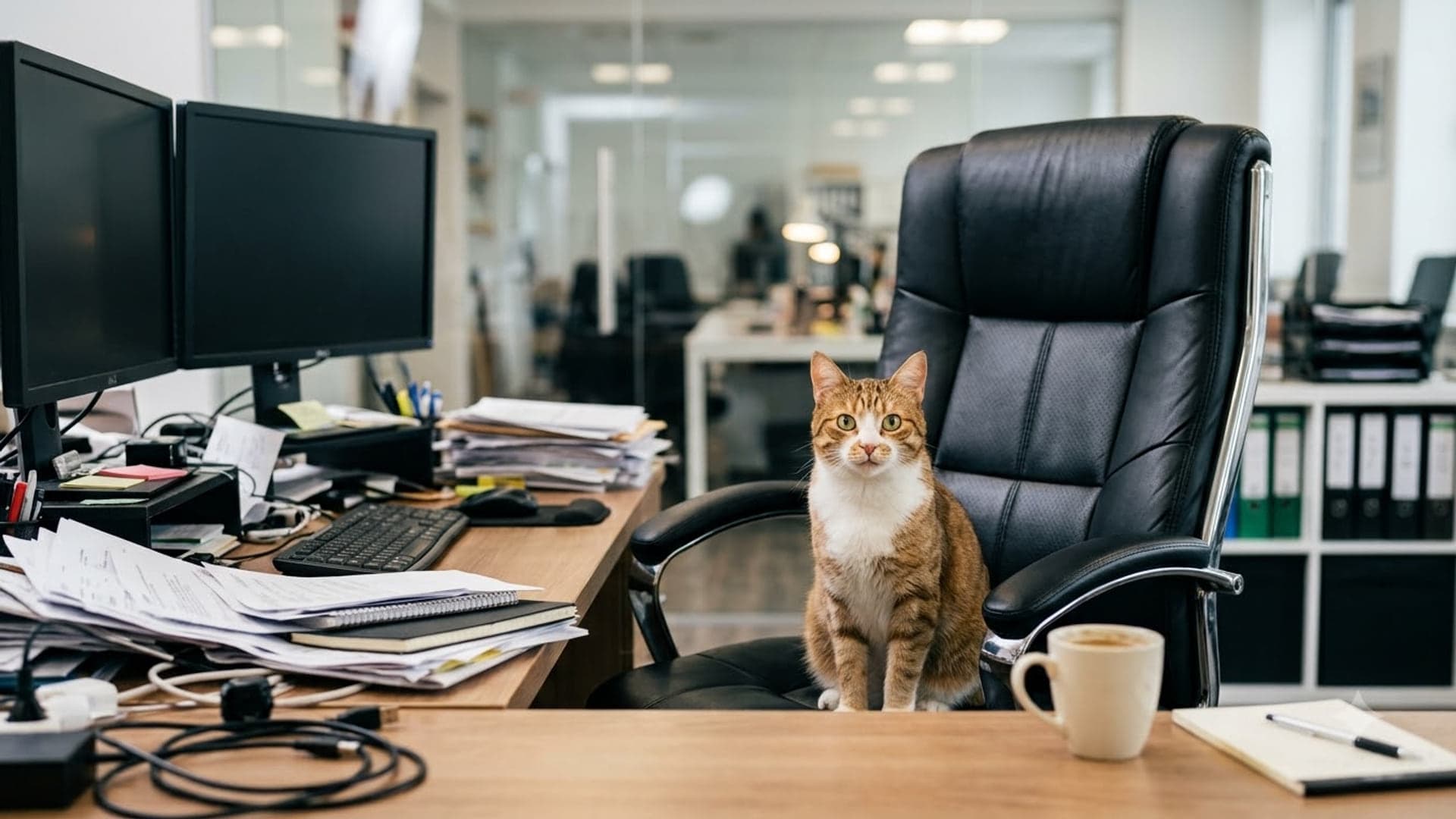
Every piece of advice about funny backgrounds at work collapses into one question. If the most senior person in your company dropped into the call halfway through, would the picture behind you still be funny, or would it suddenly be a problem? A cat on your chair passes. A line of text about how pointless the meeting is does not, however true it is.
That question sorts meetings into three rooms. A stand-up with people you talk to every day will take almost anything. A cross-team call, or one your manager runs, wants a joke that is about offices in general and not about the people on the call. A client call, an interview panel or anything being recorded for people who were not there wants no joke at all — blur, or a bookshelf.
- Own team, regular meeting: any of the twelve picks.
- Manager present, other teams present: a joke about offices, not about meetings.
- Client, candidate, interview, recorded town hall: a plain background. Keep the funny one for Friday.
Twelve that are safe in almost any internal meeting
None of these has readable text, a real person’s face, or a logo. Each is a single idea that reads at the size of a video tile, which is the other half of safe: a joke nobody can make out is just a messy background.
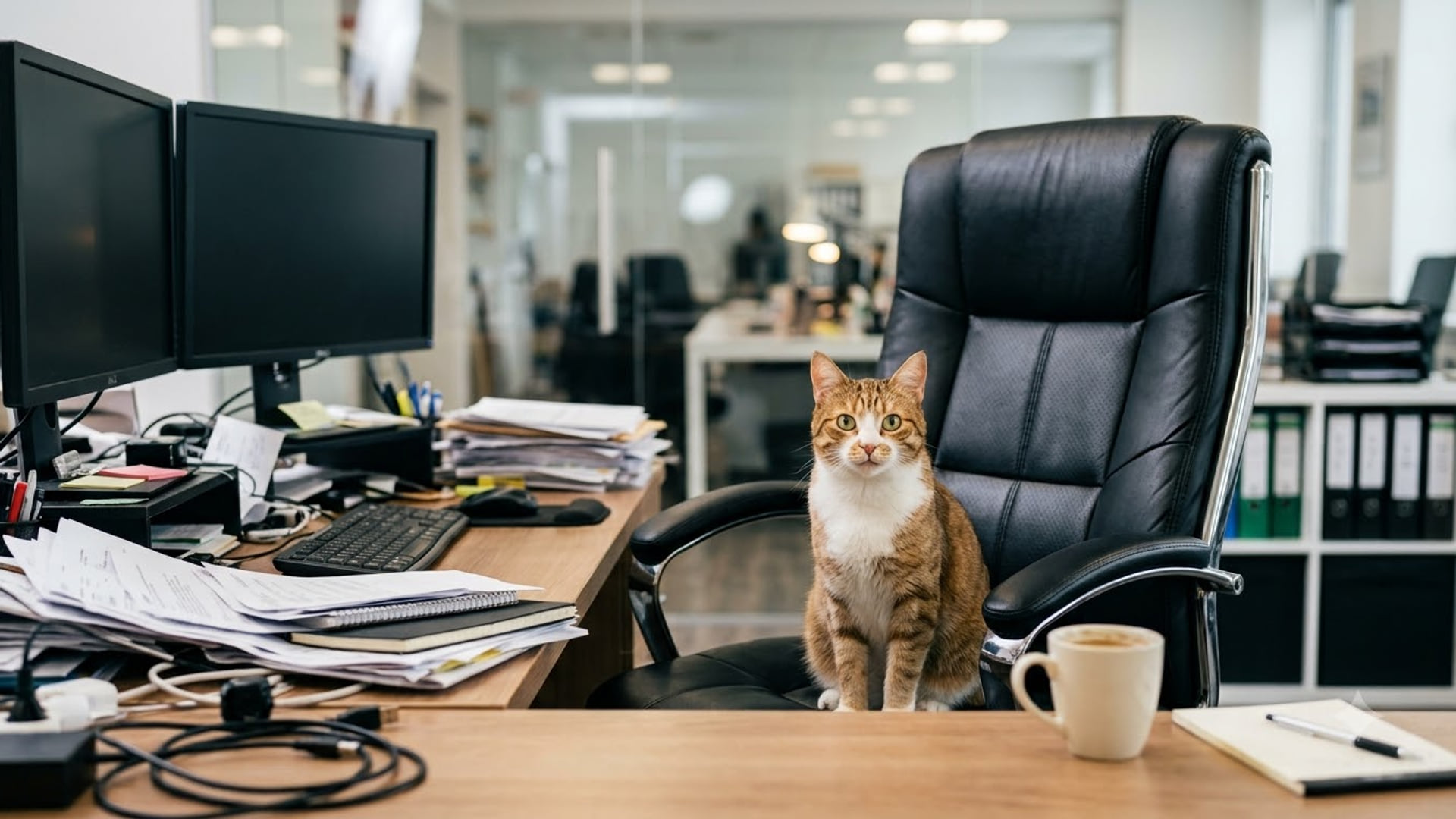
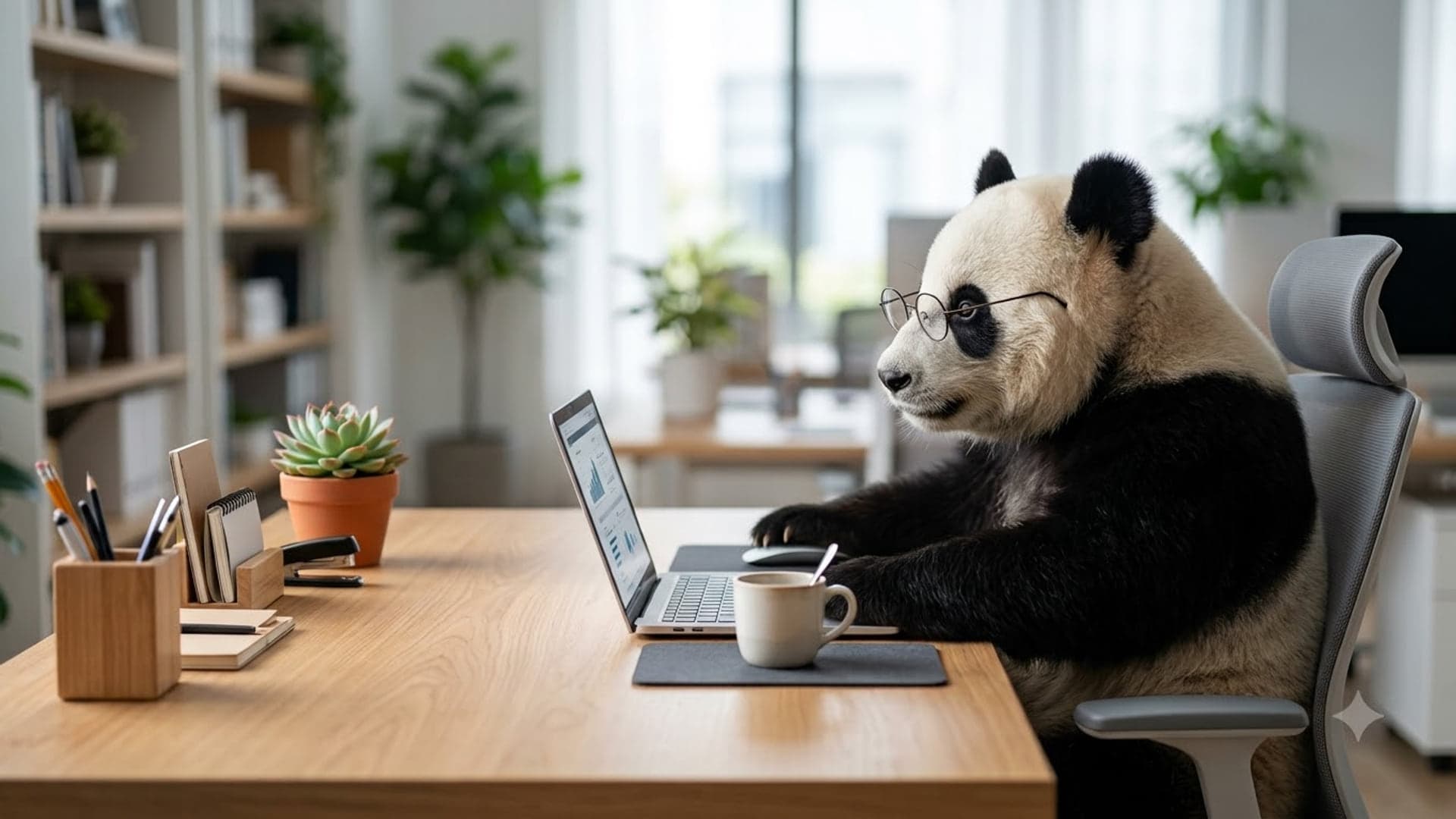
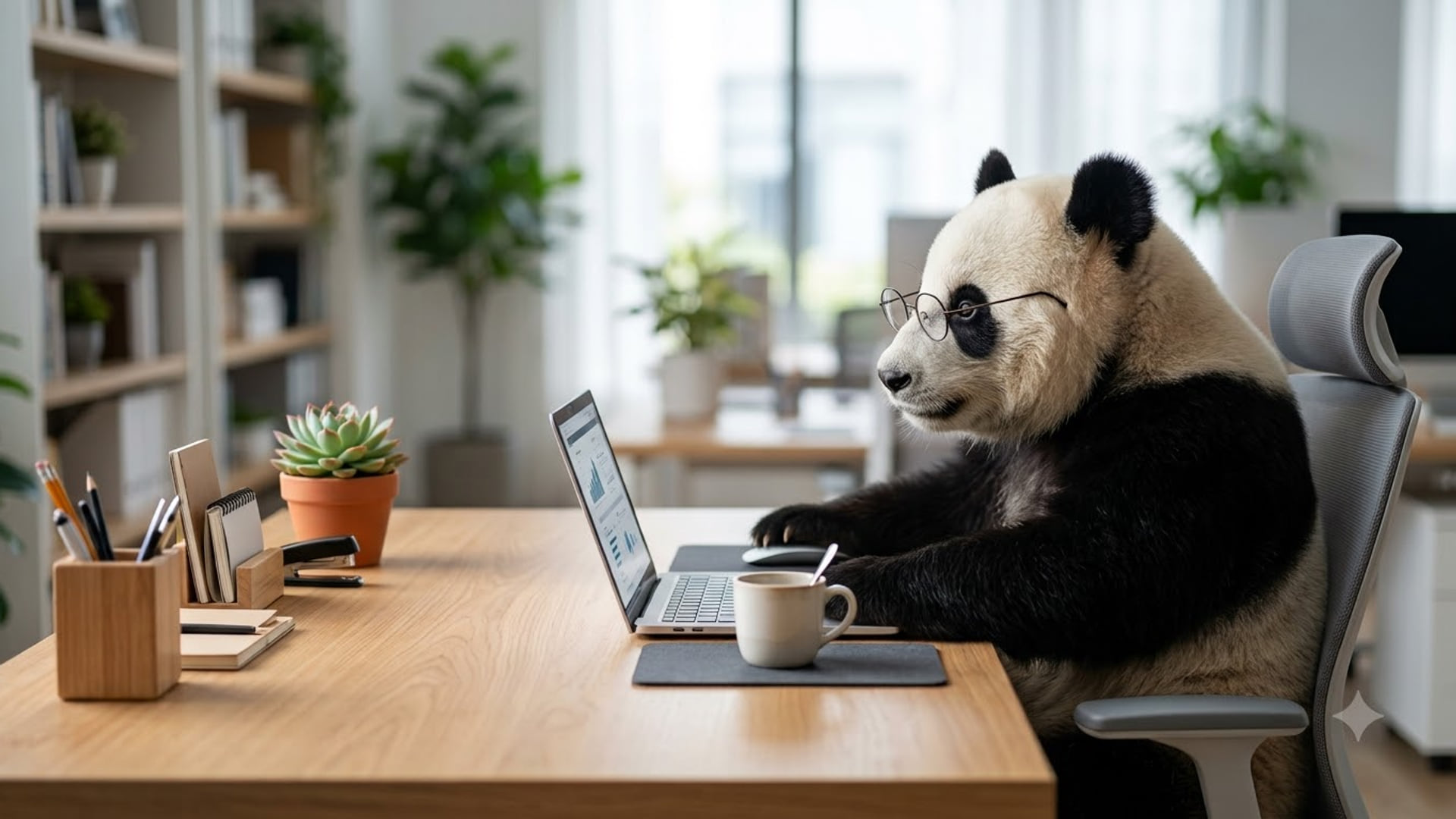
The animals go first because nobody ever objects to them. Cat Took My Chair is a ginger office cat sitting upright in a black desk chair as if it has your job now, and Panda On Mute is a panda in round glasses working quietly at a laptop — the better of the two for a call where you plan to say very little.
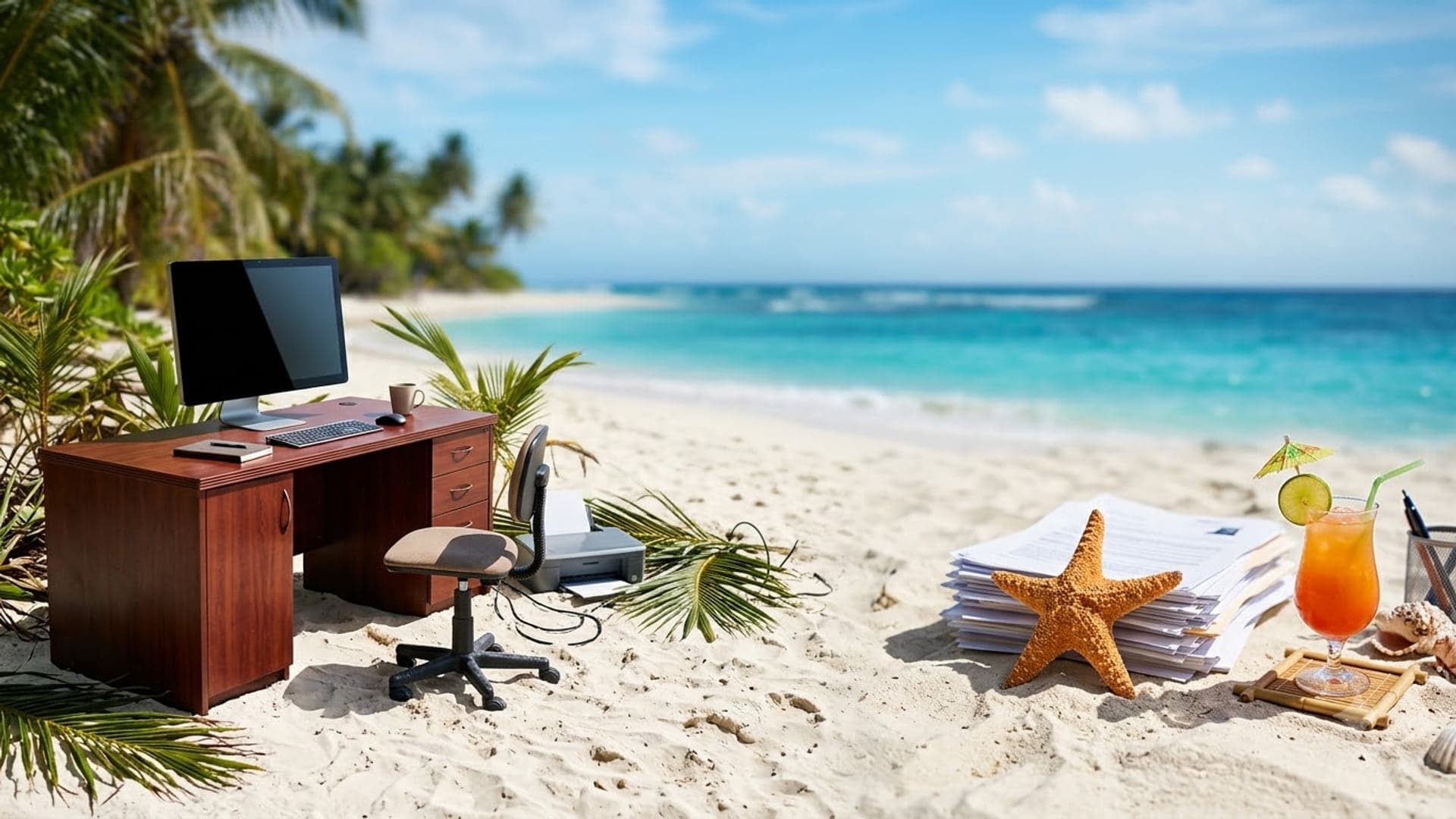
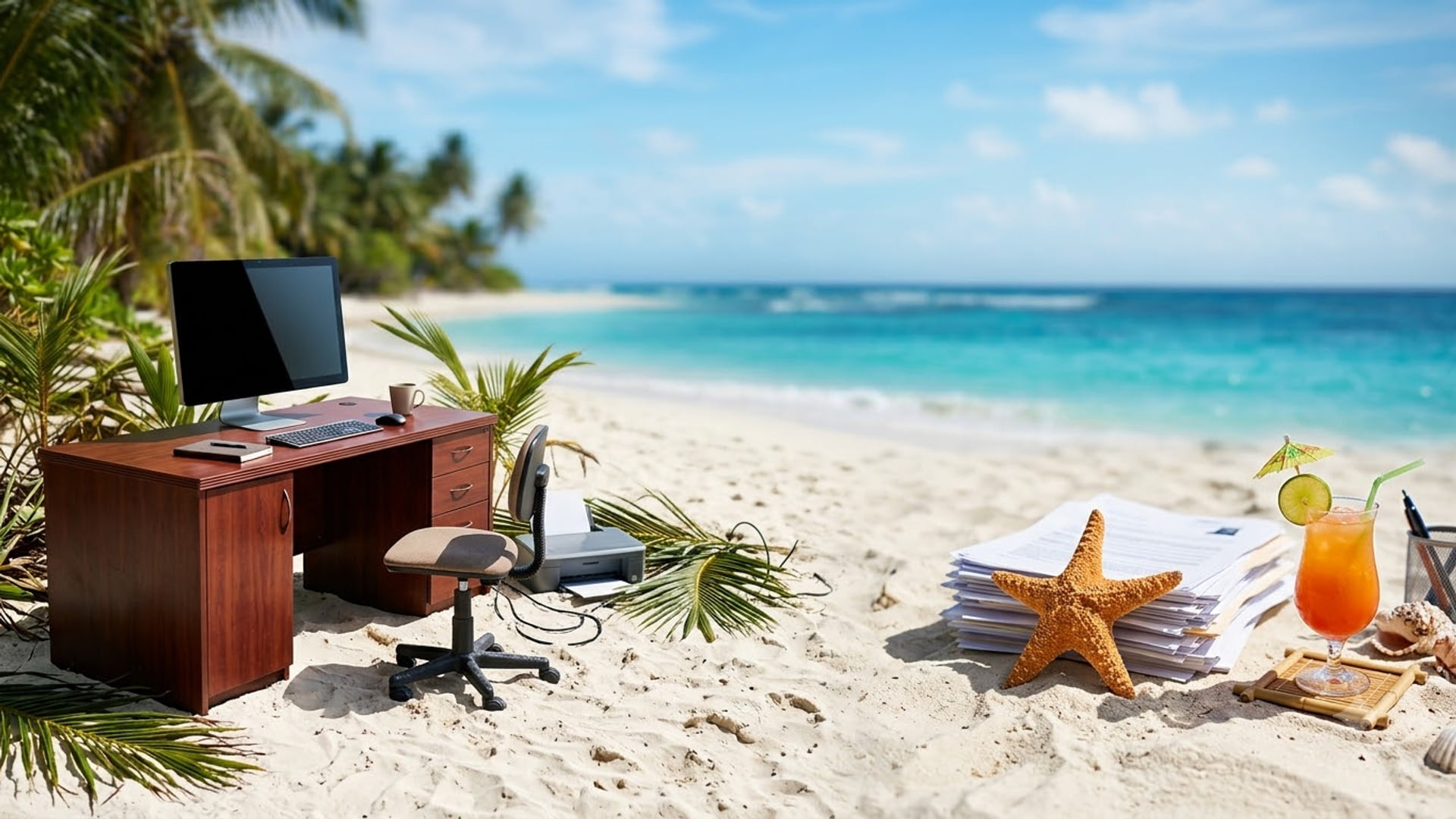
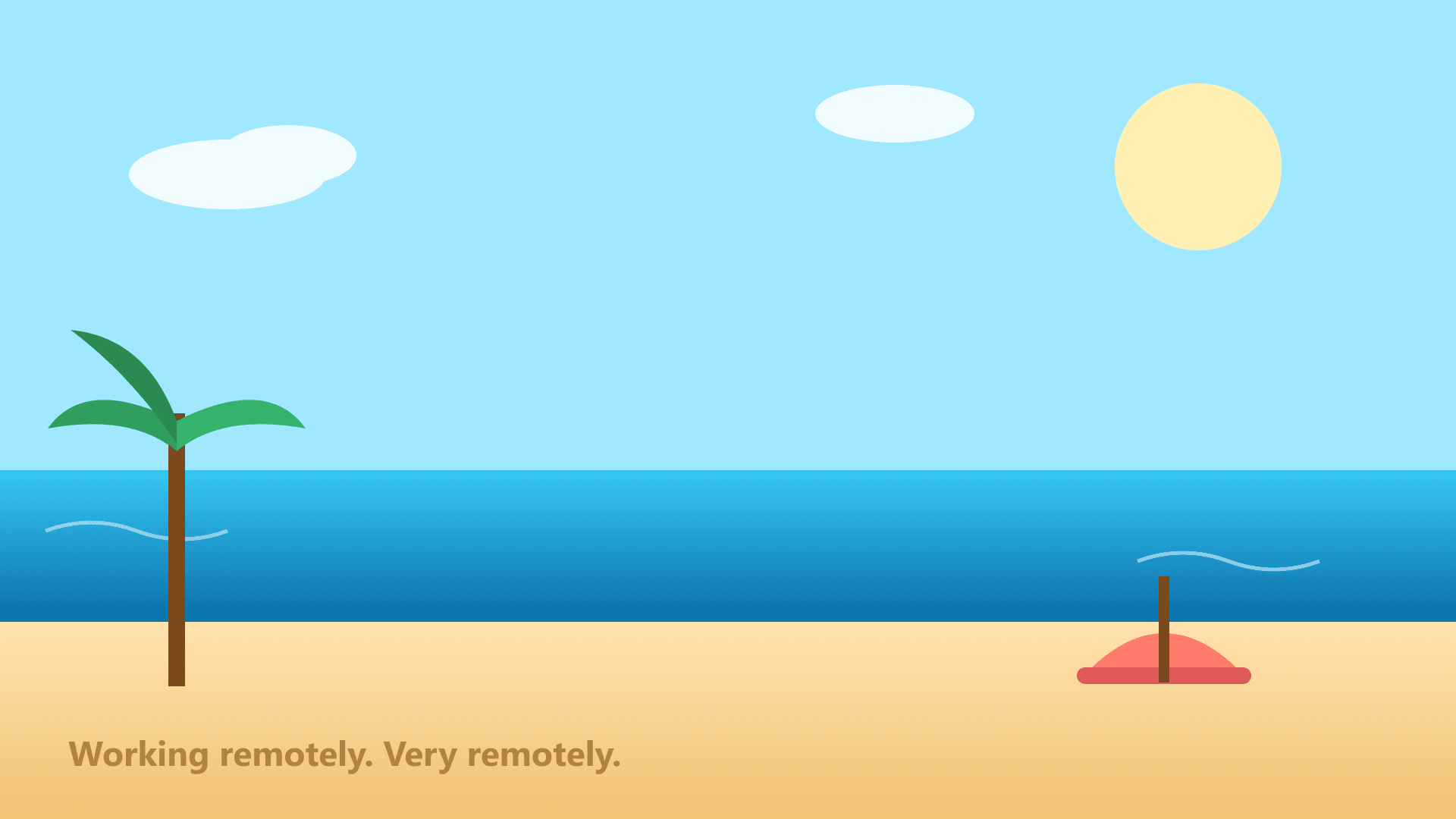
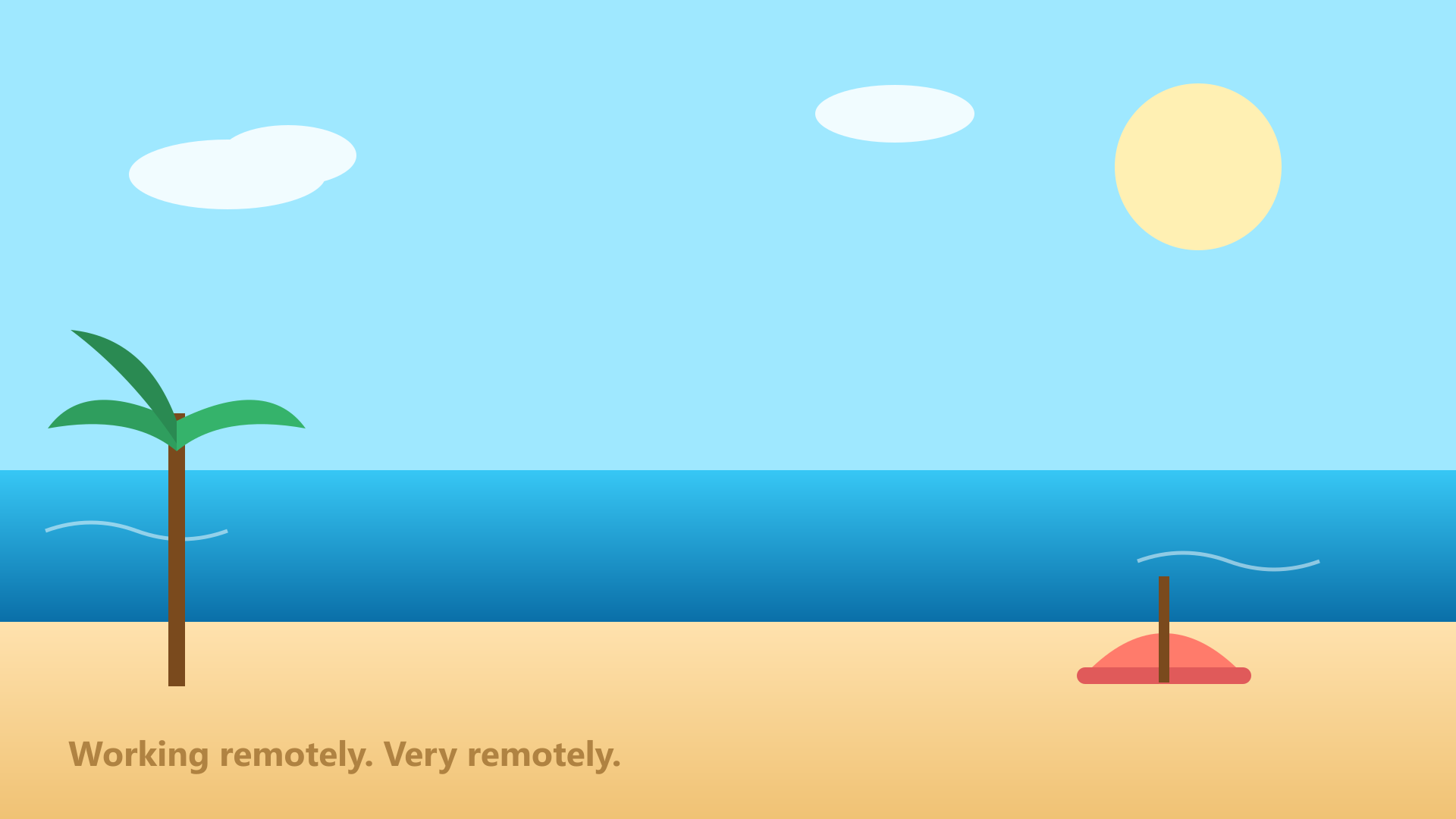
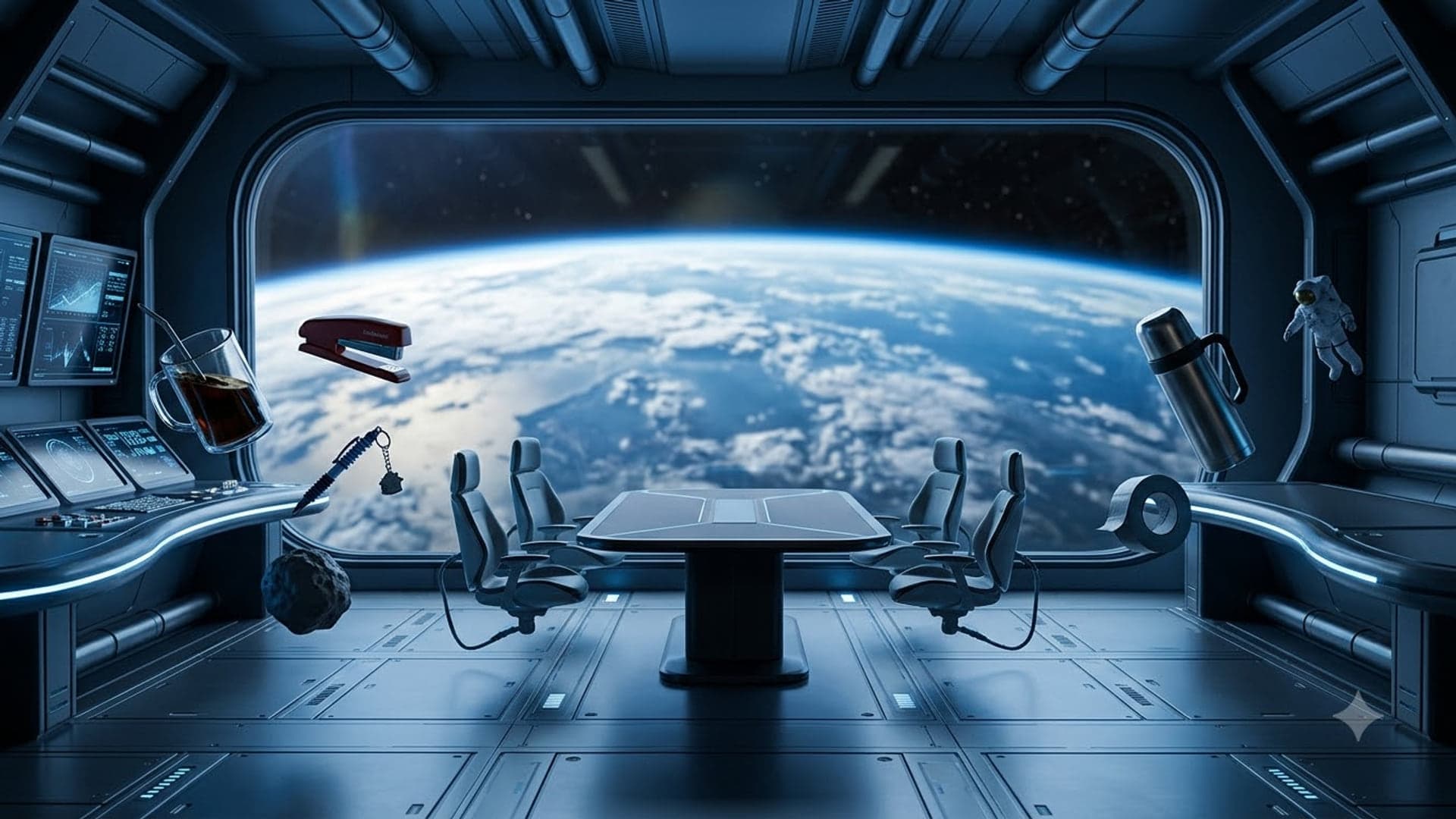
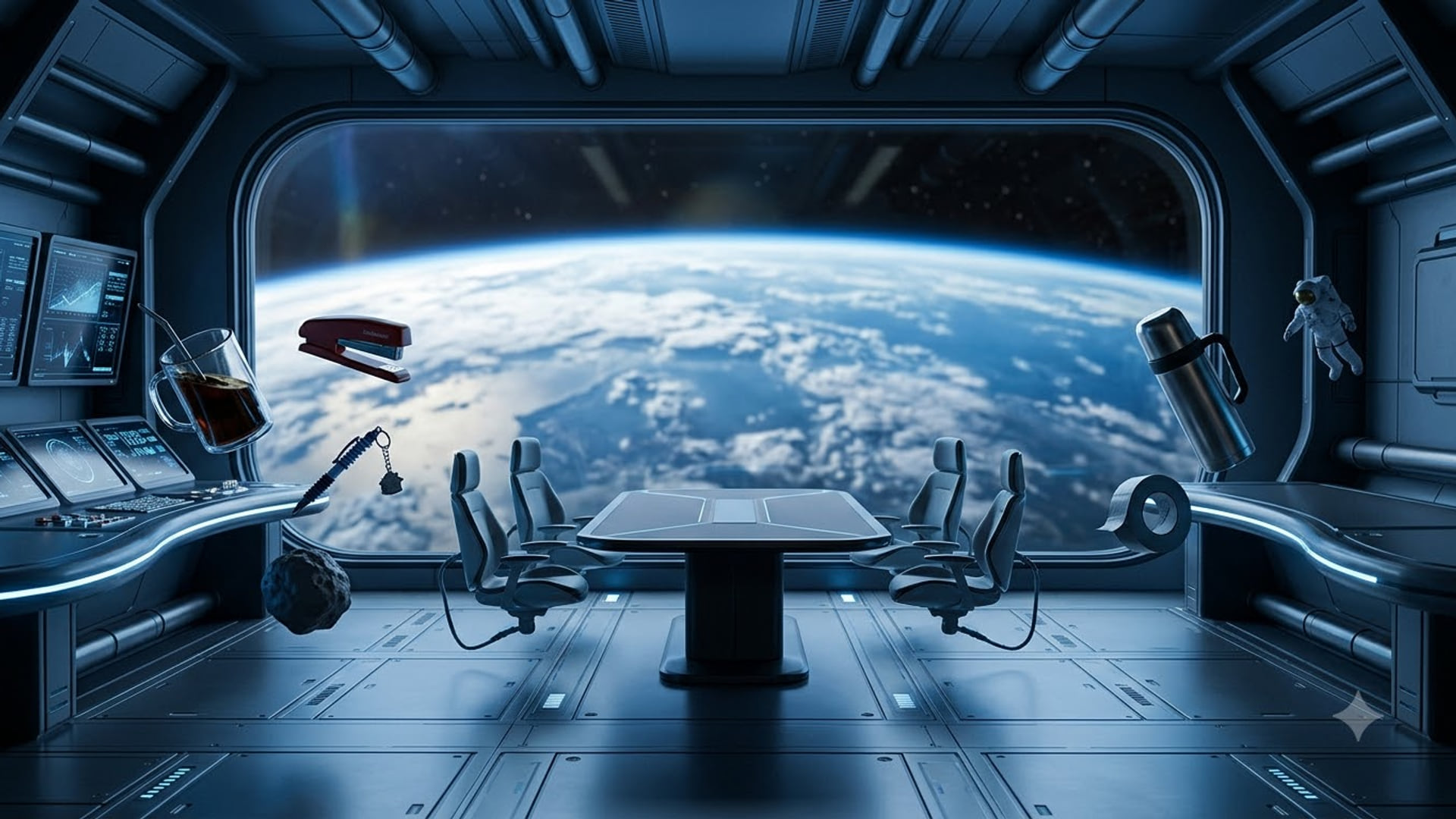
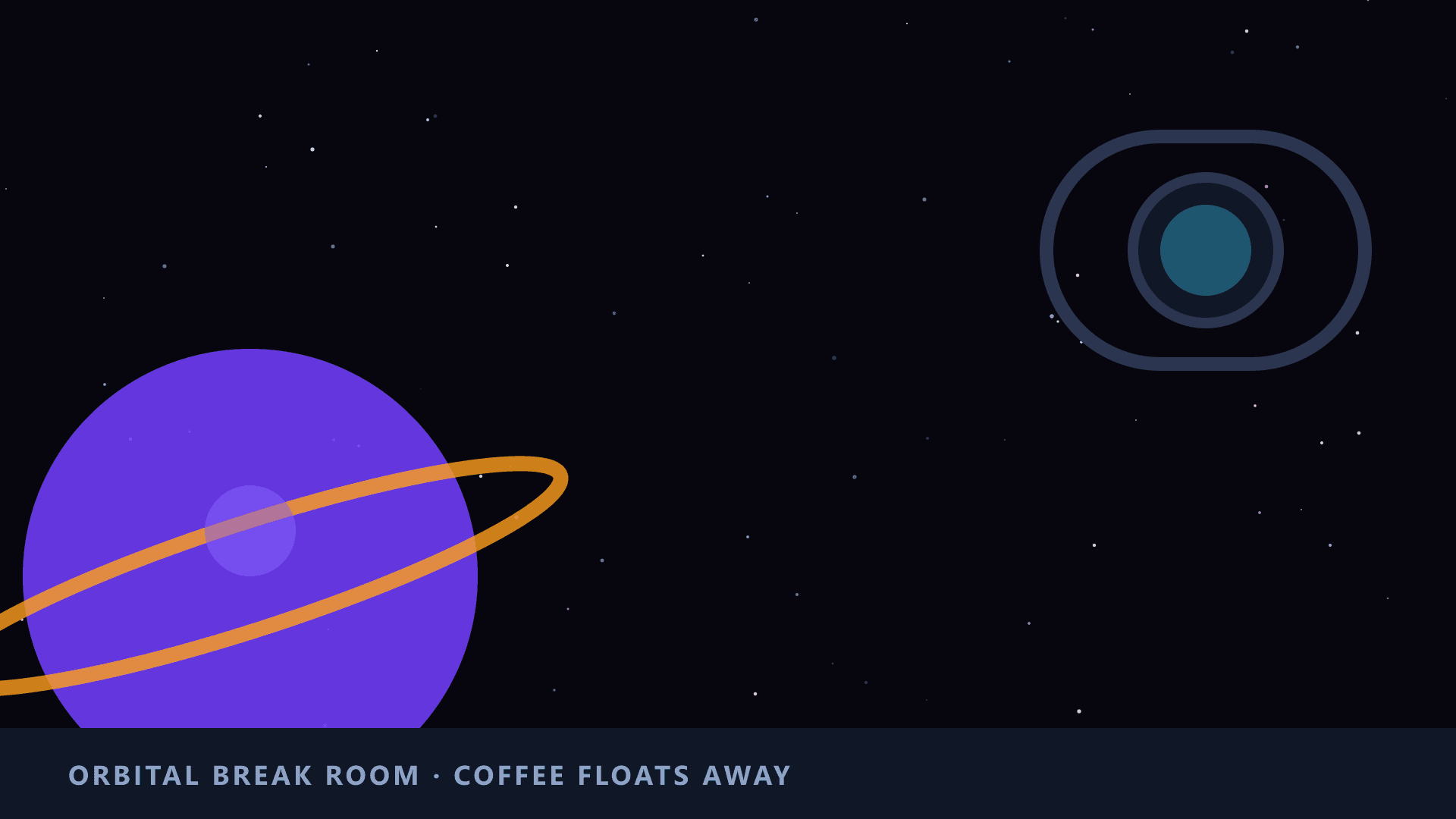
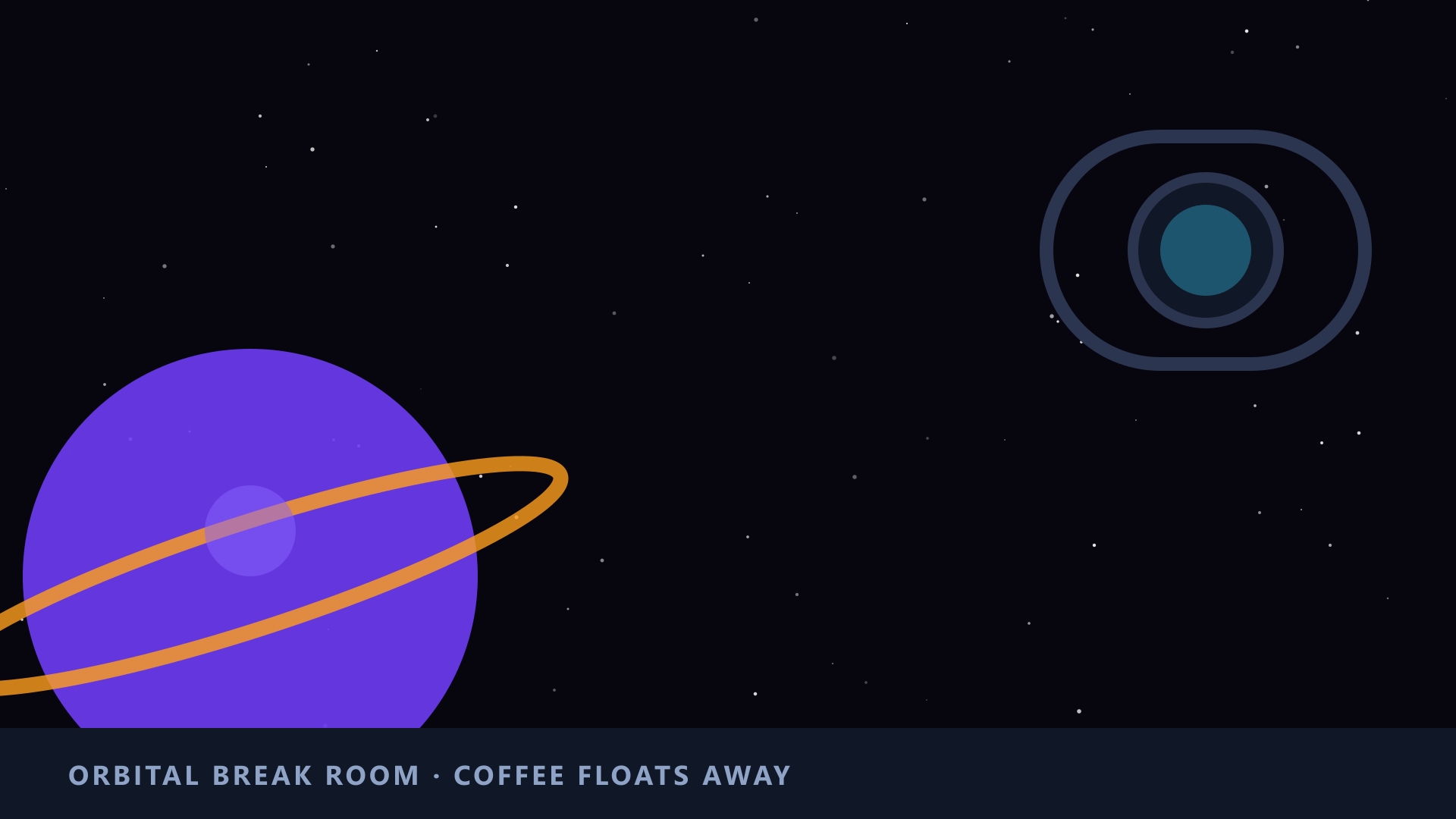
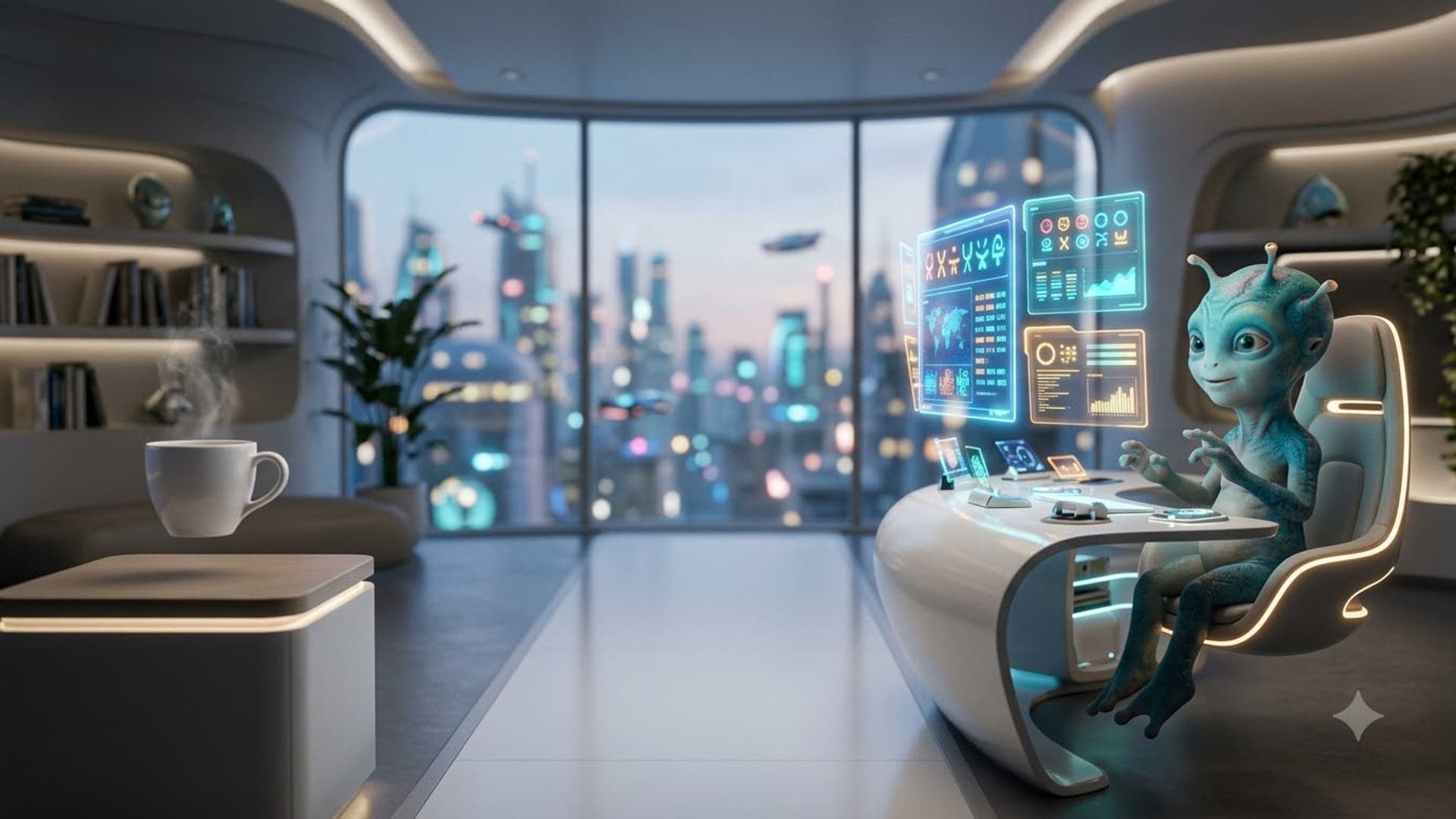
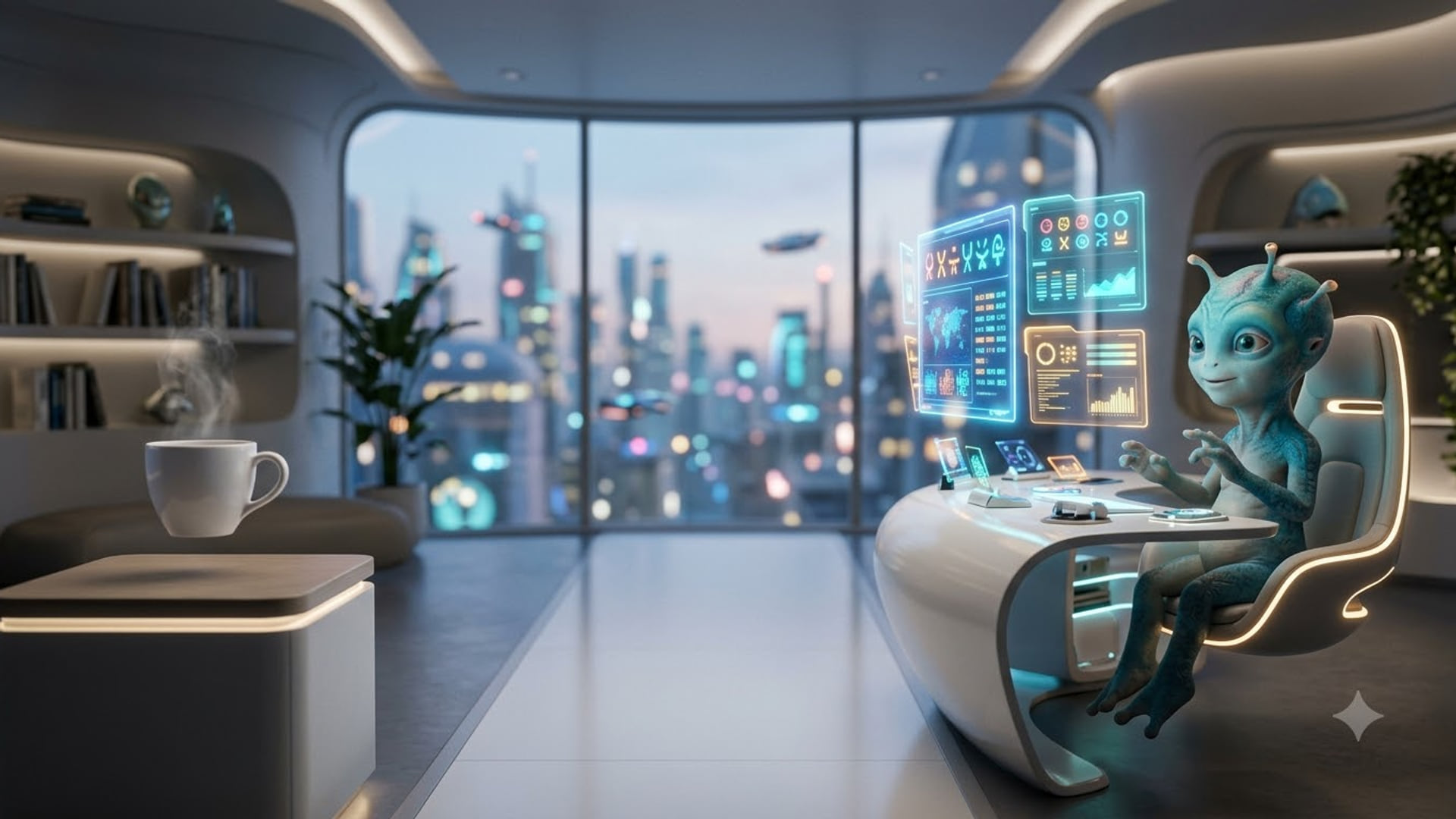
The escape ones work because everyone on the call wishes they were there. Working From The Beach puts a full desk, monitor and printer in white sand beside a stack of paperwork, and Definitely A Real Beach is a flat cartoon beach that makes the fakeness the joke. Zero Gravity Meeting, Space Station Break Room and Alien Hot Desking do the same with space: a meeting table with the chairs and stationery drifting loose, a cartoon porthole view of a ringed planet, and a small blue alien at a desk under a futuristic skyline.
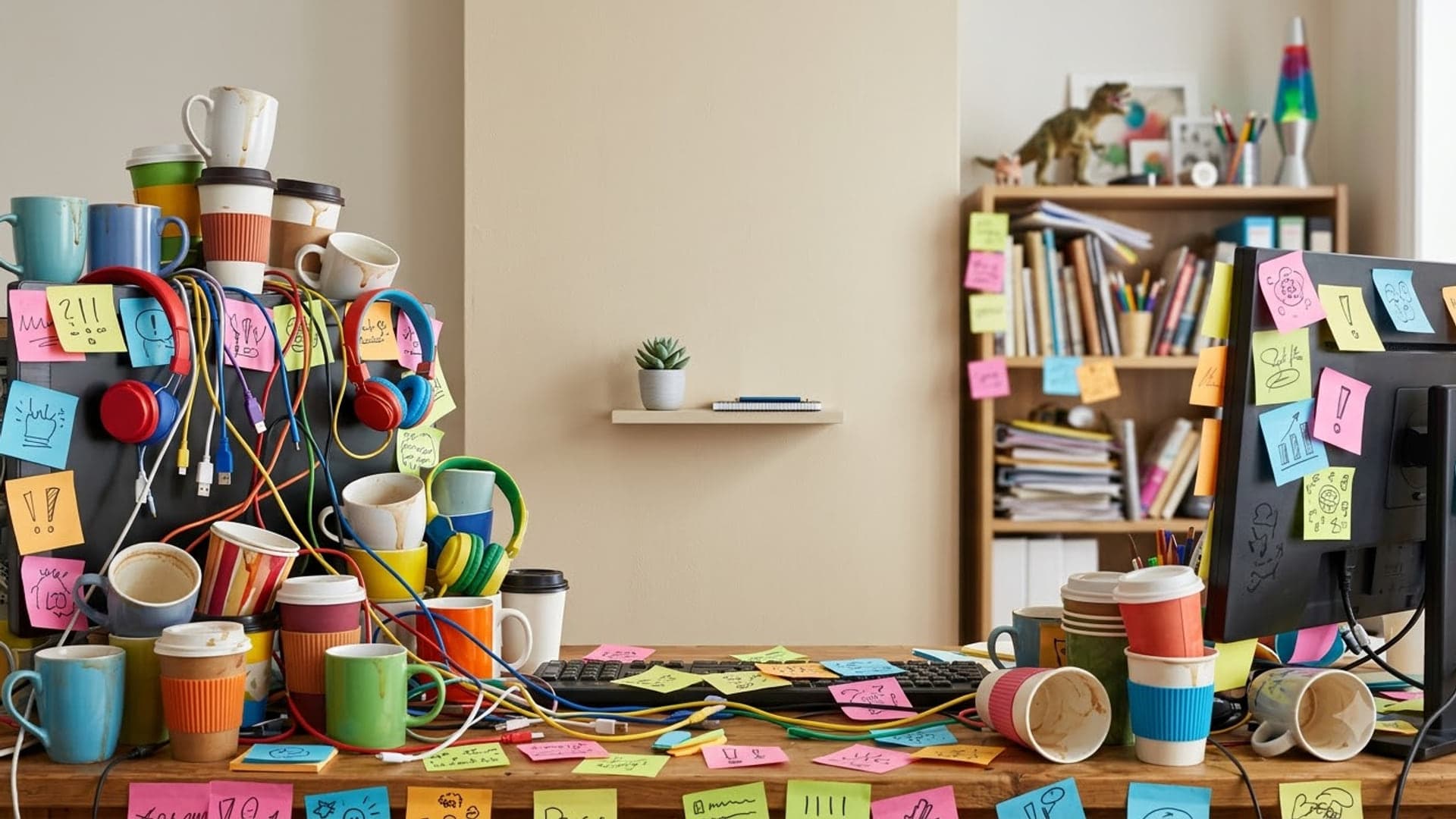
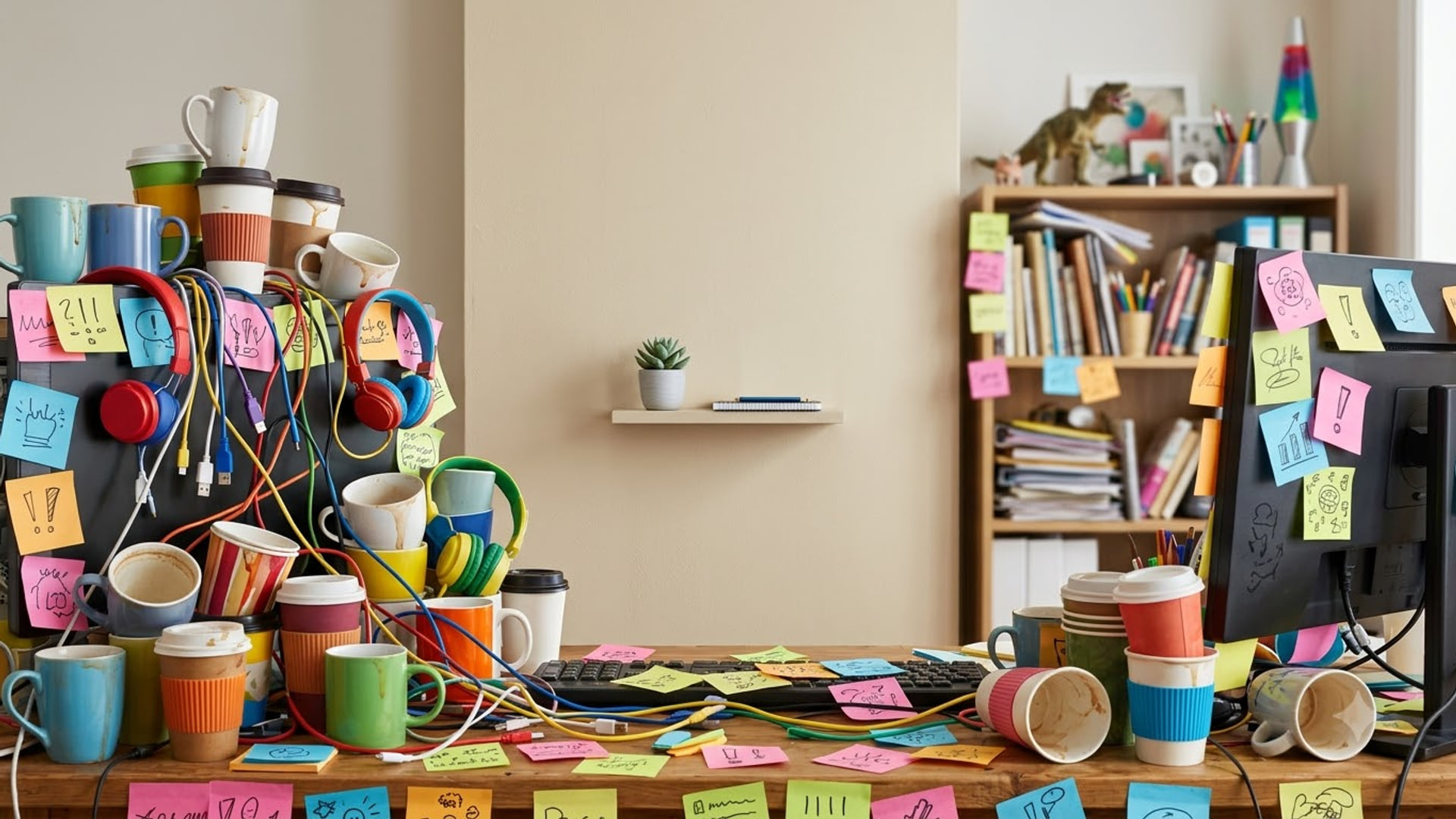
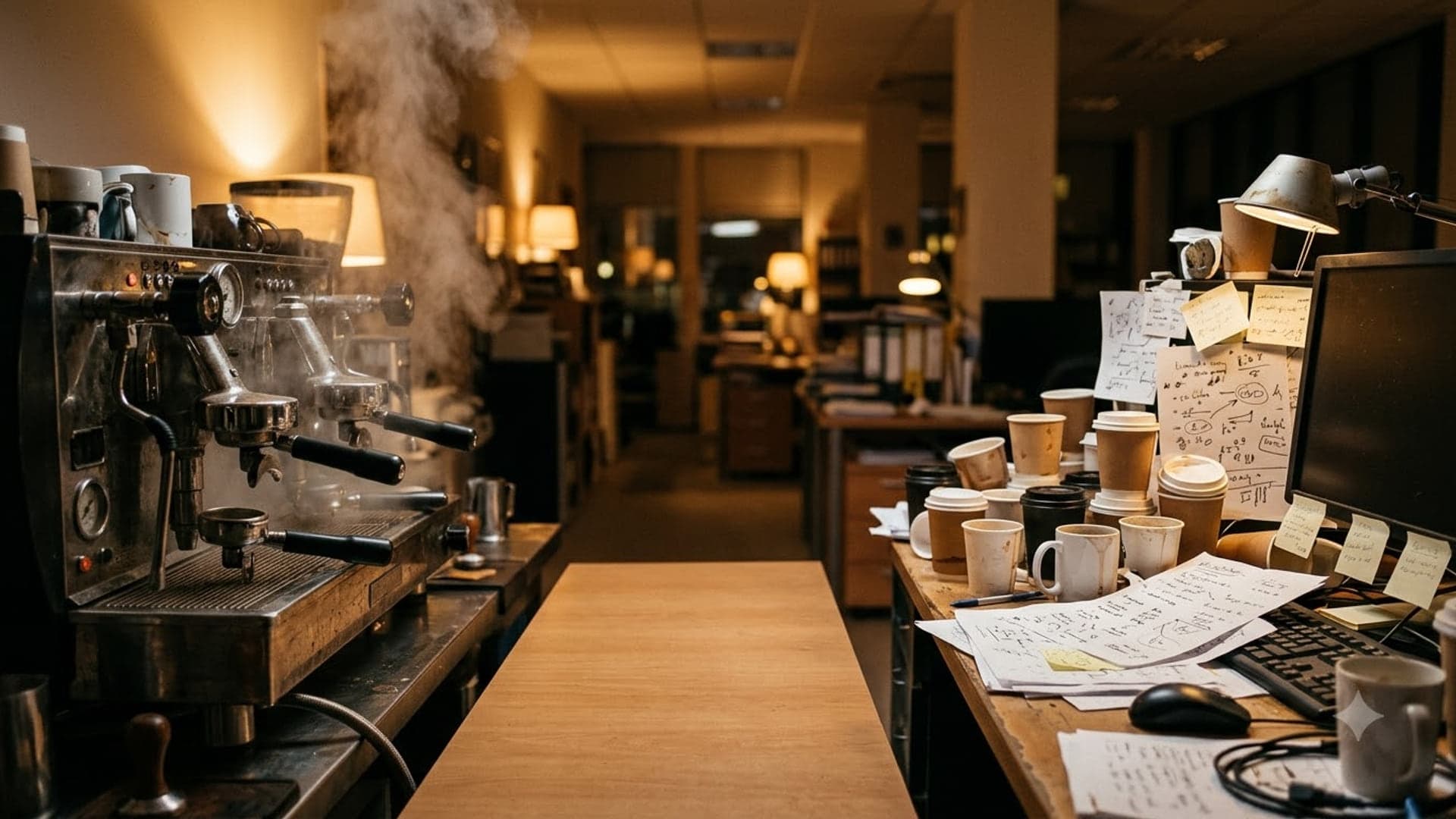
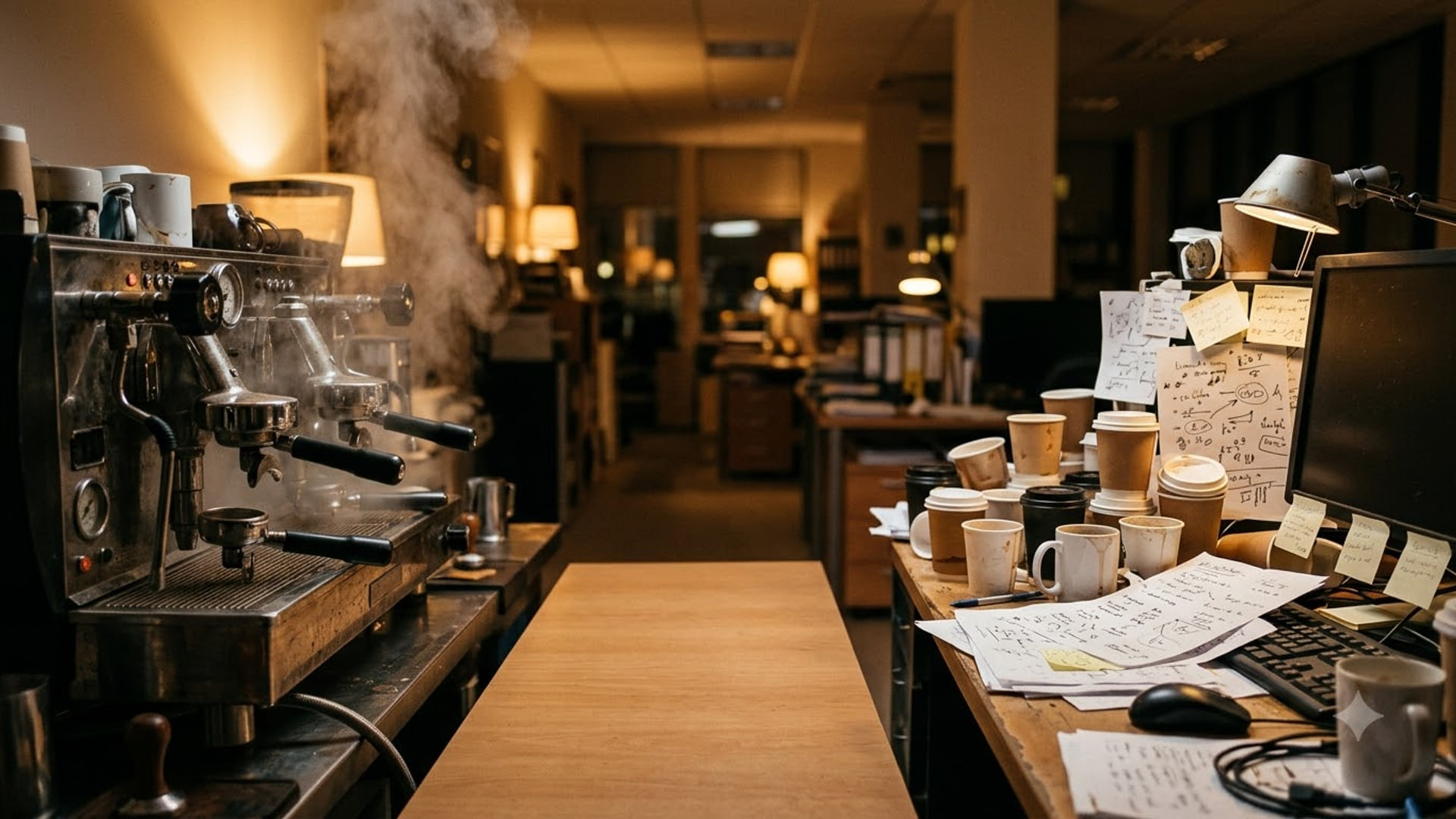
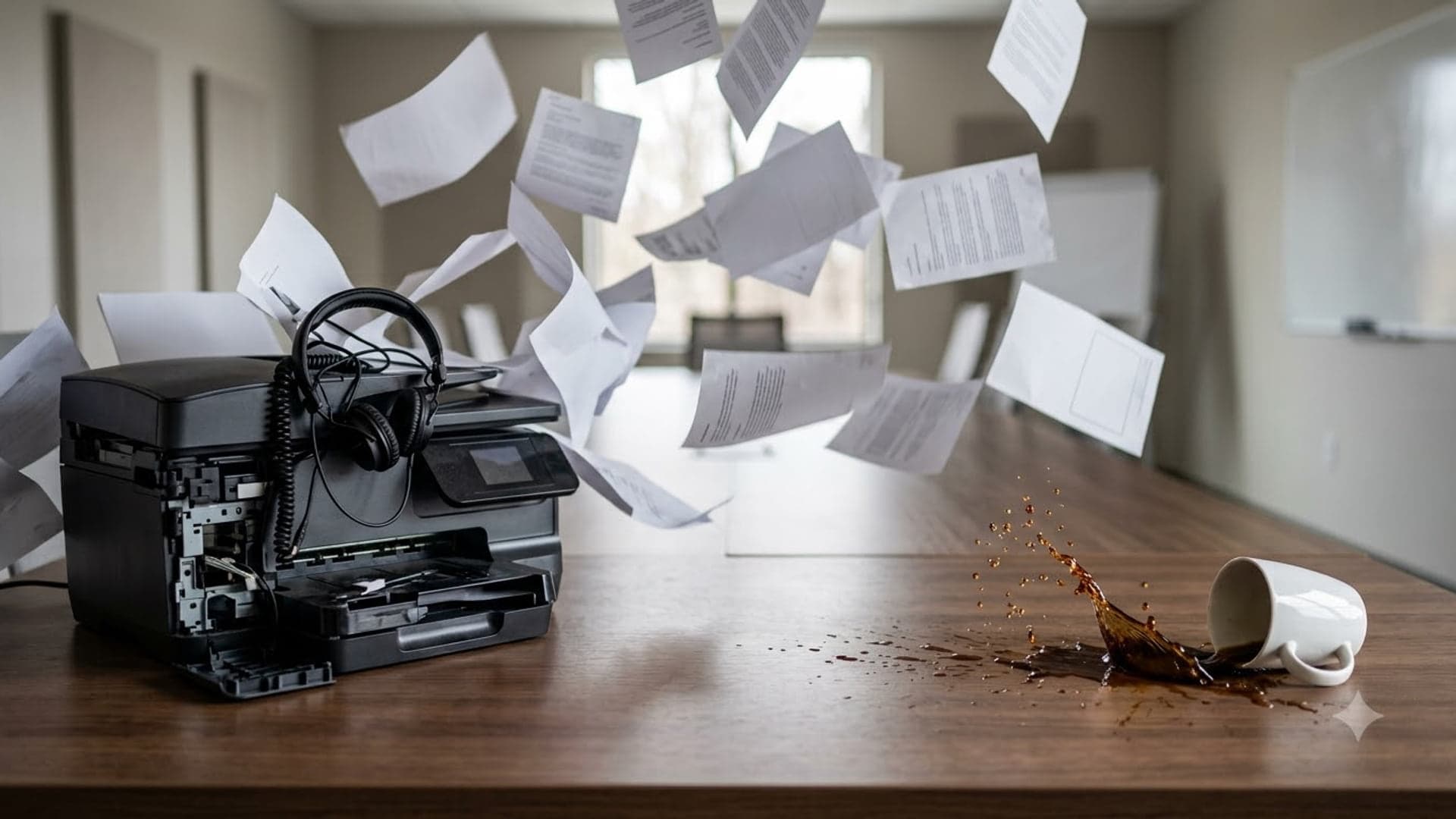
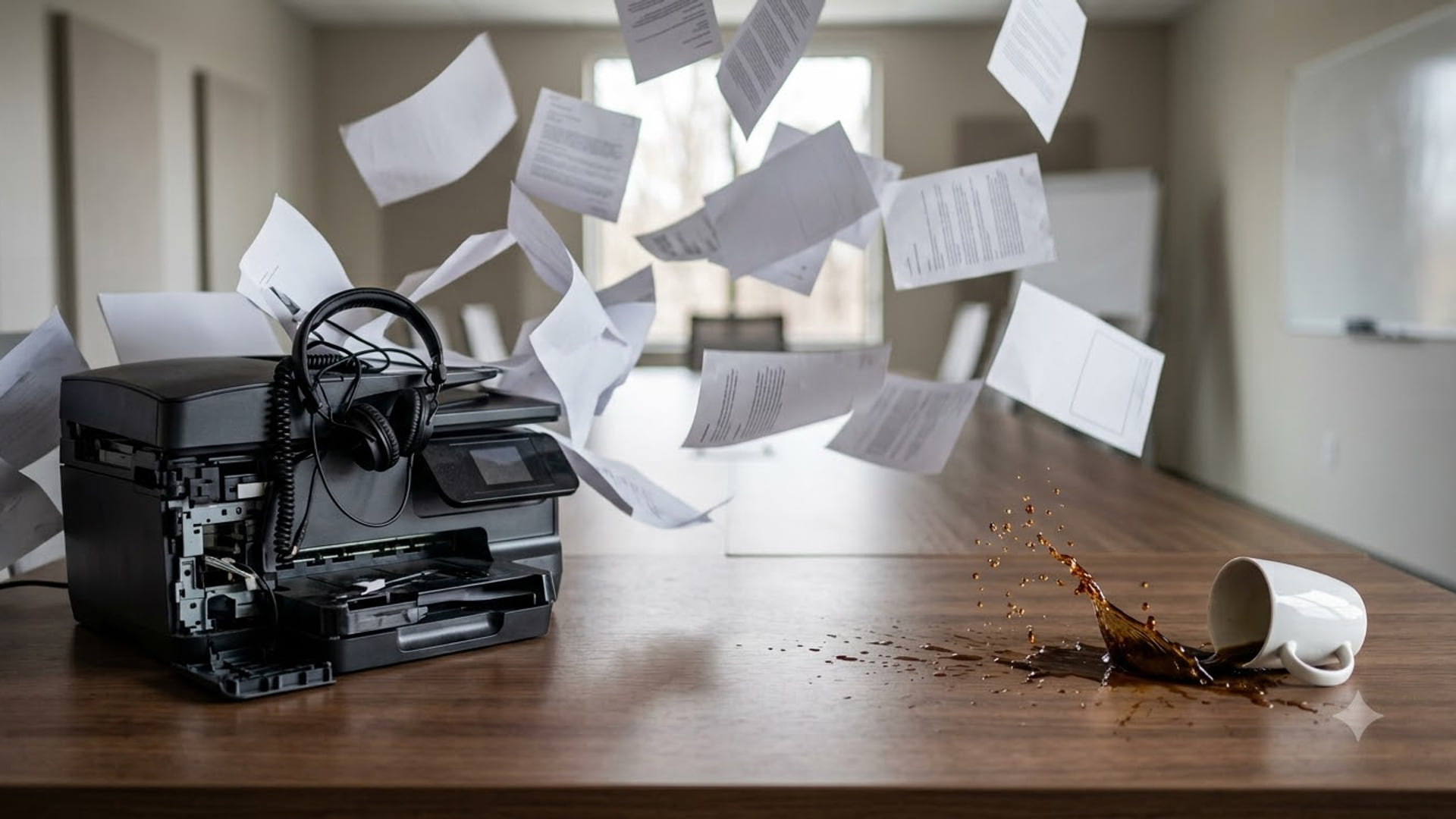
The office-chaos ones are the safest kind of self-deprecating. Mug Mountain is a desk buried under coffee mugs and sticky notes, The Coffee Is Load-Bearing is a late-night office with a commercial espresso machine and a desk of used cups, and Printer Said No is a printer erupting a cloud of paper across a meeting room as a mug tips over. Nobody is the target but you.
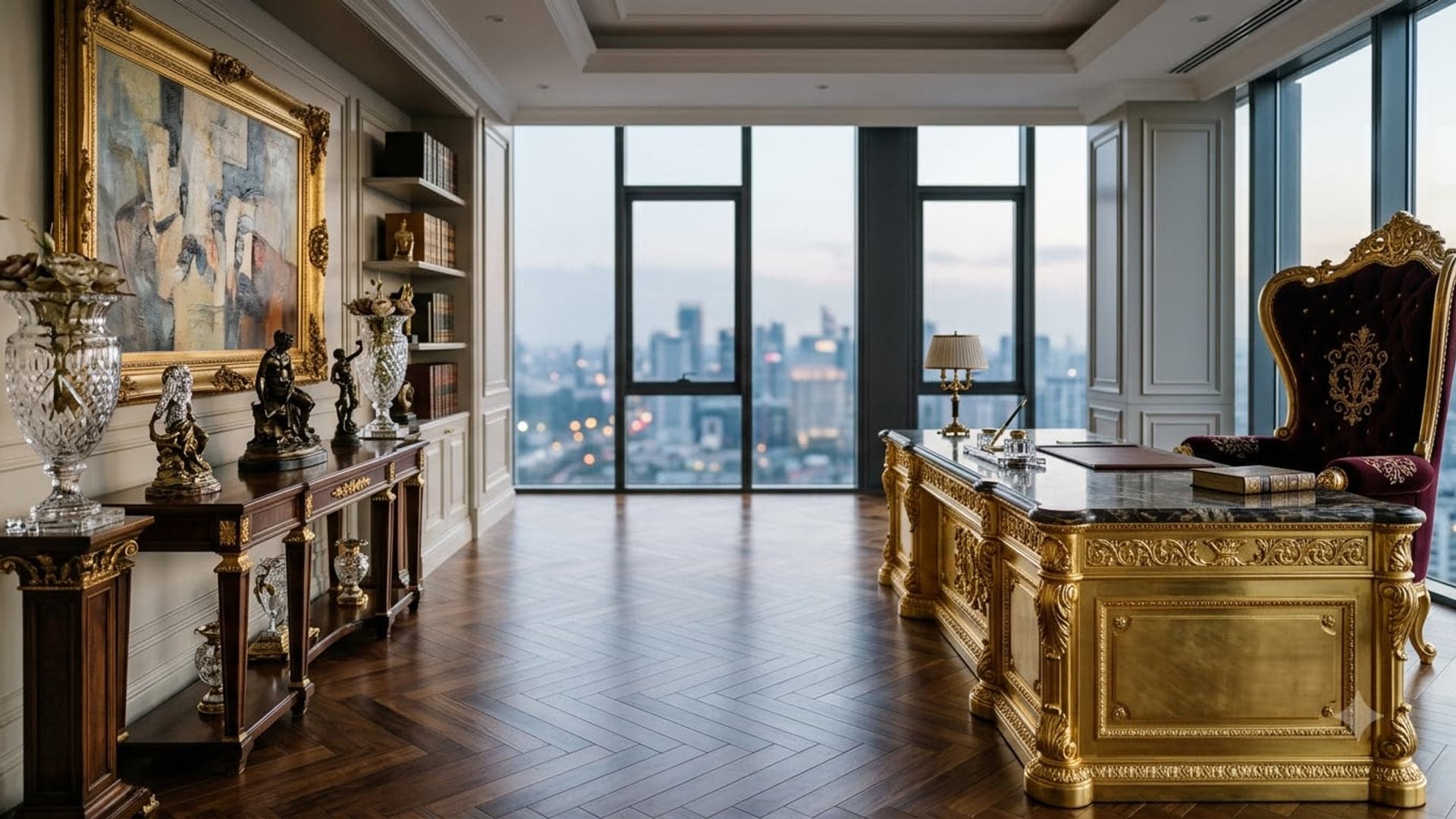
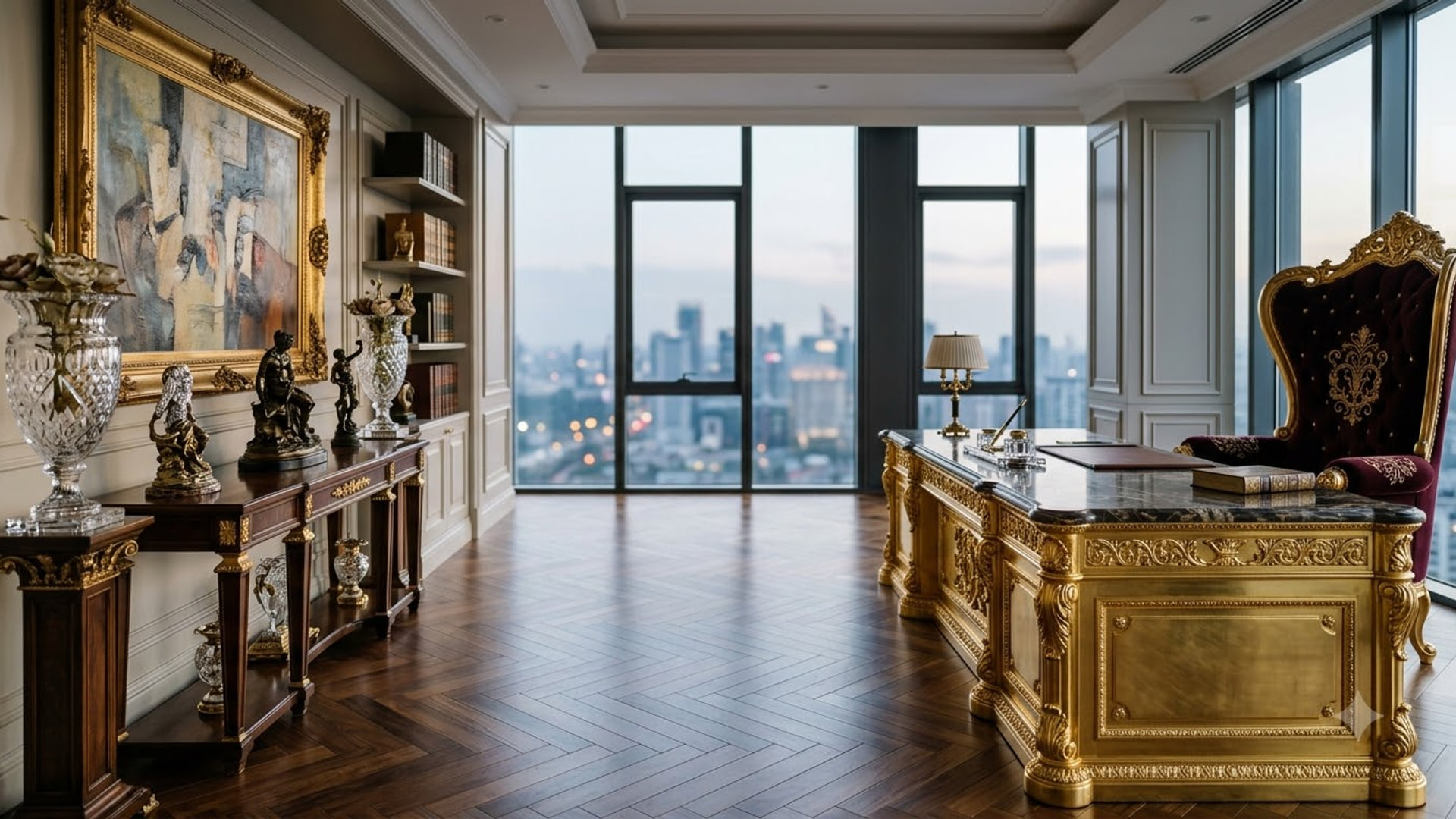
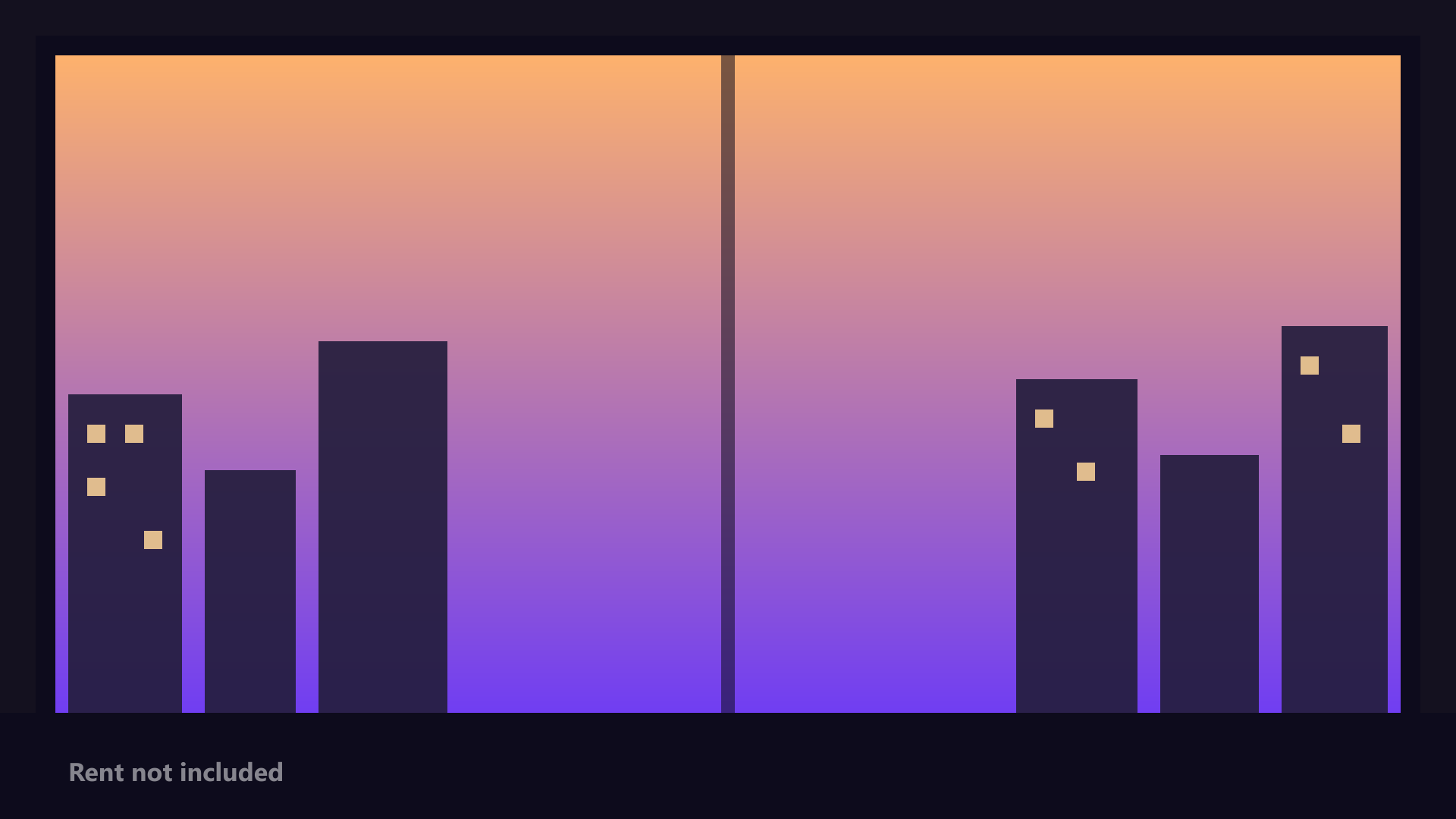
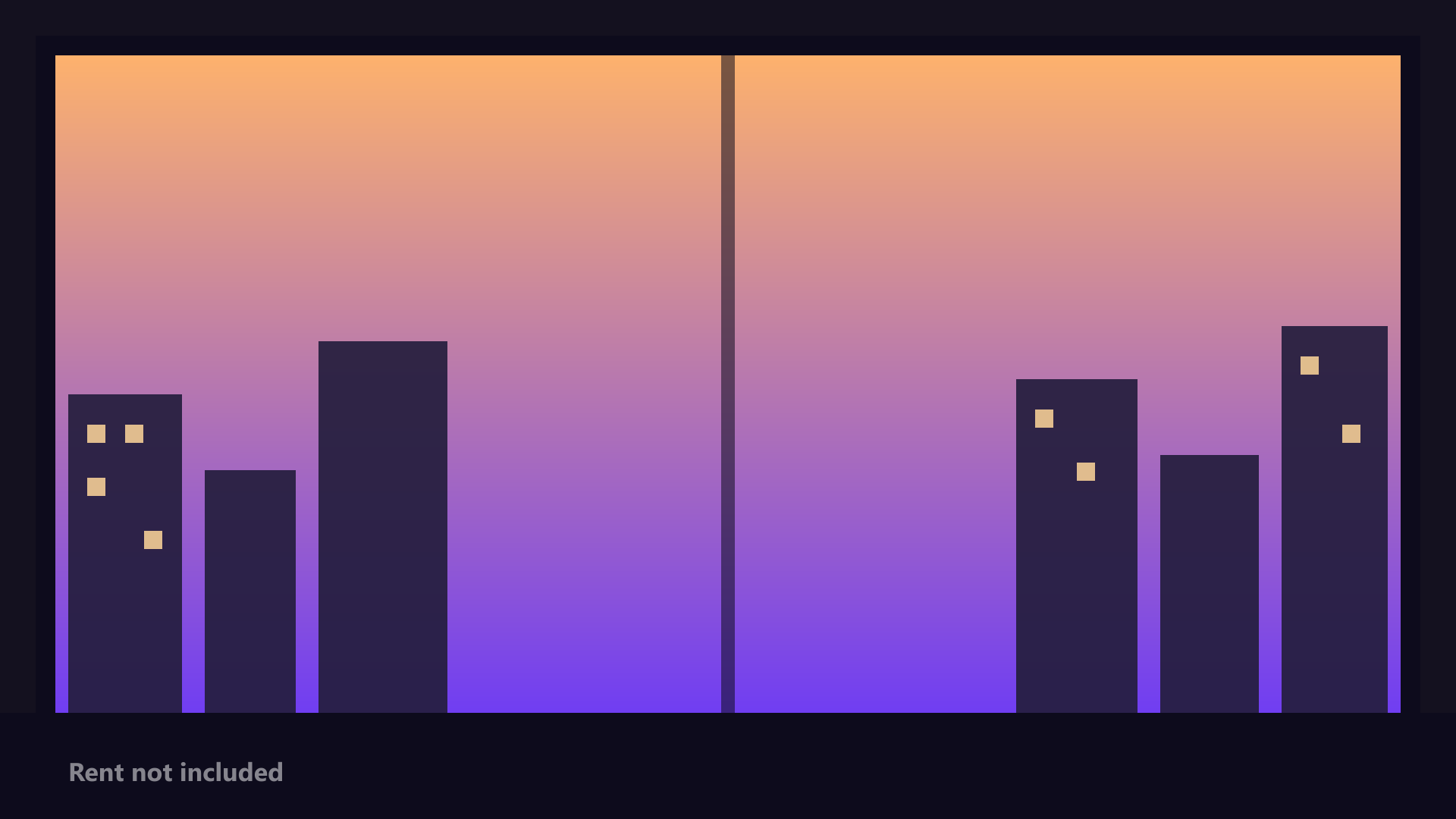
Gold-Plated Corner Office and Corner Office (Aspirational) are the deadpan pair: an absurdly gilded executive office with a velvet throne chair, and a cartoon skyline at sunset from a corner window you do not have. Both land better the more junior you are.
Three to keep for the right room
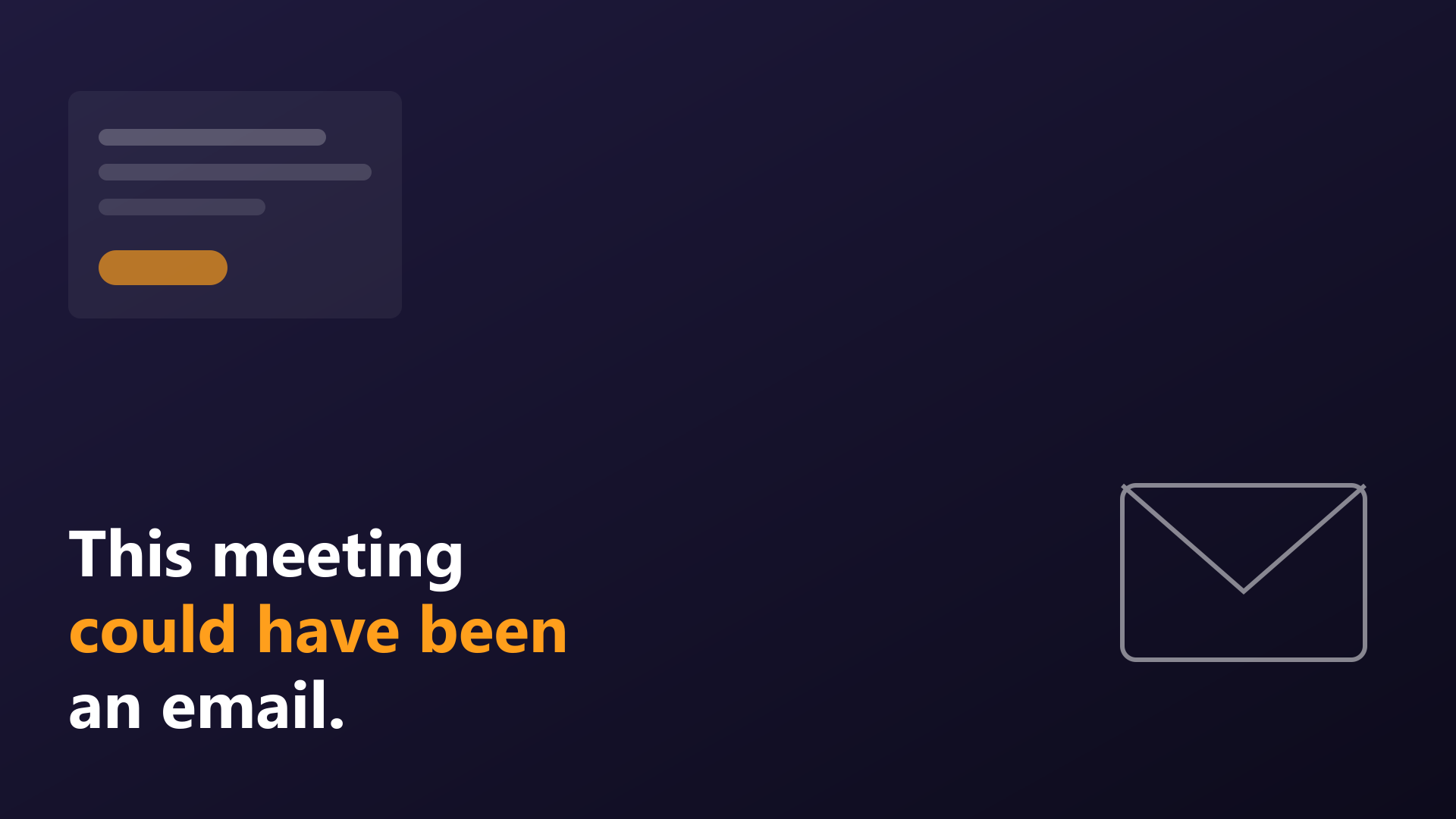
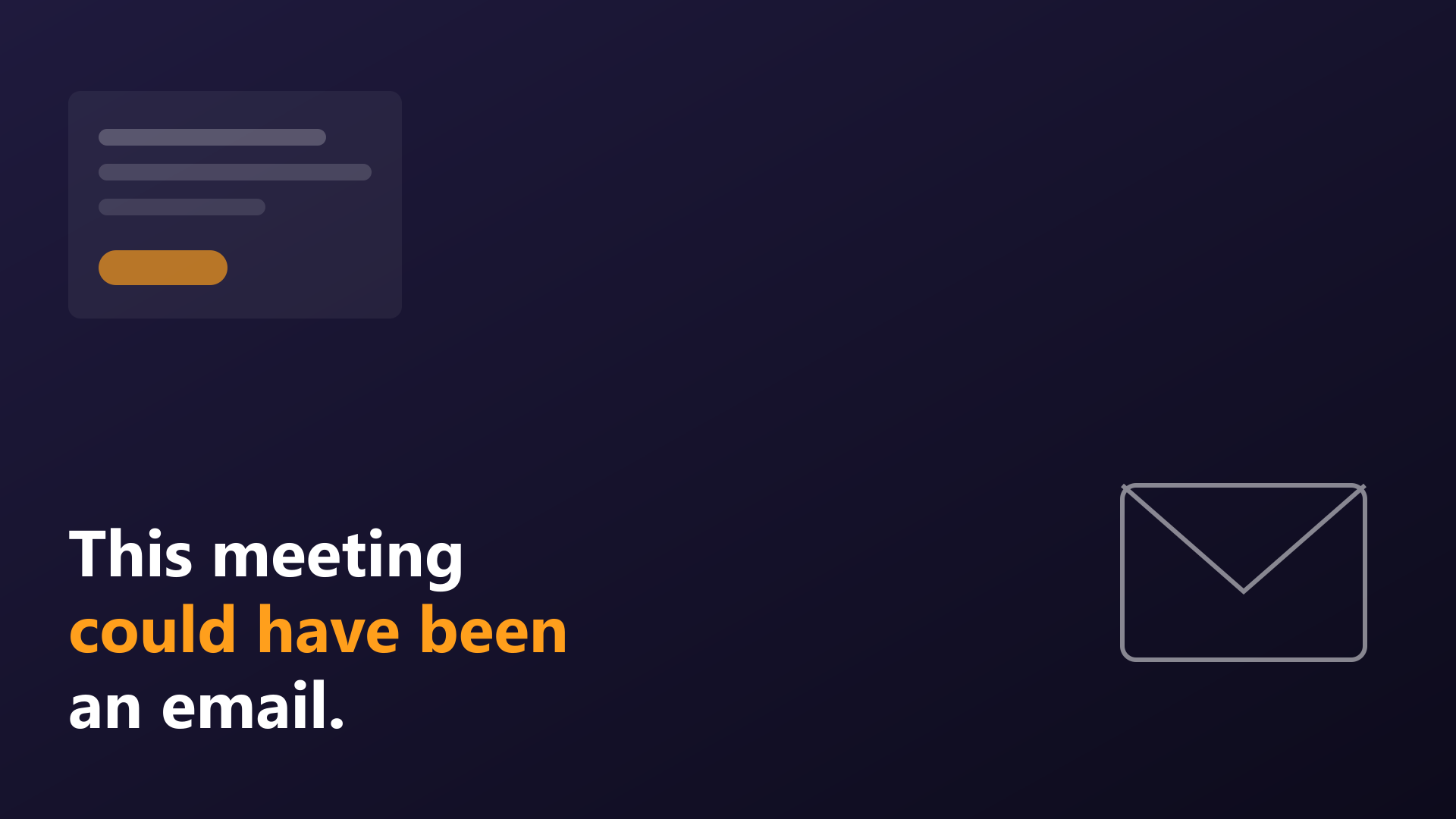
This Could Have Been An Email is the obvious one, and it is text aimed squarely at the meeting you are in. On your own team it gets the laugh it deserves. In a meeting someone senior called, it reads as a review of their decision to call it. Use it on the Friday wrap-up, not the Monday planning call.
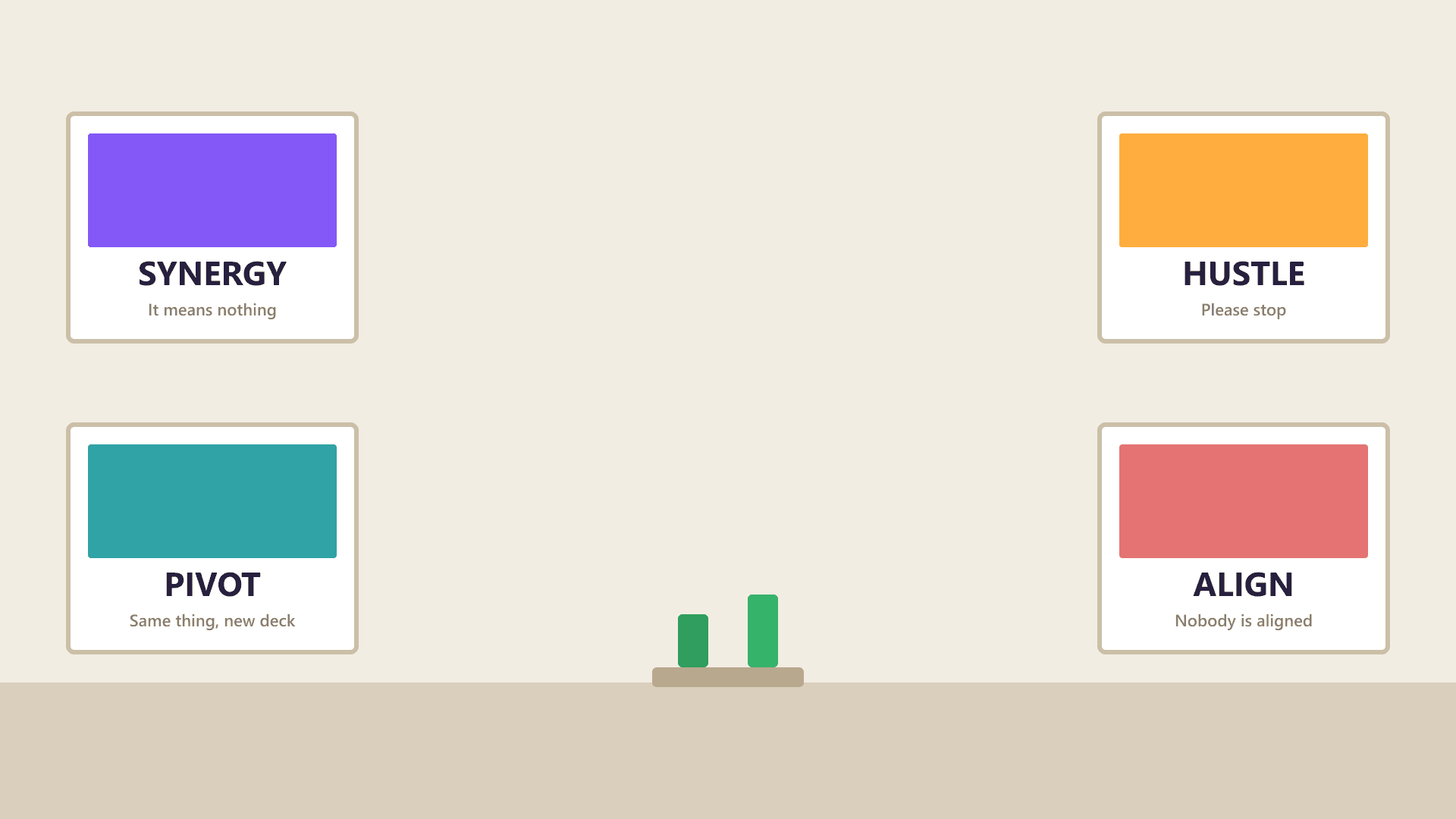
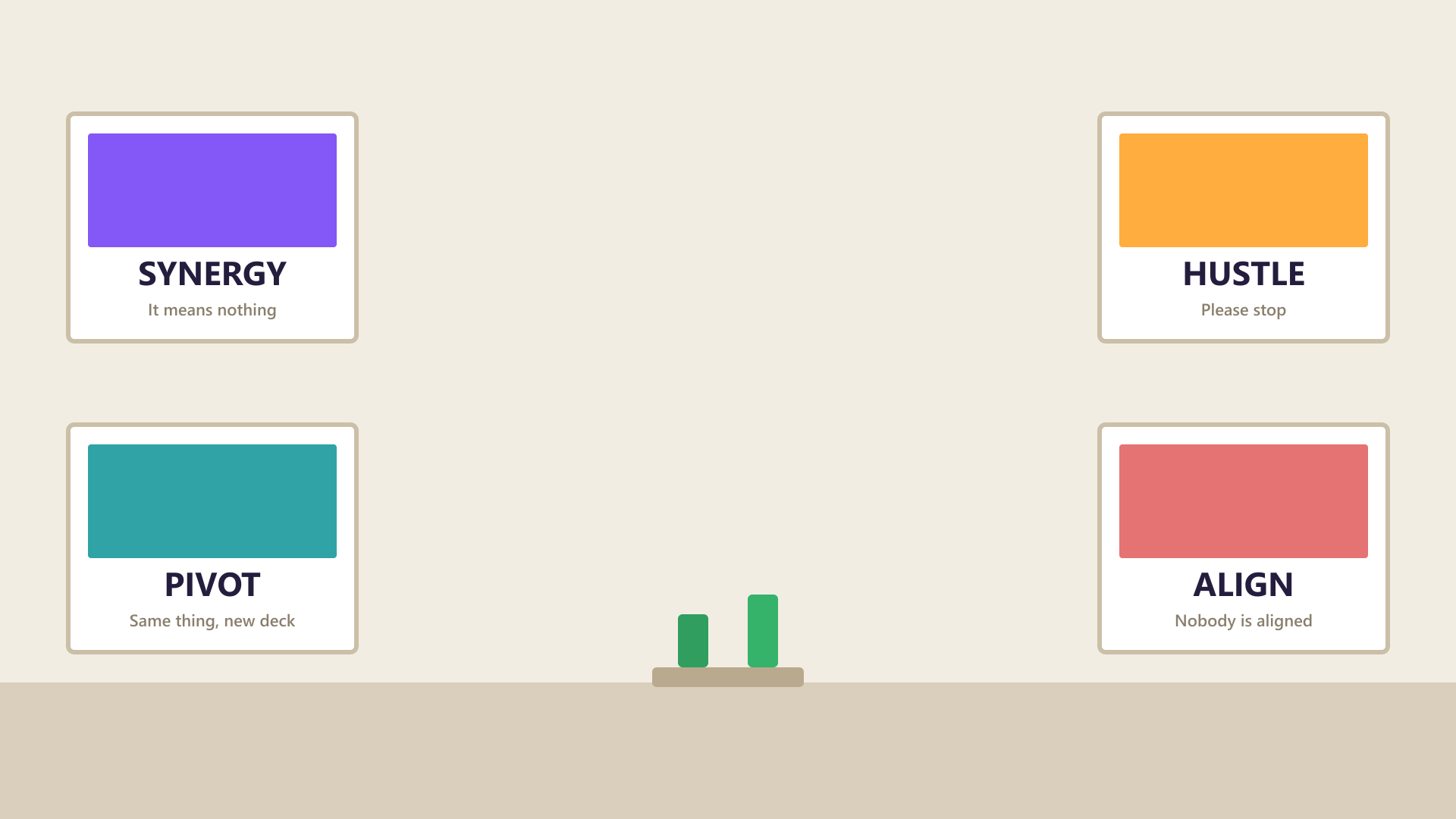
Motivational Poster Wall is four framed corporate posters — Synergy, Hustle, Pivot, Align — each with a quietly rude line of small print. It is satire of management language, so do not run it in a meeting run by people who use that language without irony.
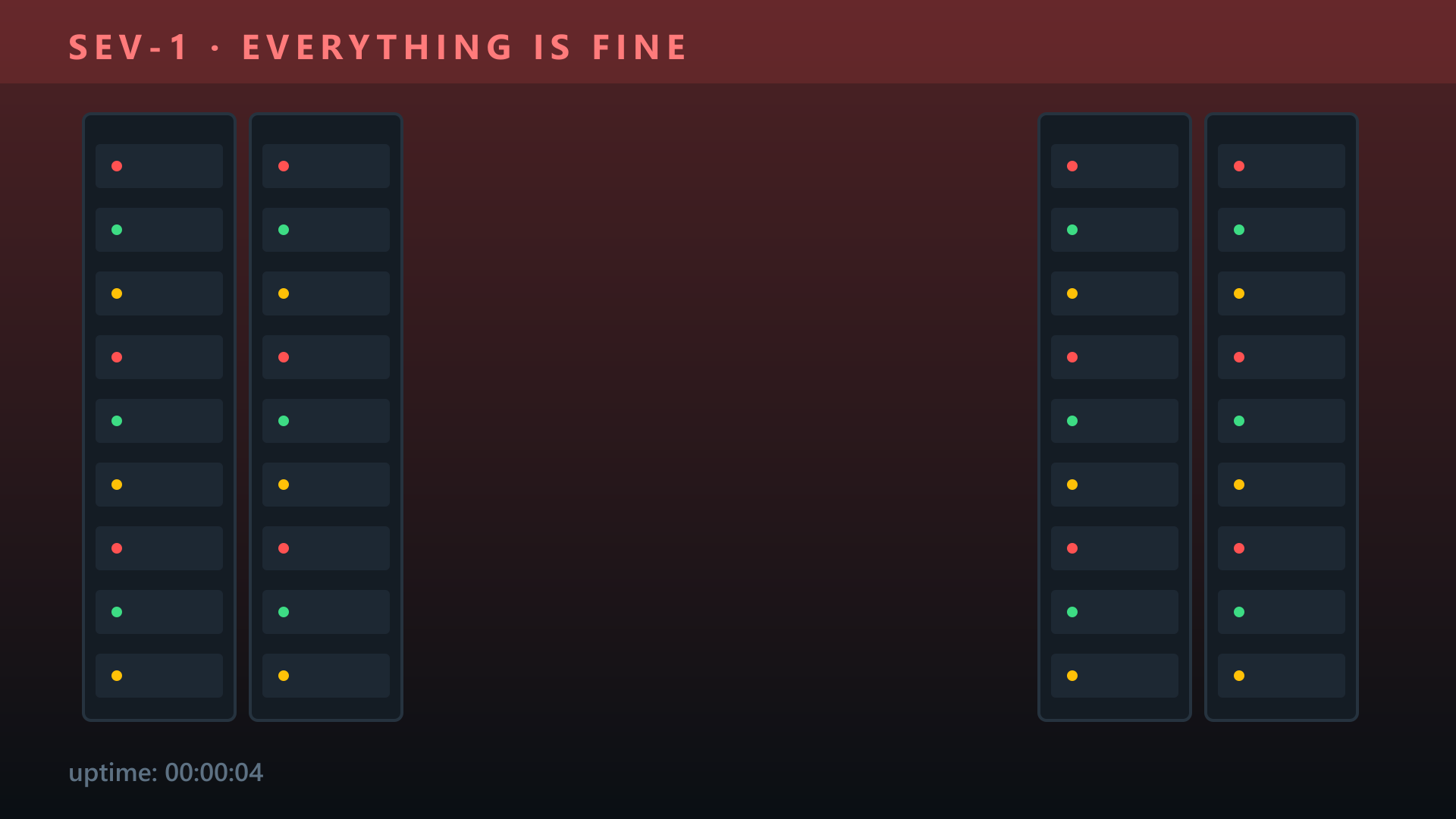
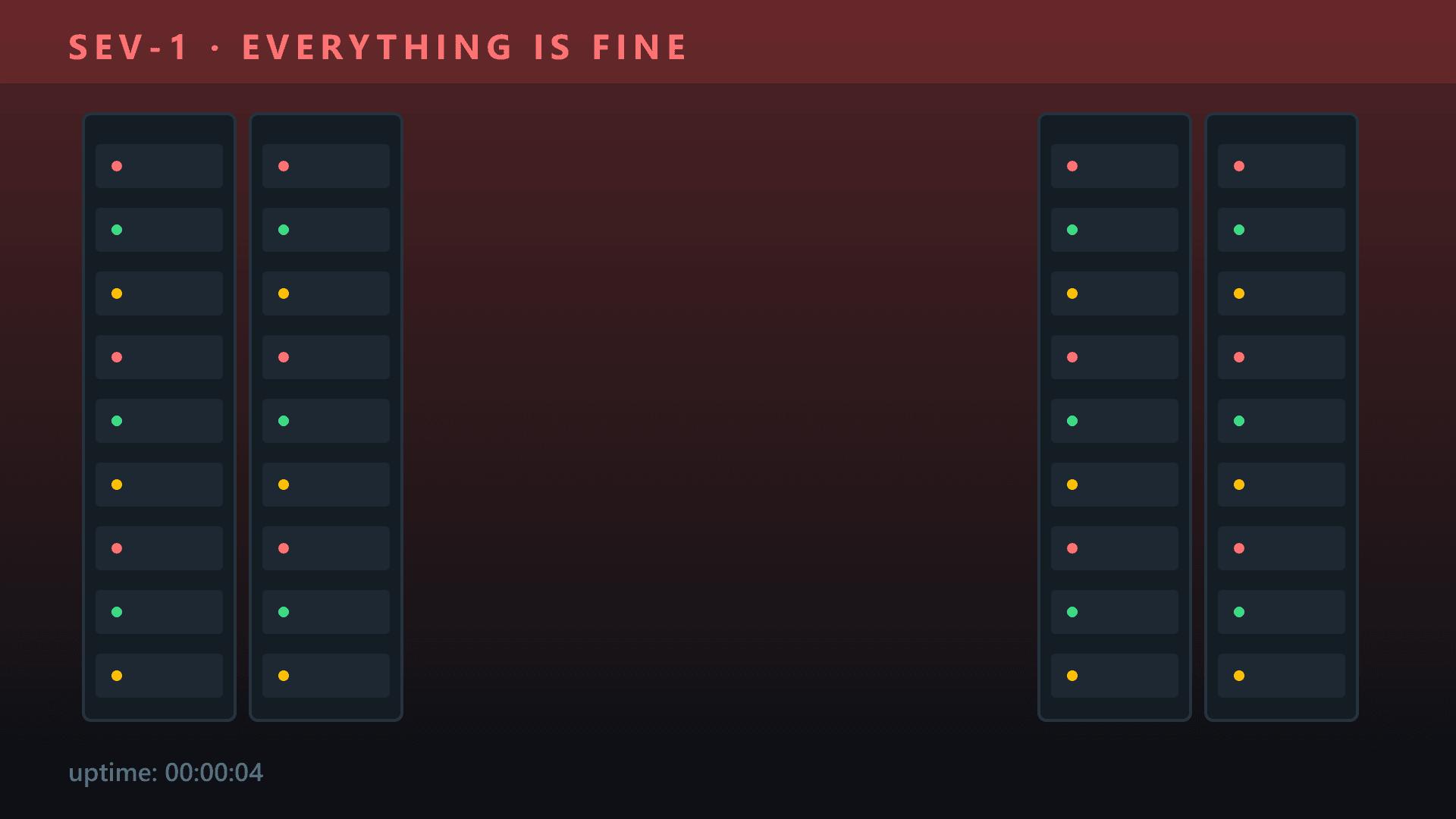
Server Room Incident is a dark rack room under a red SEV-1 banner announcing that everything is fine. Perfect for an engineering team in a quiet week. Do not use it during an actual outage, and never in the post-mortem.
What actually gets people in trouble
It is almost never the joke. It is one of four other things. Text that can be read as a message to someone on the call: a slogan about meetings, bosses or the company is a comment, not decor, and it stays in the recording. A real person’s face: meme images are somebody’s photo, and your company’s social team can and does screenshot calls. A film or TV screenshot: it is copyrighted, and it dates you to the people who do not get the reference. And anything political, religious or about a group of people, which needs no explanation.
Everything on this site stays clear of the first three on purpose. The pictures are rooms, animals and scenes — no real people, no film stills, no logos — and the few with text are the three marked for the right room.
Set it up so the joke lands, and so you can kill it in two clicks
Upload the funny one and a plain one at the same time. In Teams, Effects and avatars, then Add new, puts each upload at the end of the thumbnail list, so the two sit side by side. When a client joins unexpectedly: three dots, Effects and avatars, the plain thumbnail, Apply, and nobody has to say anything.
Set it before you join, on the pre-join screen under your camera preview, so the first frame people see is the joke rather than your kitchen. Teams keeps the choice for the next meeting on that device, which is worth remembering on Monday morning when the Friday background is still on.
Keep the punchline off centre. Every background effect cuts you out and pastes you into the middle of the frame, so whatever sits behind your head is hidden for the whole call. Most of the picks keep the subject to one side for exactly that reason, and the preview will tell you if your head lands on the joke. If the outline around you shimmers, it is light, not the picture: a lamp in front of you fixes more than any setting.
- Custom uploads need the Teams desktop app. Teams in a browser offers blur and the stock images only.
- If Add new is greyed out, your organisation has switched custom backgrounds off by policy. The funny one is not happening, and that is not a bug.
- Teams takes still JPG and PNG only. Animated GIFs and video backgrounds do not upload, whatever another site promises.
When the joke is expected
Some meetings want a funny background, and the plain one is the odd choice: the last call before a long weekend, a colleague’s leaving do, the team birthday round, and the week of Halloween or Christmas. Seasonal ones are a different calculation. Everyone on the call knows why it is there, so the bar for taste is lower and the bar for timing is higher. Nobody wants the pumpkin in November.
Common questions
Can my employer see which background I use?
Everyone on the call sees it, which is the point, and if the meeting is recorded the background is in the recording for as long as the recording exists. Treat a background as something you said in the meeting, not something on your own screen.
Is a funny background OK in a job interview?
No. Interviewers have no context for your sense of humour, and some will read it as not taking the call seriously. Use blur or a bookshelf background, and save the joke for after you have the job.
Can I use a meme from the internet as my Teams background?
You can upload any JPG or PNG, but a meme is usually a real person’s photo or a film still, so it is both someone’s image and someone’s copyright. For a work call that is two problems you do not need. Use a picture with no real faces and no screenshots.
Why does the text in my background read backwards?
Teams mirrors your own preview so that you see yourself the way a mirror shows you; everyone else on the call sees the text the right way round. Nothing is wrong with the image.
Why does my funny background look blurry on the call?
The source image is smaller than 1920 x 1080 and Teams is stretching it to fill the frame. Download a full-size file and upload that instead. Every background on this site is supplied at 1920 x 1080.
The picks, ready to download
1920 x 1080
1920 x 1080
1920 x 1080
1920 x 1080
1920 x 1080
1920 x 1080
1920 x 1080
1920 x 1080
1920 x 1080
1920 x 1080
1920 x 1080
1920 x 1080
1920 x 1080
1920 x 1080
1920 x 1080