What size should a Teams background be?
A Microsoft Teams background should be 1920 x 1080 pixels, a 16:9 aspect ratio, saved as JPG or PNG. That size also satisfies Zoom and Google Meet, so one file works across all three. Zoom additionally caps image uploads at 5 MB.
Menus checked September 2026.
The numbers, for all three apps
One file at 1920 x 1080 covers every platform below. There is no reason to keep separate versions.
- Microsoft Teams — 1920 x 1080, 16:9, JPG or PNG. No published file size cap.
- Zoom — 1920 x 1080, 16:9, JPG, PNG or GIF, maximum 5 MB.
- Google Meet — 1920 x 1080, 16:9, JPG or PNG. No published cap.
What goes wrong at the wrong size
Too small is the common one. Your call app stretches whatever you give it to fill a 16:9 frame, so a 640px-wide image is enlarged threefold and arrives soft and blocky. This is the actual cause of nearly every "why is my virtual background blurry" question — not the camera, not the connection.
Wrong shape is the other. A square or portrait image gets cropped to 16:9, and the crop is taken from the centre, so the top and bottom of your picture are simply discarded. Anything important near the edges disappears.
Too large wastes bandwidth and, on Zoom, is rejected outright over 5 MB. If a file is too big, compress it rather than shrinking the pixel dimensions — you want to keep 1920 x 1080 and lose some quality, not the reverse.
Where to put the subject
This matters more than resolution and almost nobody mentions it. Every platform cuts you out and composites you into the centre of the frame, so a band roughly through the middle of the image is hidden behind your head and shoulders for the entire call.
Design around it: keep the interesting part off to one side, and leave the centre relatively calm. Calm centre also gives the edge-detection an easier job, which is what stops your outline shimmering.
Checking an image before you upload it
On Windows, right-click the file, choose Properties, then the Details tab — width and height are listed there. On a Mac, select the file and press Space for Quick Look, or use Get Info. If the numbers are not 1920 x 1080, it will be stretched or cropped.
Every image on this site is supplied at 1920 x 1080, and the dimensions and file size are printed on each background page, so you can check before you download rather than after.
Common questions
What is the best resolution for a Teams background?
1920 x 1080 pixels. That matches the video frame exactly, so the image is neither upscaled nor cropped.
Can I use a 4K image as a Teams background?
You can, and it will be downscaled to fit. It gains you nothing visually and makes a larger file to store and upload, so 1920 x 1080 is the sensible choice.
Why is my Teams background blurry?
Almost always because the source image is smaller than 1920 x 1080 and is being stretched to fill the frame. Re-download it at full size.
What aspect ratio does Teams use?
16:9, the same as a widescreen video frame. A 4:3 or square image will be cropped top and bottom to fit.
Does Teams have a file size limit for backgrounds?
Microsoft publishes no hard limit for Teams. Zoom does — 5 MB for images — so keeping files under 5 MB means one file works everywhere.
Something to try it with
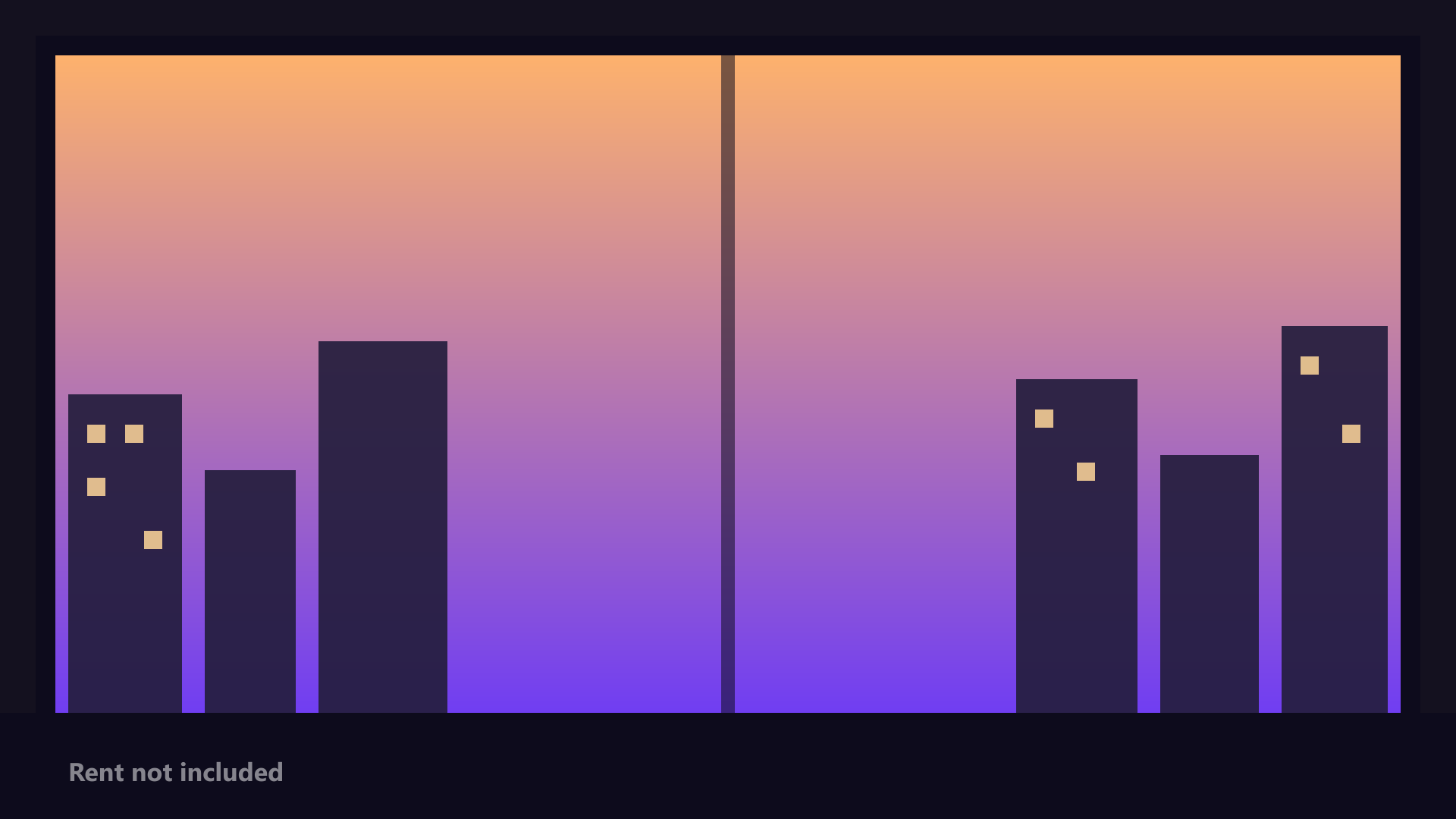
1920 x 1080
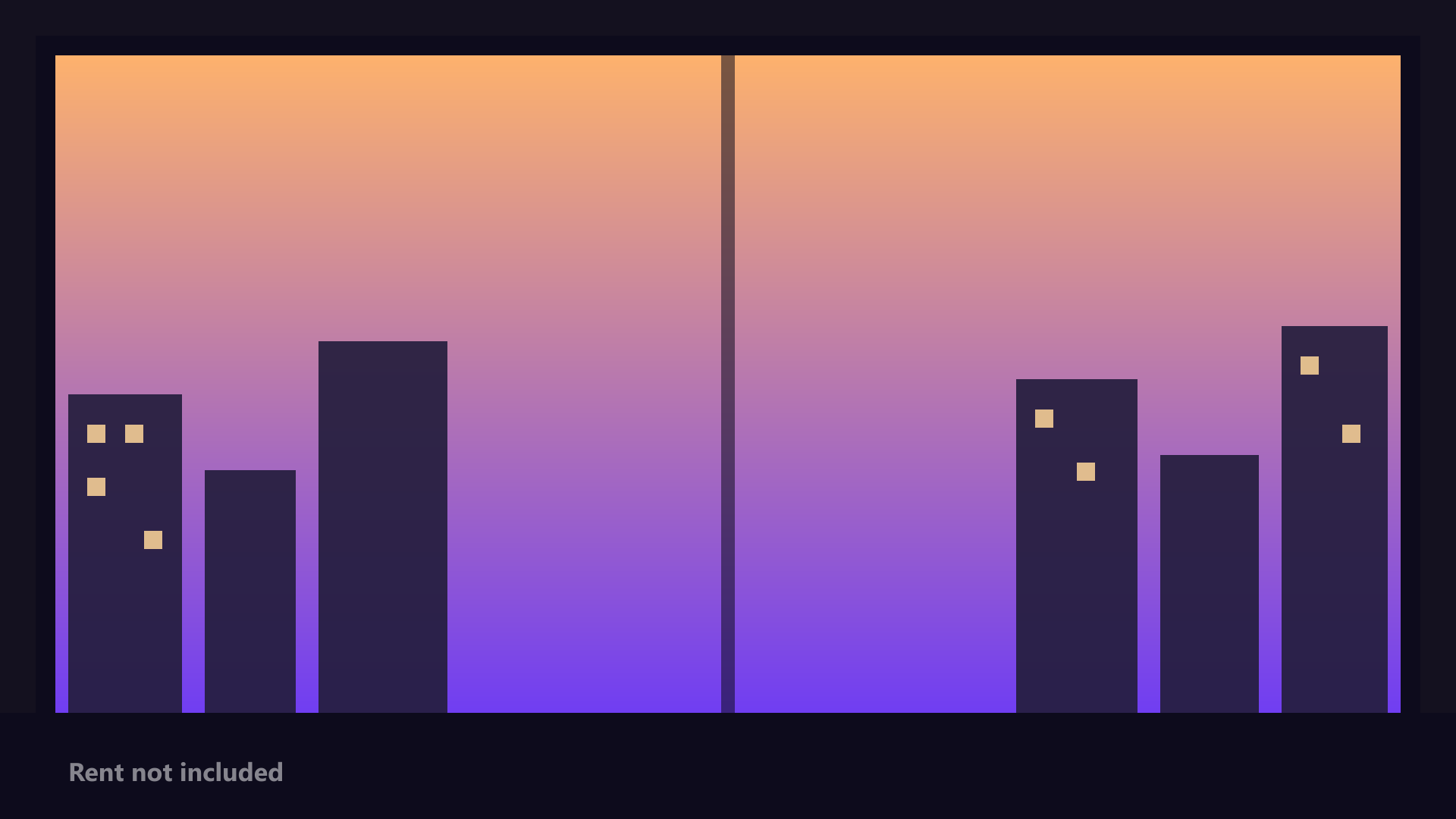
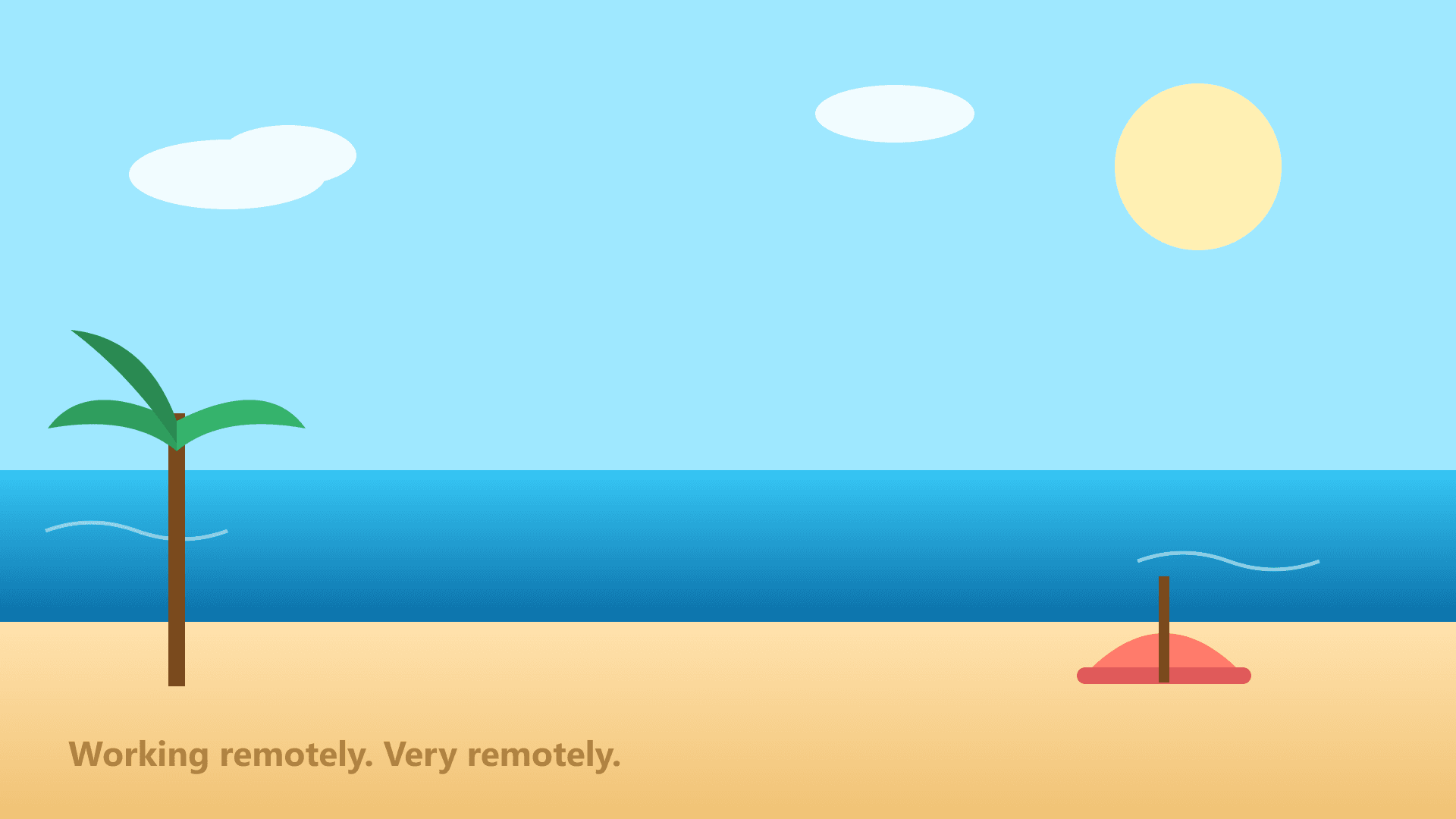
1920 x 1080
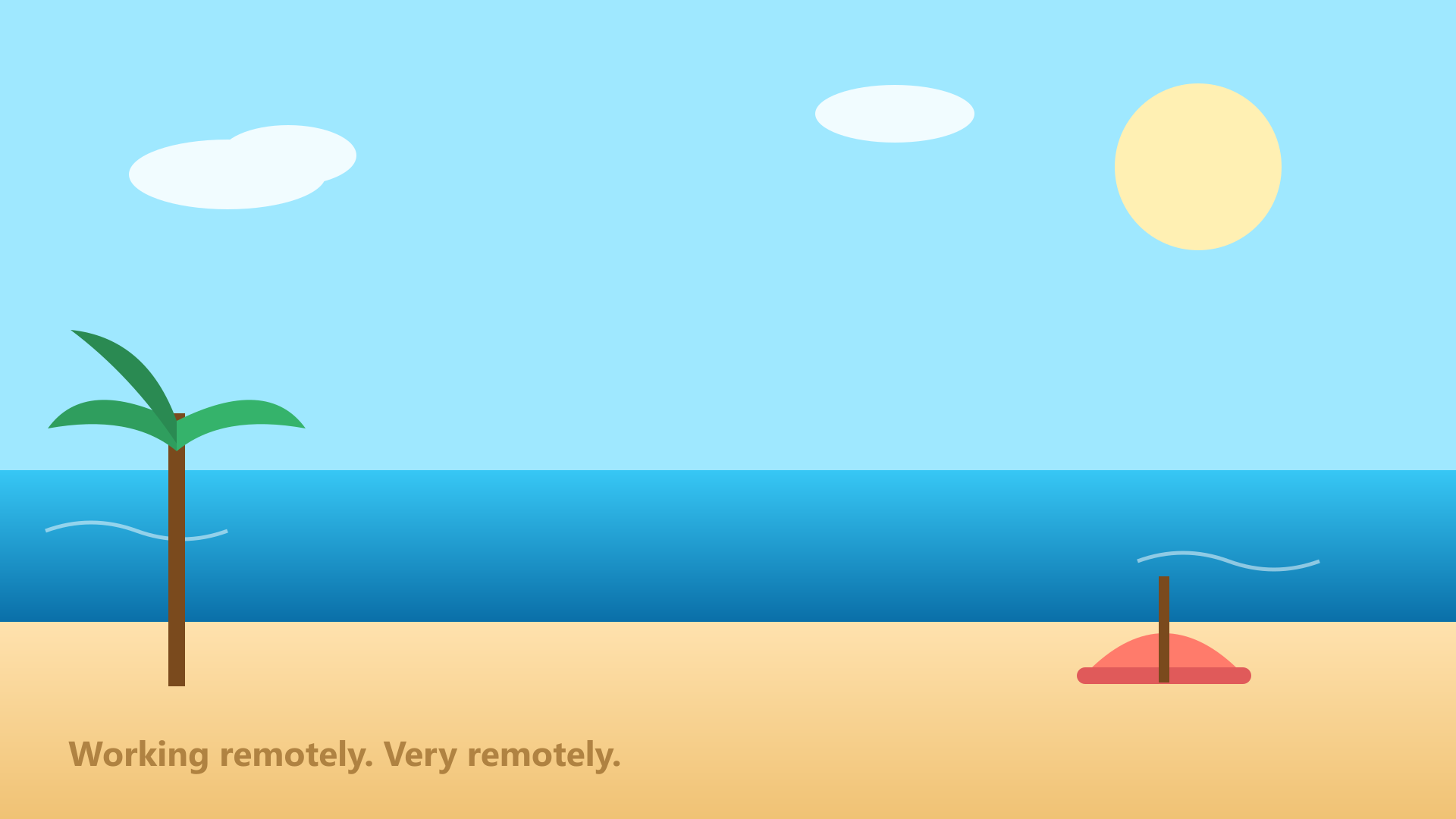
1920 x 1080
1920 x 1080

1920 x 1080


1920 x 1080