How to change your background in Microsoft Teams
To change your background in Microsoft Teams, open open the effects panel and pick an image, or click Add new to upload your own. Microsoft Teams wants a 1920 x 1080 px image at 16:9 in JPG or PNG.
Menus checked September 2026.
What Teams wants
- Size
- 1920 x 1080 px
- Aspect ratio
- 16:9
- Formats
- JPG or PNG
Everything on this site is already that size. Why the size matters.
Download the background you want
Hit the download button on any image here. It saves a full-size 16:9 file — keep it somewhere you can find again, like Pictures.
Open the effects panel
Already in a meeting? Click the three dots (More) in the meeting toolbar, then Effects and avatars. Not joined yet? The same option sits on the pre-join screen under your camera preview — setting it there means nobody ever sees your real room.
Add your image
In the Video effects tab, click Add new and pick the file you downloaded. Teams uploads it and drops it at the end of the thumbnail list.
Preview, then apply
Click the thumbnail to see yourself against it. If you are happy, click Apply — or Apply and turn on video if your camera is still off.
Where it usually goes wrong
- Custom uploads need the Teams desktop app. Teams in a browser only offers blur and the stock images.
- Teams keeps your uploads per-device, not per-account. New laptop means uploading them again.
- If Add new is greyed out, your IT admin has turned custom backgrounds off with a policy. There is no workaround at your end — that is deliberate.
- Busy backgrounds make the edge detection wobble. If your outline flickers, pick something with a plainer area behind where your head sits.
Common questions
Why is there no Add new button in my Teams?
Three usual reasons: you are on Teams in a browser instead of the desktop app, your organisation has disabled custom backgrounds by policy, or you are on a build old enough that the option still lives under Background effects. Check the desktop app first.
What size should a Teams background be?
Microsoft recommends 1920 x 1080 pixels at 16:9. Every image on this site is supplied at that size, so you can upload it as-is.
Can I use a funny background in a meeting my boss is in?
Technically yes, socially it depends entirely on the room. Read the meeting first — a stand-up with your own team is a very different audience from a client call or an interview panel.
Something to try it with
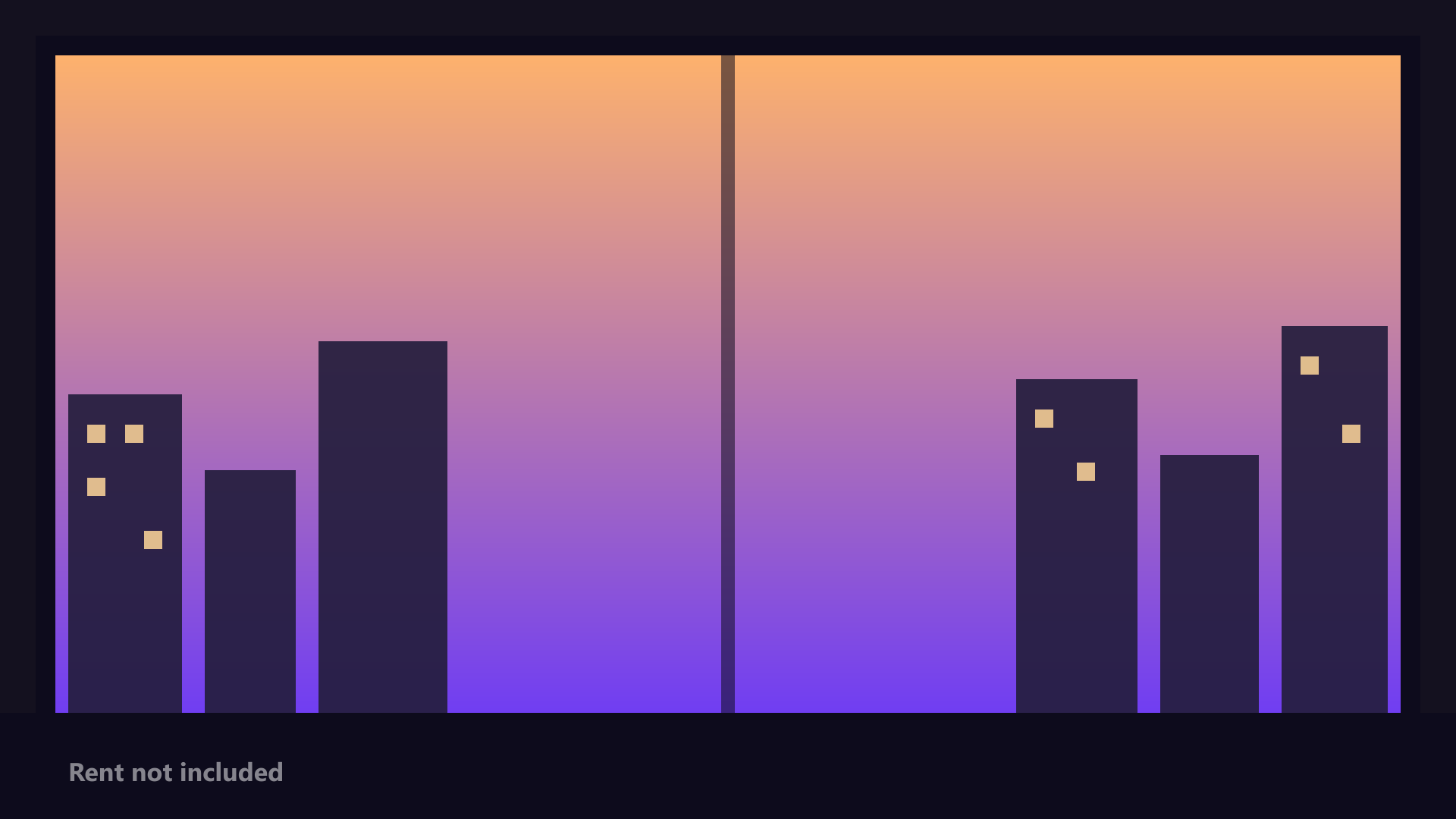
1920 x 1080
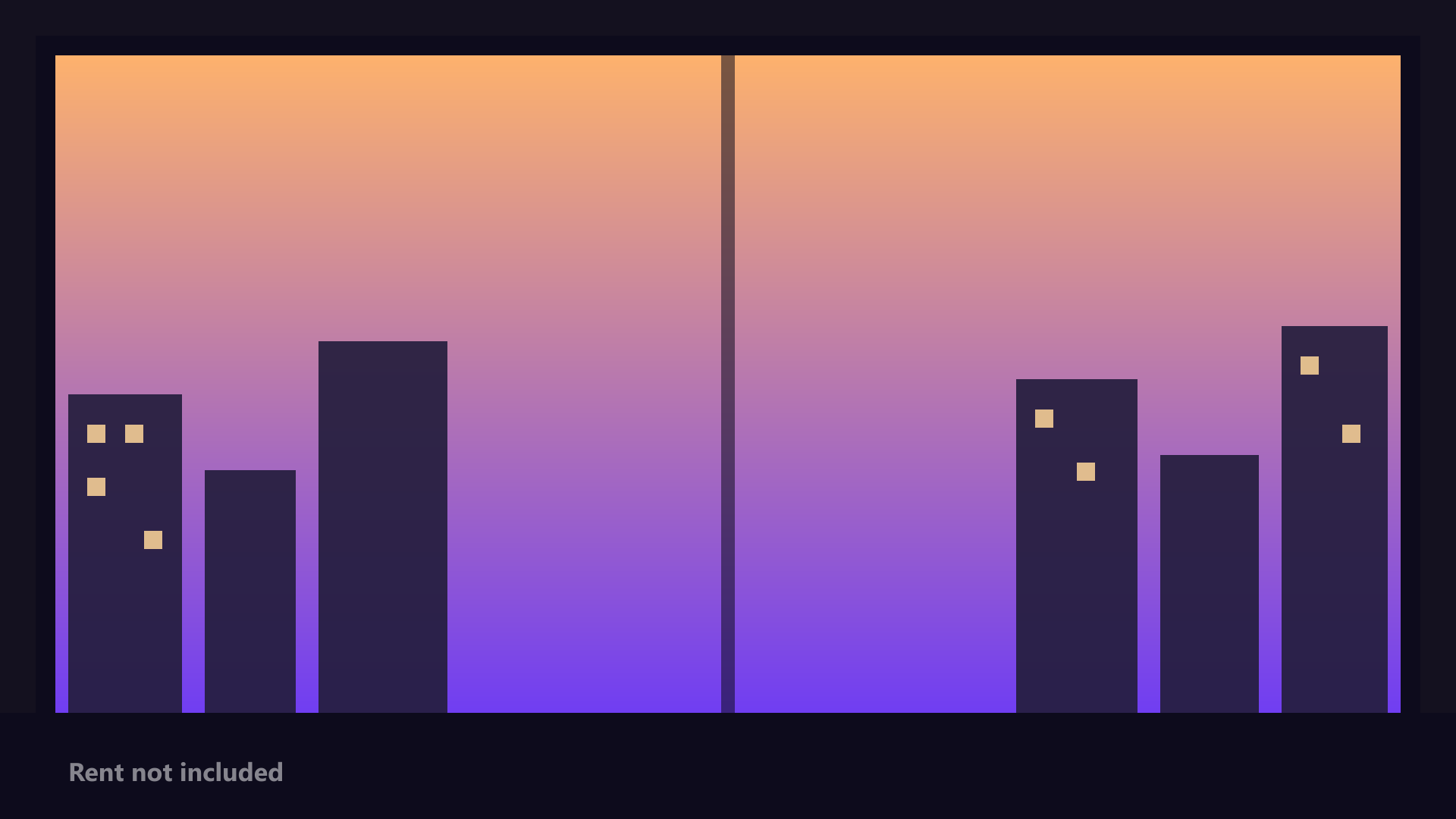
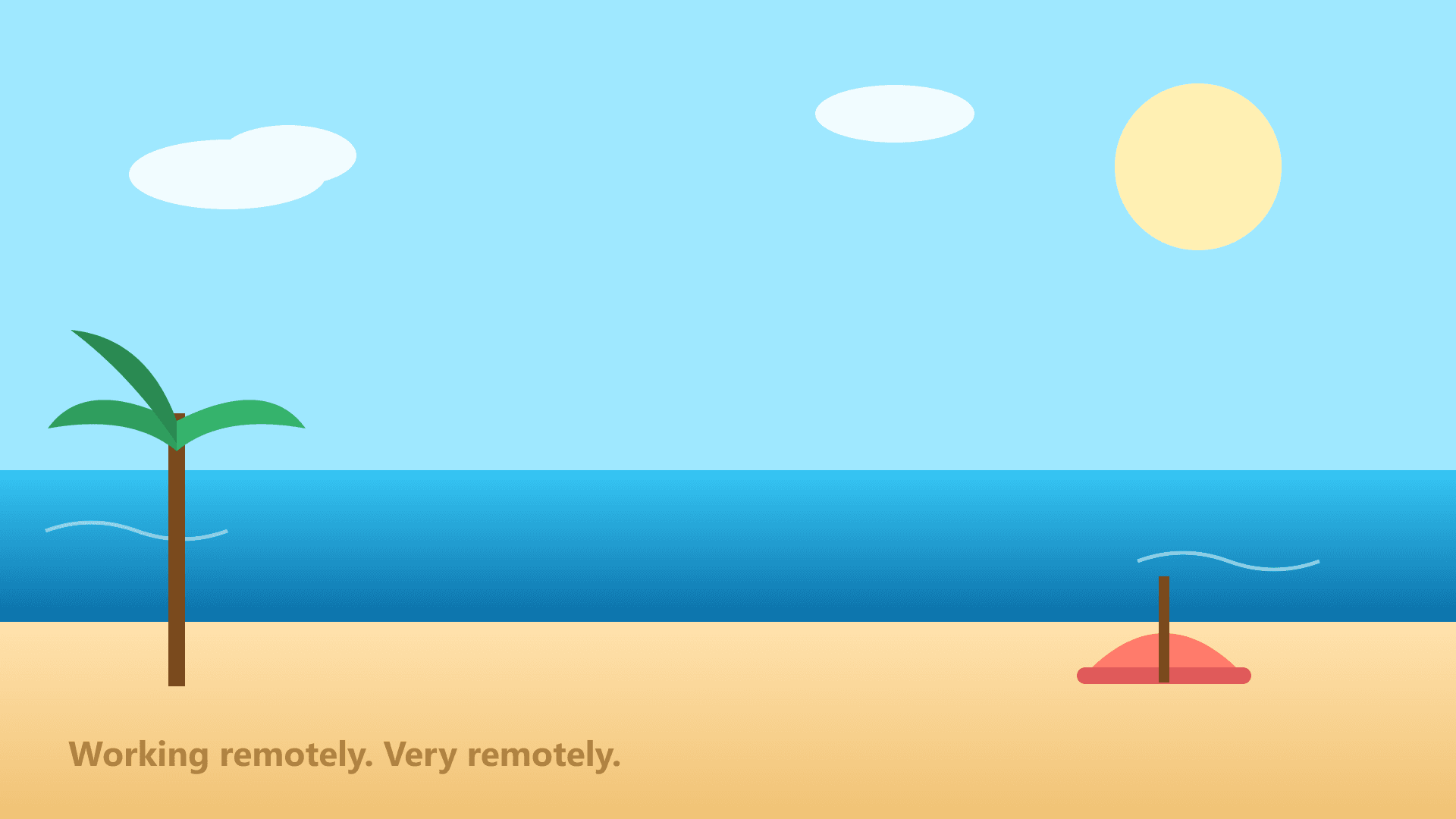
1920 x 1080
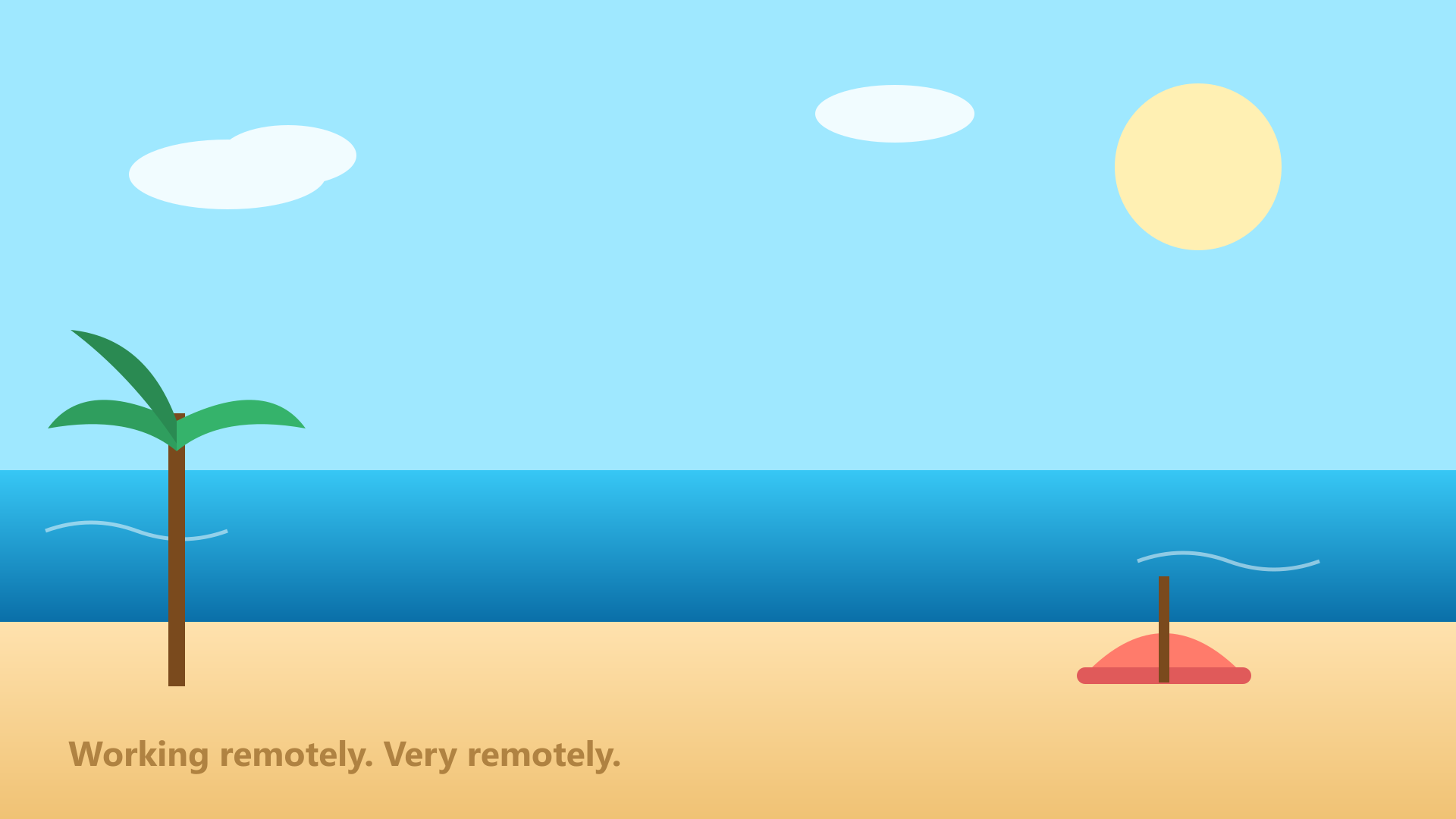
1920 x 1080
1920 x 1080
1920 x 1080

1920 x 1080