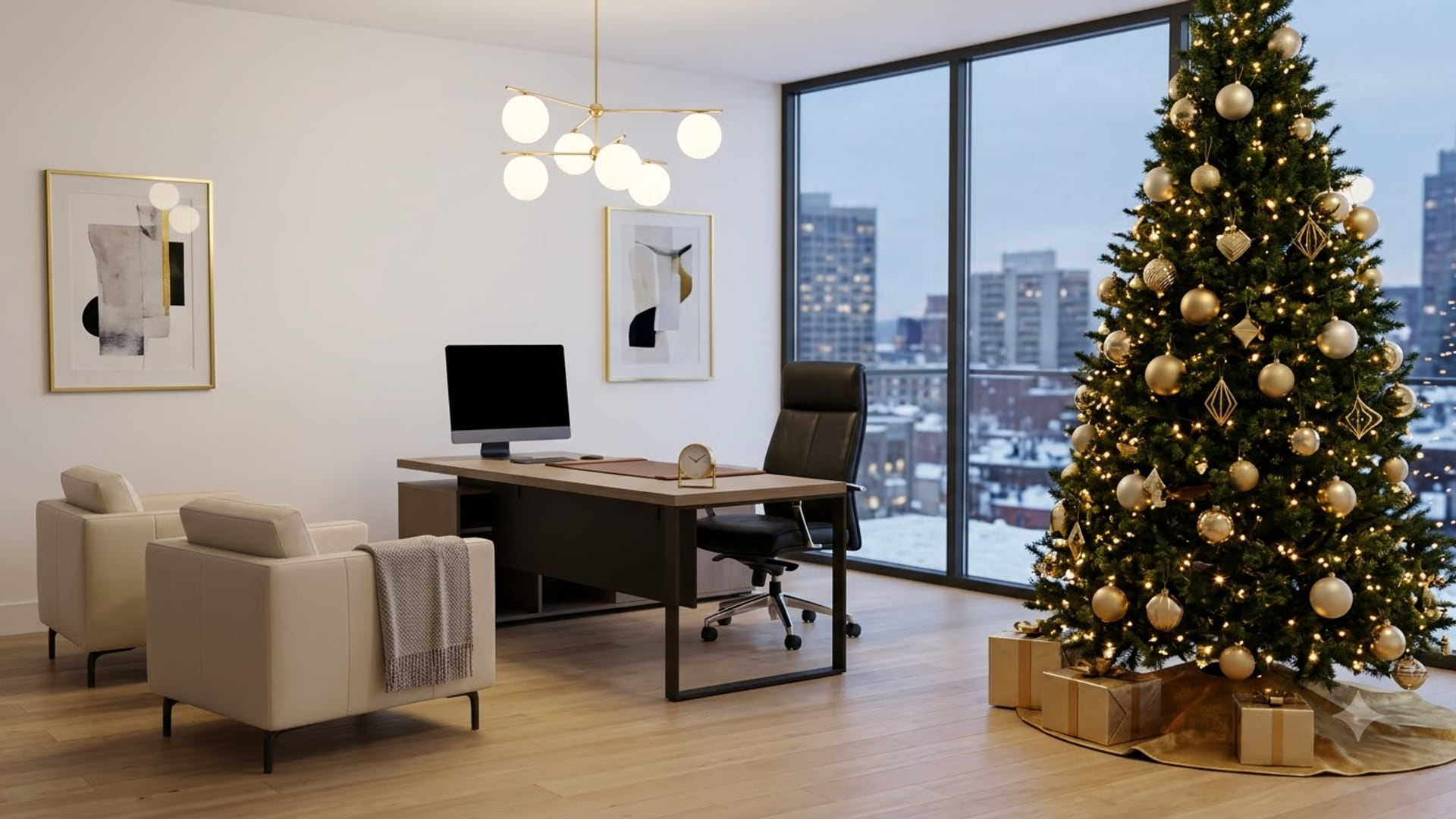
How to change your background in Zoom
To change your background in Zoom, open open background & effects and pick an image, or click Add new to upload your own. Zoom wants a 1920 x 1080 px image at 16:9 in JPG, PNG or GIF.
Menus checked September 2026.
What Zoom wants
- Size
- 1920 x 1080 px
- Aspect ratio
- 16:9
- Formats
- JPG, PNG or GIF
- Max file size
- 5 MB
Everything on this site is already that size. Why the size matters.
Download the image
Grab any background from this site. Zoom caps uploads at 5 MB — everything here is comfortably under that.
Open Background & Effects
Outside a meeting: click your profile picture, then Settings, then Background & Effects in the left rail. Inside a meeting: click the small arrow next to Stop Video and choose Choose Virtual Background.
Add the file
Click the + on the right of the thumbnail grid, choose Add Image, and select your download. Zoom applies it the moment it loads.
Fix the mirror if text looks backwards
If your background has readable text and it reads back-to-front to you, that is just your self-view mirroring — everyone else sees it correctly. To confirm, untick Mirror my video in the same settings panel.
Where it usually goes wrong
- Zoom stores backgrounds per device and per Zoom account on that device. They do not roam.
- Without a green screen, Zoom asks your CPU to do the cutout. On older machines that is where the fan noise and the choppy video come from.
- A meeting host can disable virtual backgrounds for everyone. If your background silently reverts on joining, that is why.
- Turn off the touch-up filter when testing a new background — it makes edge artefacts much harder to spot.
Common questions
Why is my Zoom virtual background blurry?
Almost always an upscaled image. Zoom stretches whatever you give it to fill a 16:9 frame, so a 640px-wide picture turns to mush. Use 1920 x 1080.
Does Zoom need a green screen?
Not on most hardware any more. The green screen option is still there under I have a green screen, and it does give a noticeably cleaner edge if you happen to have a plain wall behind you.
Is there a file size limit?
Yes — 5 MB for images. If Zoom refuses your upload, compress it rather than shrinking the pixel dimensions.
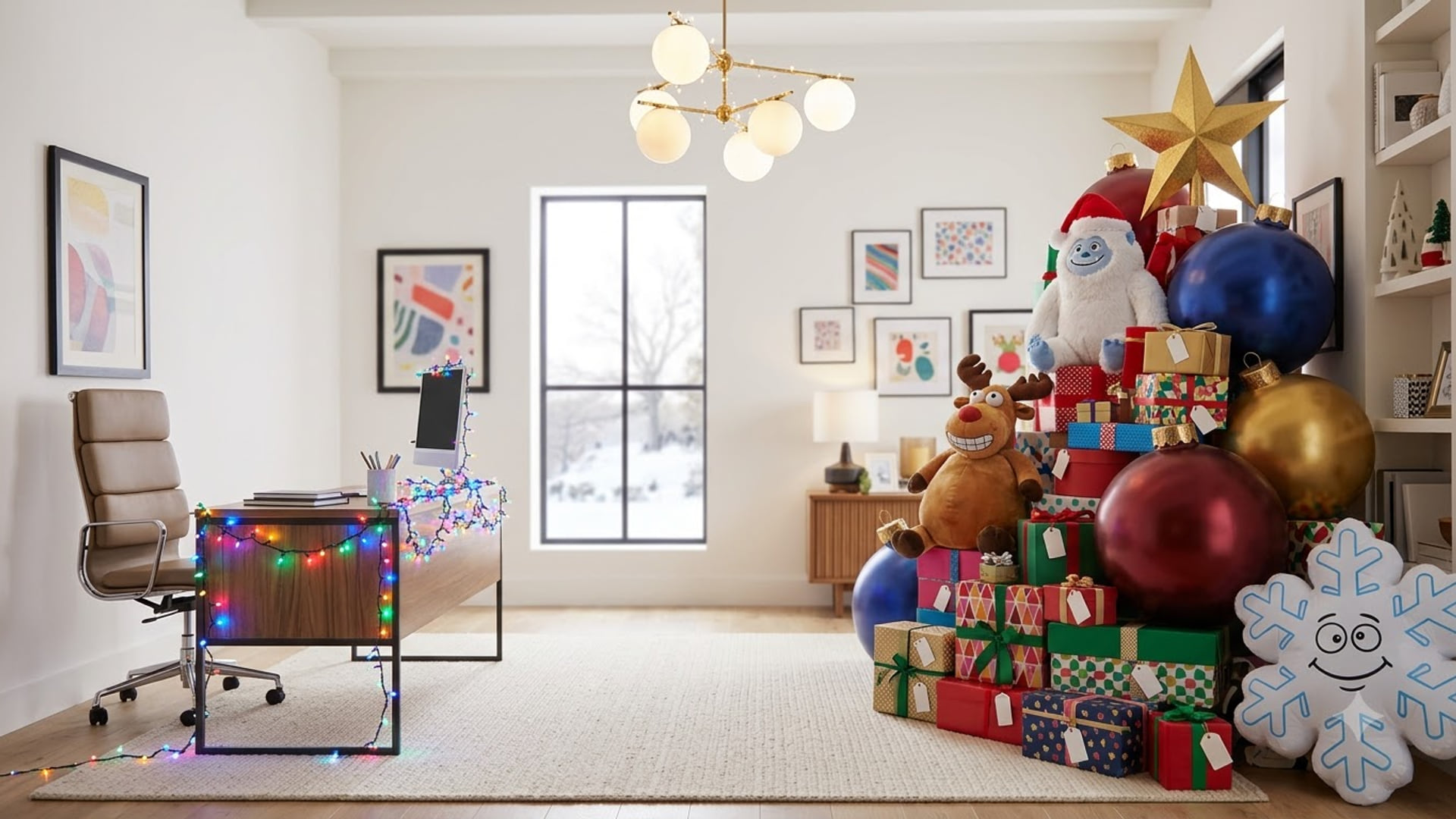
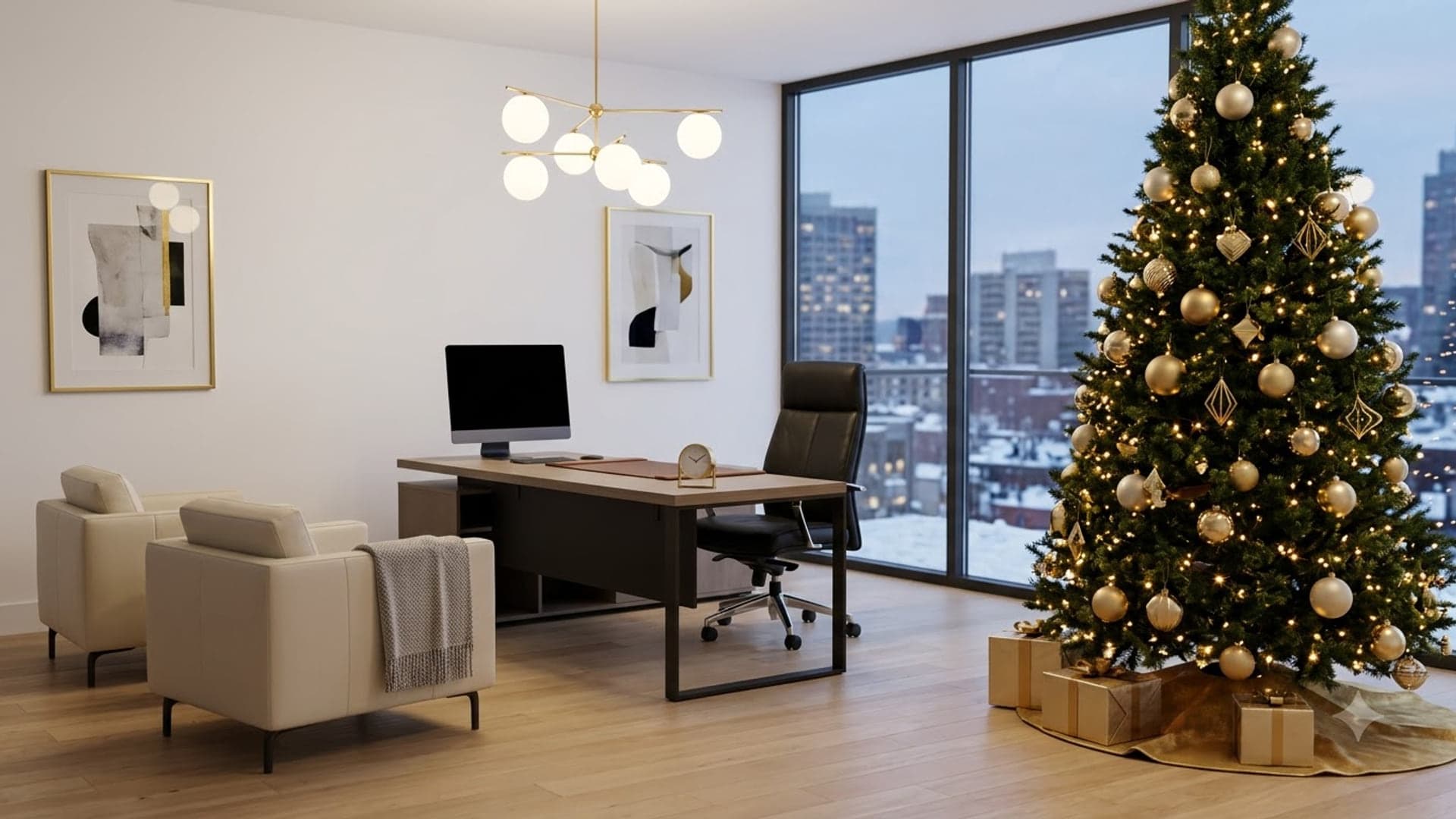
Something to try it with
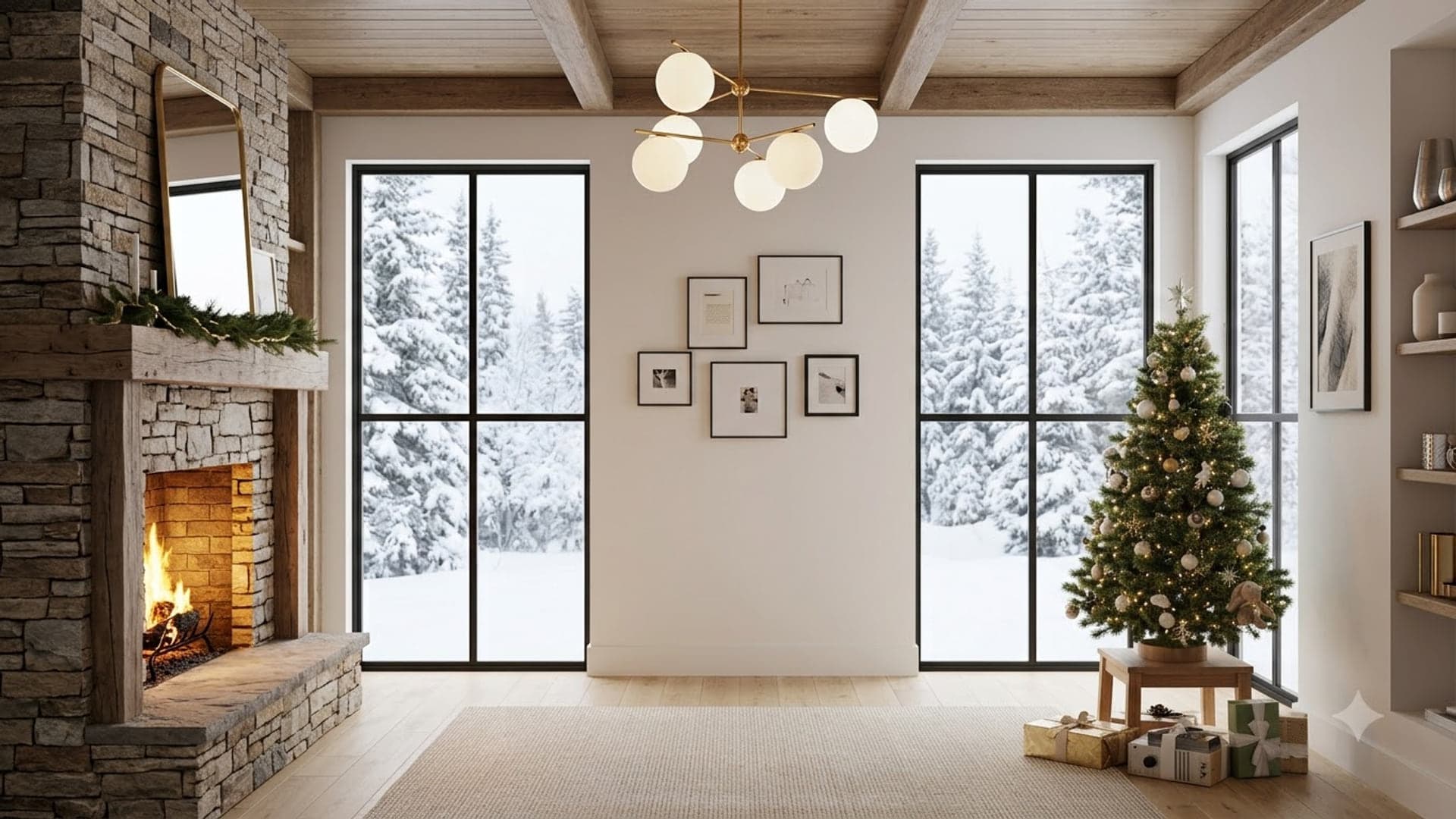
1920 x 1080
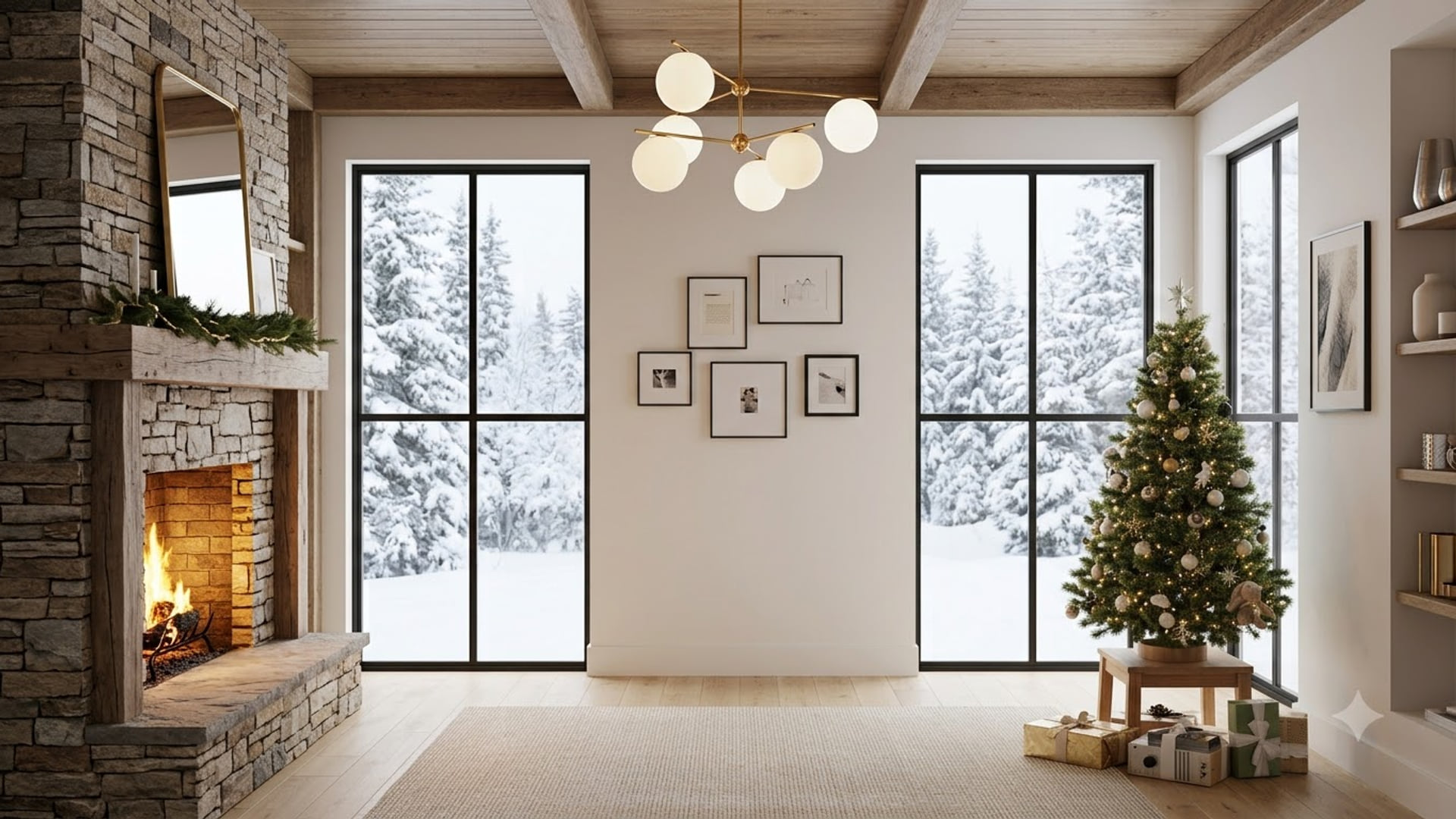
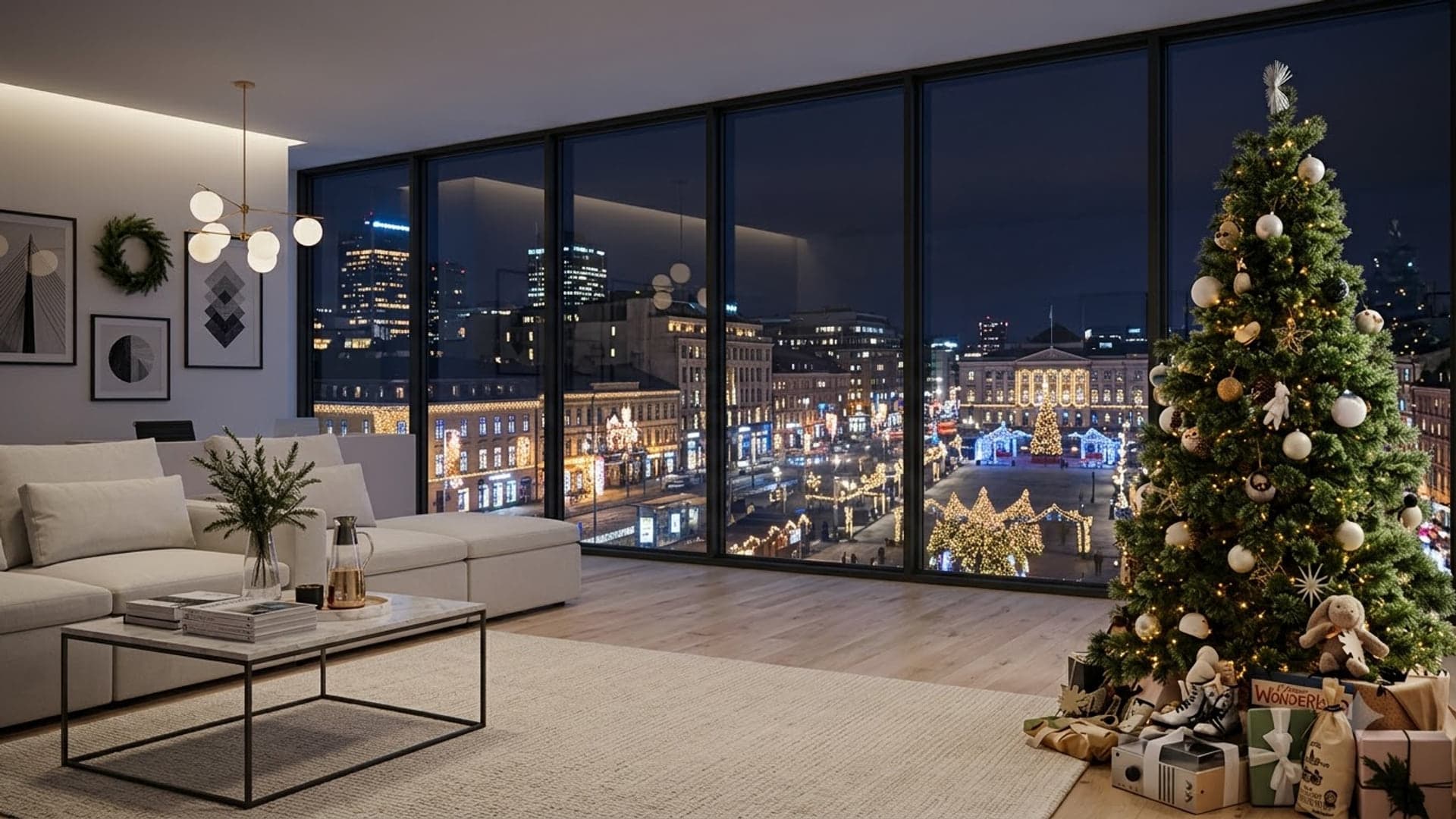
1920 x 1080
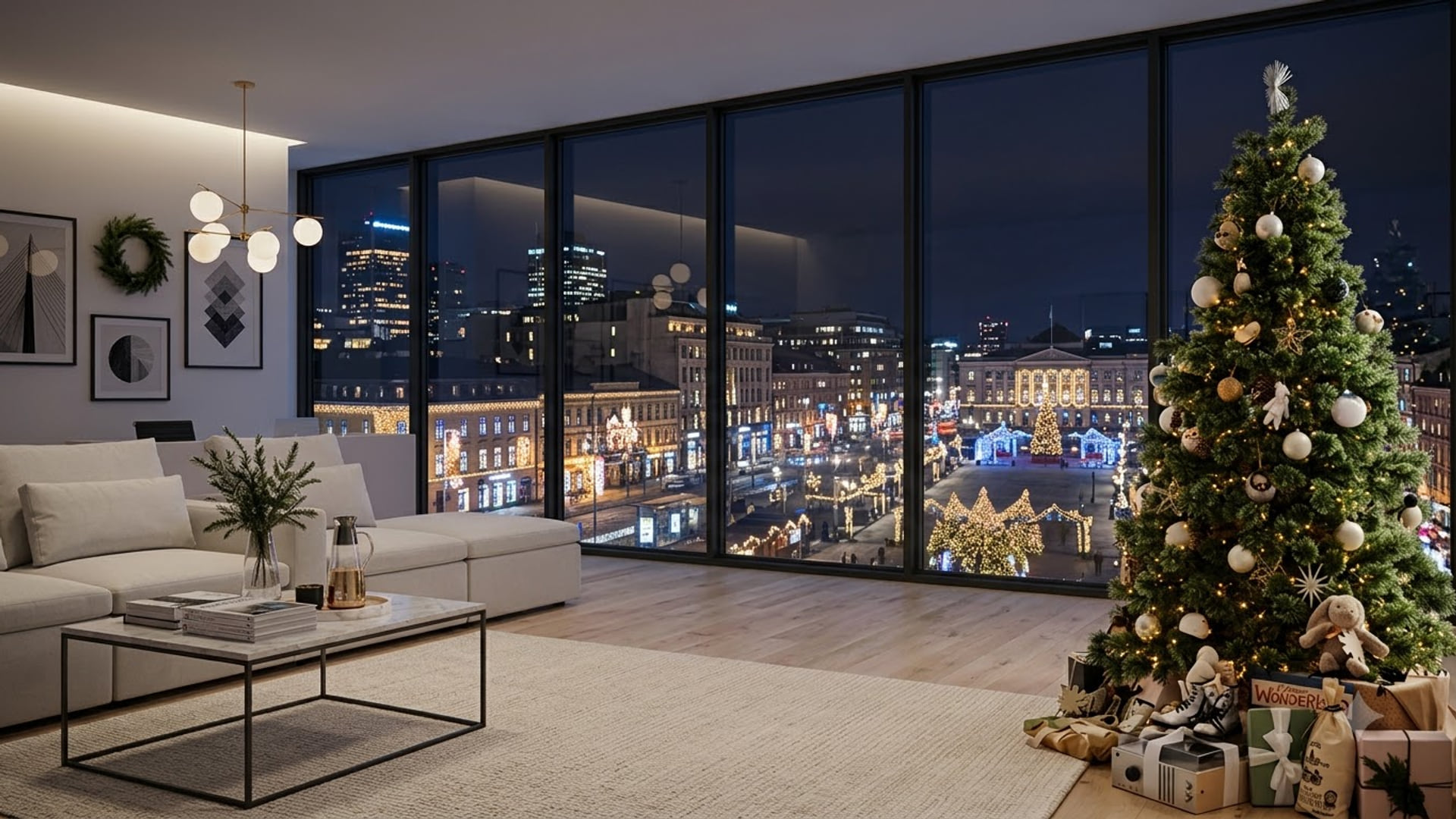

1920 x 1080

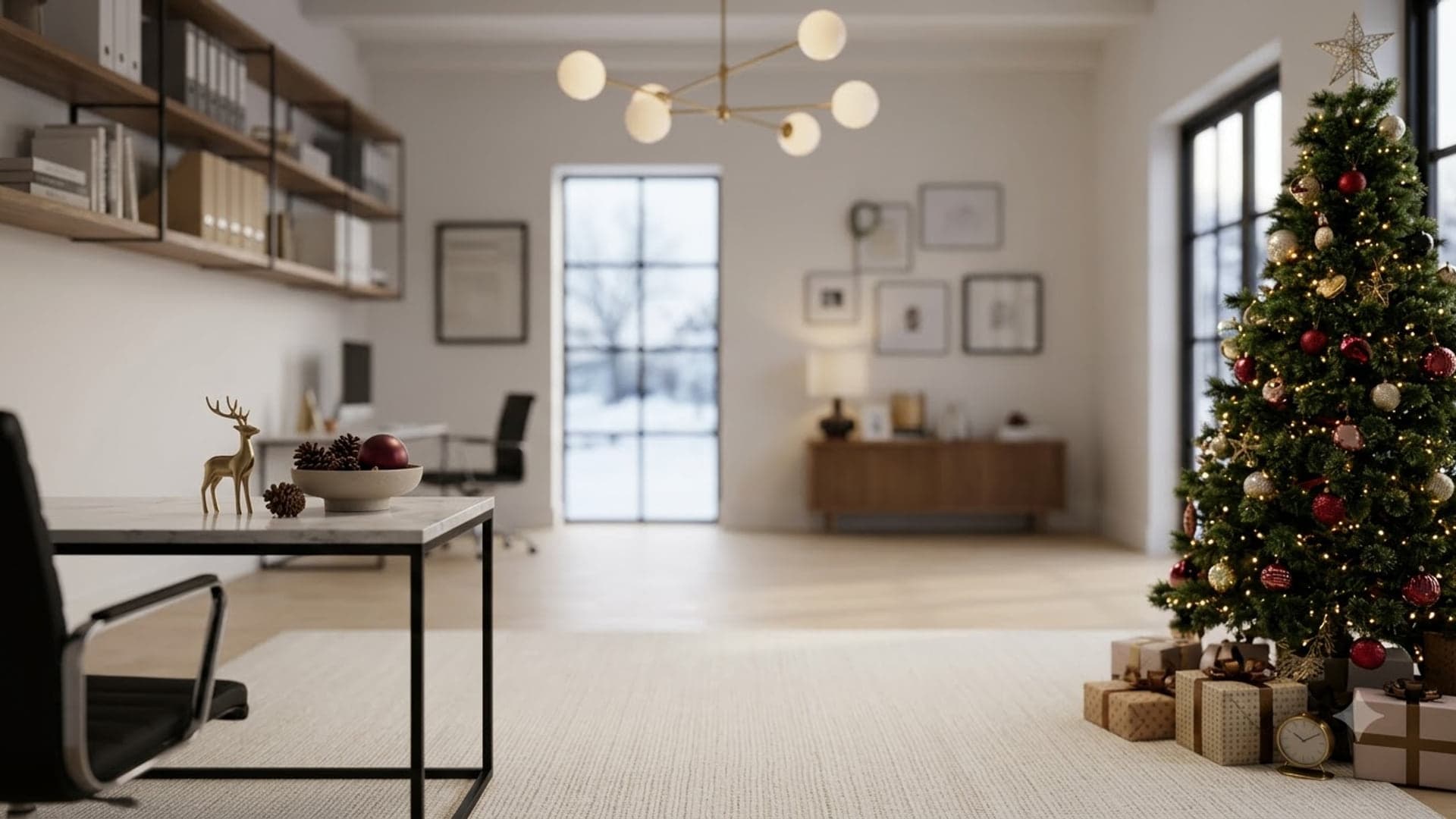
1920 x 1080
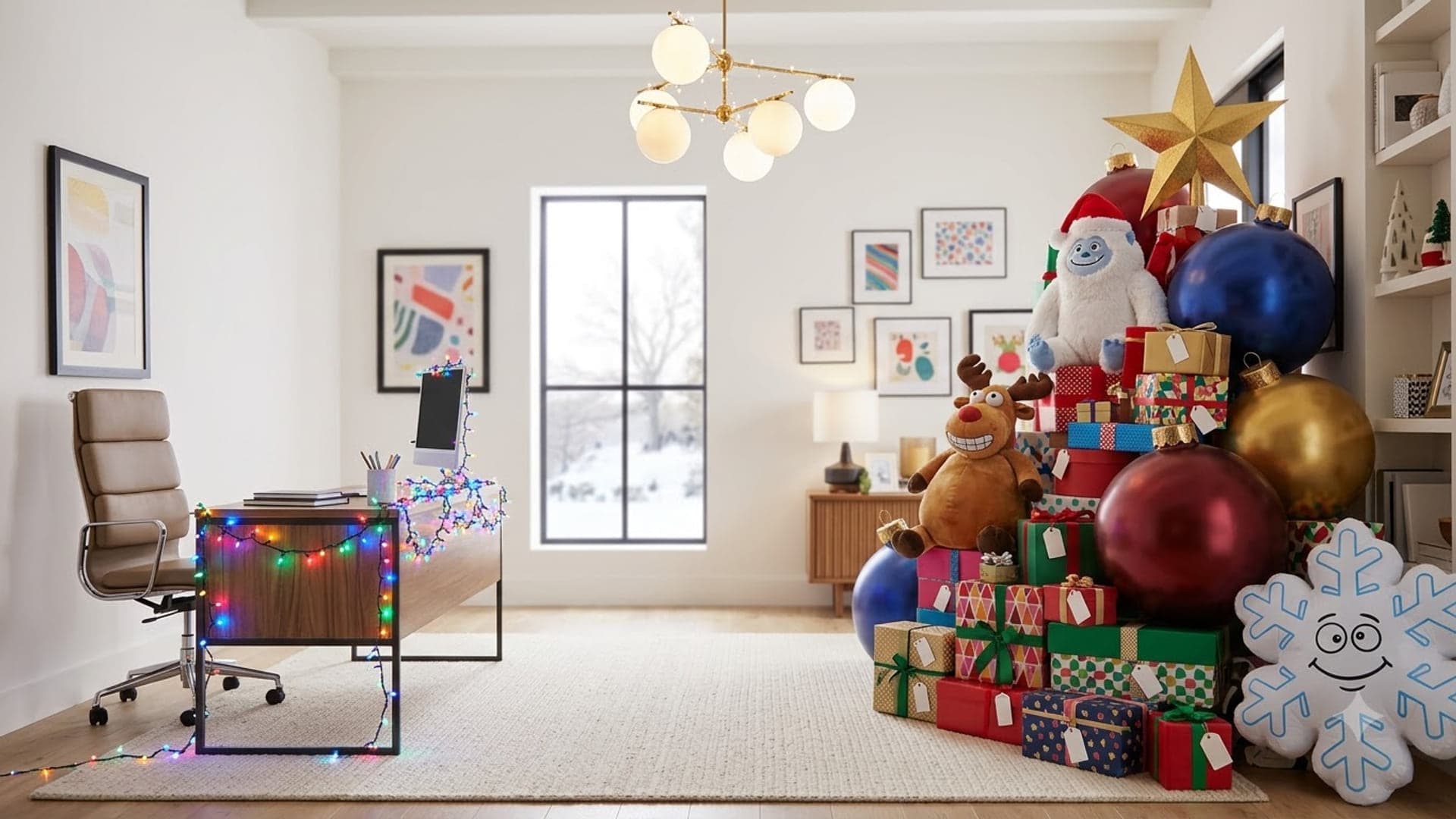
1920 x 1080
1920 x 1080