Cool Teams backgrounds
A cool Teams background is an ordinary 1920x1080 JPG or PNG with a striking scene in it — a space station, a neon skyline, a futuristic office. Teams treats it like any other custom background: you add it under Effects and avatars.
3 free backgrounds · 1920 x 1080 · works in Teams, Zoom and Google Meet

1920 x 1080

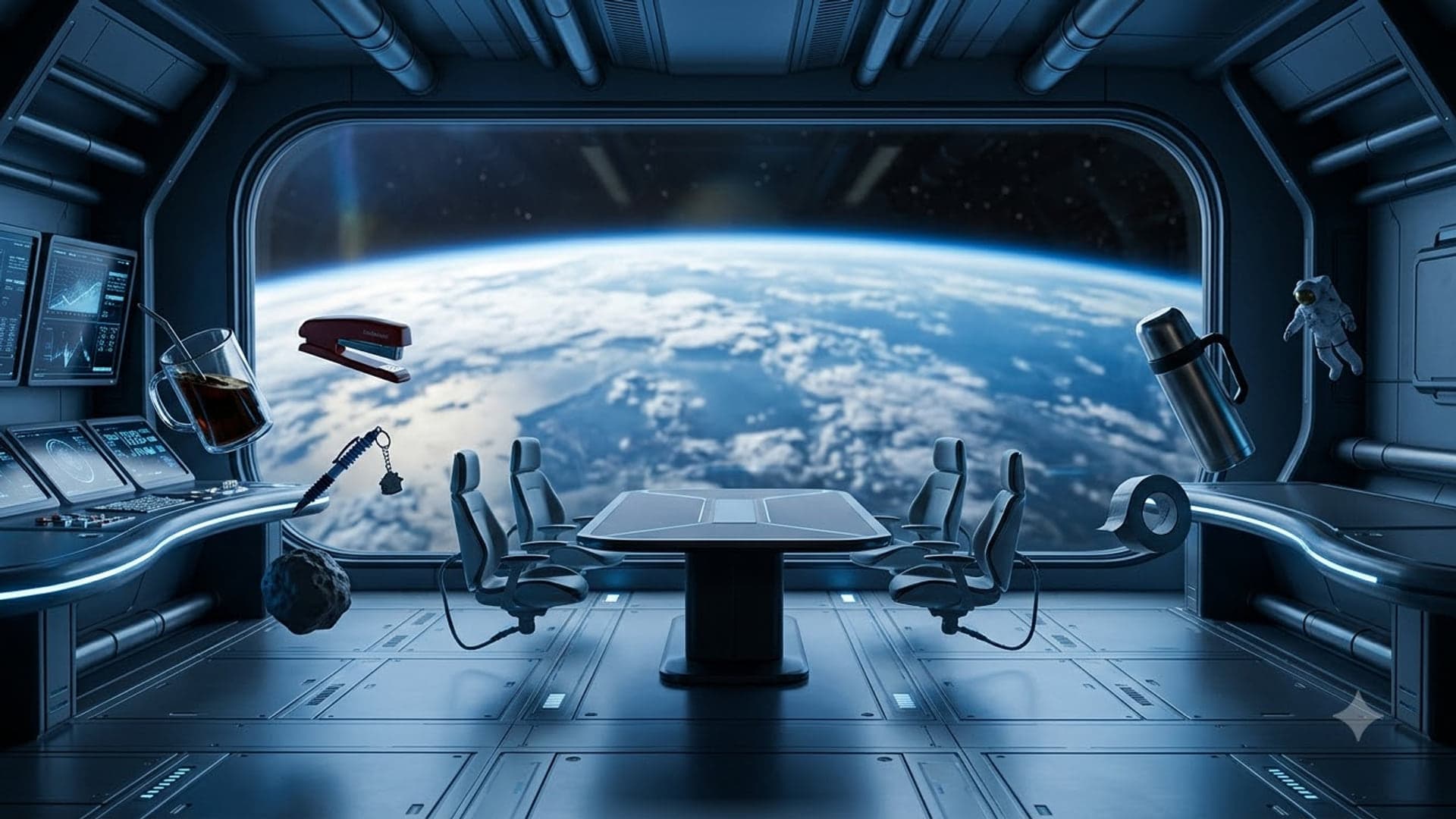
1920 x 1080
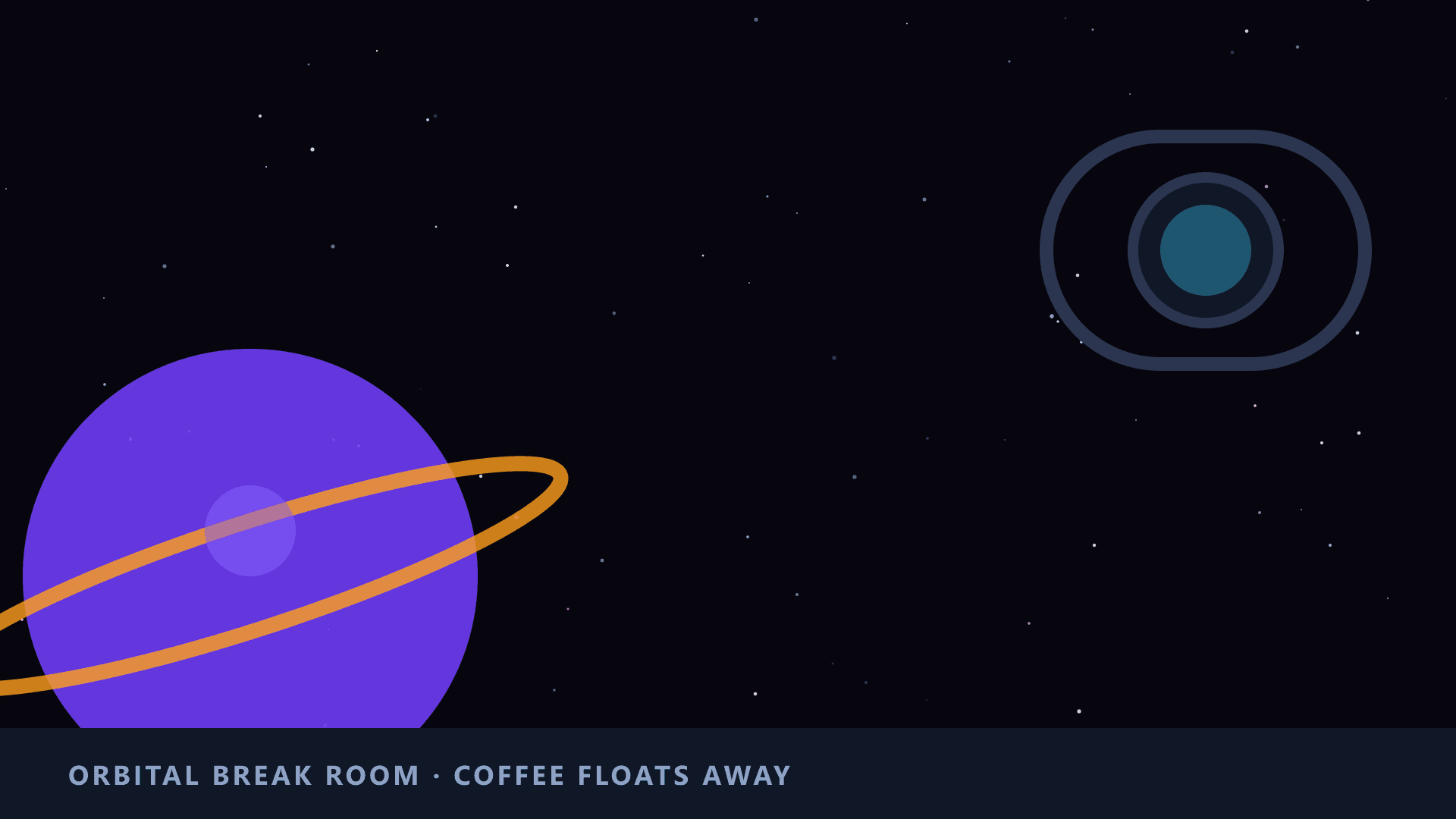
1920 x 1080
This collection is still filling up
Only 3 backgrounds here yet — it needs 6. Until then the page is set to noindex and left out of the sitemap, so it is not asking Google to rank a page with nothing on it. It starts indexing itself as soon as the images land.
Picking one that works
Cool is what people ask for when funny is too much and plain is too little — a background with something going on in it that still lets a work conversation happen in front of it.
The trap is contrast. A neon-drenched scene looks spectacular at full size and turns your outline into a shimmering mess on a call, because edge detection has to separate you from something as bright as you are. The ones that hold up keep their drama away from head height and leave the middle of the frame calm.
Whatever you choose, the setup is the same in every app: Teams, Zoom and Google Meet each hide the option in a different menu, and all three want the same 1920 x 1080 file.
Common questions
What makes a good cool background for Teams?
One strong idea that survives being shrunk to a thumbnail, and calm space where your head and shoulders sit. Detailed sci-fi scenes look best in the preview and worst on an actual twelve-person call.
Do cool backgrounds work in Zoom and Google Meet?
Yes. All three apps take the same 1920x1080 still image; only the menu you upload it through differs.