Professional Teams backgrounds
A professional Teams background is a plain, low-contrast 1920x1080 image that draws no attention to itself. For interviews and client calls, quieter beats cleverer every time.
1 free background · 1920 x 1080 · works in Teams, Zoom and Google Meet
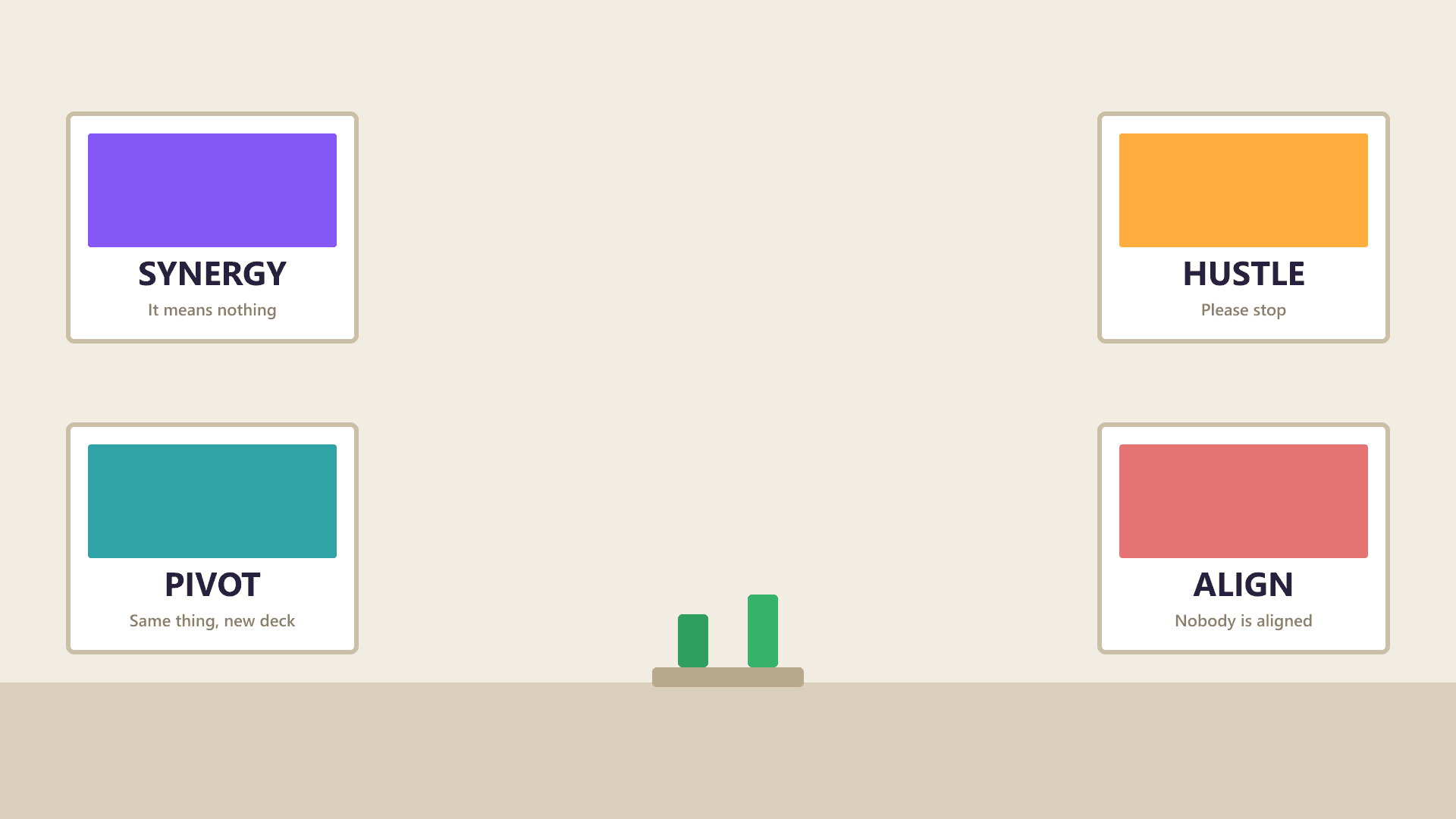
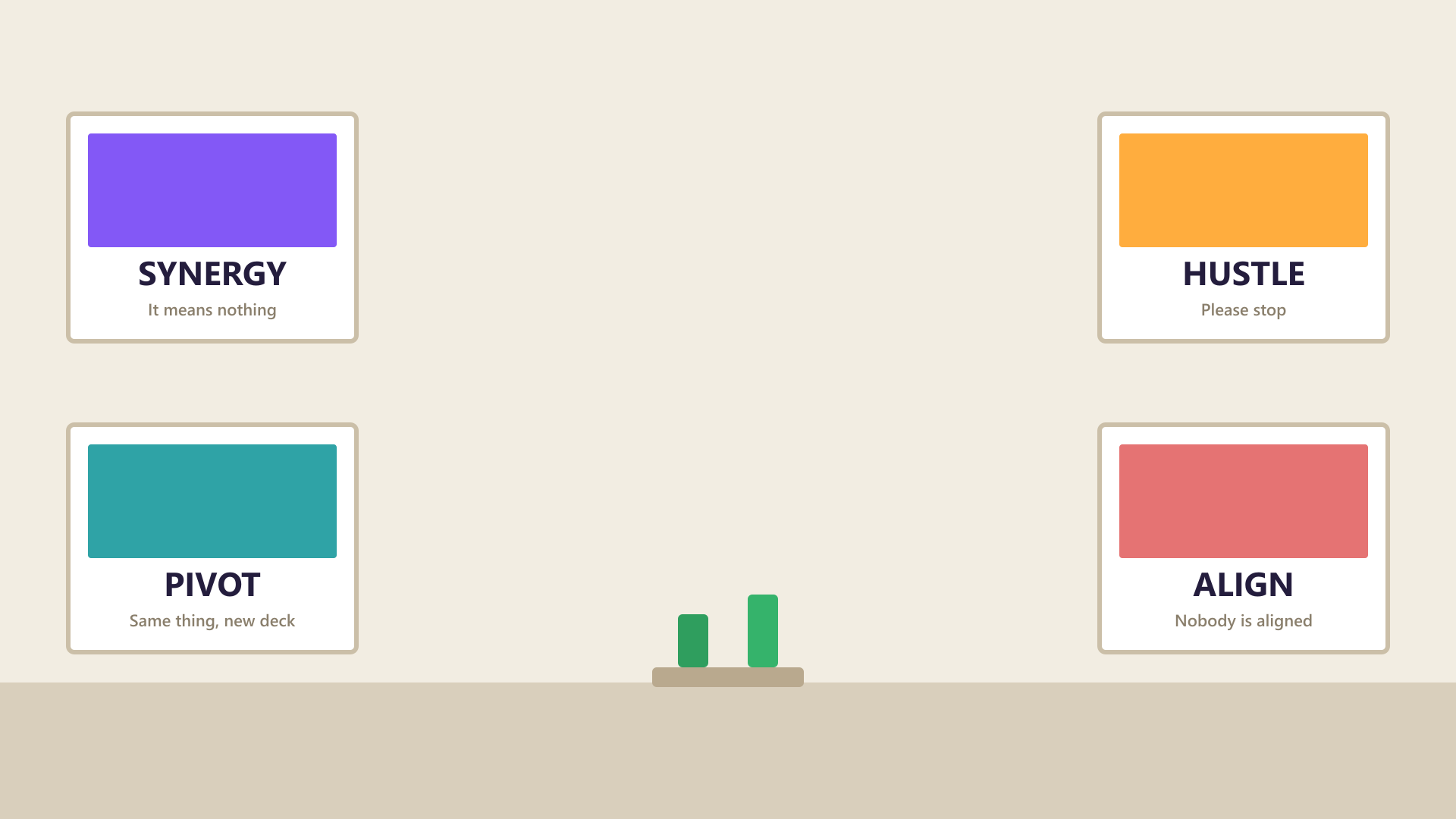
1920 x 1080
This collection is still filling up
Only 1 background here yet — it needs 6. Until then the page is set to noindex and left out of the sitemap, so it is not asking Google to rank a page with nothing on it. It starts indexing itself as soon as the images land.
Picking one that works
The test for this category is simple: after the call, could anyone describe your background? If yes, it was too loud.
For interviews specifically, a plain wall or a very soft neutral image beats anything with a story in it. The panel should be looking at you.
Whatever you choose, the setup is the same in every app: Teams, Zoom and Google Meet each hide the option in a different menu, and all three want the same 1920 x 1080 file.
Common questions
What background is best for a job interview on Teams?
A plain, light, low-contrast image — or blur. Anything with detail invites the panel to read it instead of listening to you.
Should a professional background have my company logo?
Only if your employer supplies one. A self-made logo background usually looks worse than a neutral image, and many organisations have a branded background they want staff to use instead.