Free Zoom virtual backgrounds
Zoom takes any JPG or PNG up to 5 MB as a virtual background, and a 1920x1080 image at 16:9 fills the frame without being stretched. Every background in these galleries is already that size: download one, open Background & Effects in Zoom settings, click the plus and choose Add Image.
- Size
- 1920 x 1080 px
- Ratio
- 16:9
- Formats
- JPG, PNG or GIF
- Max file
- 5 MB
- Backgrounds
- 125, all free
Every background on this site works in Zoom as it is. What decides whether one looks good on a call is the same on every platform: it has to read at the size of a video tile, and the middle of the frame belongs to you. Zoom cuts you out and pastes you over the centre, so whatever sits behind your head is hidden for the whole call.
The galleries are grouped by the kind of meeting — office and professional backgrounds for client calls, bookshelves for interviews, funny ones for the team stand-up, and seasonal sets as the year turns.
Office backgrounds for Zoom
Real-looking workspaces for when your actual room will not do. The safest choice for a work call.
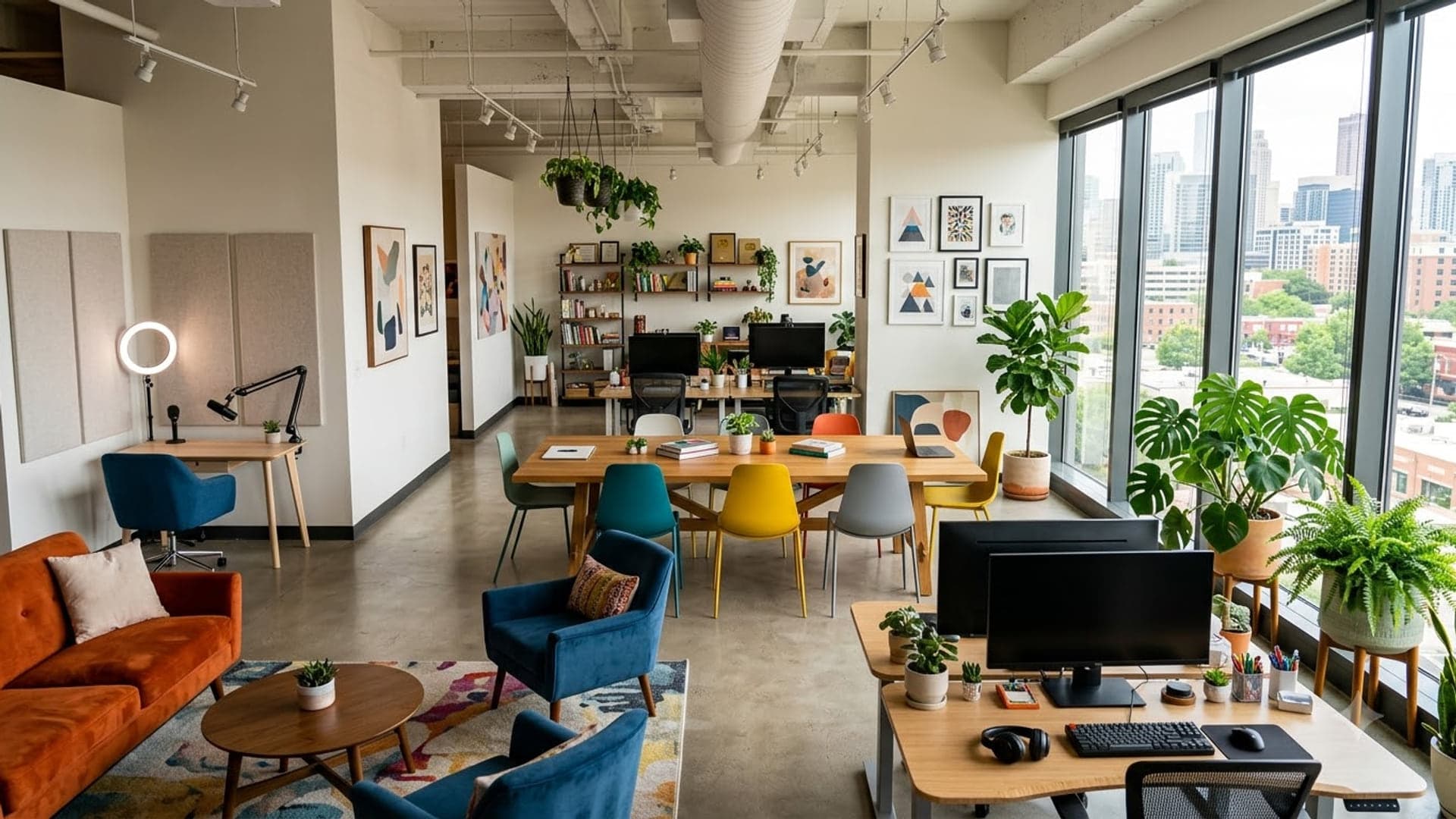
1920 x 1080
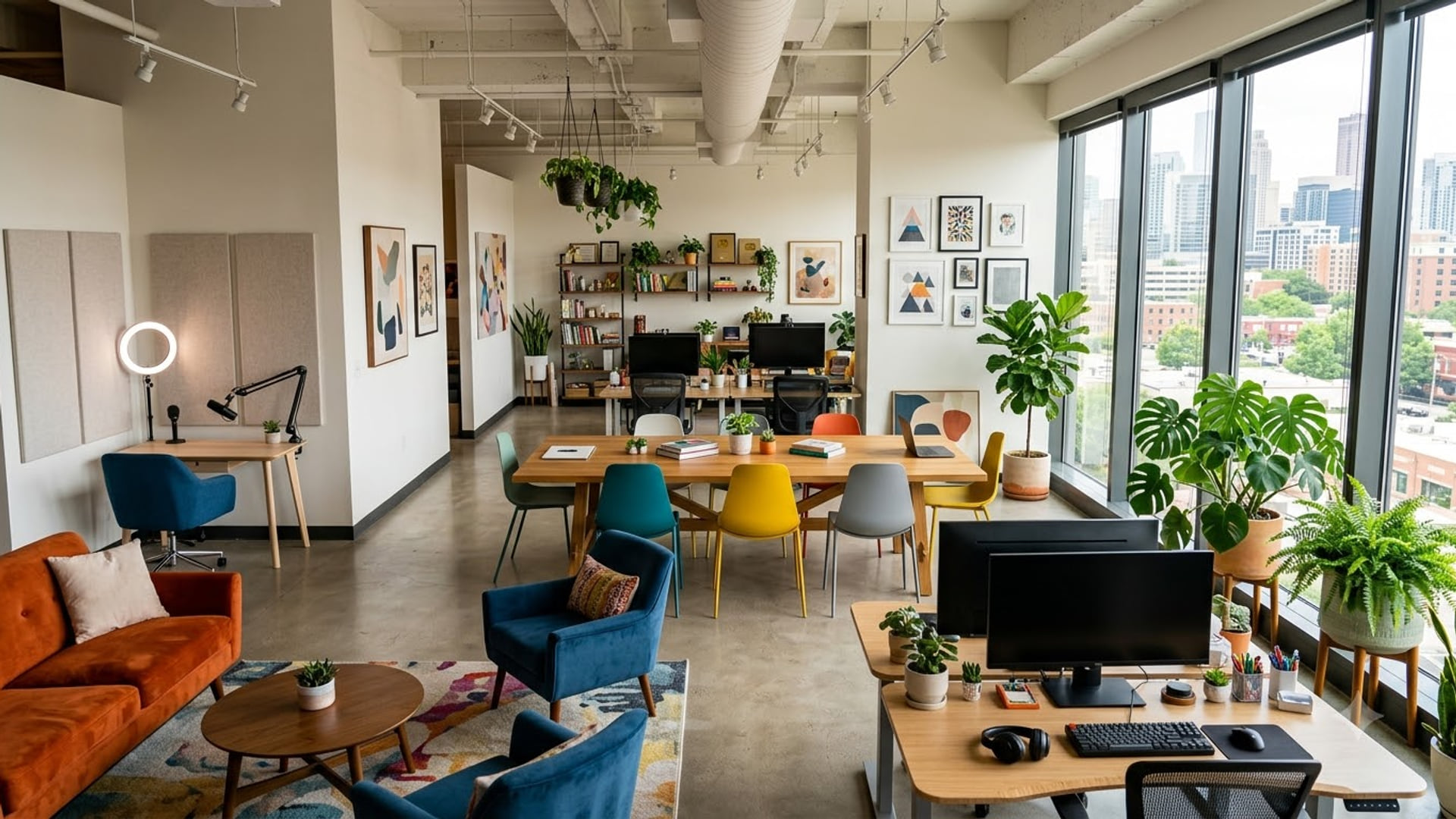
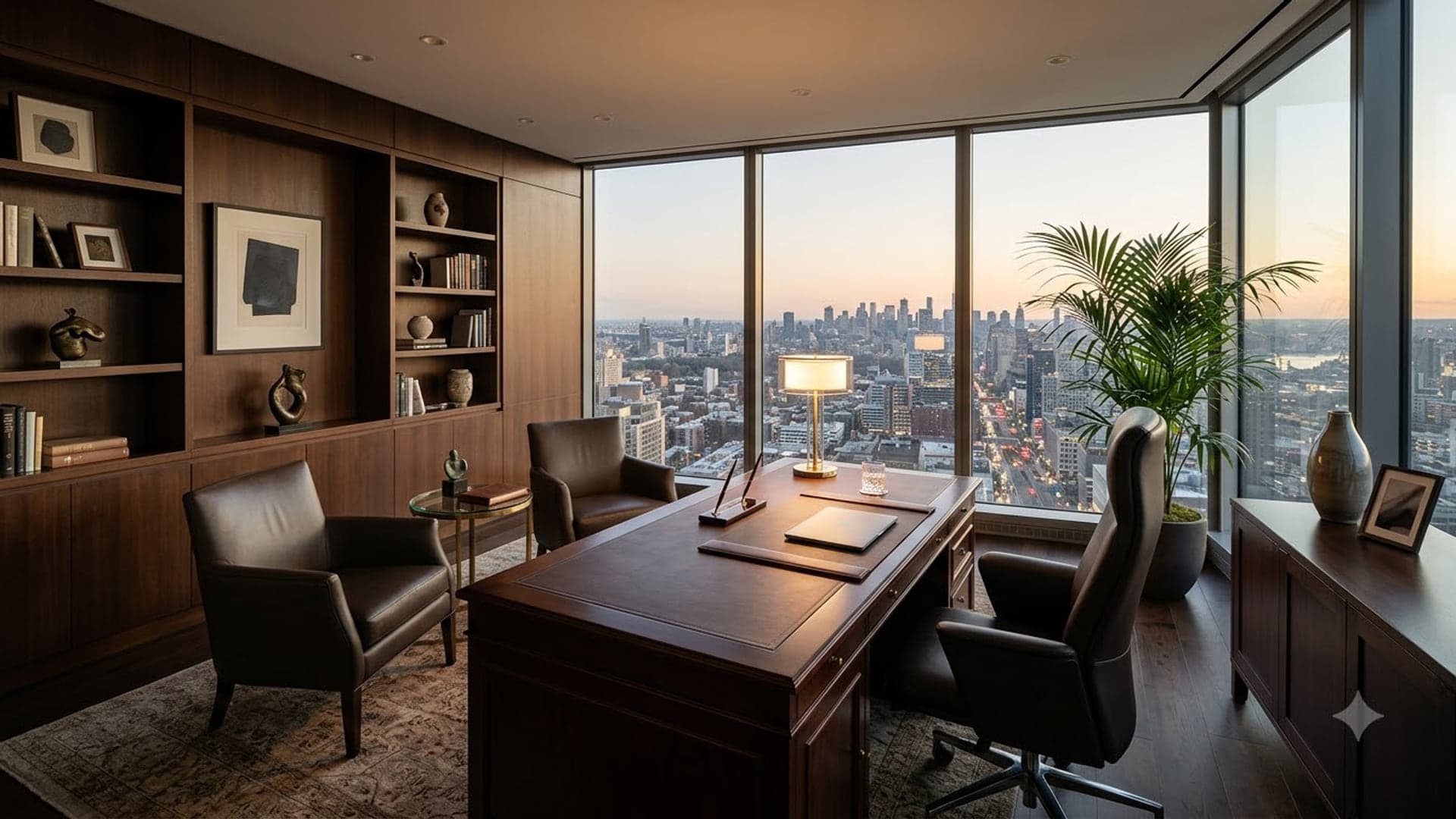
1920 x 1080
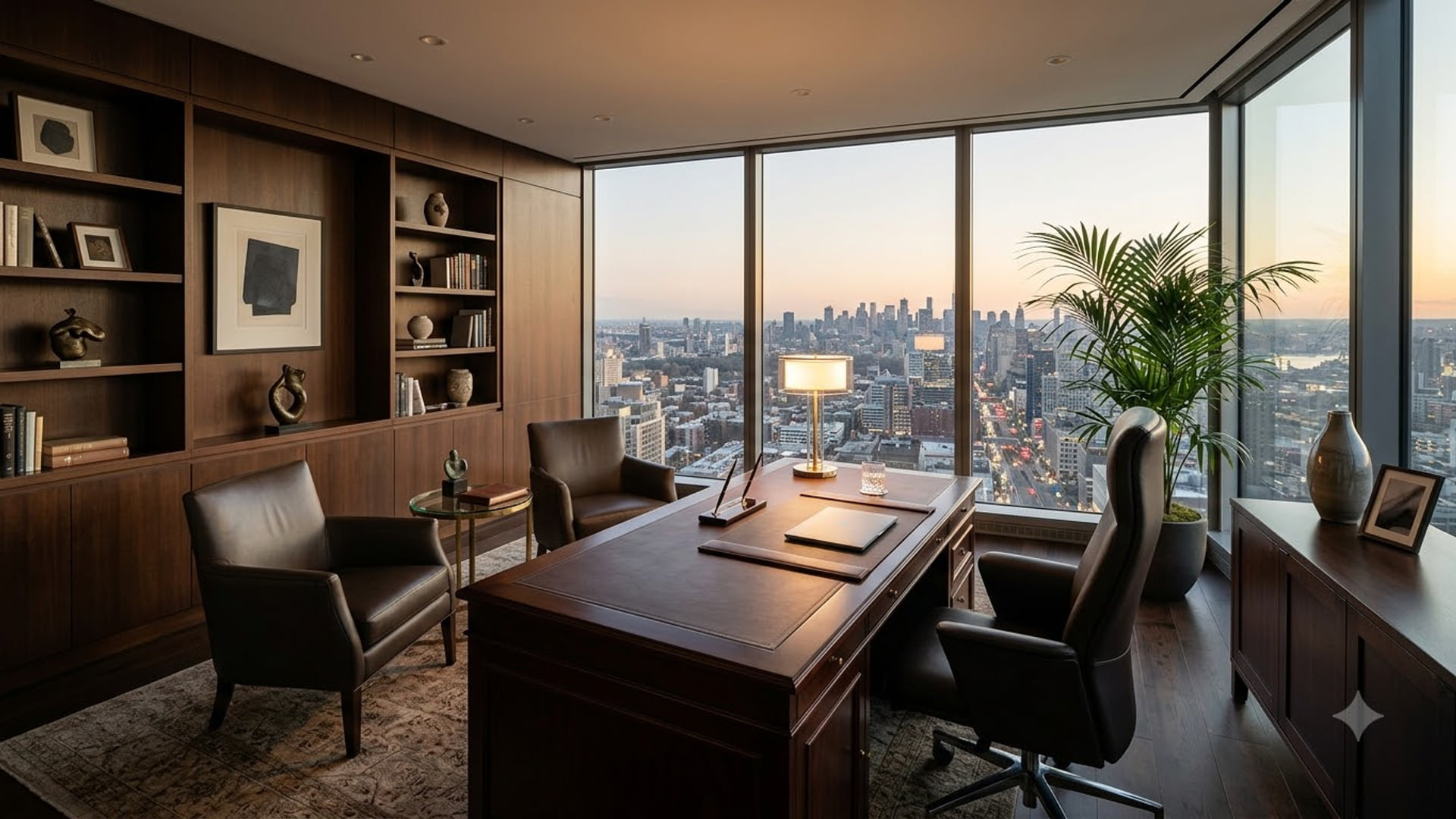
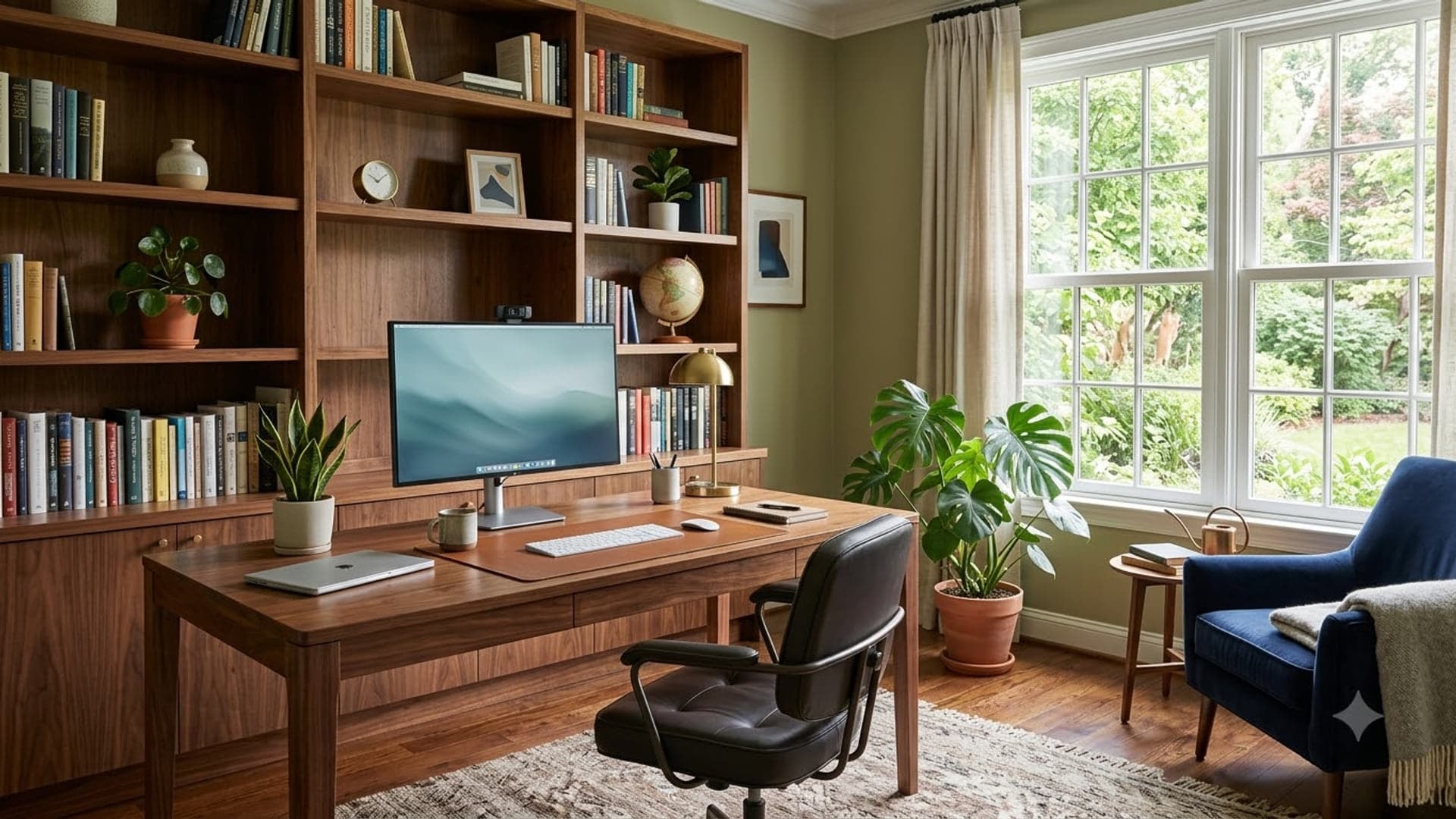
1920 x 1080
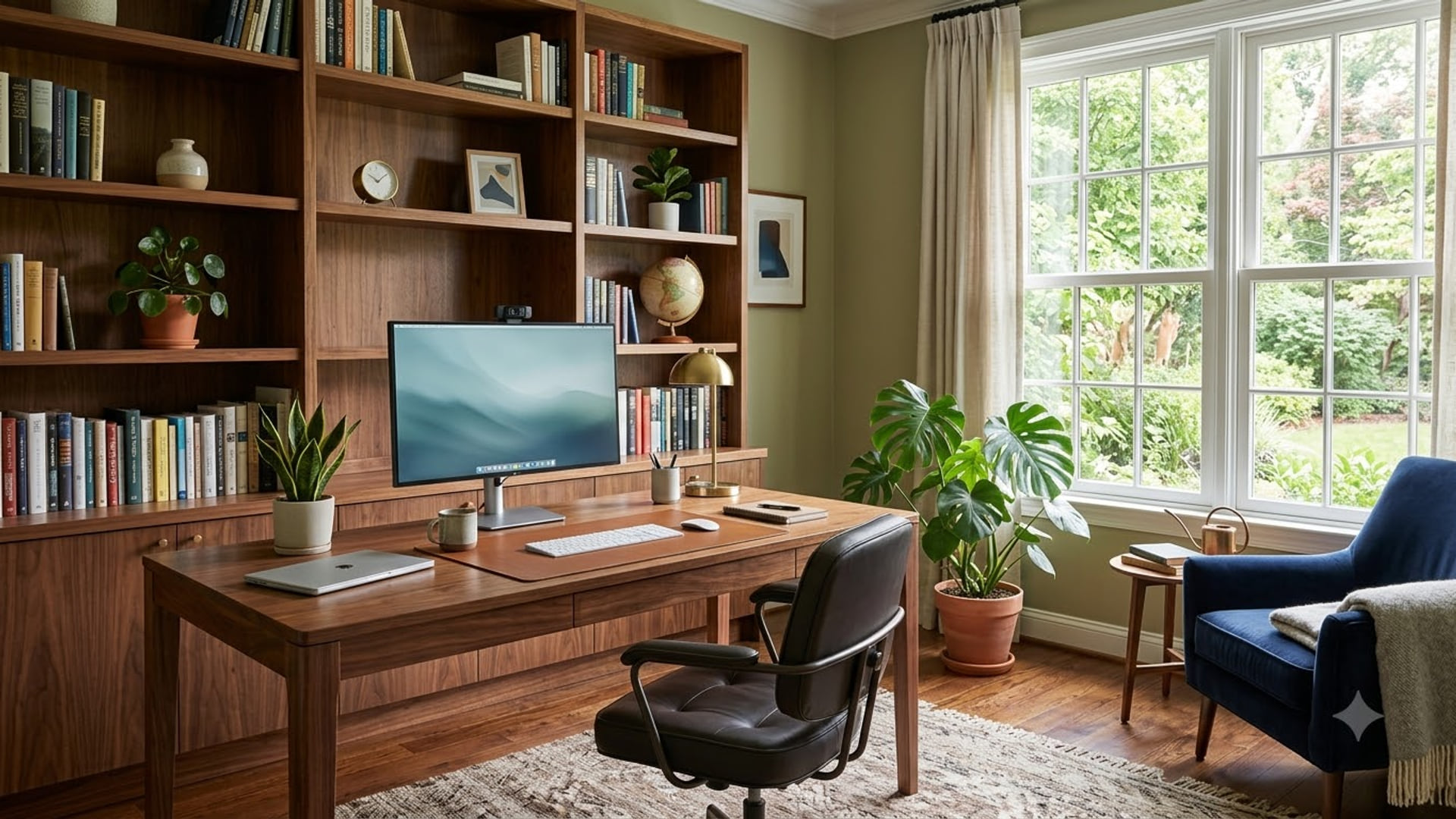
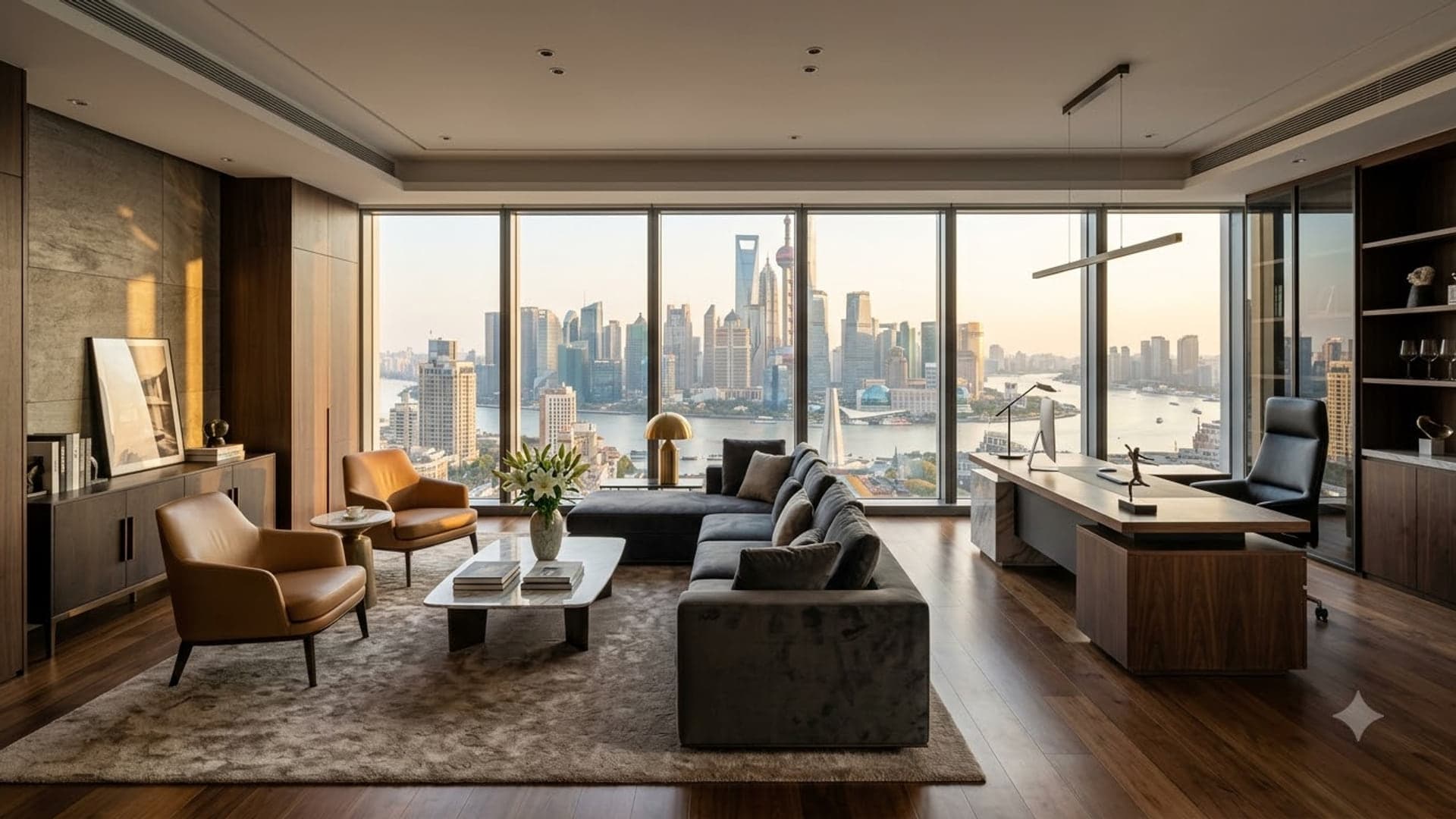
1920 x 1080
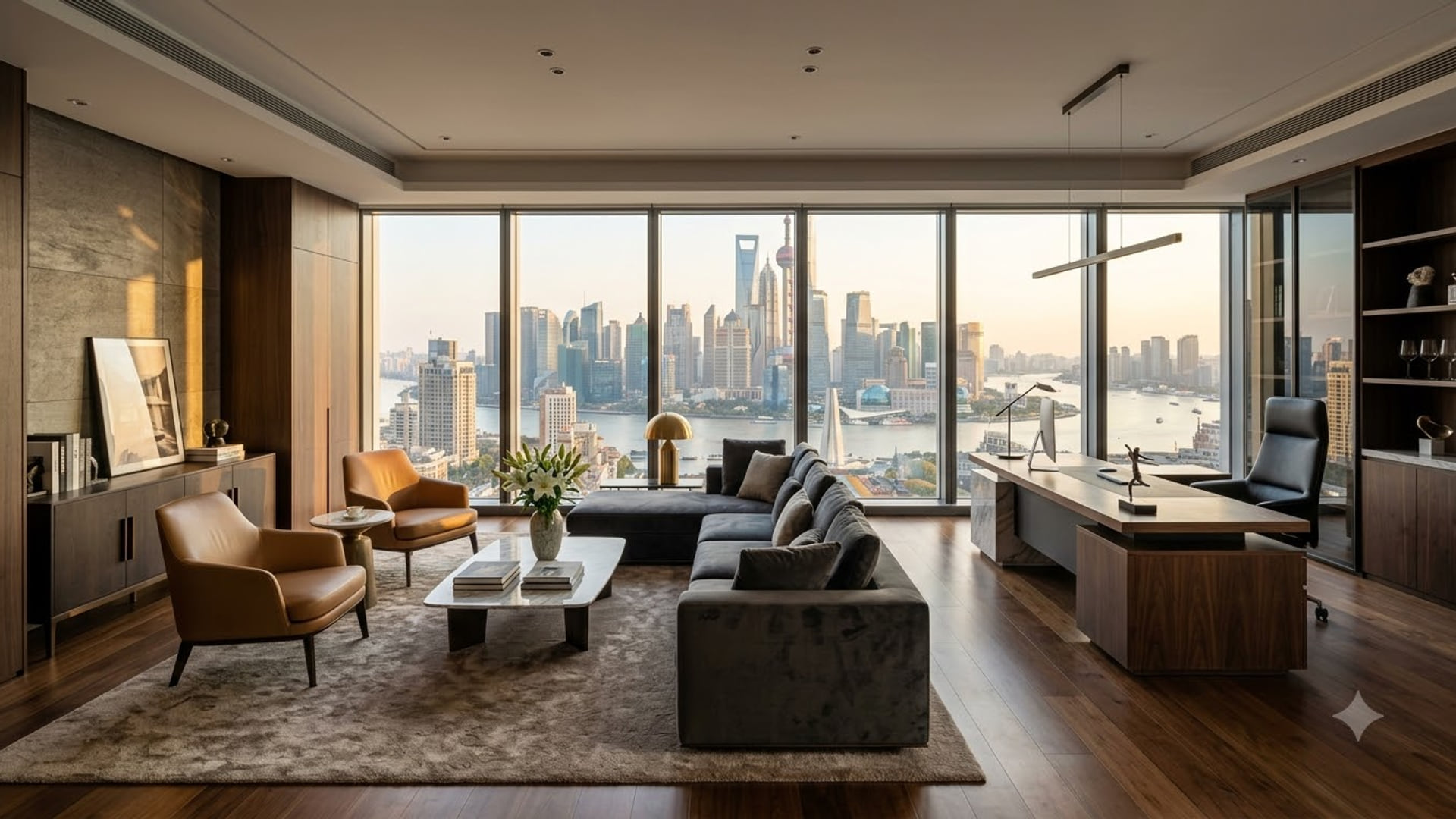
Professional Zoom backgrounds
Simple, neutral and quiet — for client calls, interviews and anything being recorded.
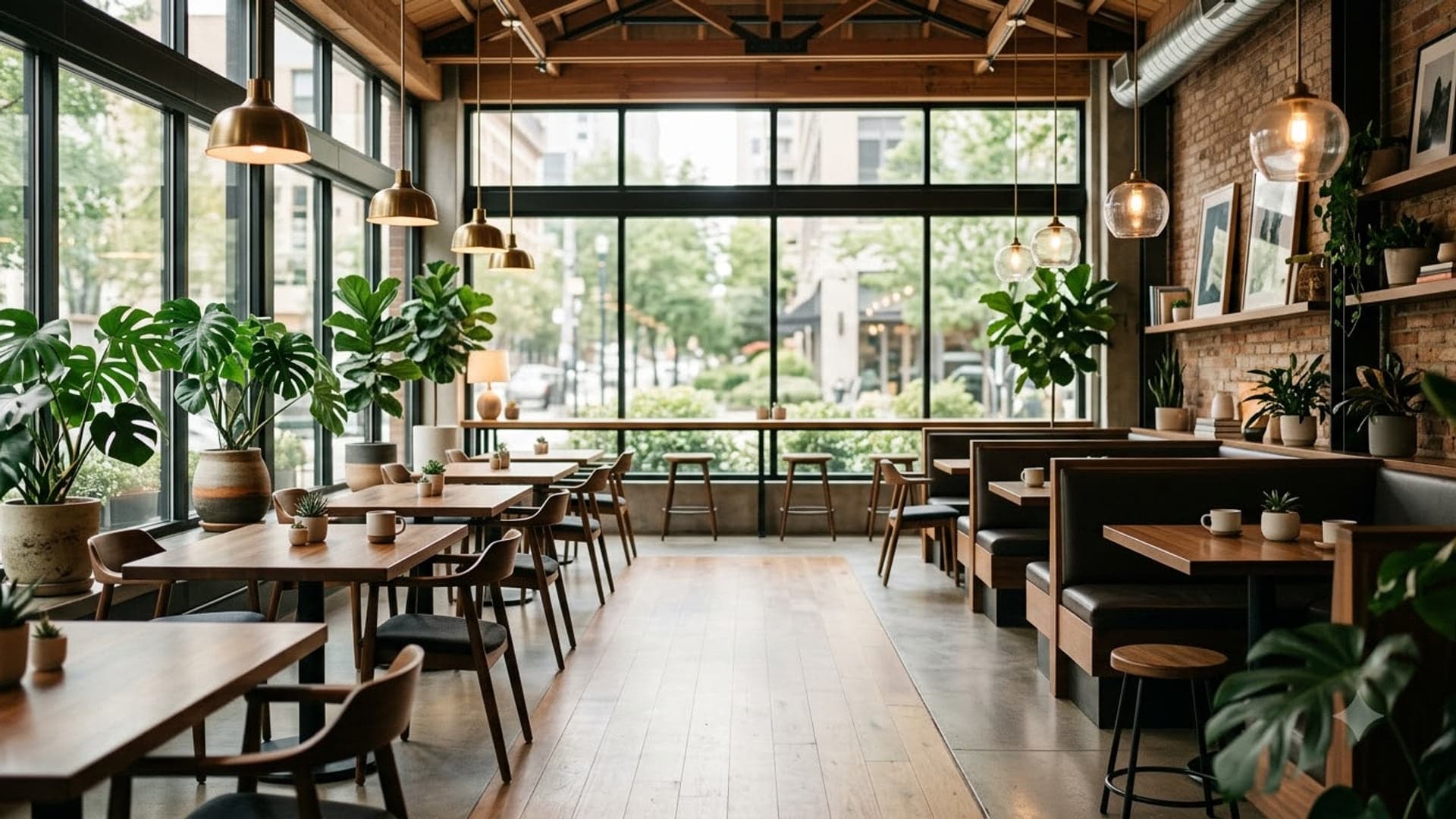
1920 x 1080
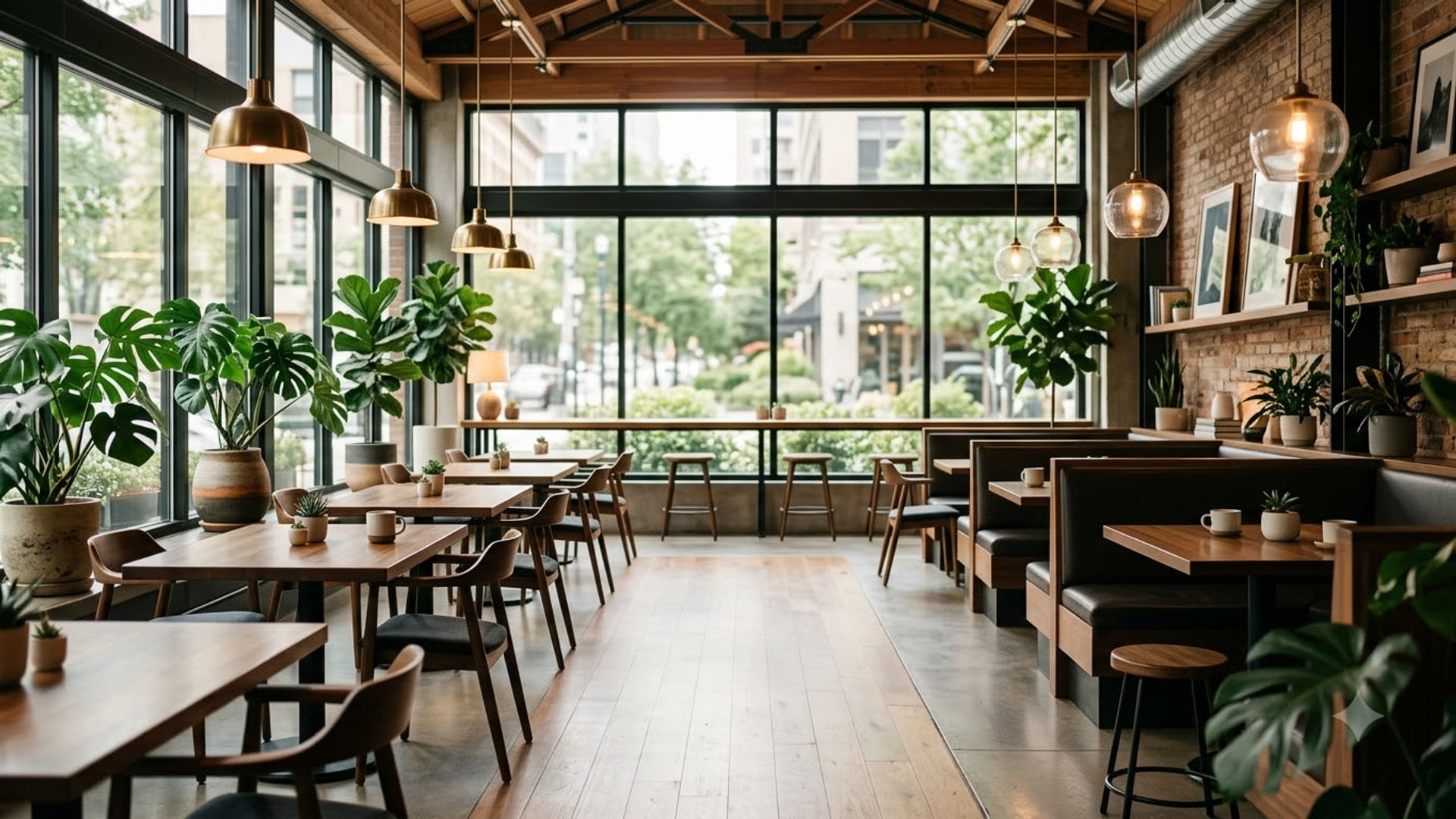

1920 x 1080

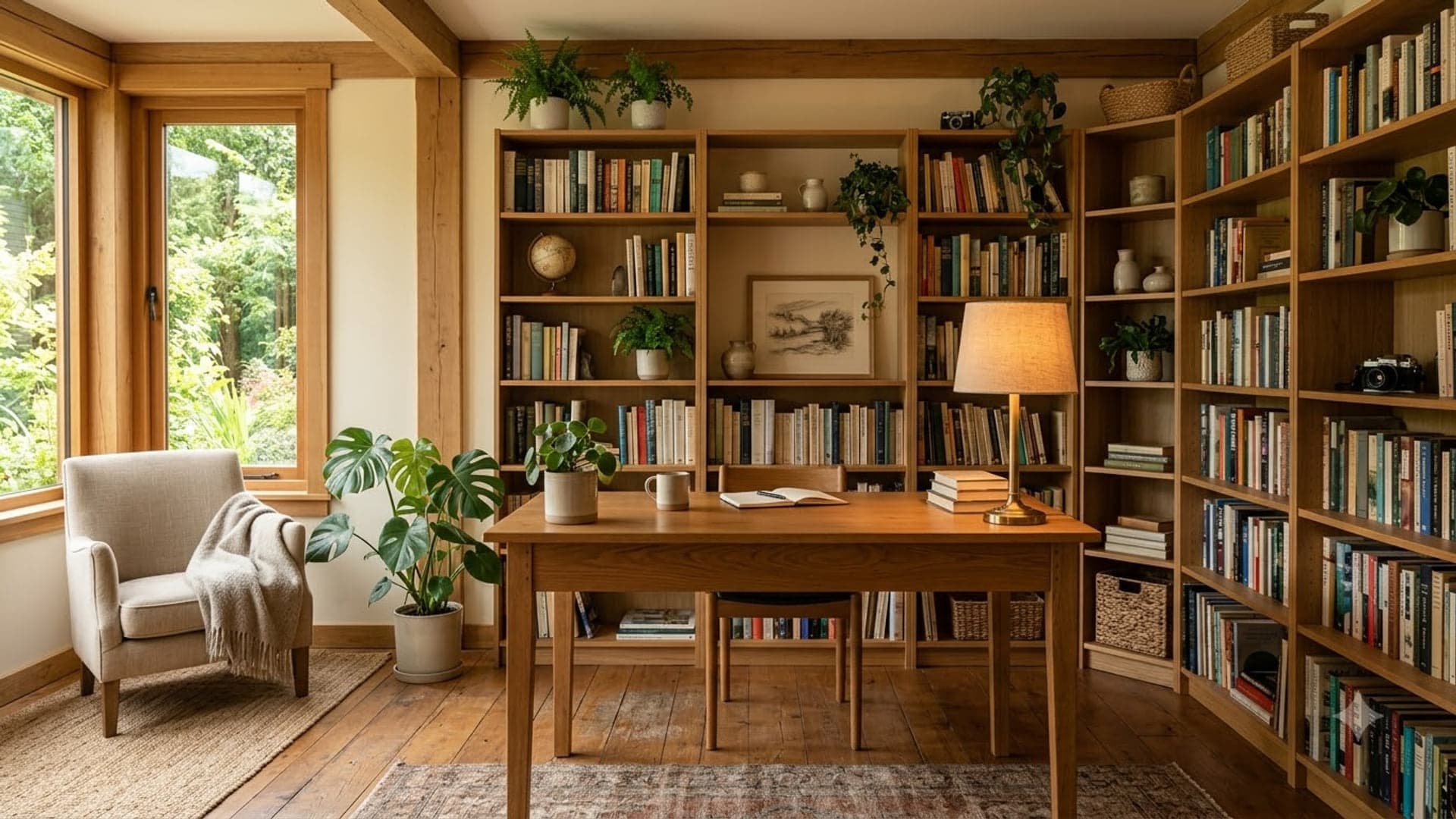
1920 x 1080
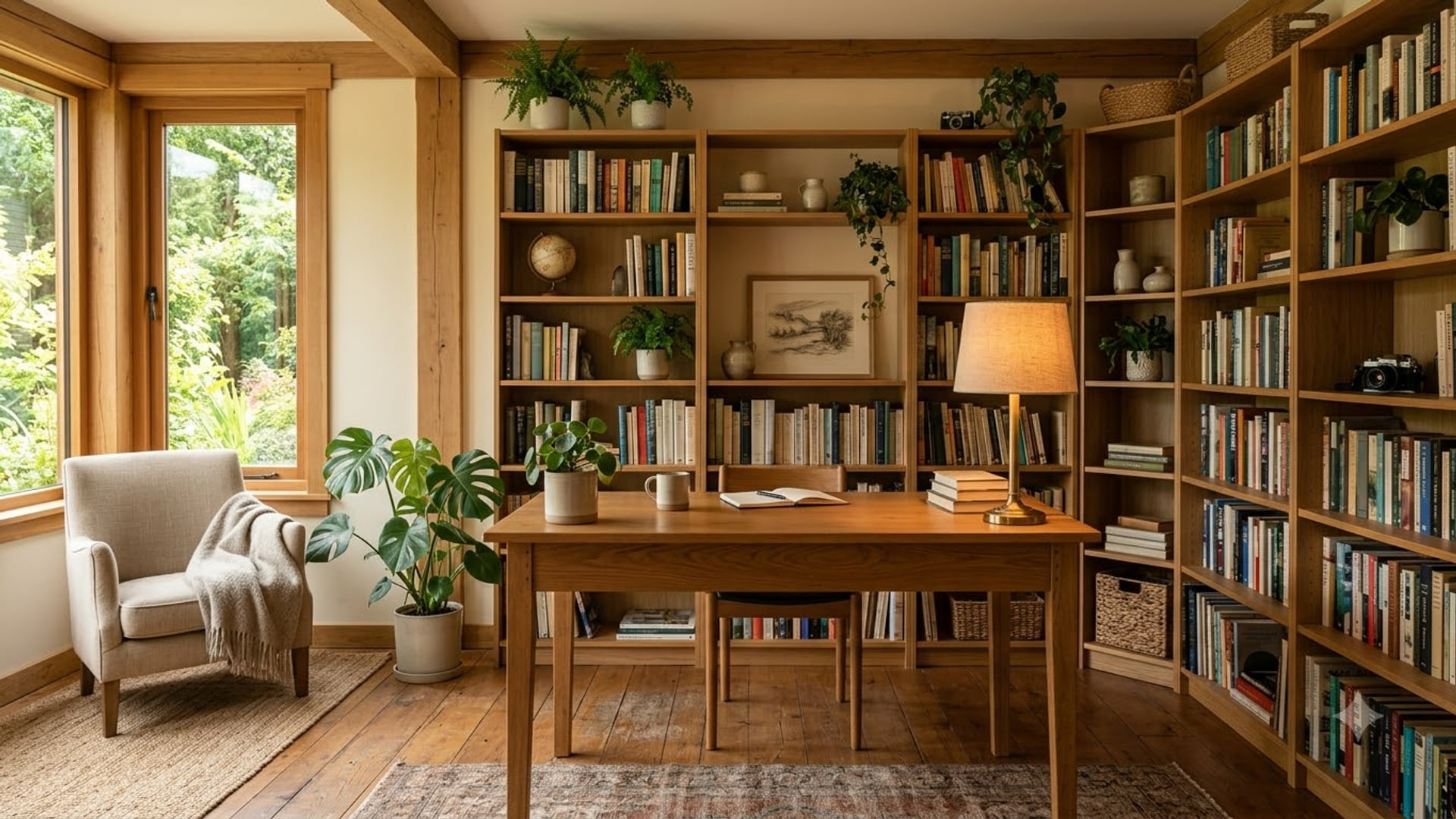
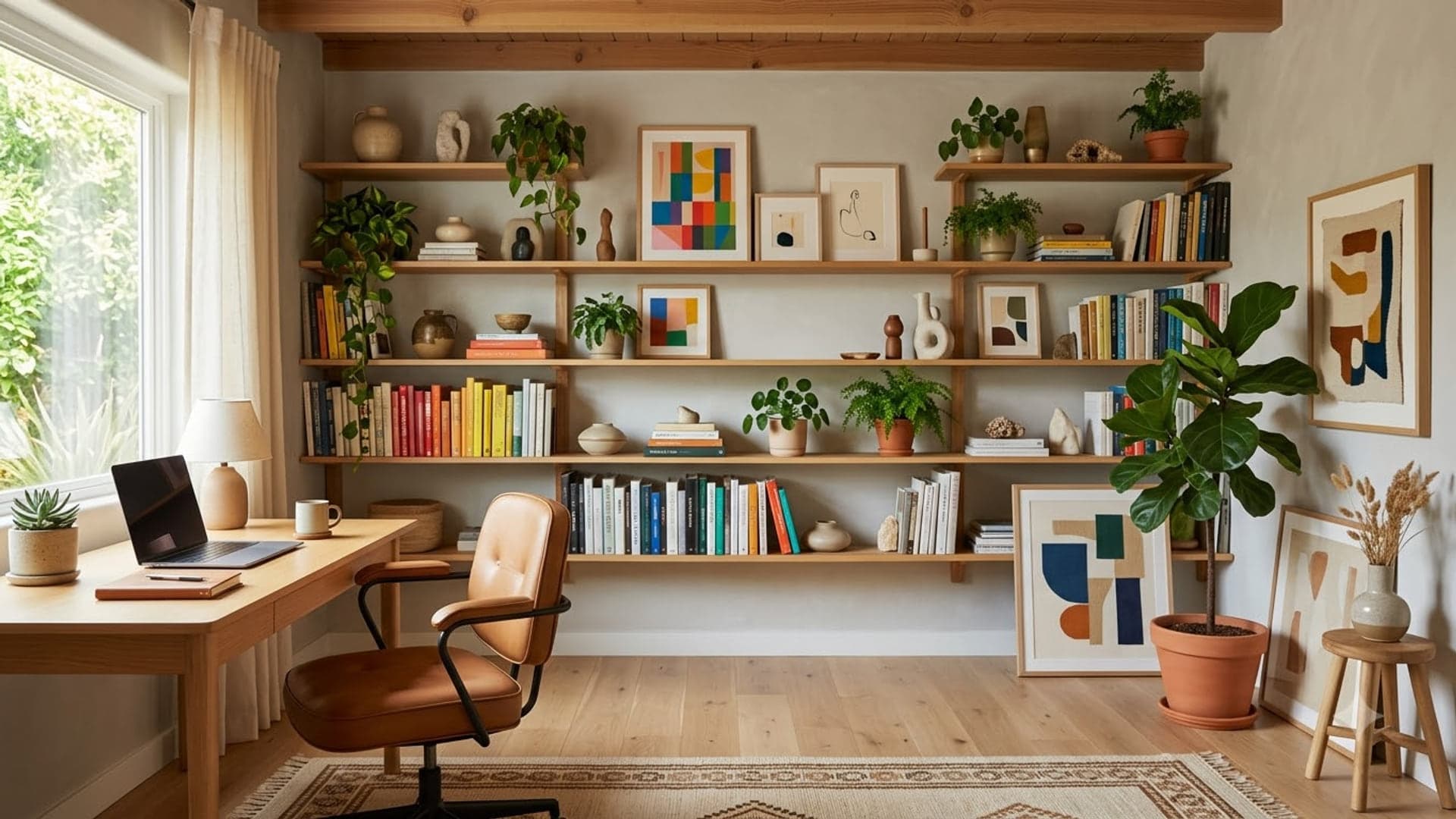
1920 x 1080
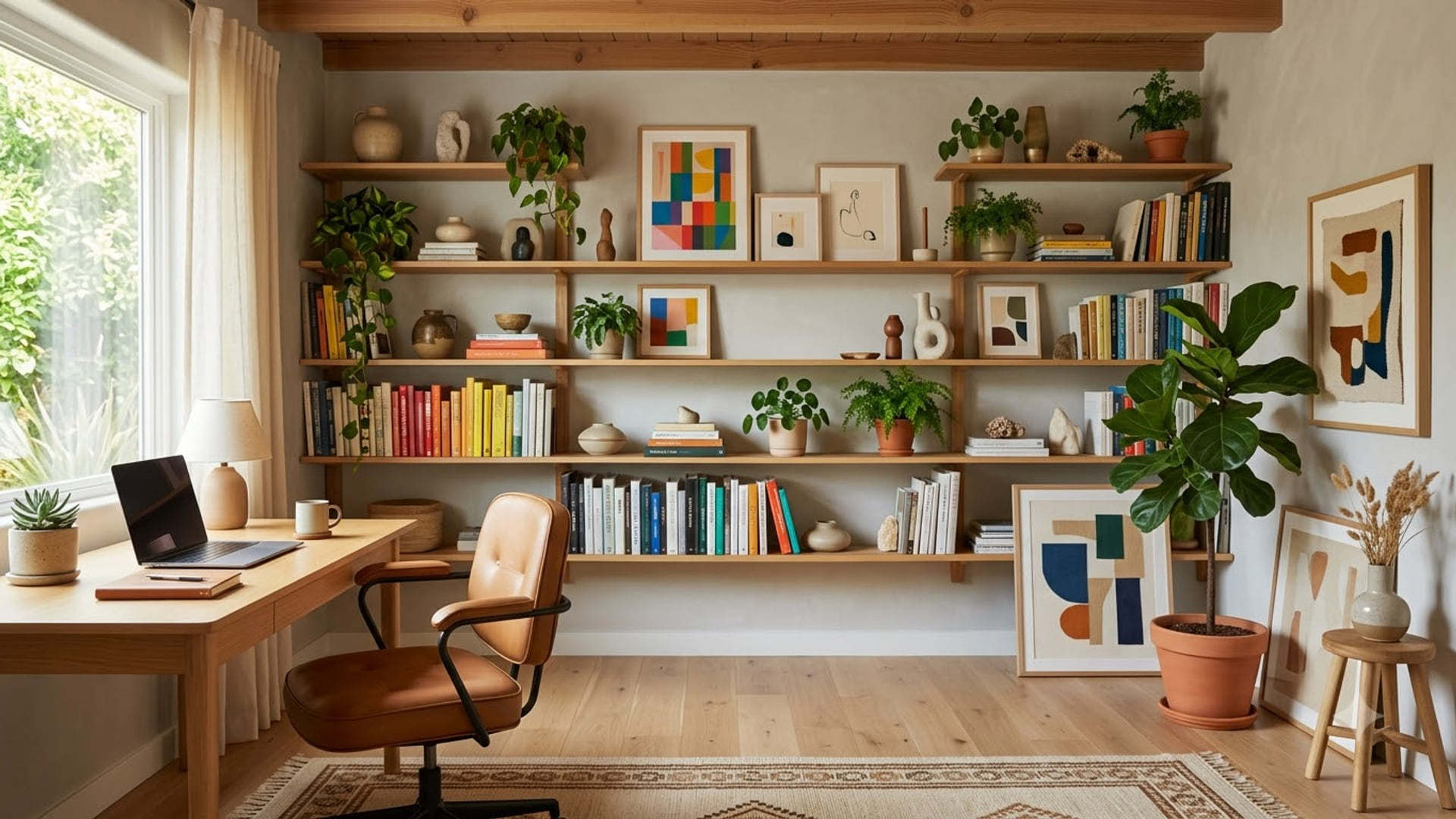
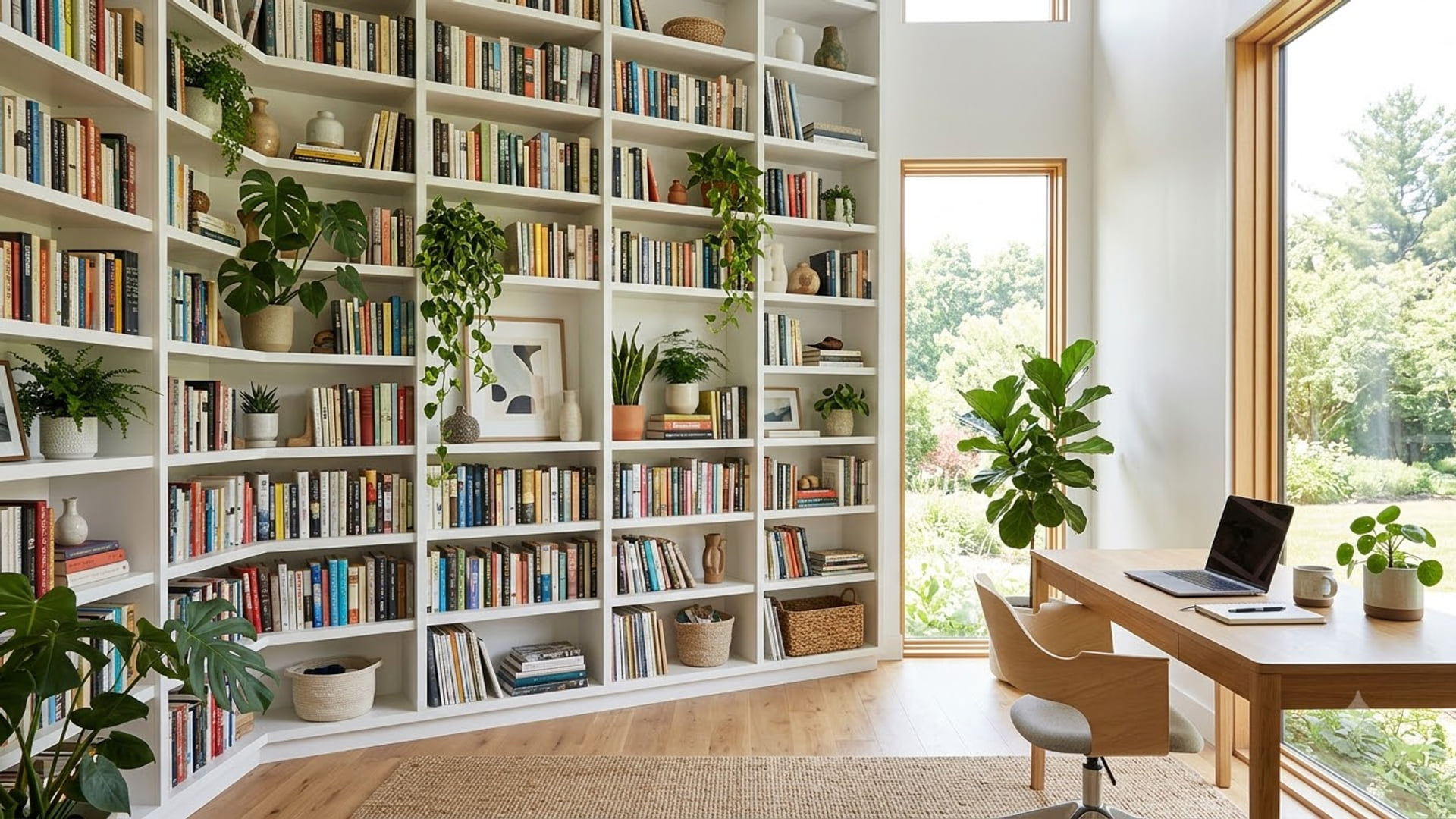
Library and bookshelf backgrounds for Zoom
The credible-looking option for interviews: it reads as a real room rather than a stock office.
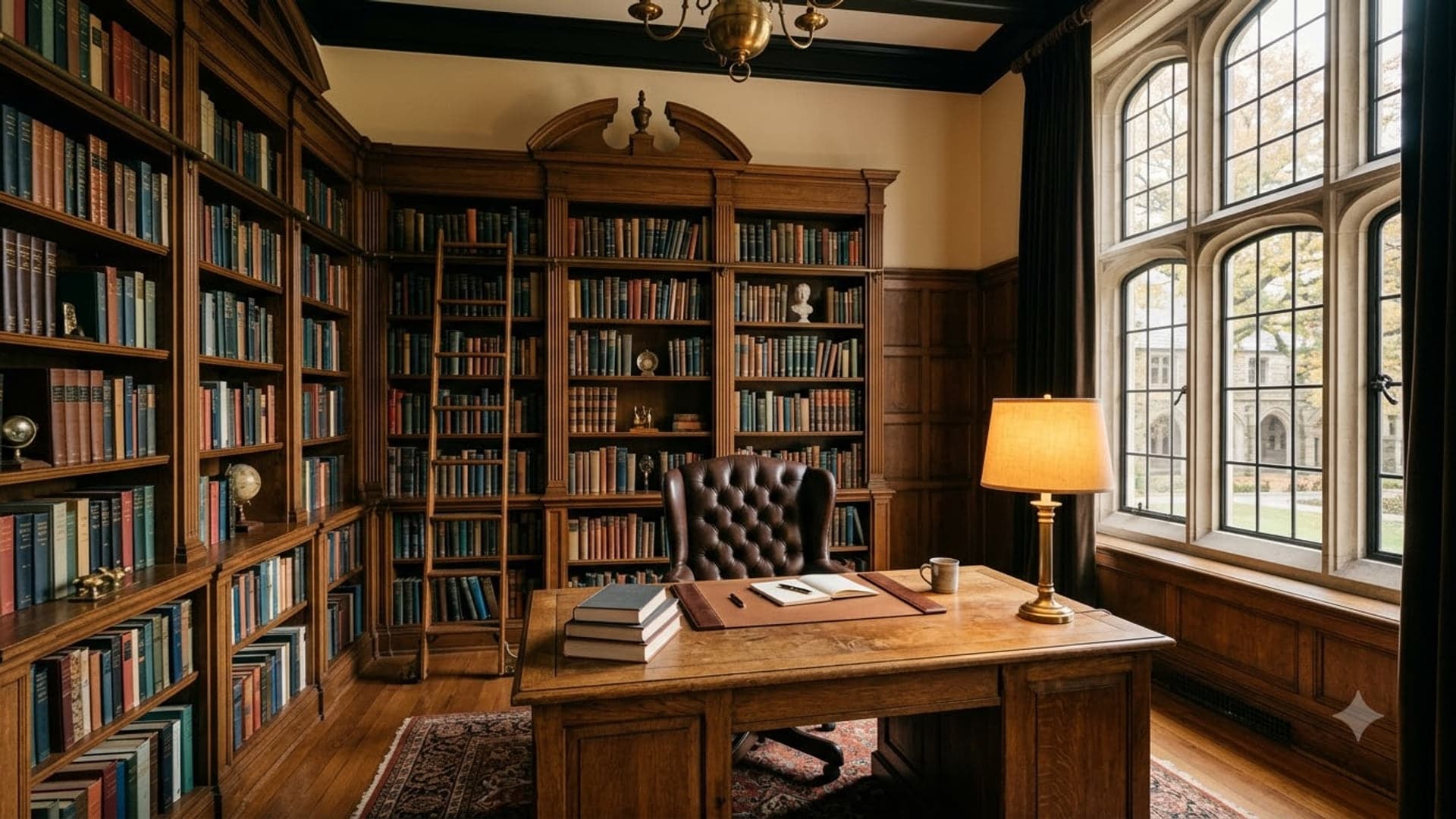
1920 x 1080
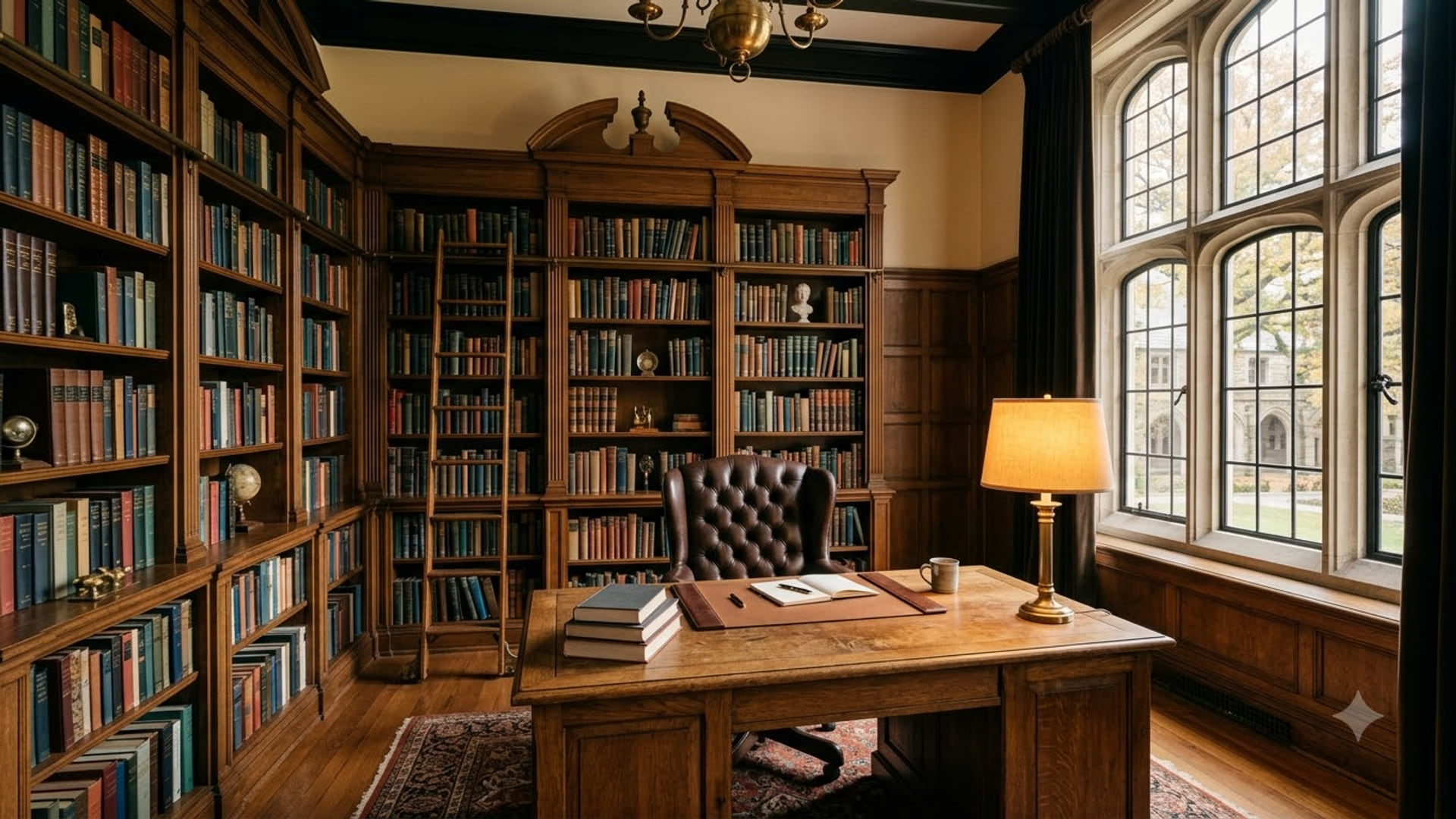
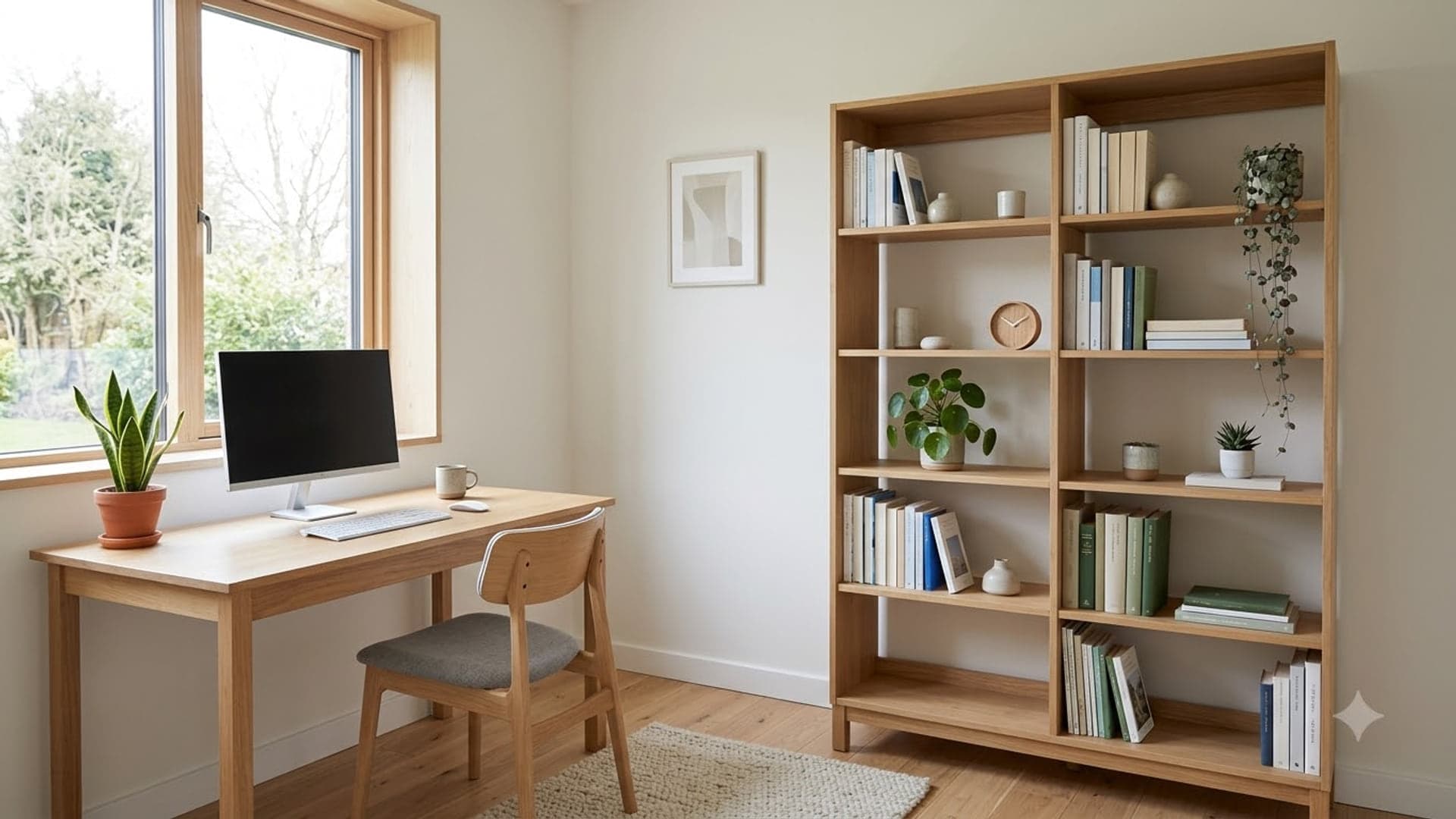
1920 x 1080
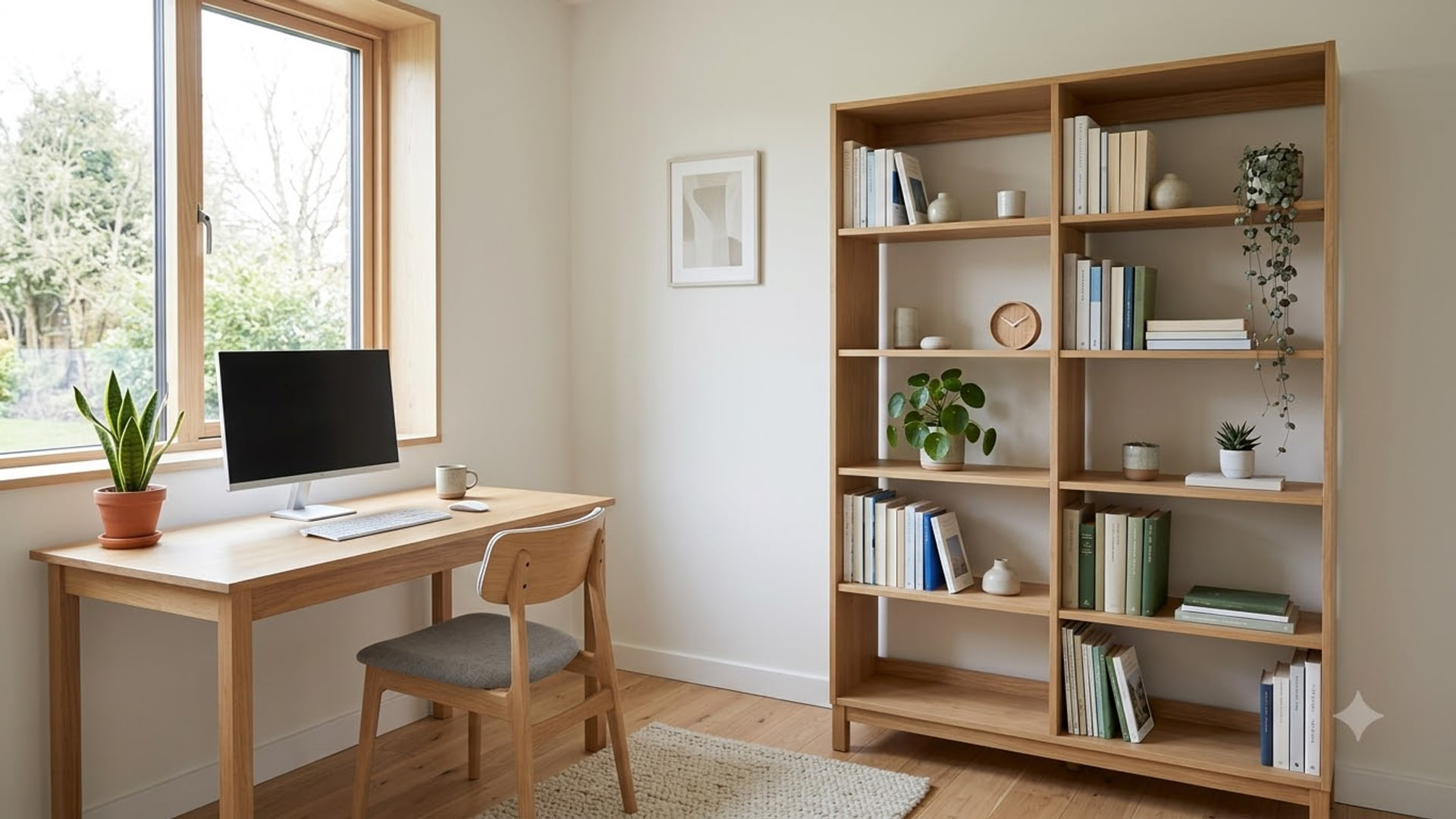
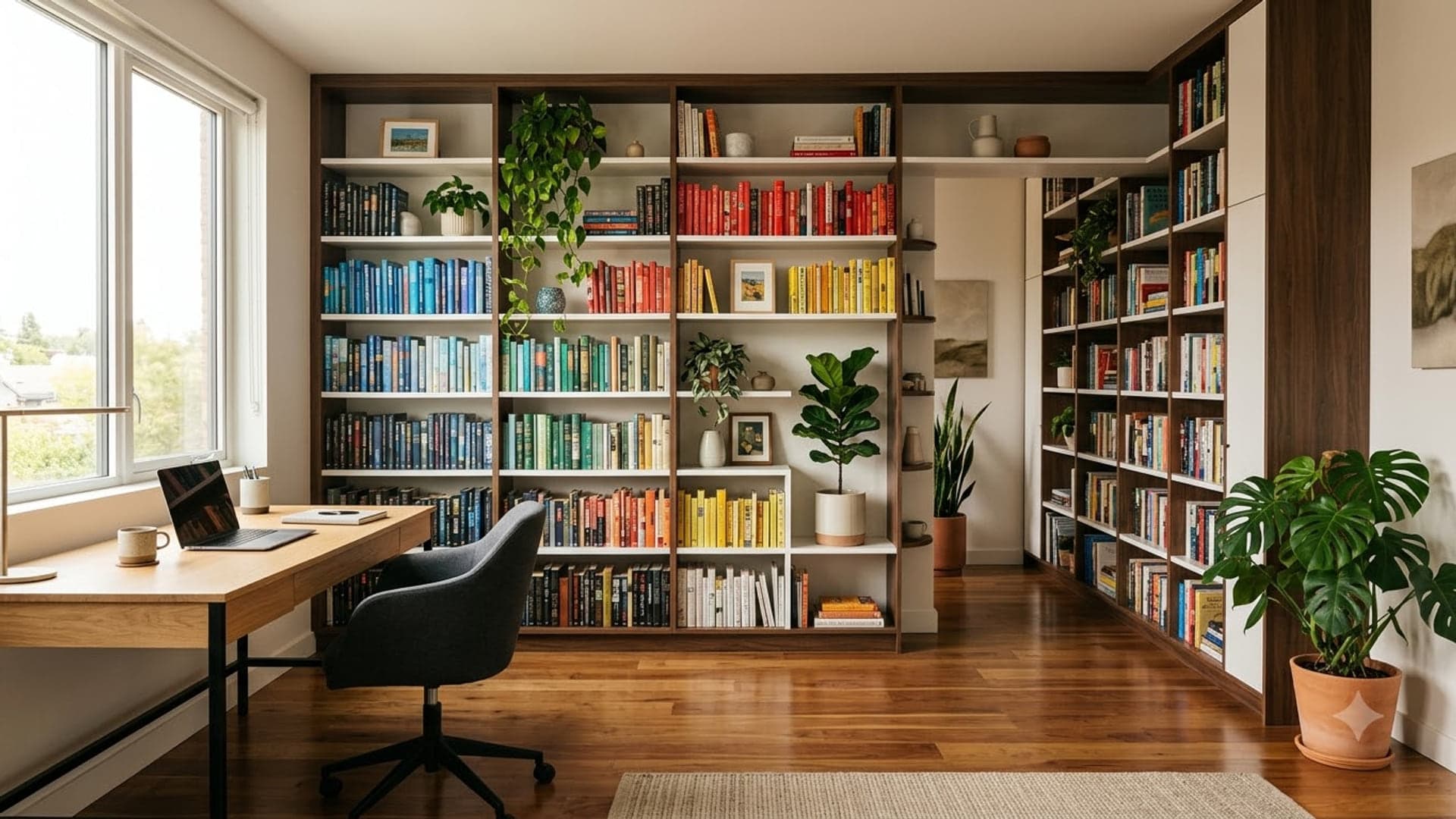
1920 x 1080
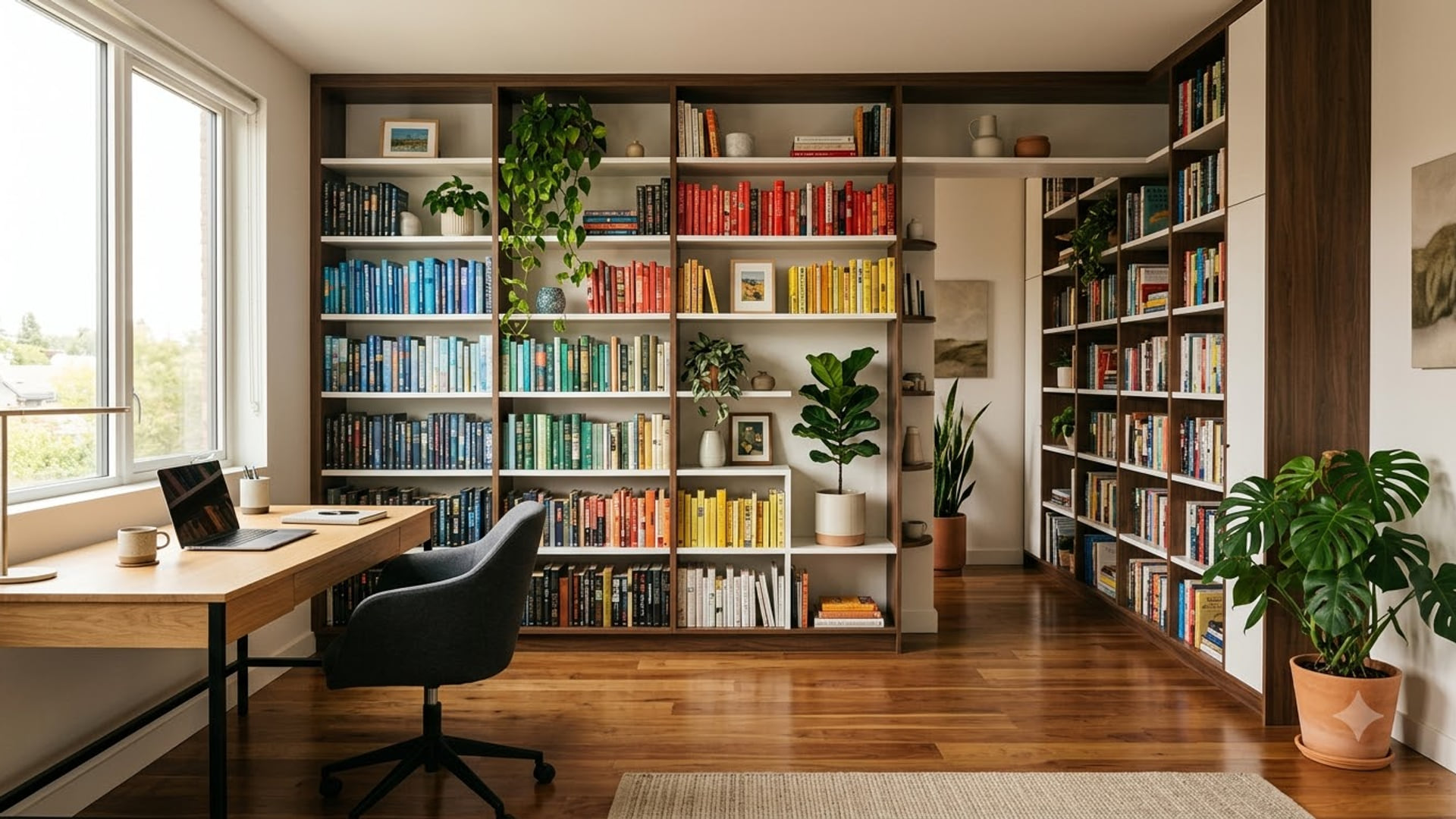
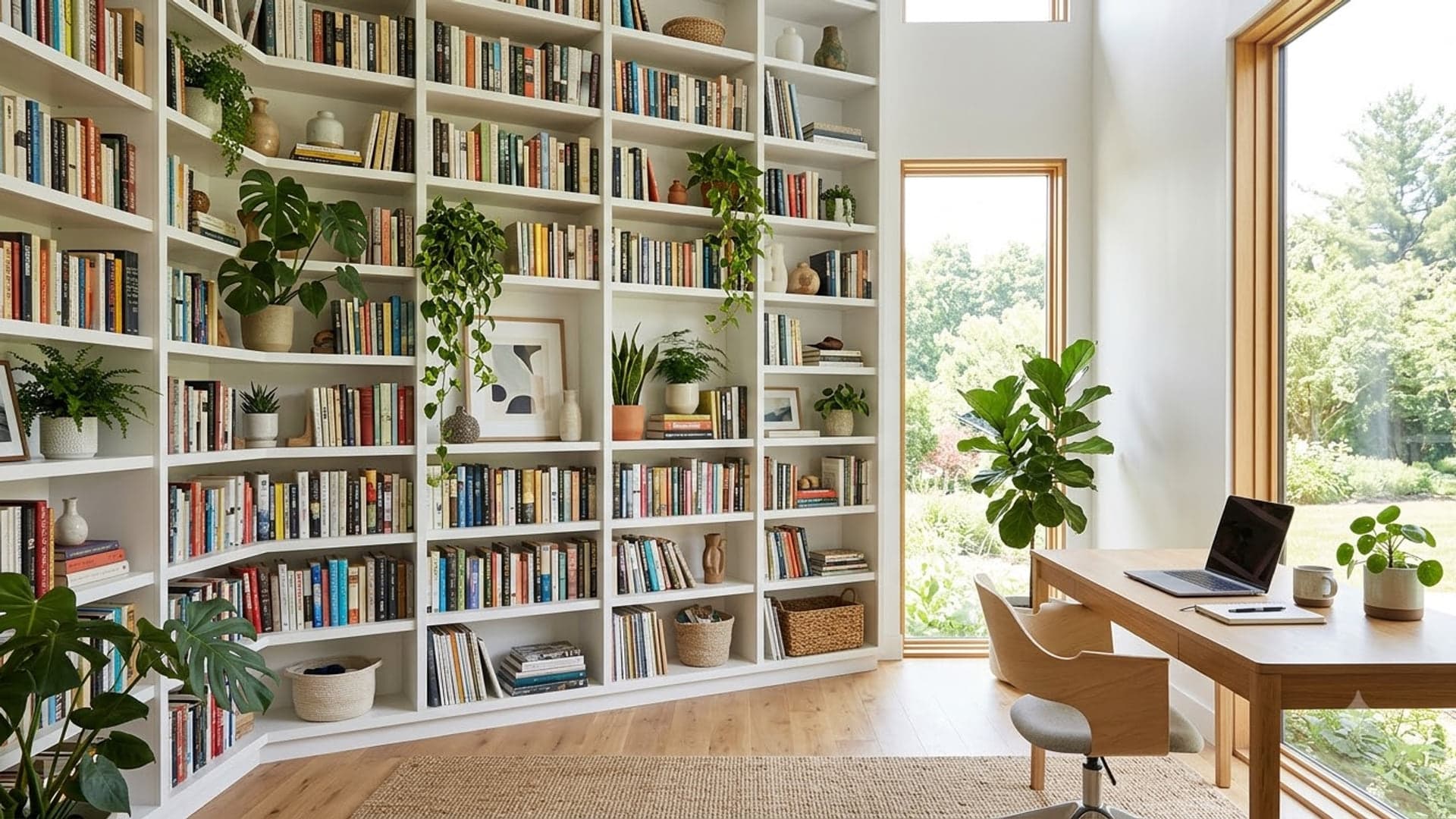
1920 x 1080
Funny Zoom backgrounds
For the team stand-up, not the board meeting.
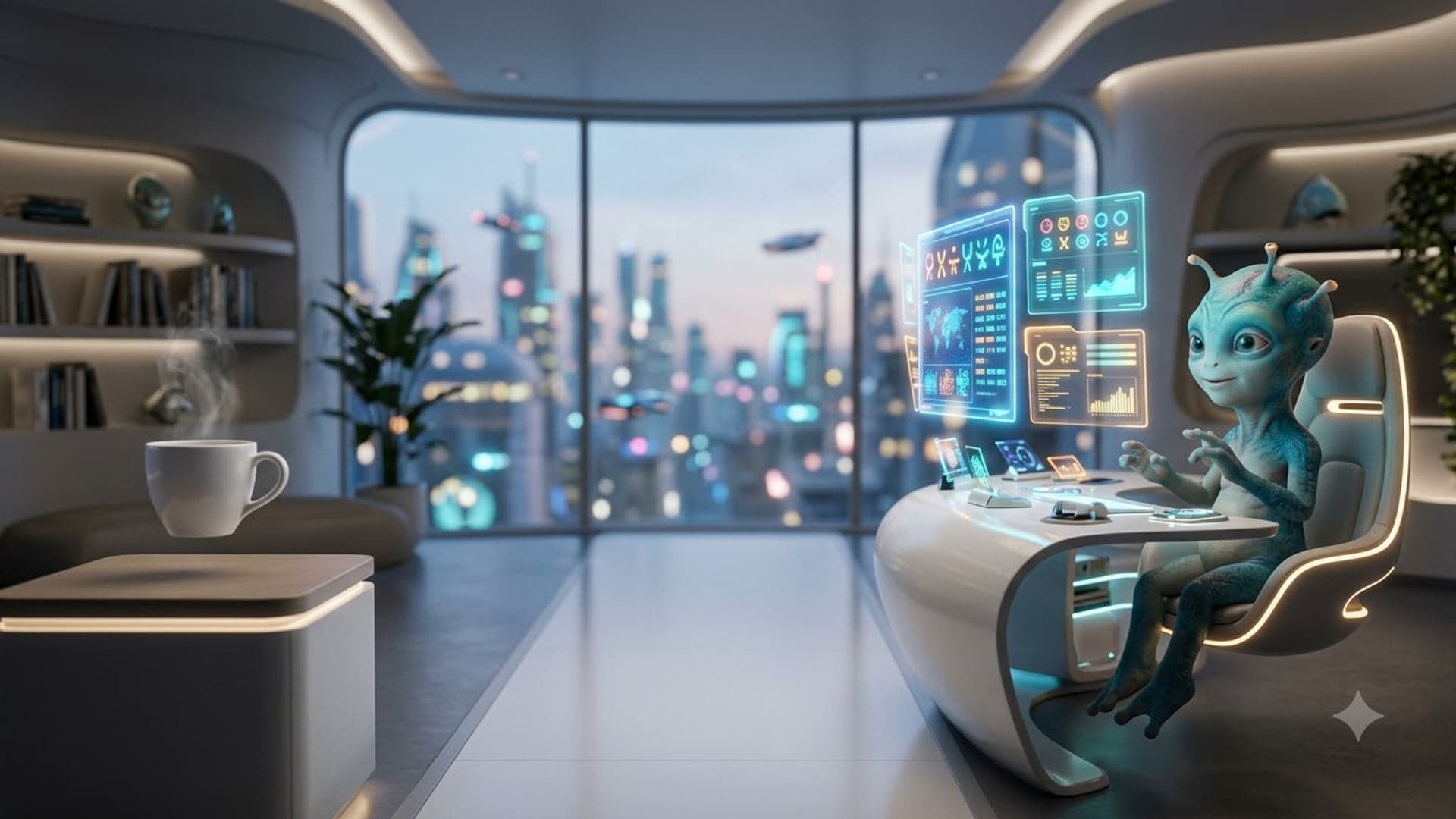
1920 x 1080
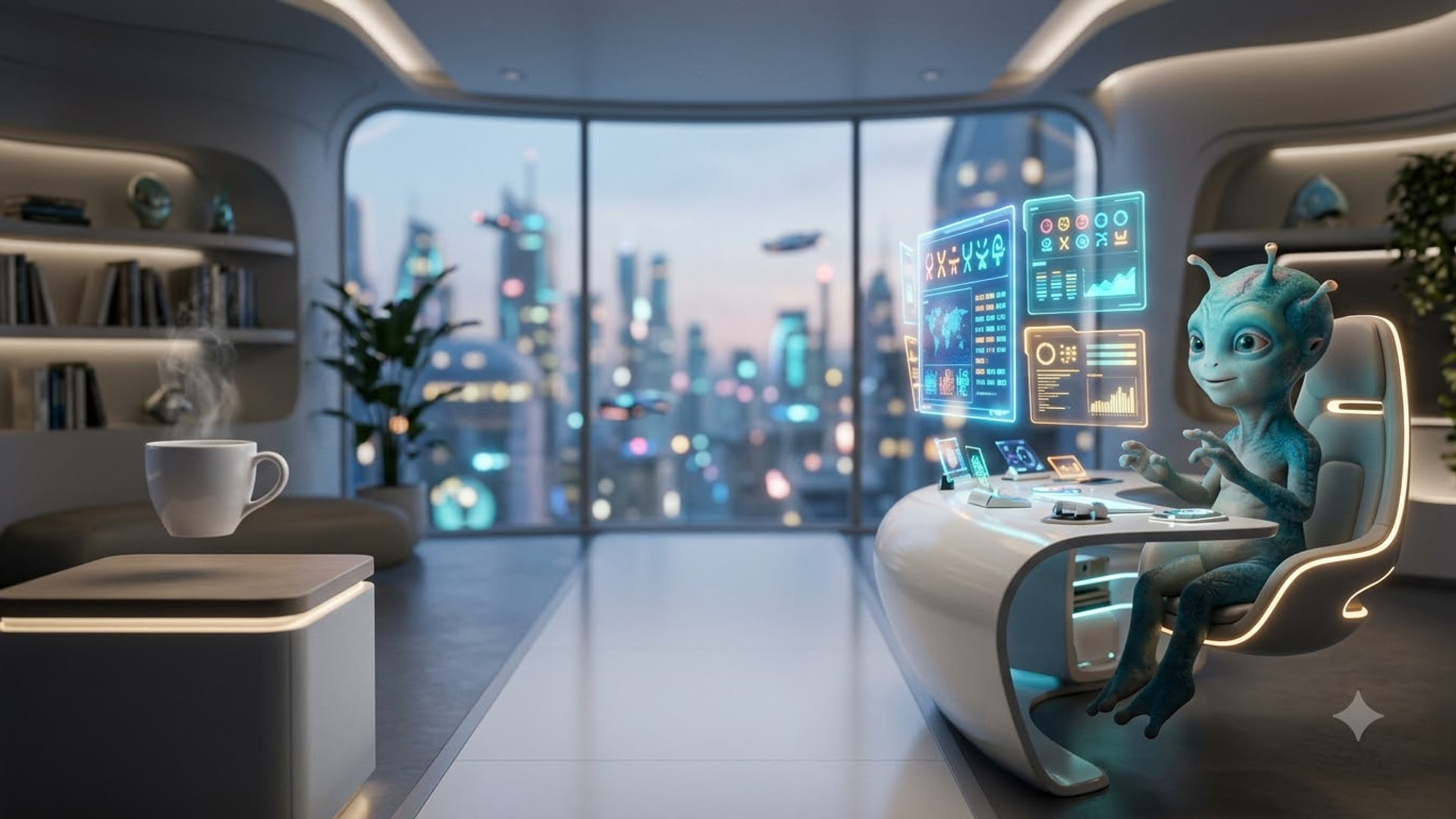
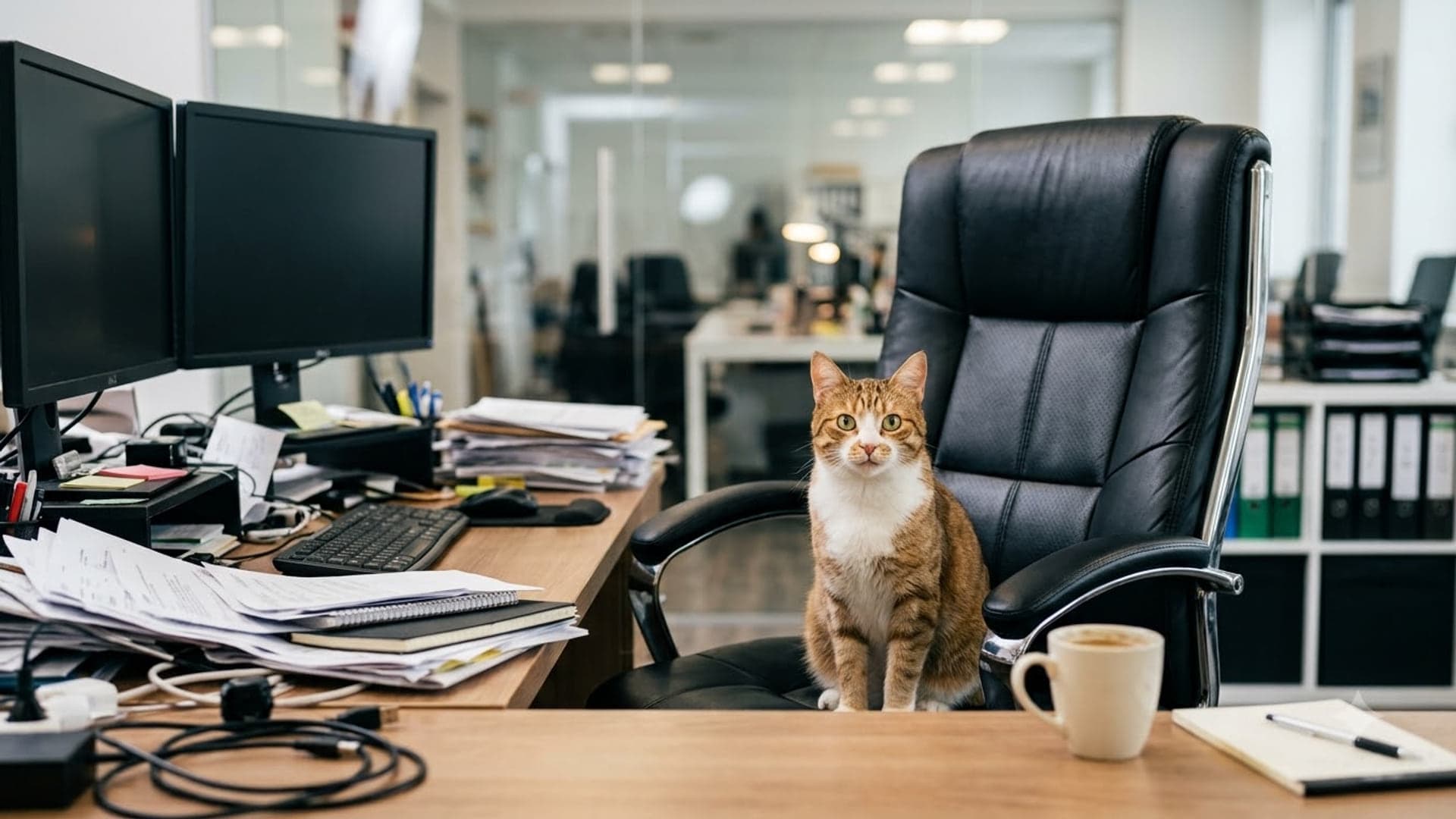
1920 x 1080
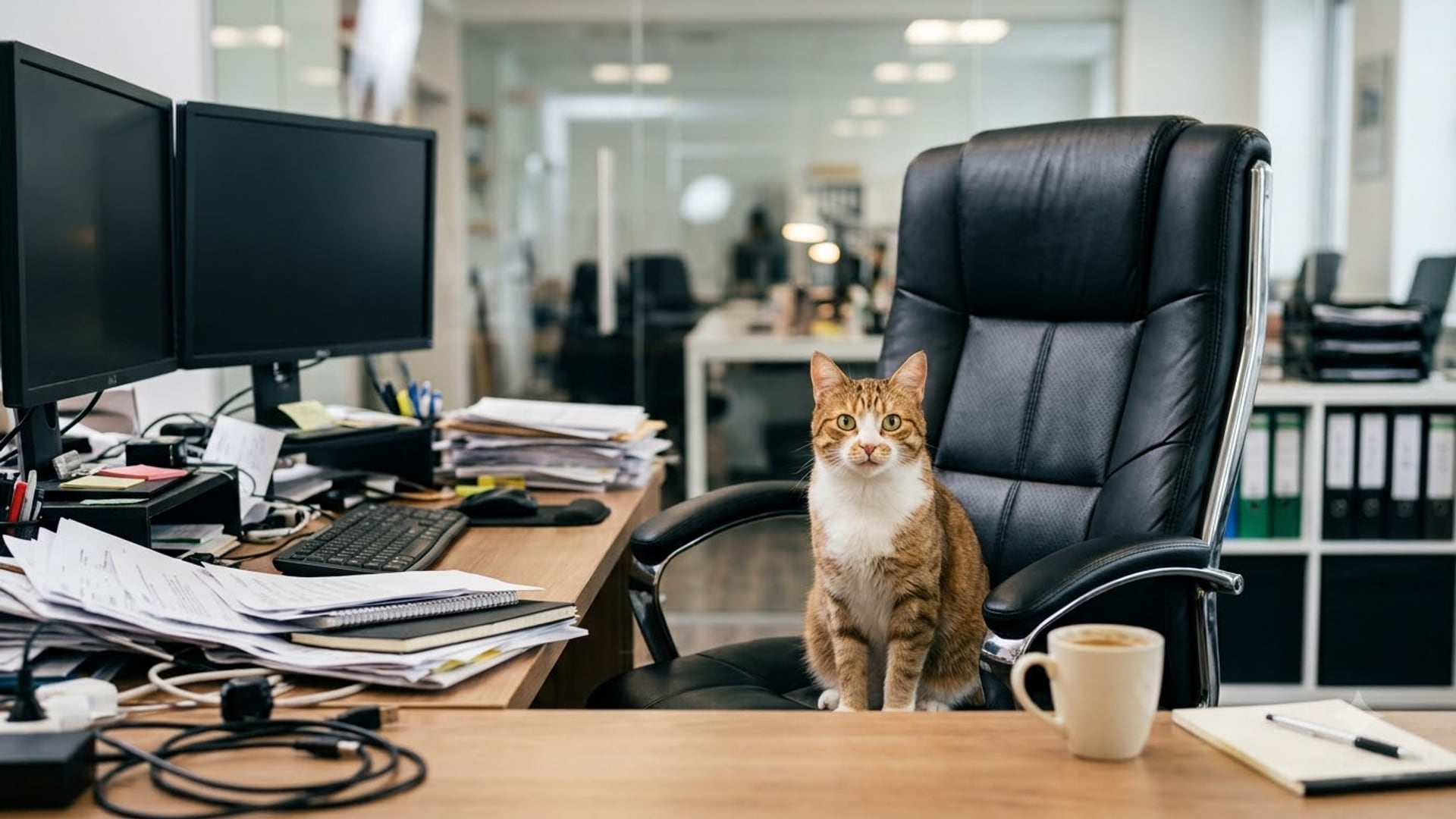
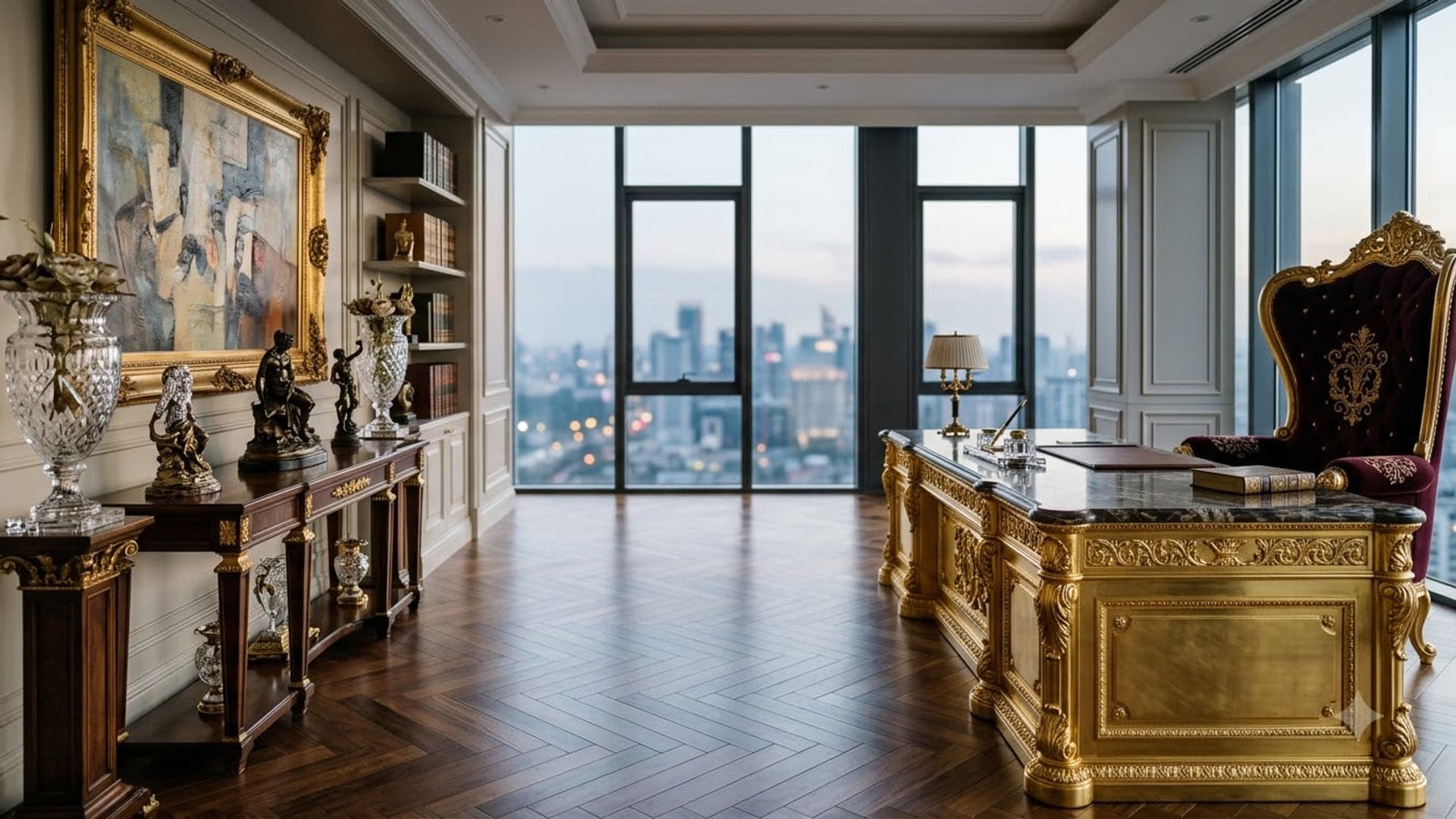
1920 x 1080
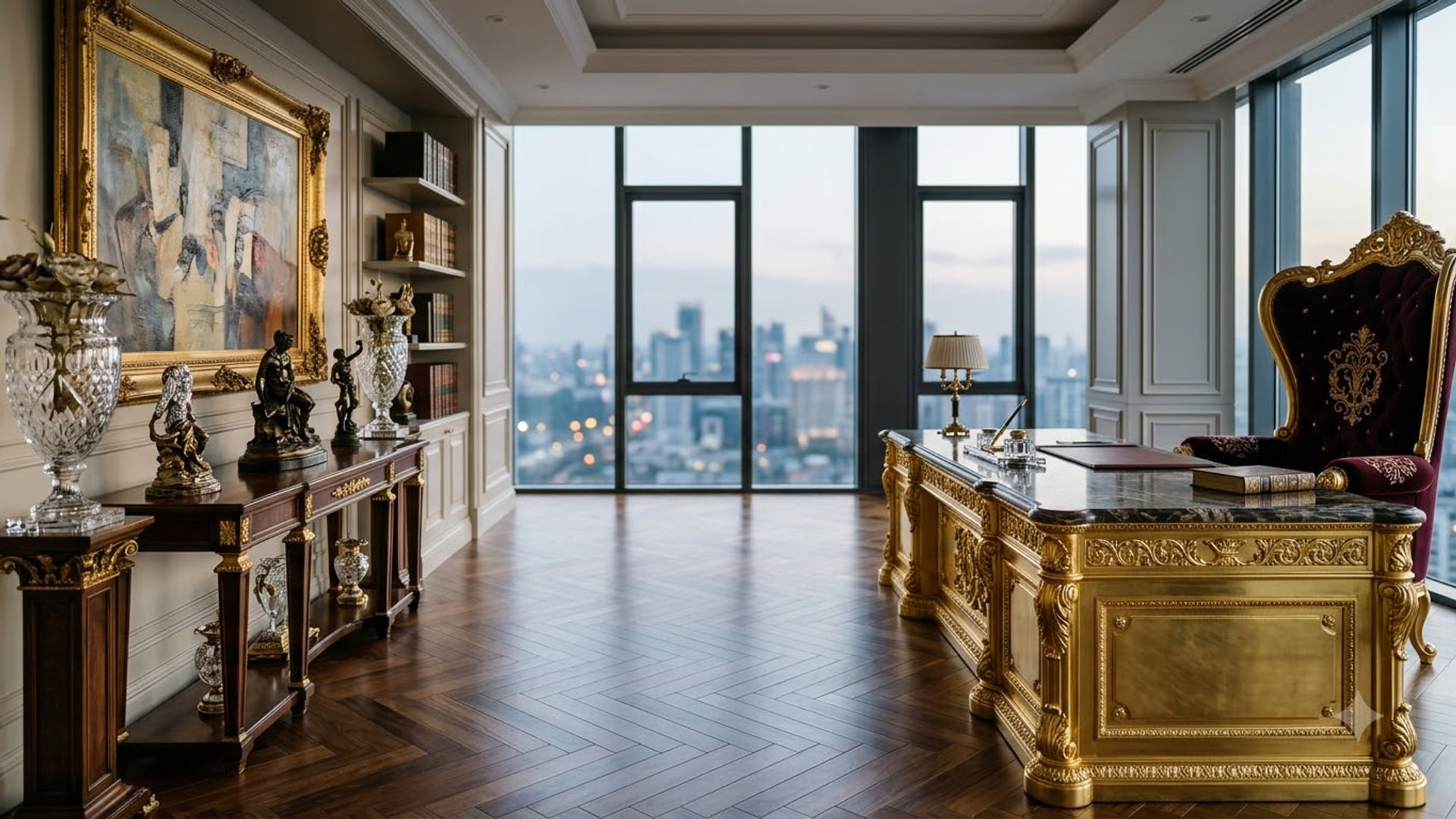
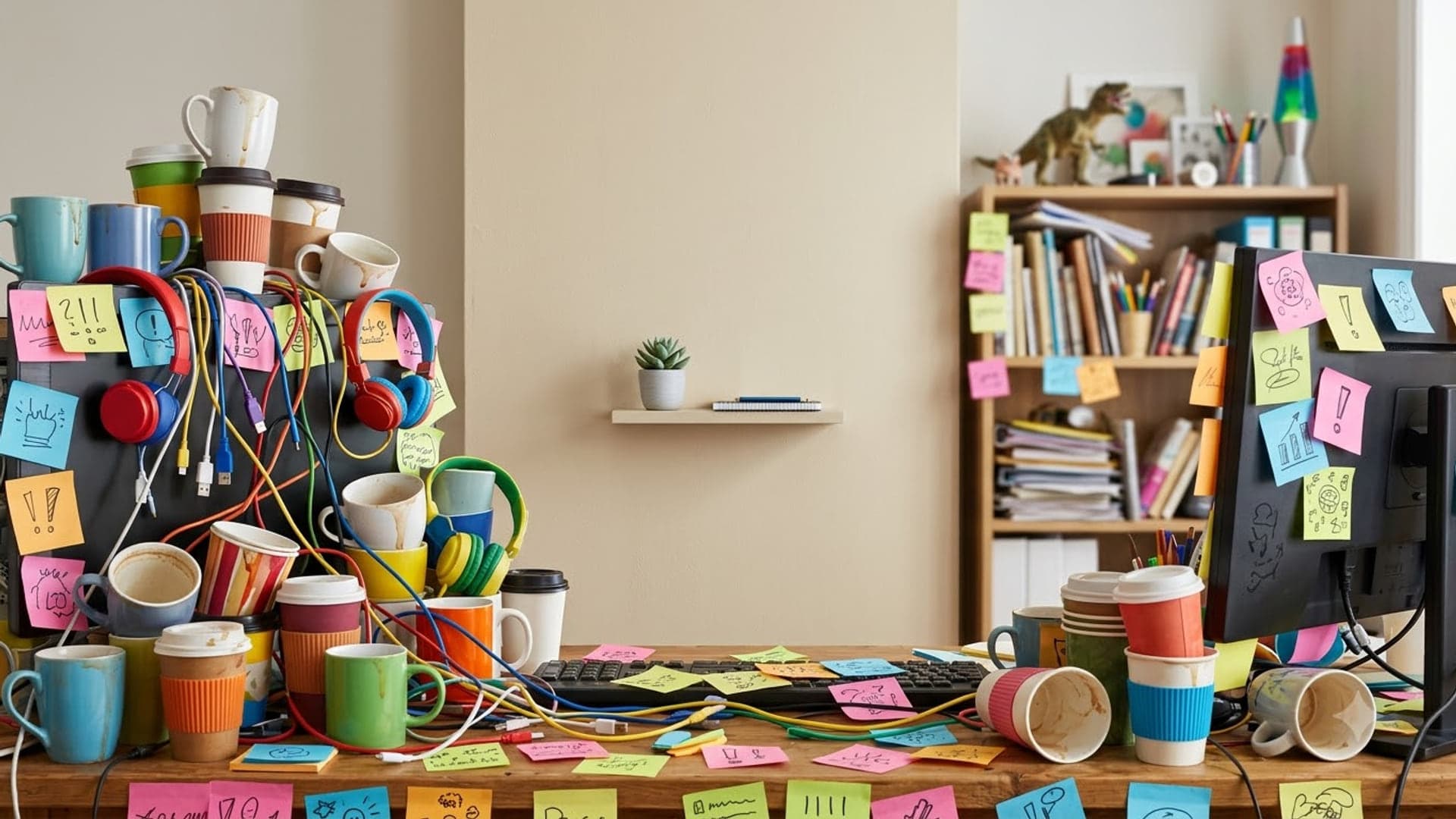
1920 x 1080
Cool Zoom backgrounds
Sci-fi, neon and space scenes for when plain is too little and funny is too much.
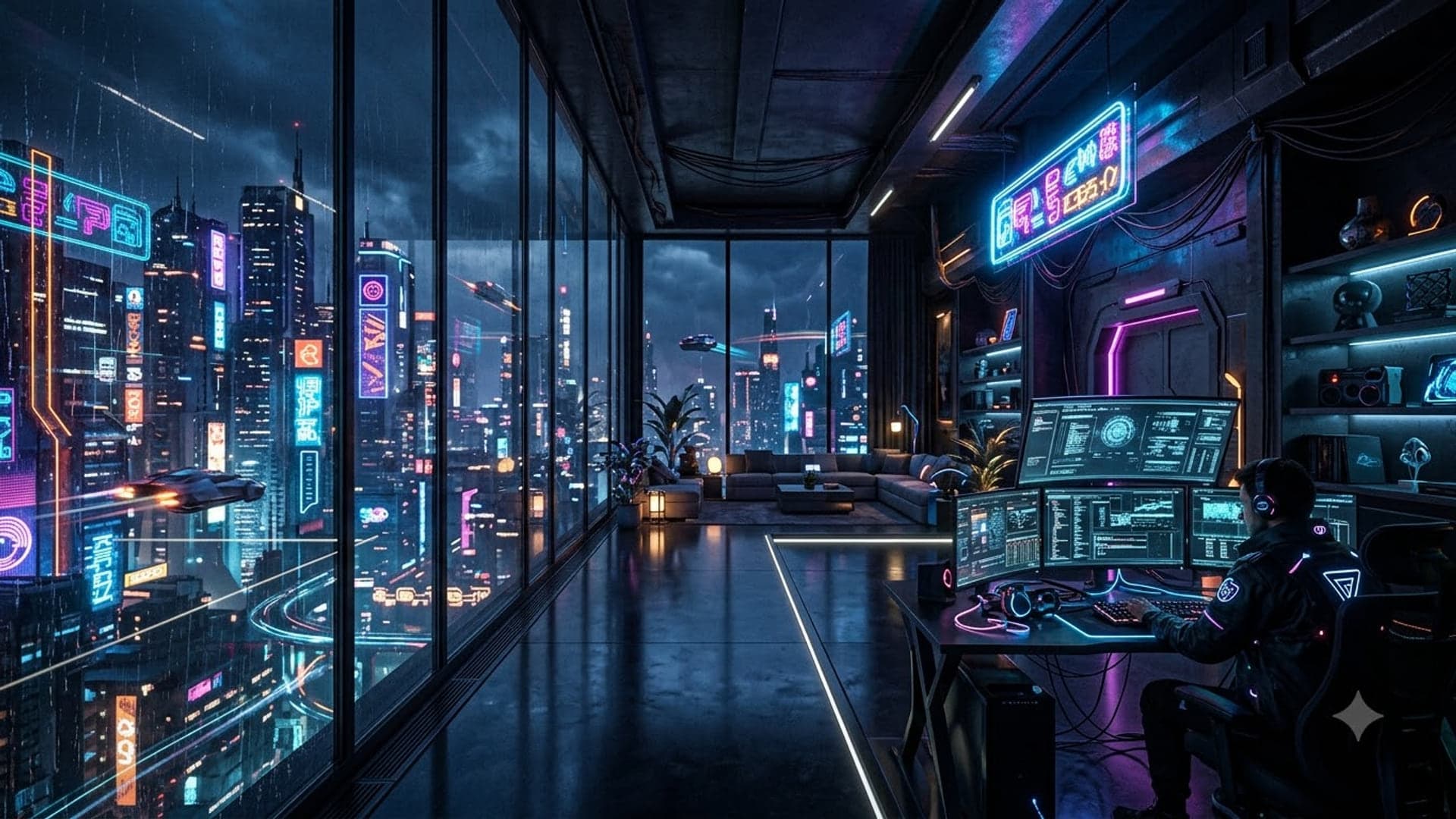
1920 x 1080
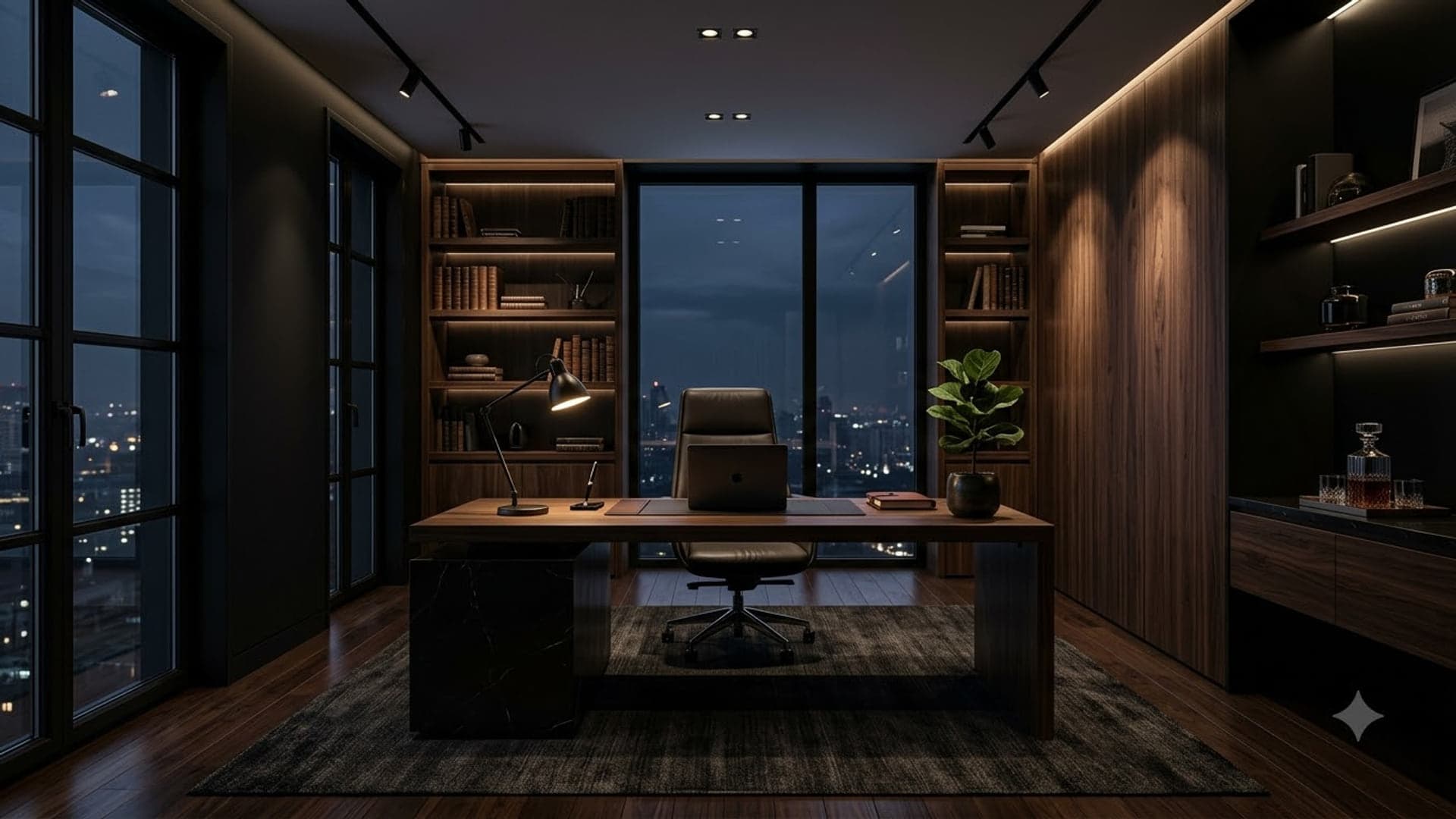
1920 x 1080
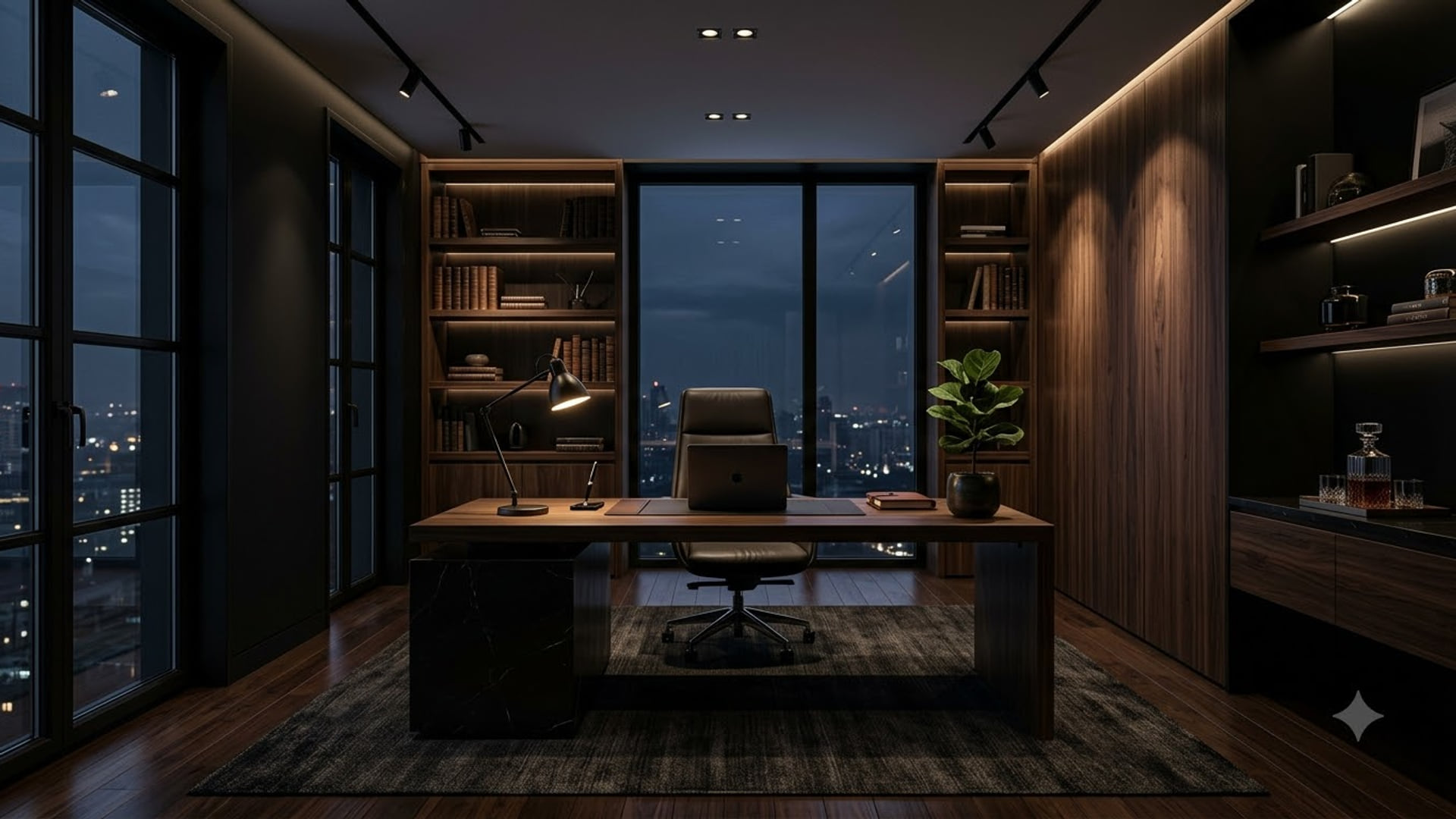
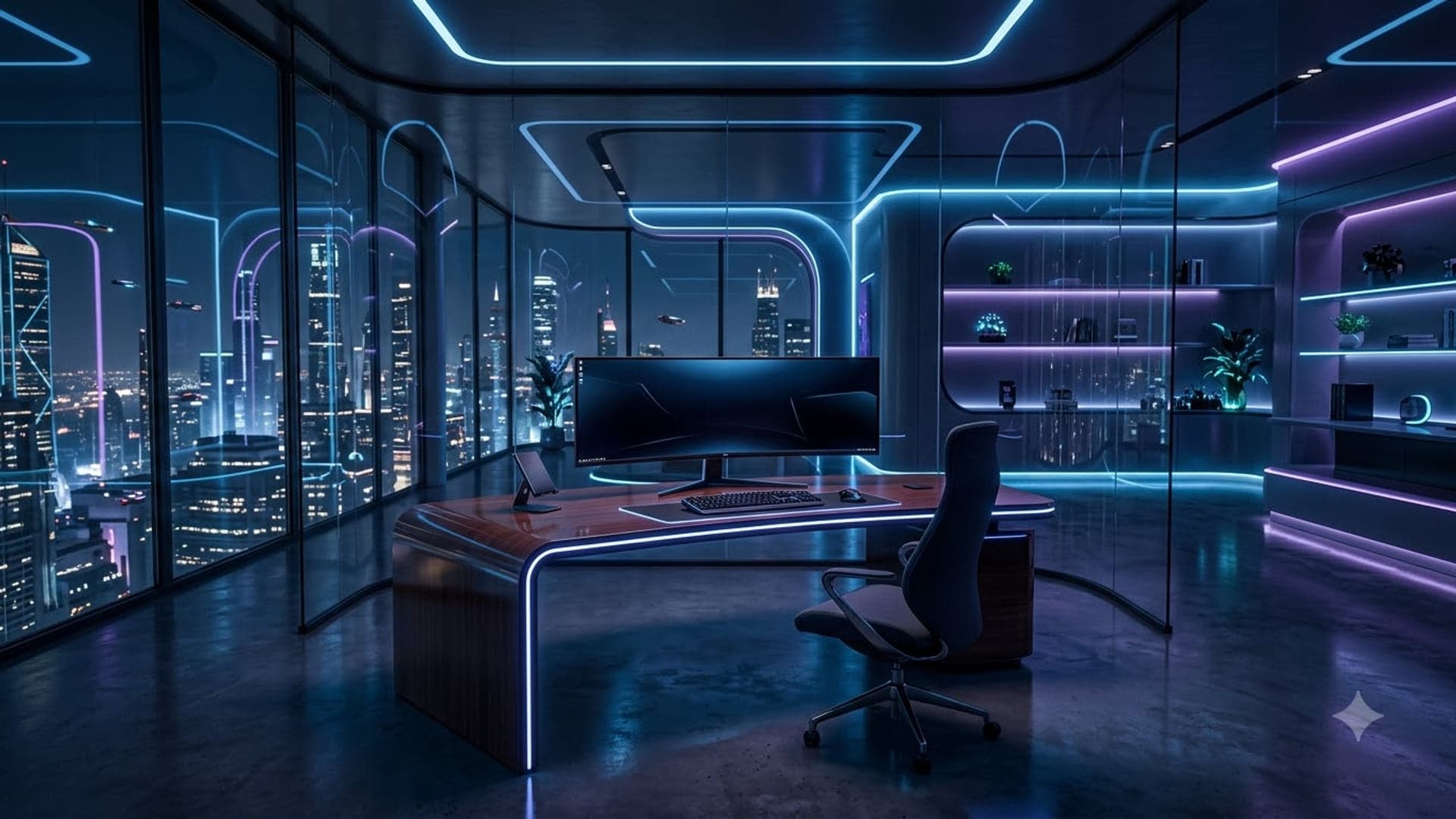
1920 x 1080
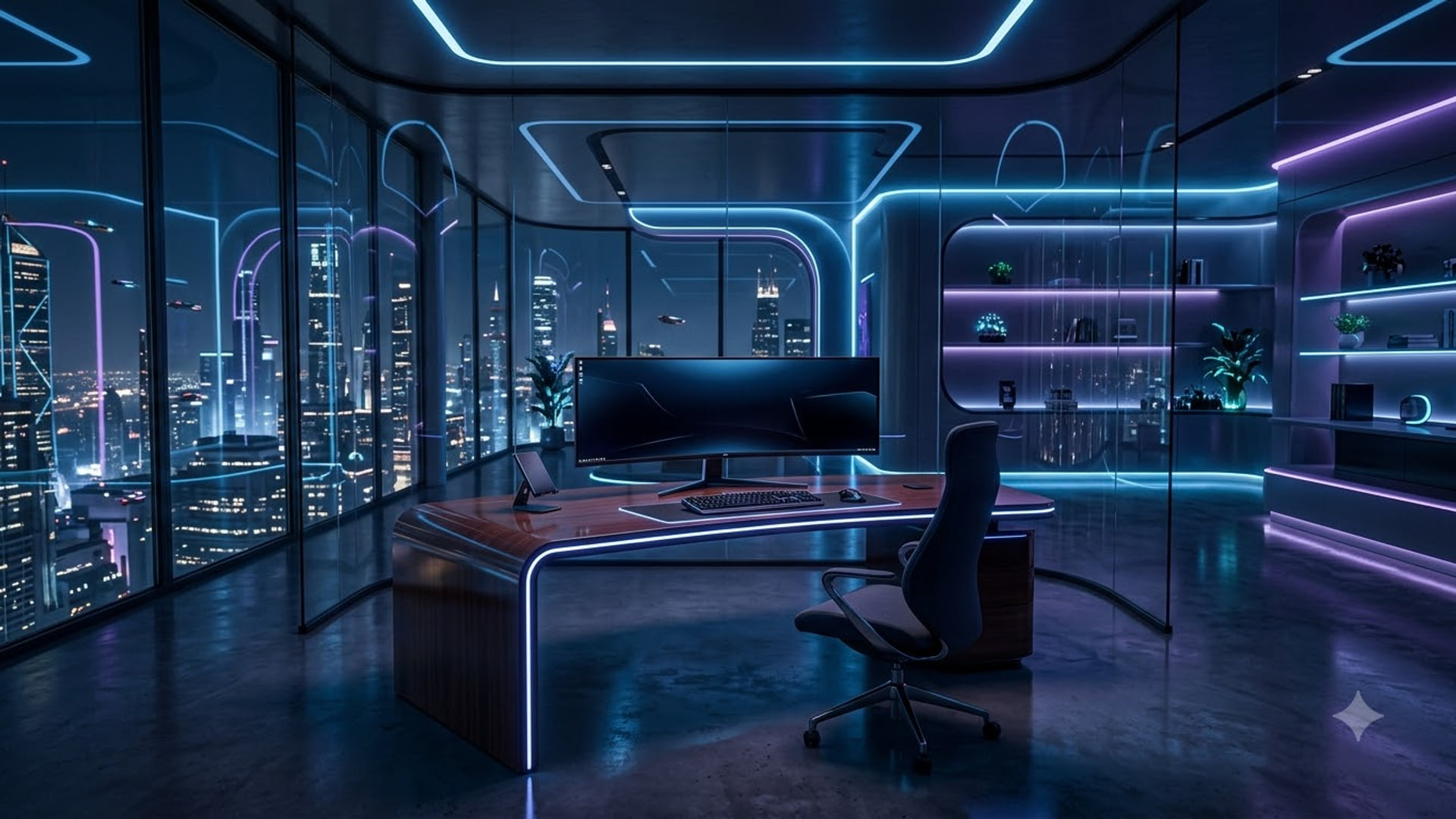
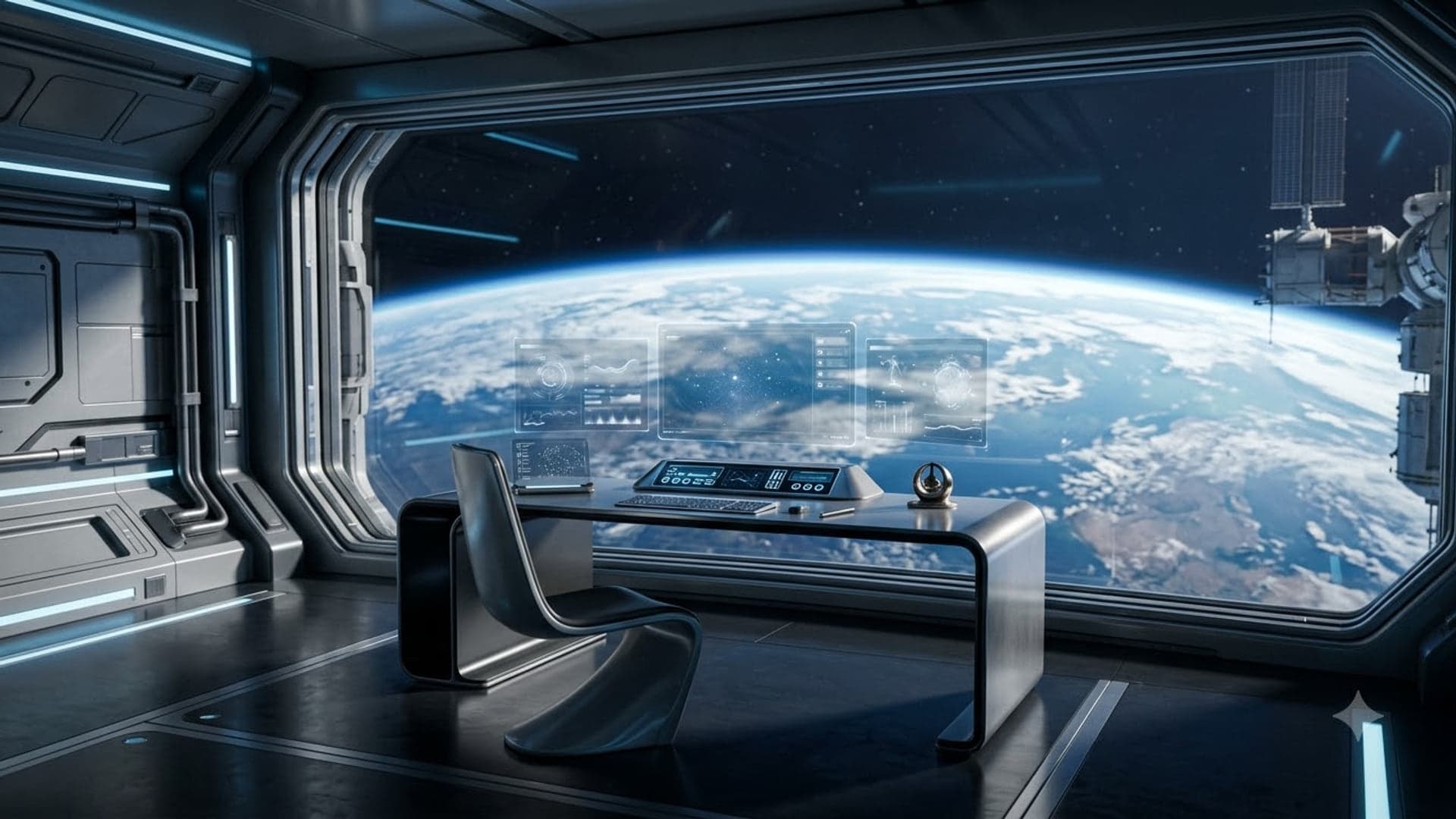
1920 x 1080
Heist Zoom backgrounds
Vaults, map tables and planning rooms for the crew that plans everything.
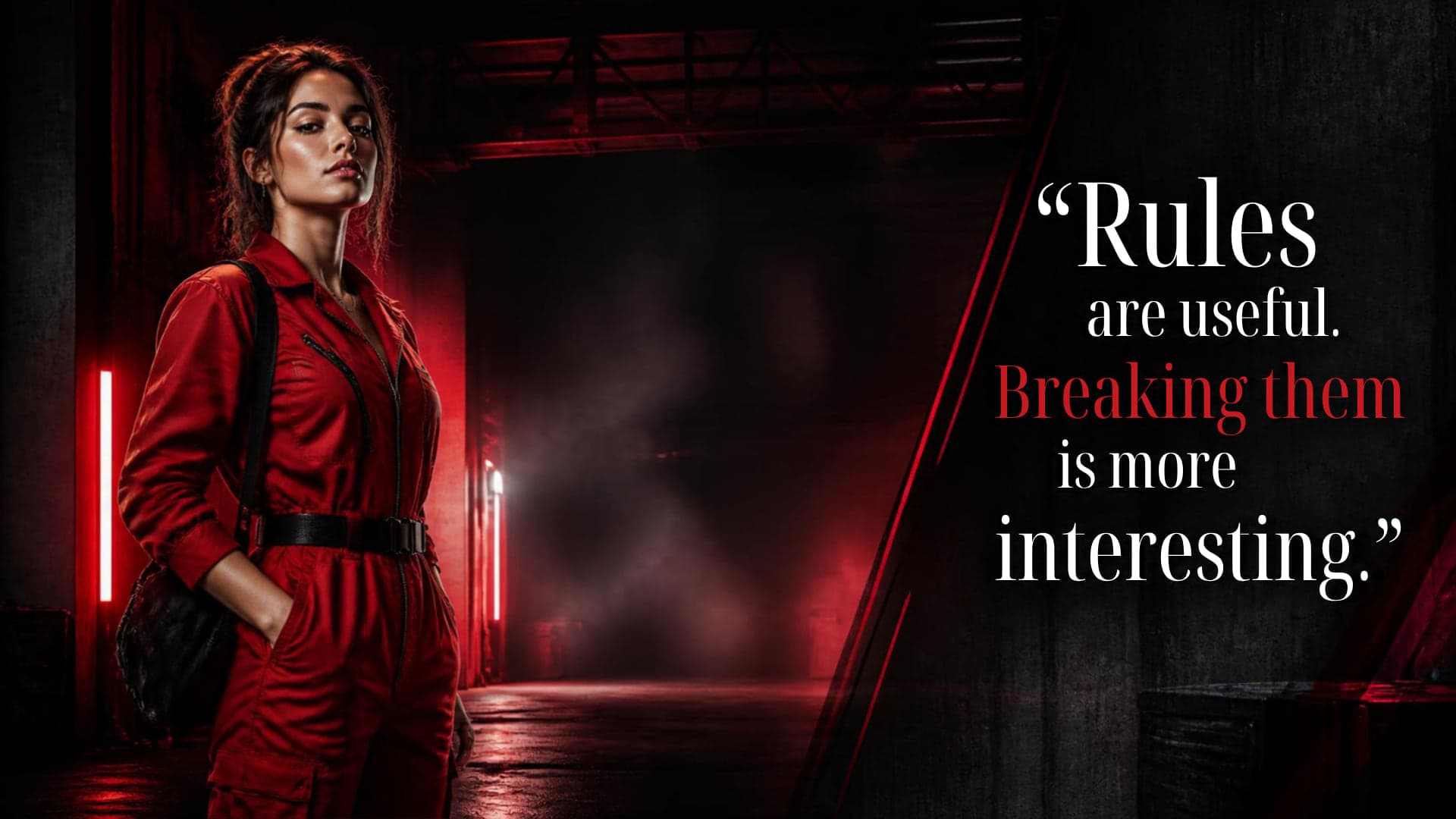
1920 x 1080

1920 x 1080

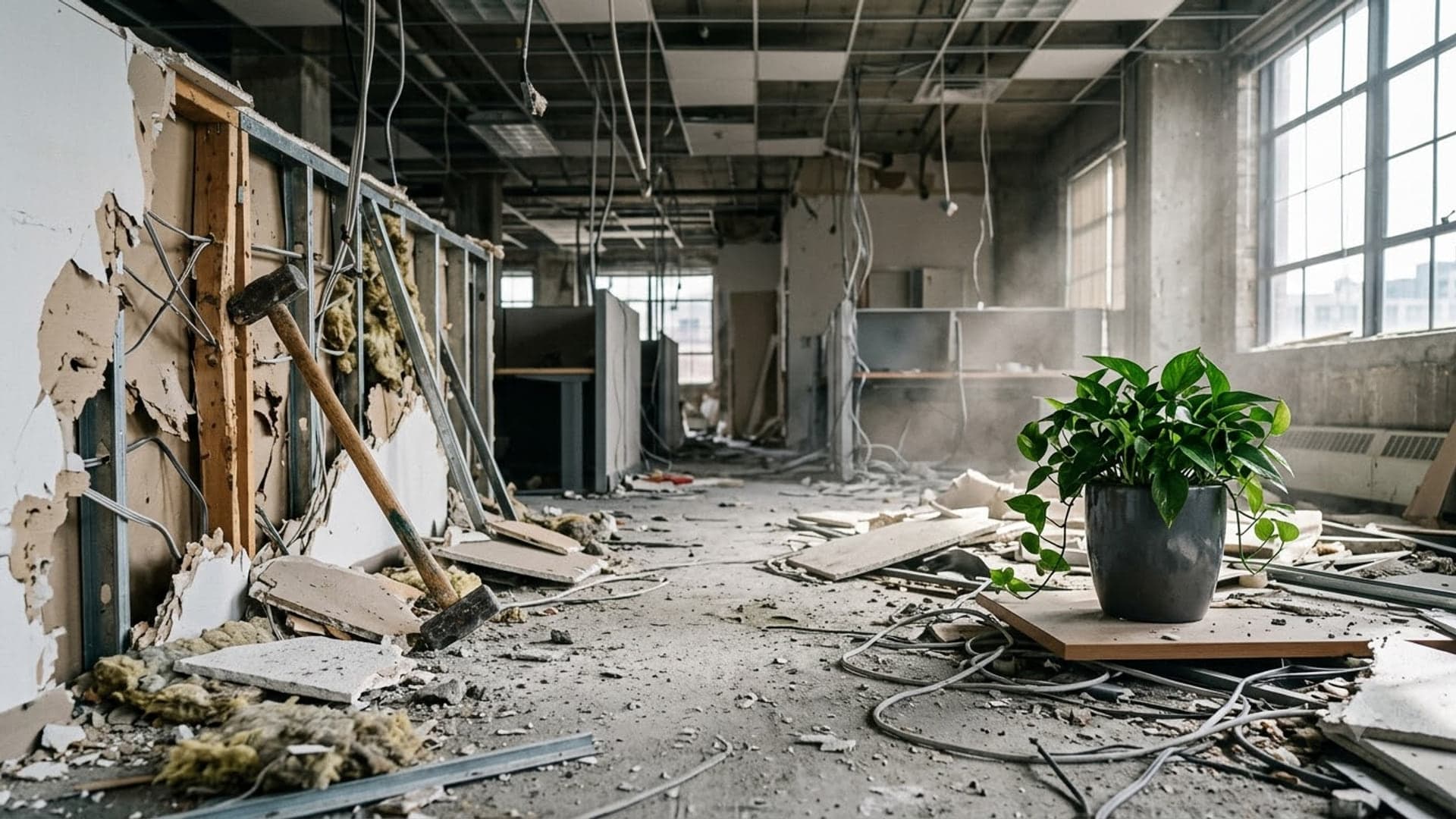
1920 x 1080

1920 x 1080

Fall Zoom backgrounds
Autumn colour and Thanksgiving scenes for October and November calls.
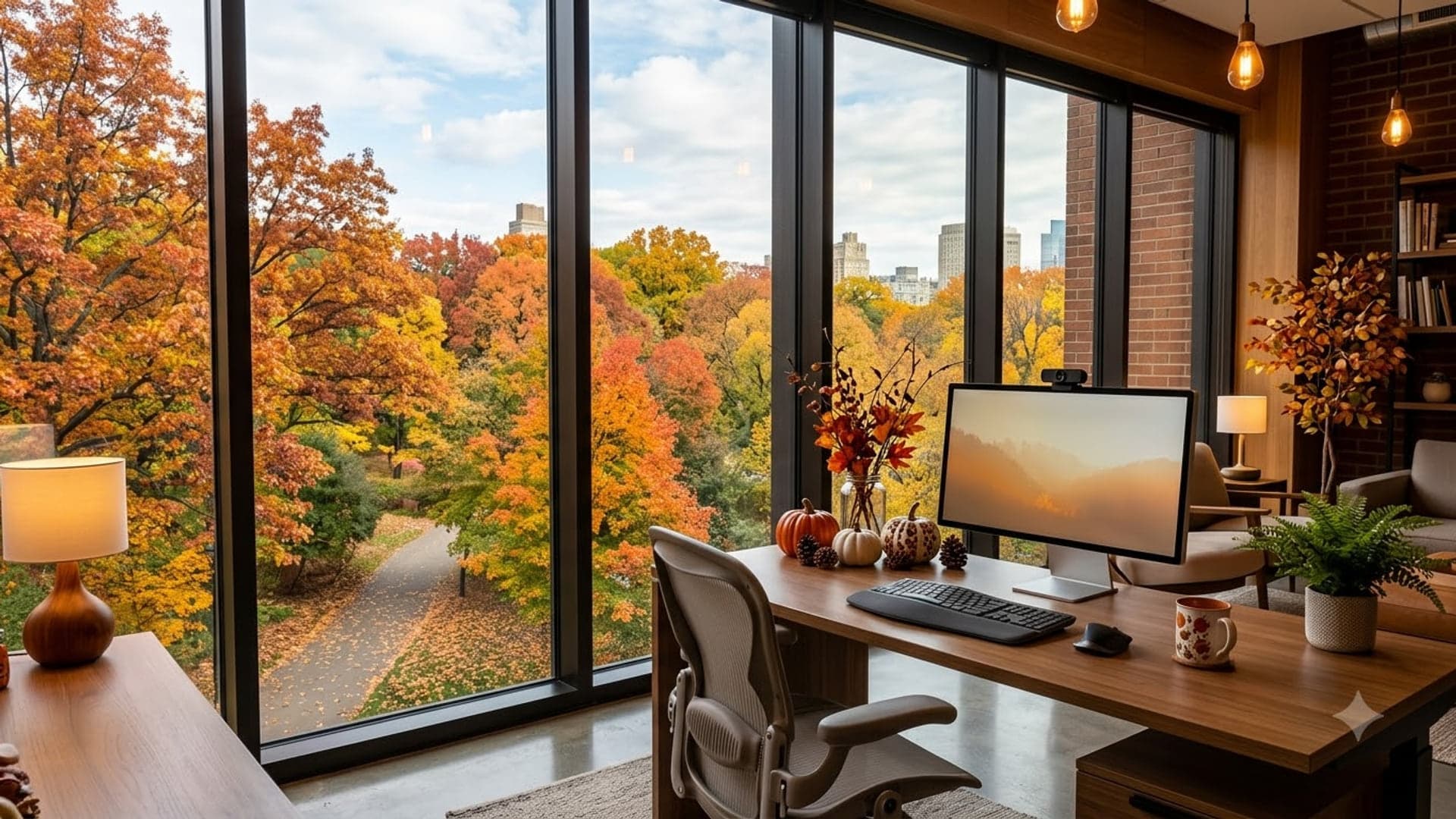
1920 x 1080
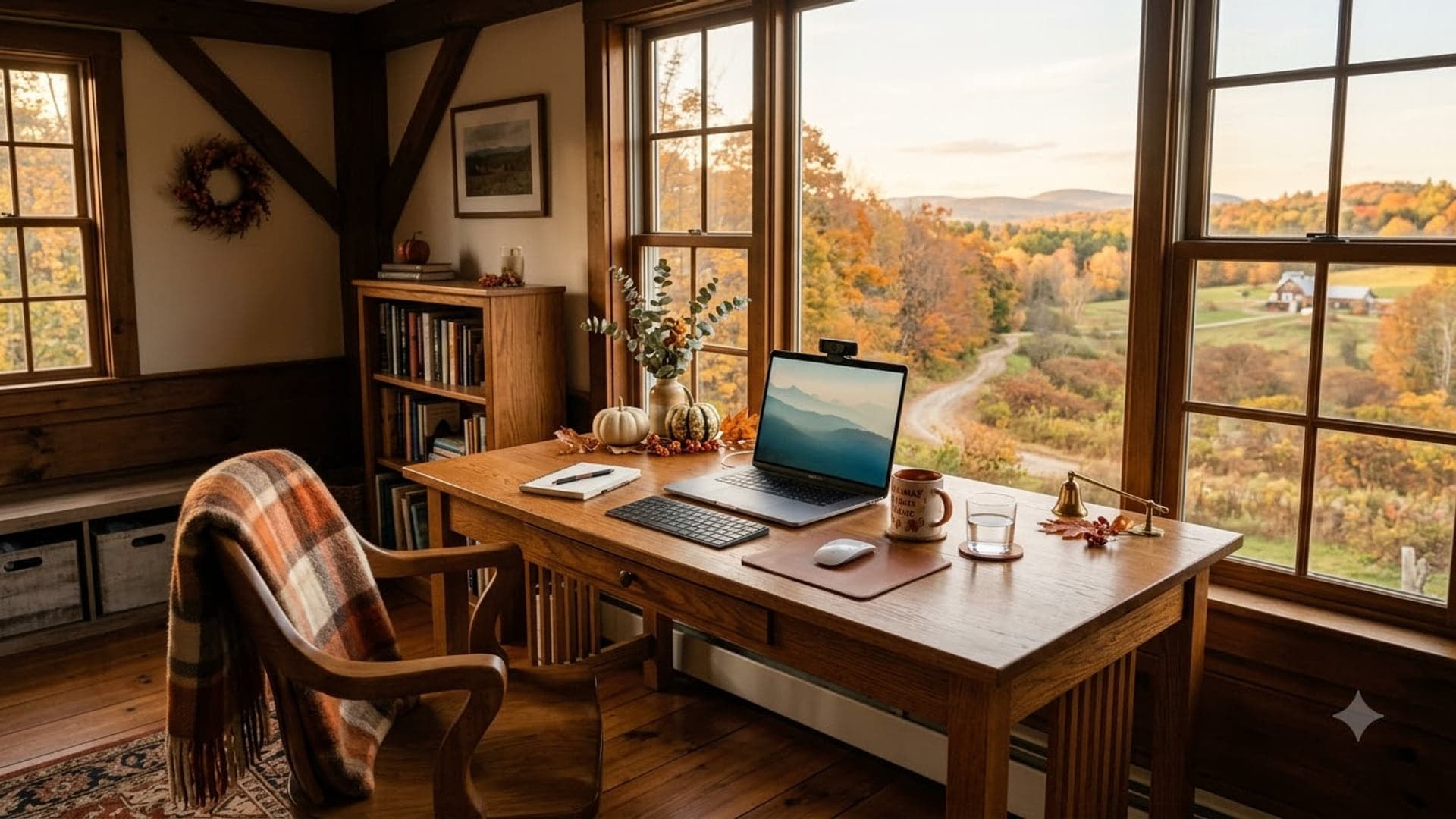
1920 x 1080
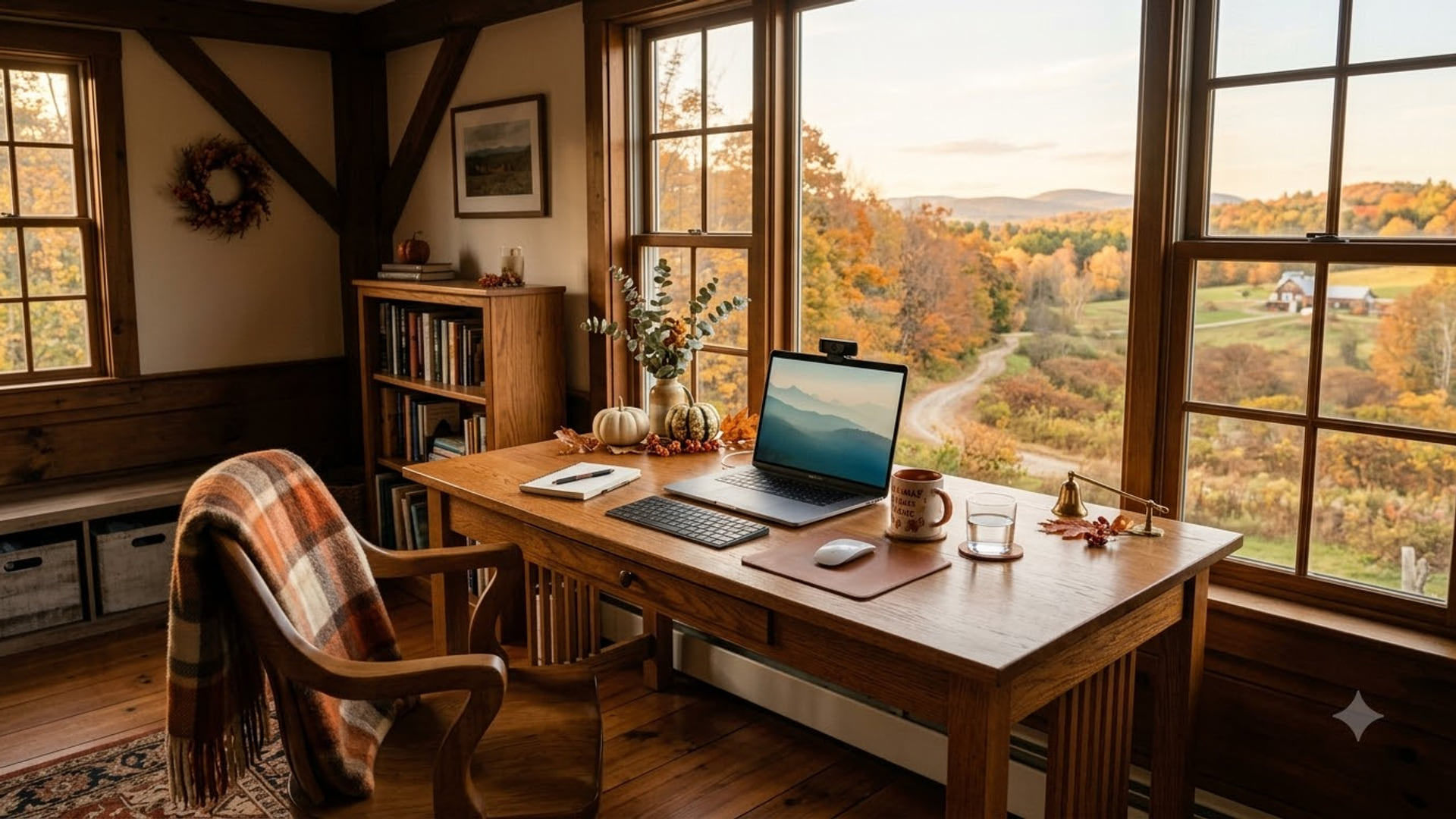
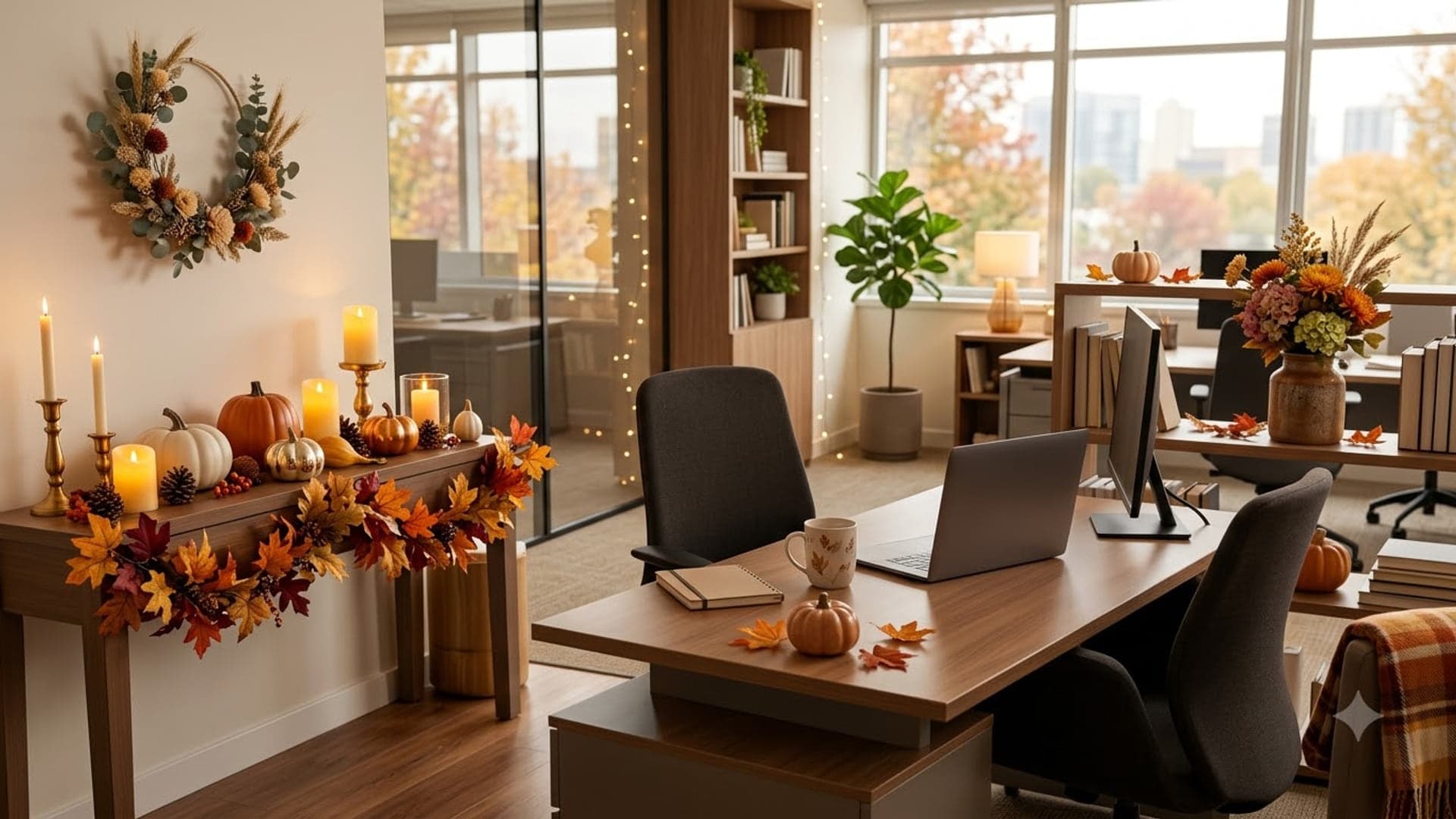
1920 x 1080
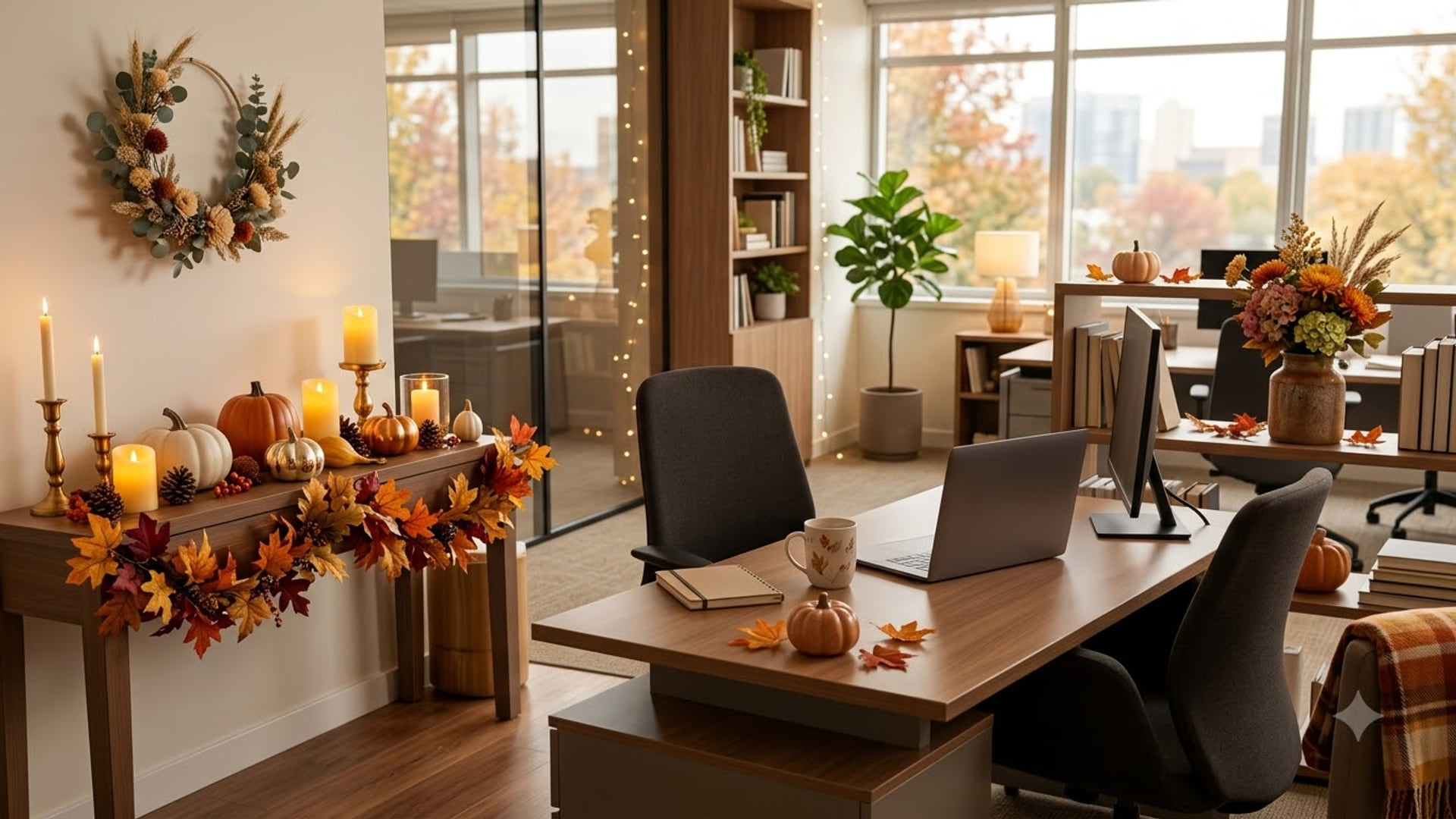
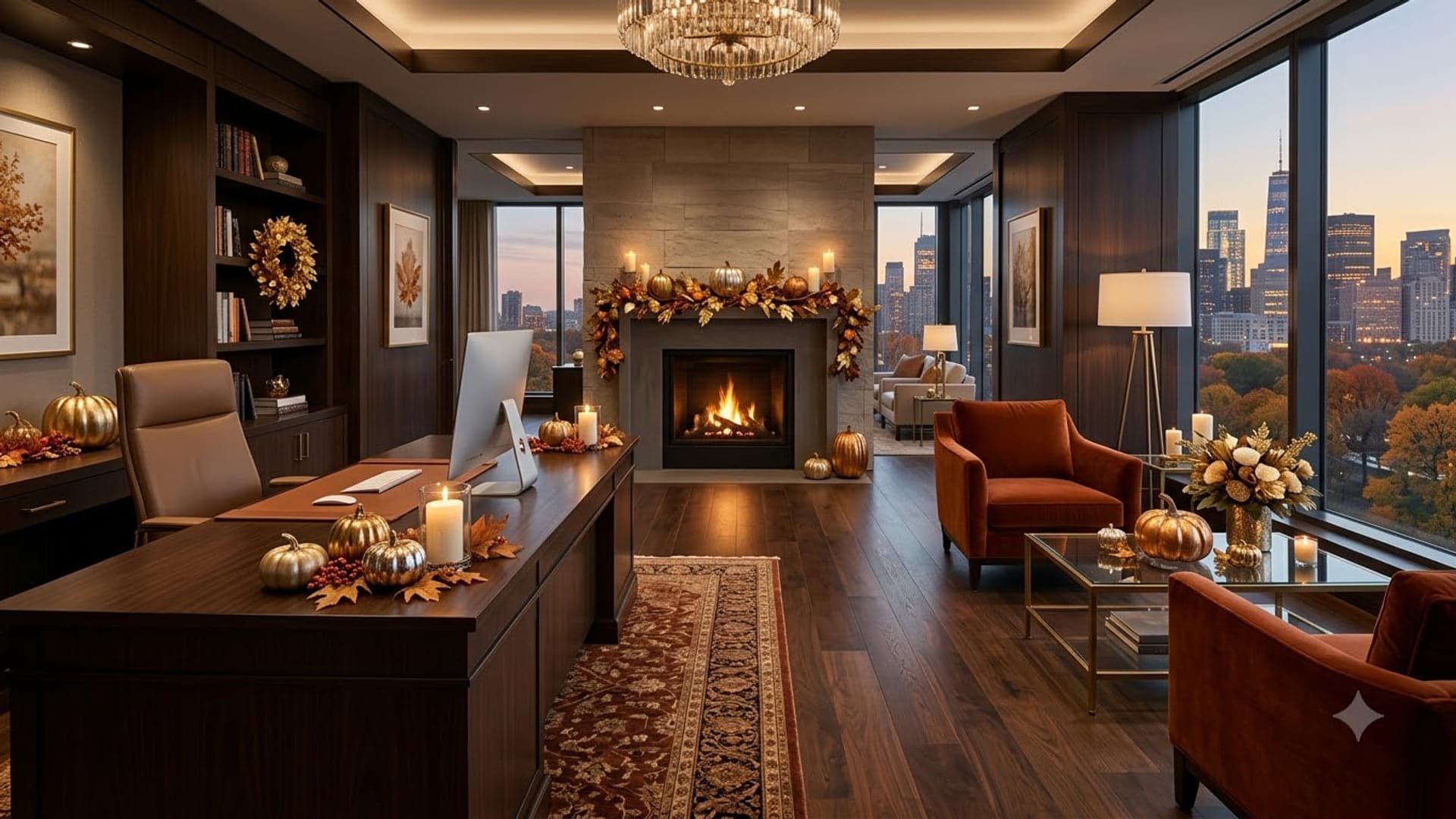
1920 x 1080
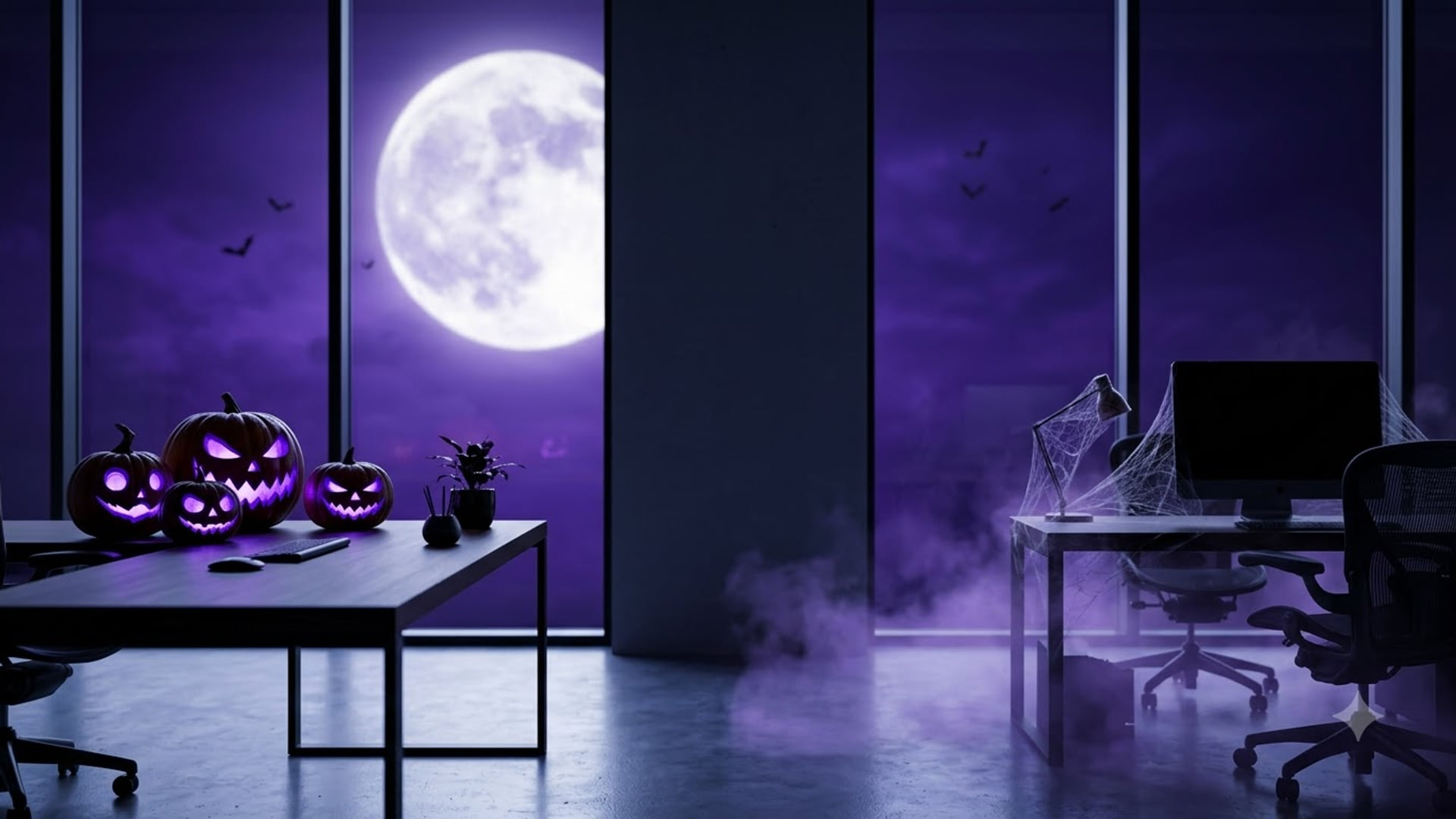
Halloween Zoom backgrounds
Spooky rather than gory — fine for a work call in late October.
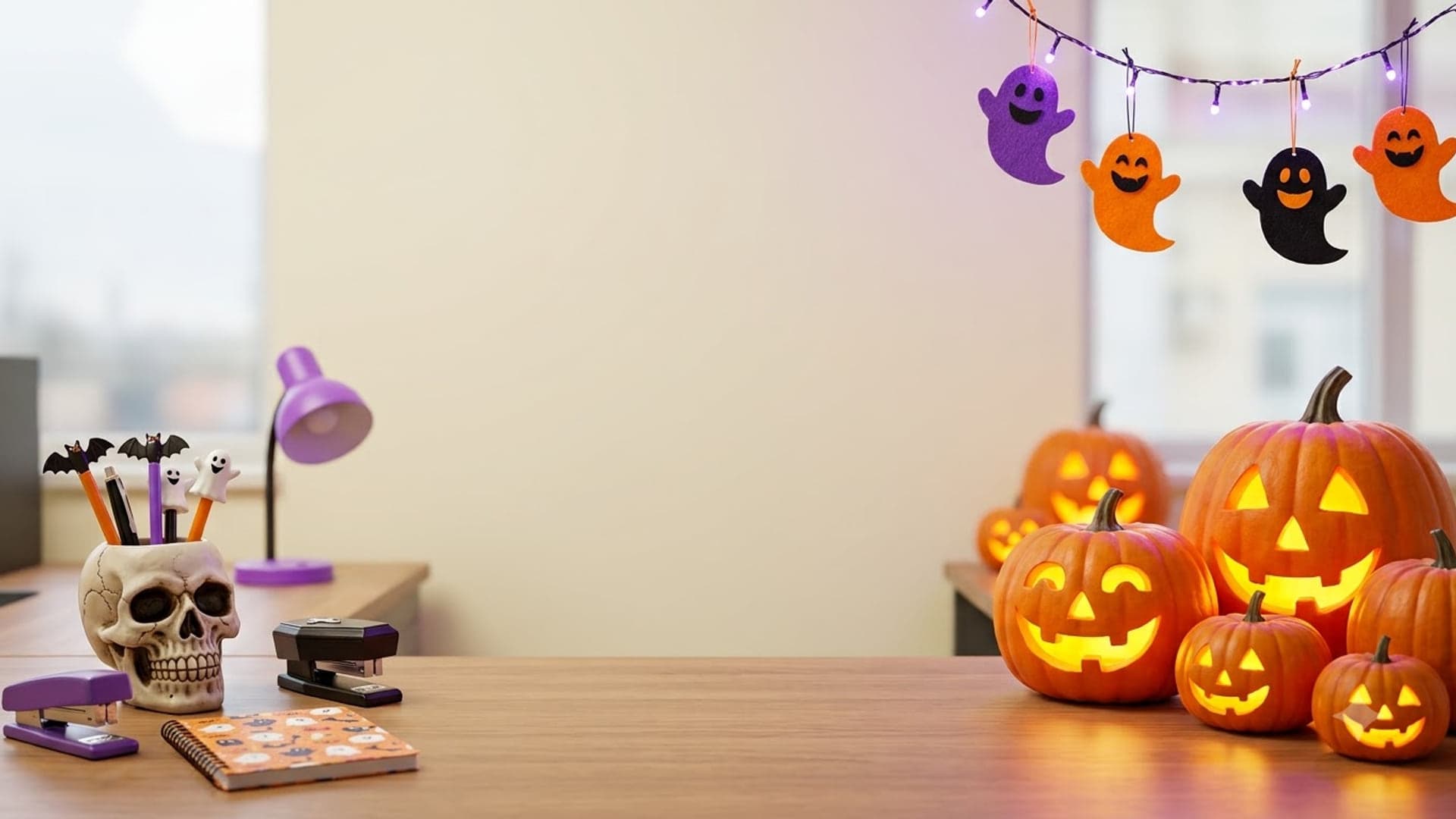
1920 x 1080
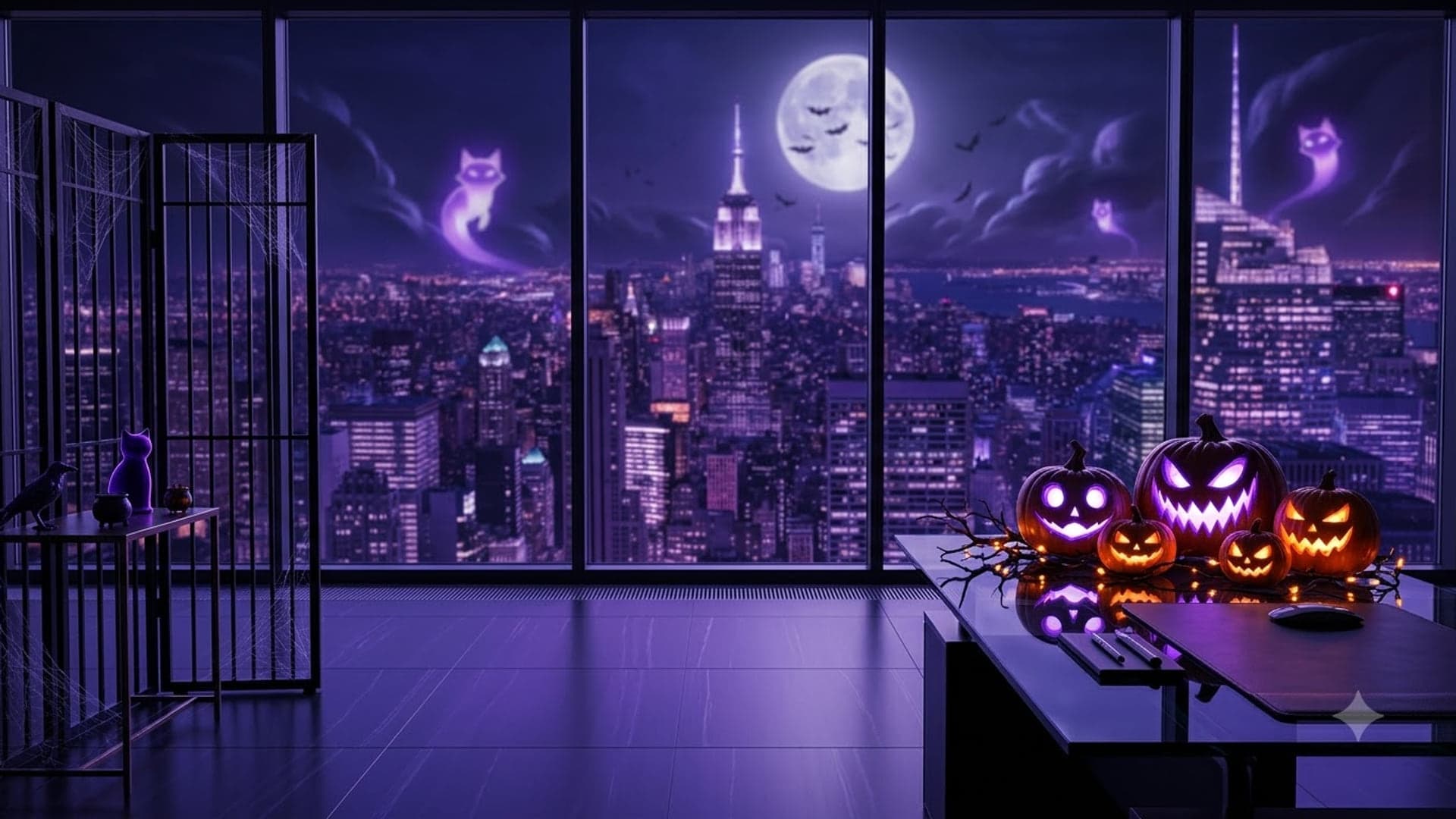
1920 x 1080
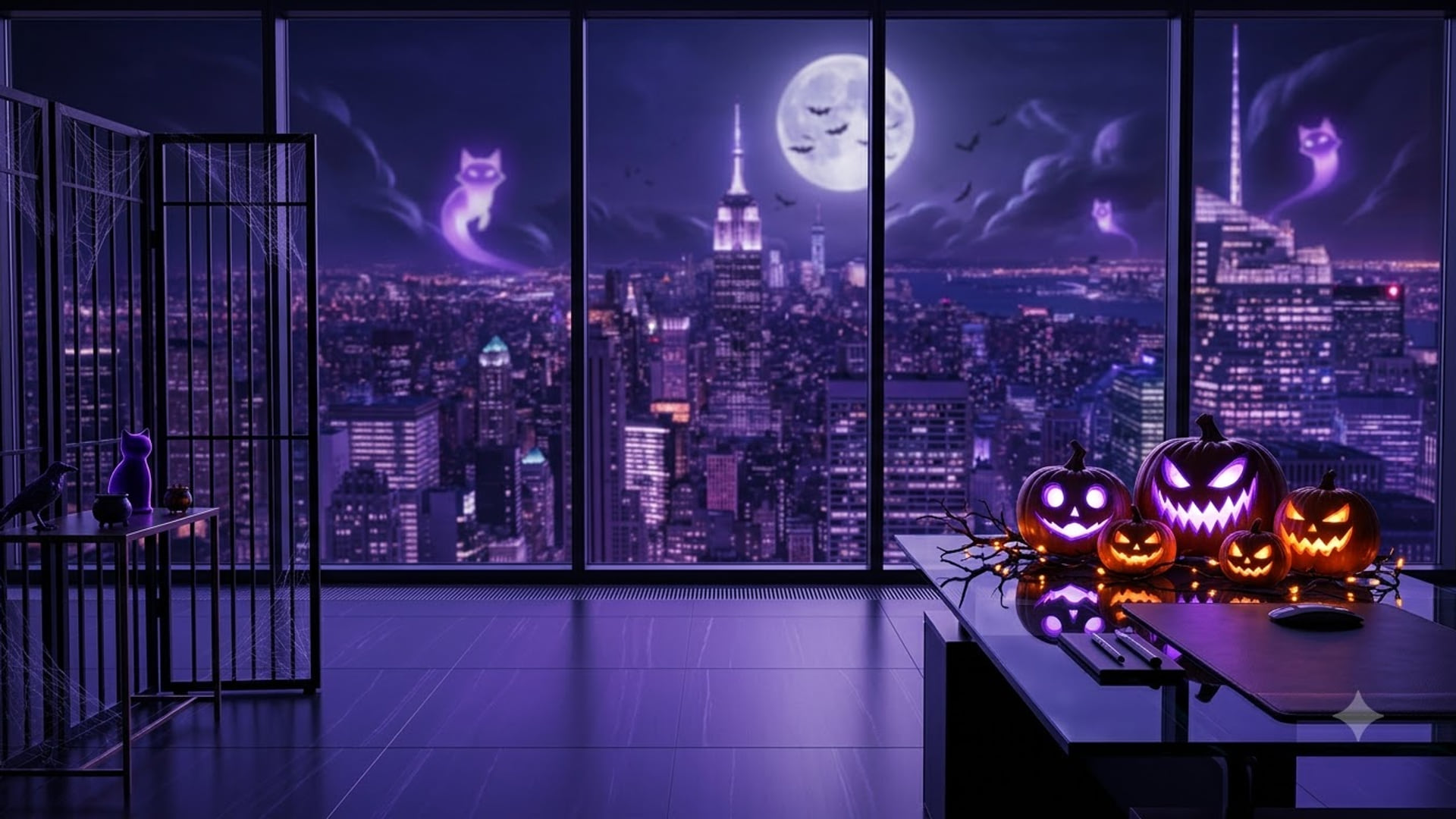
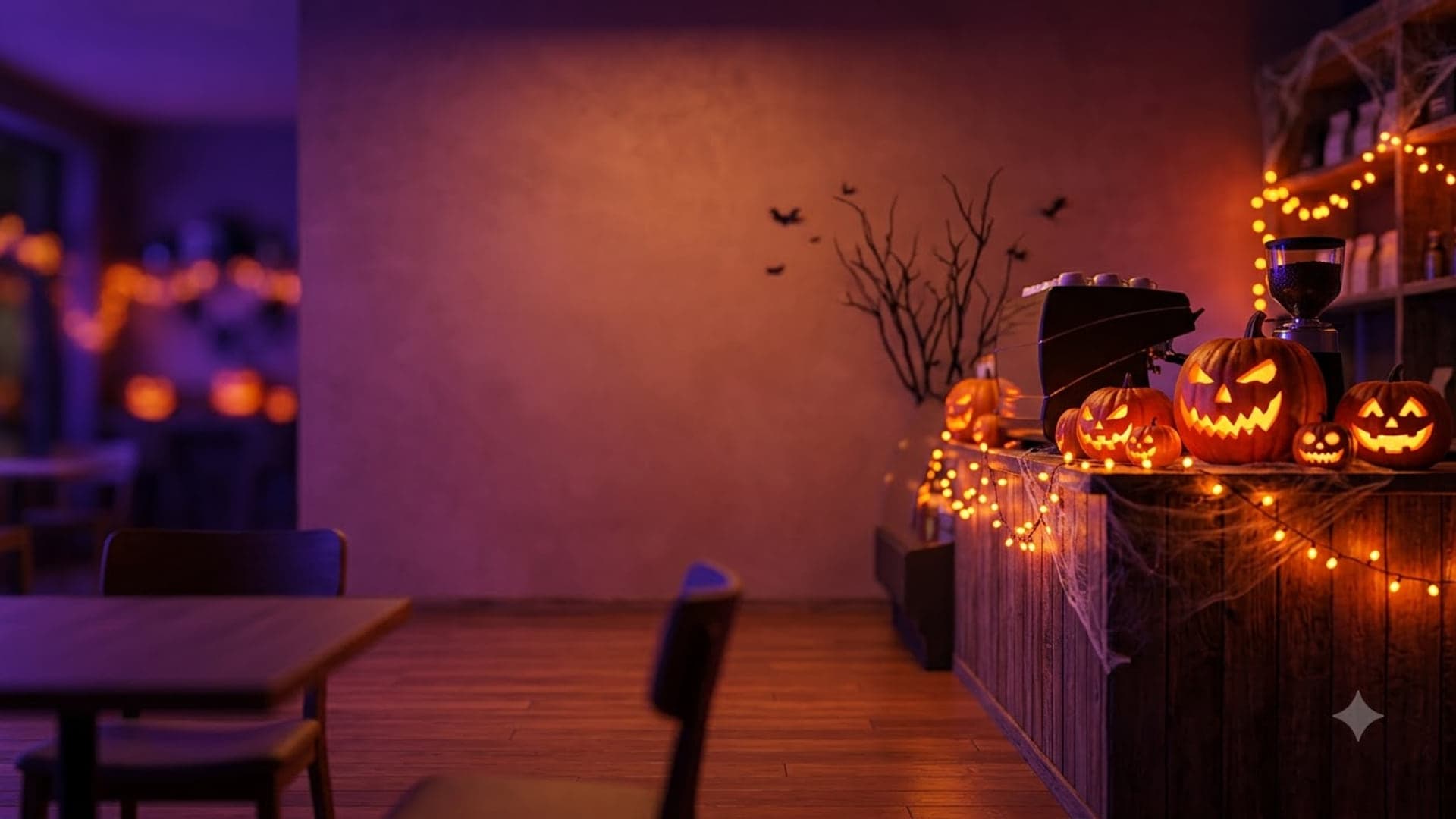
1920 x 1080
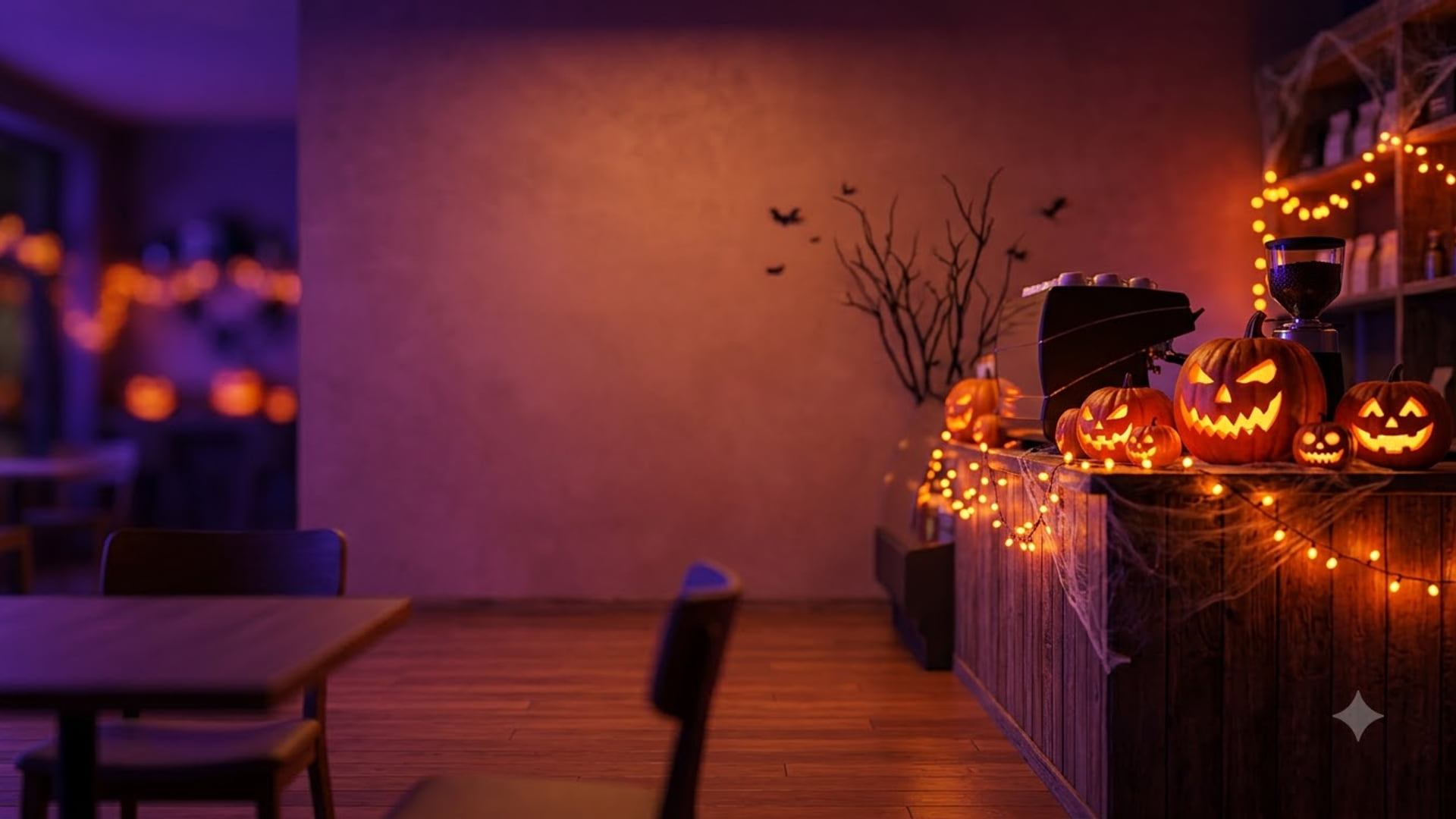
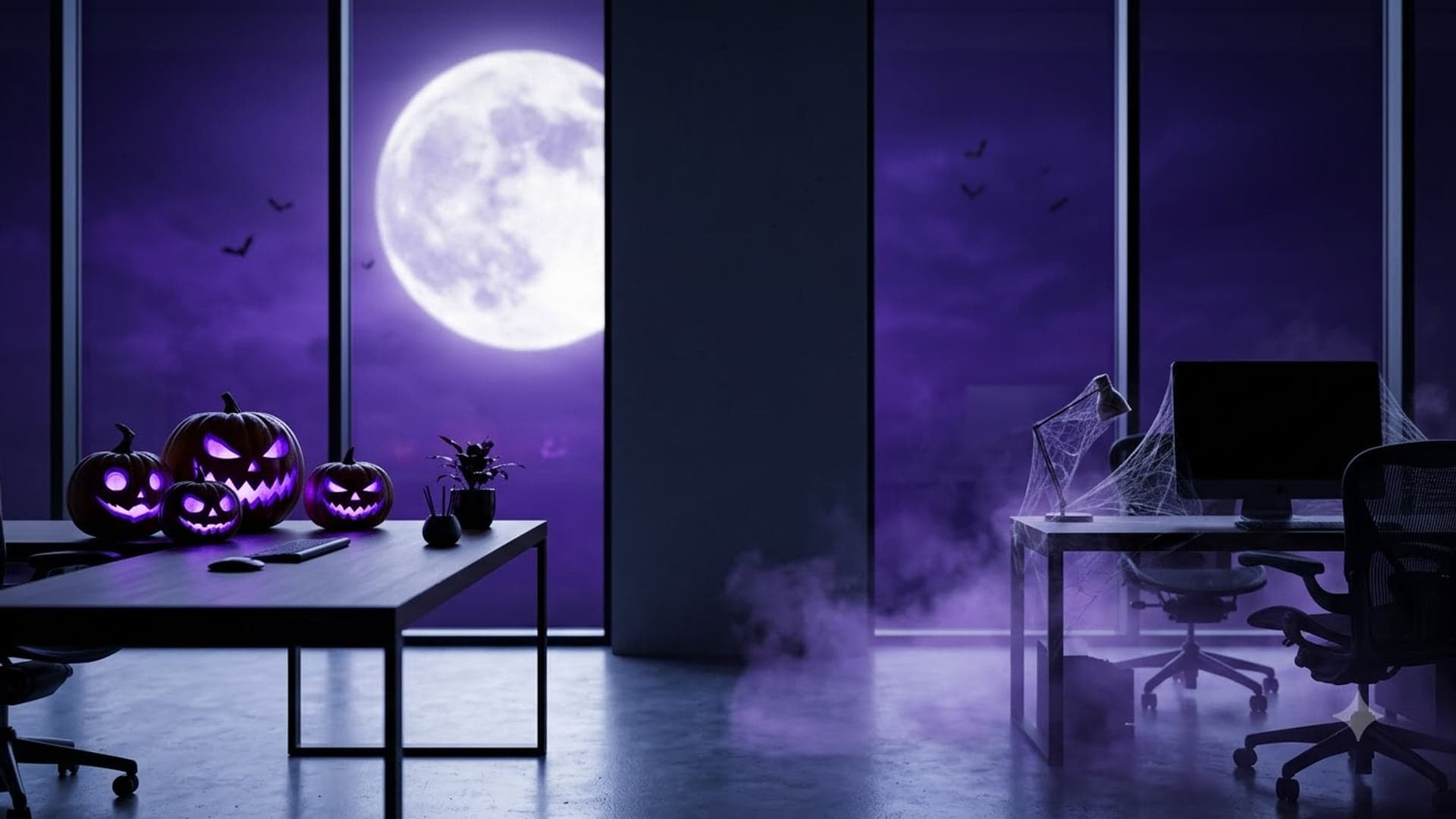
1920 x 1080
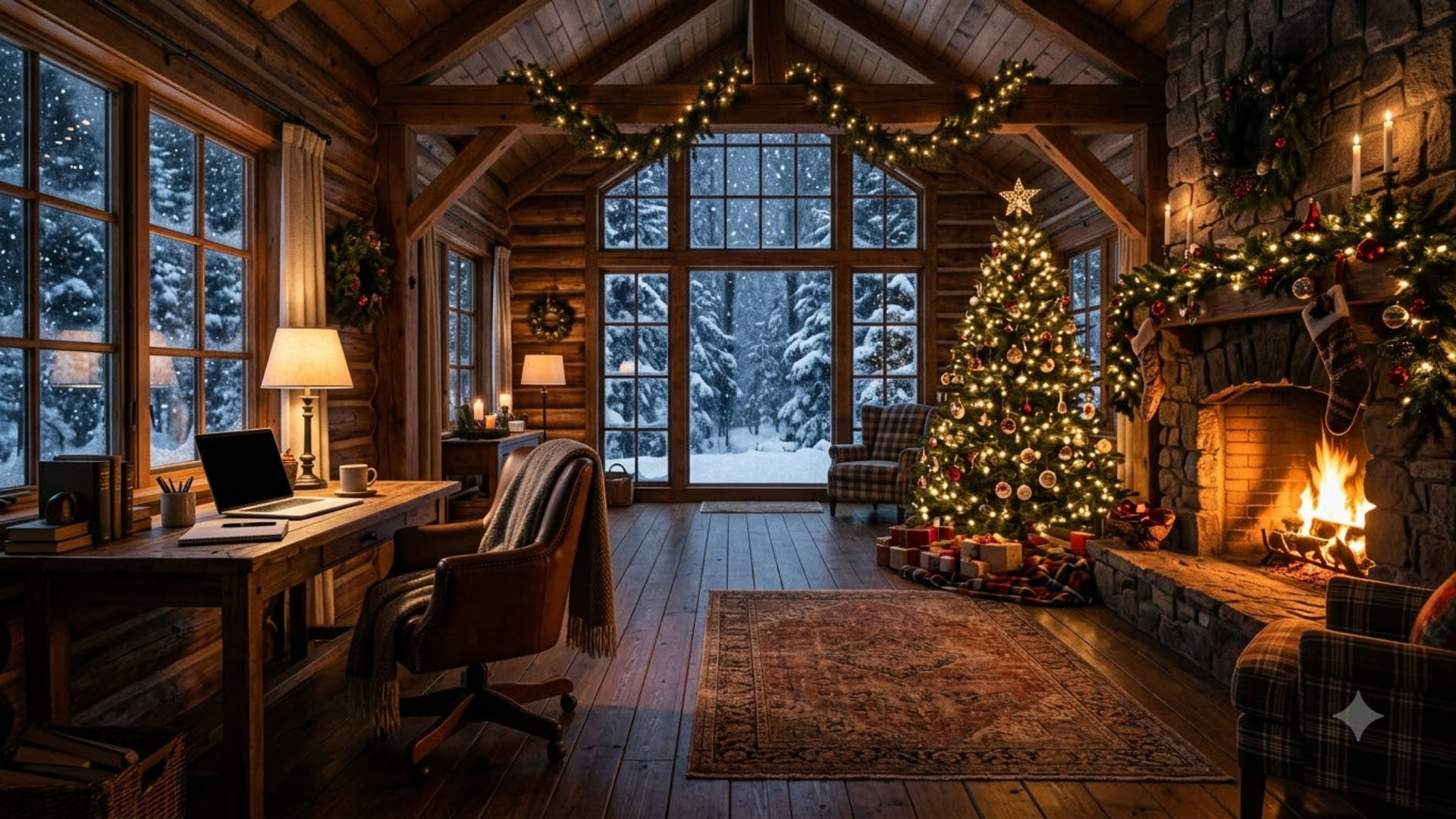
Holiday Zoom backgrounds
For the end-of-year stretch from Thanksgiving to New Year.
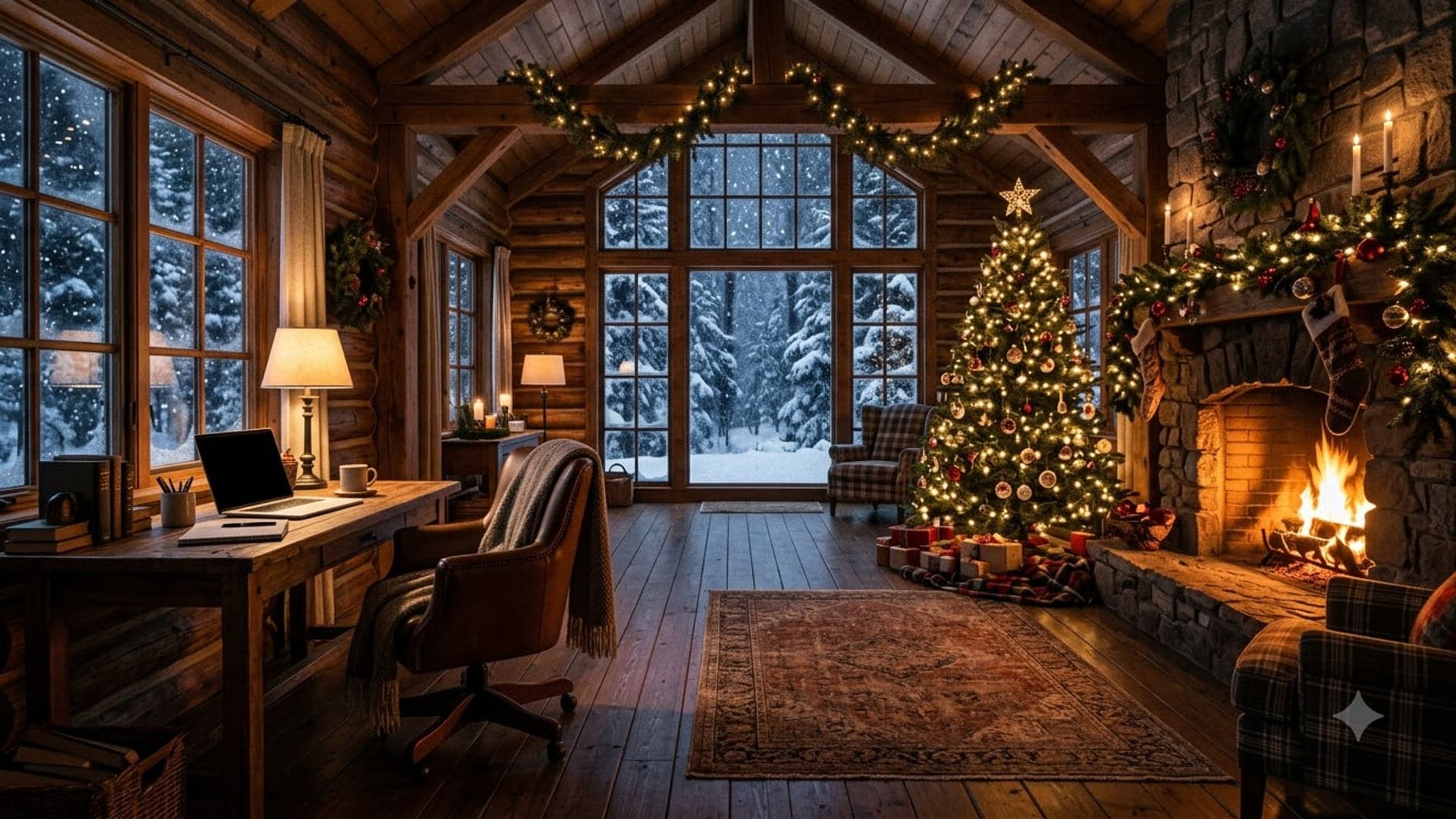
1920 x 1080
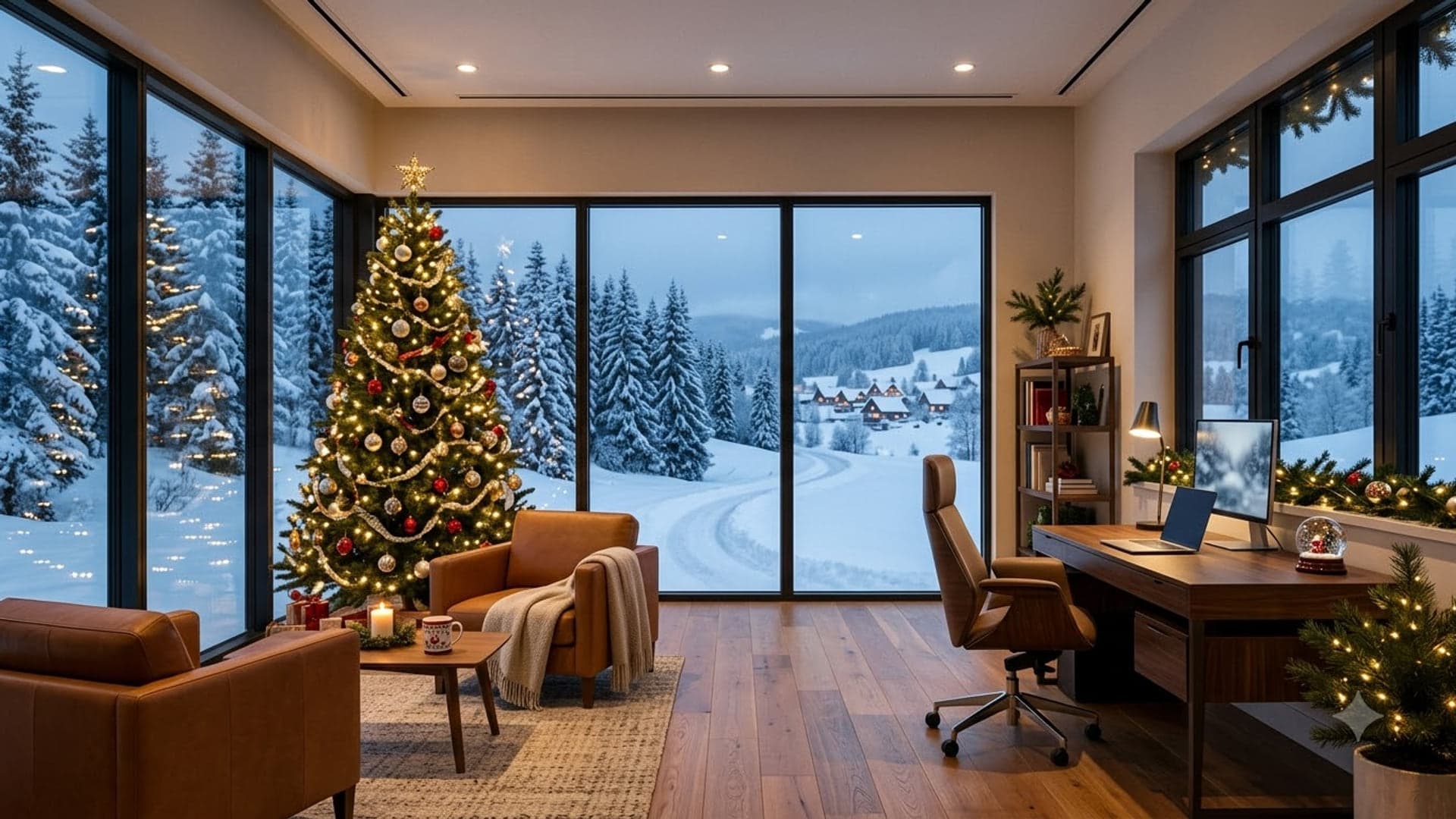
1920 x 1080
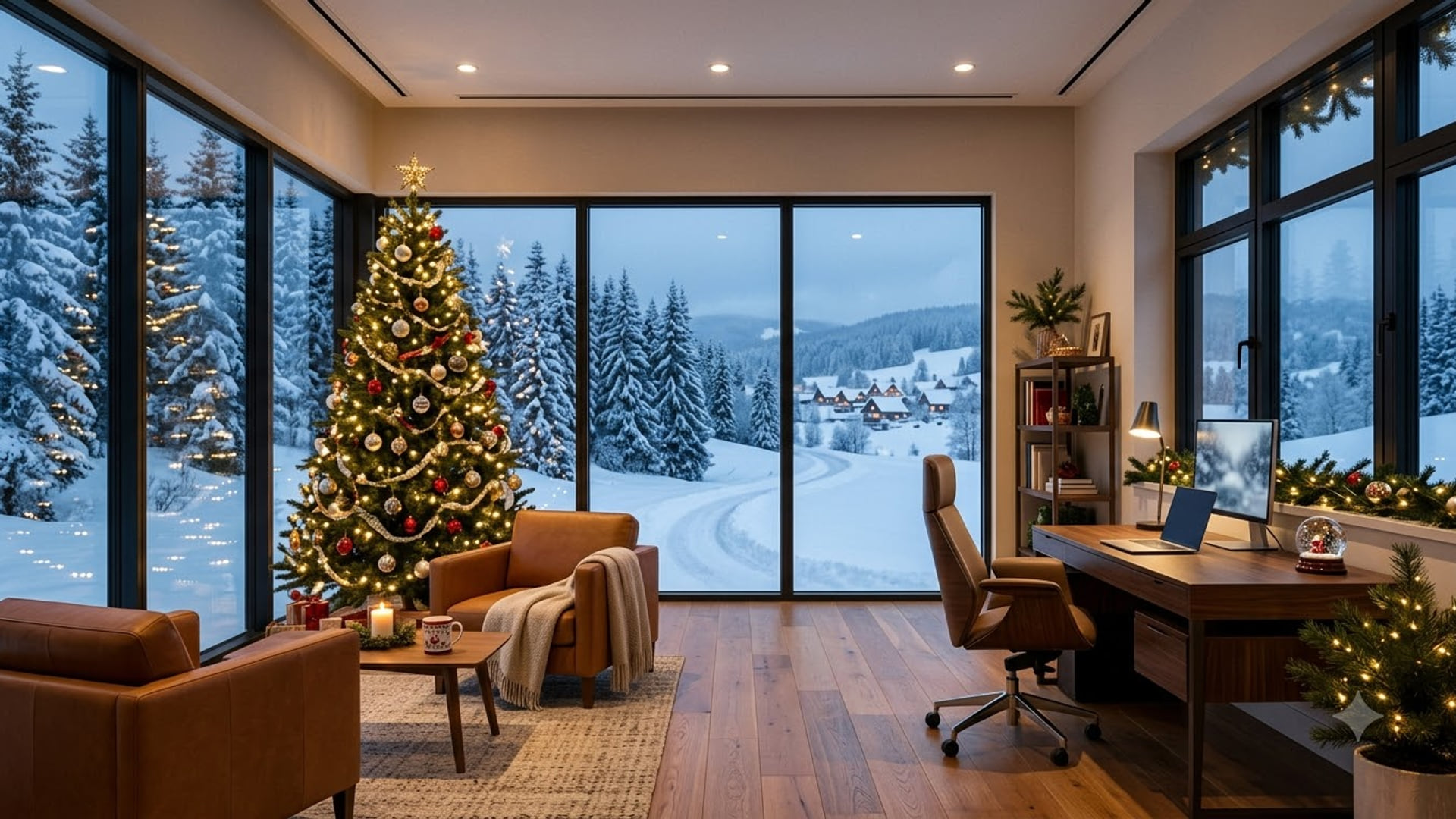
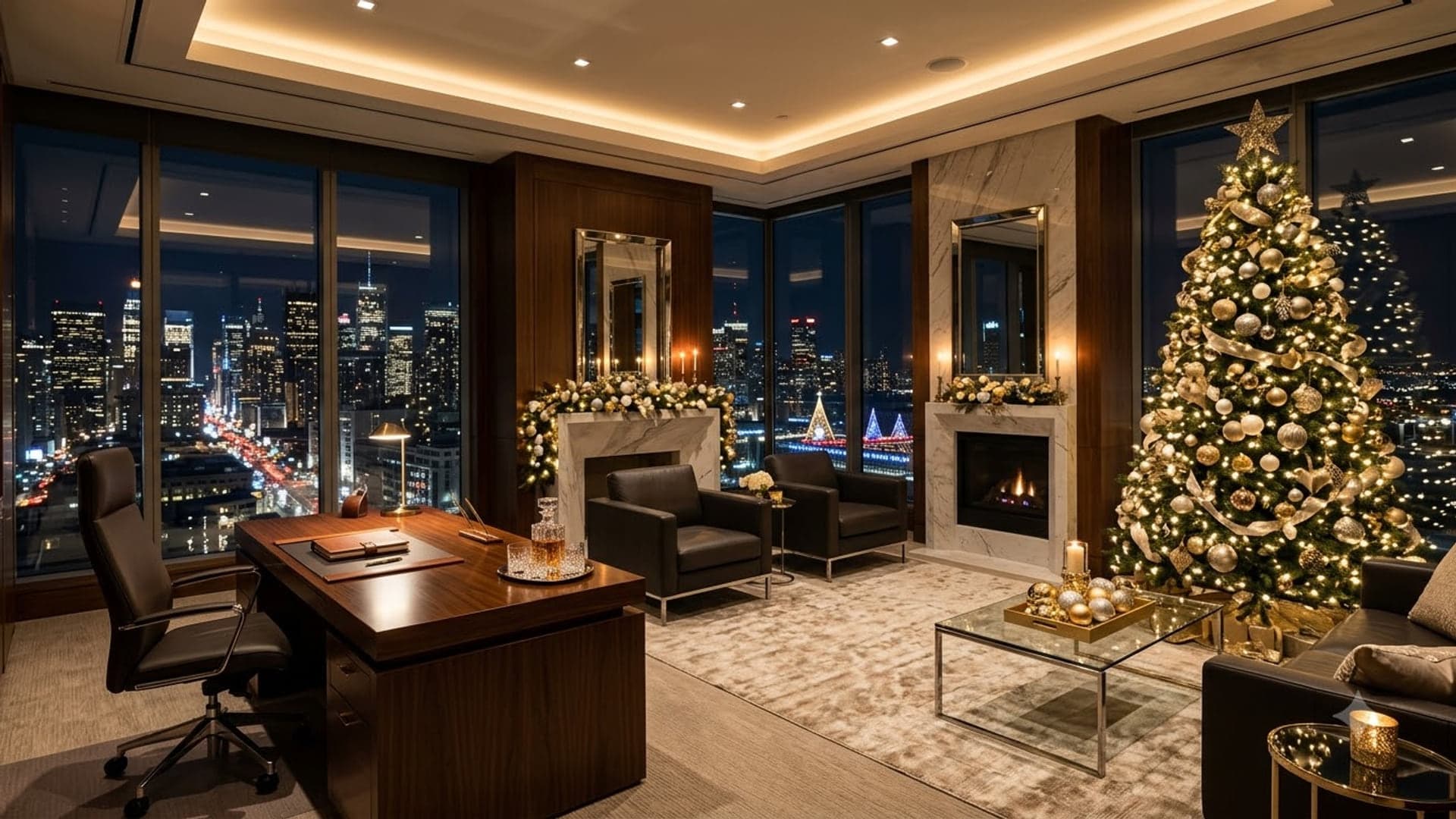
1920 x 1080
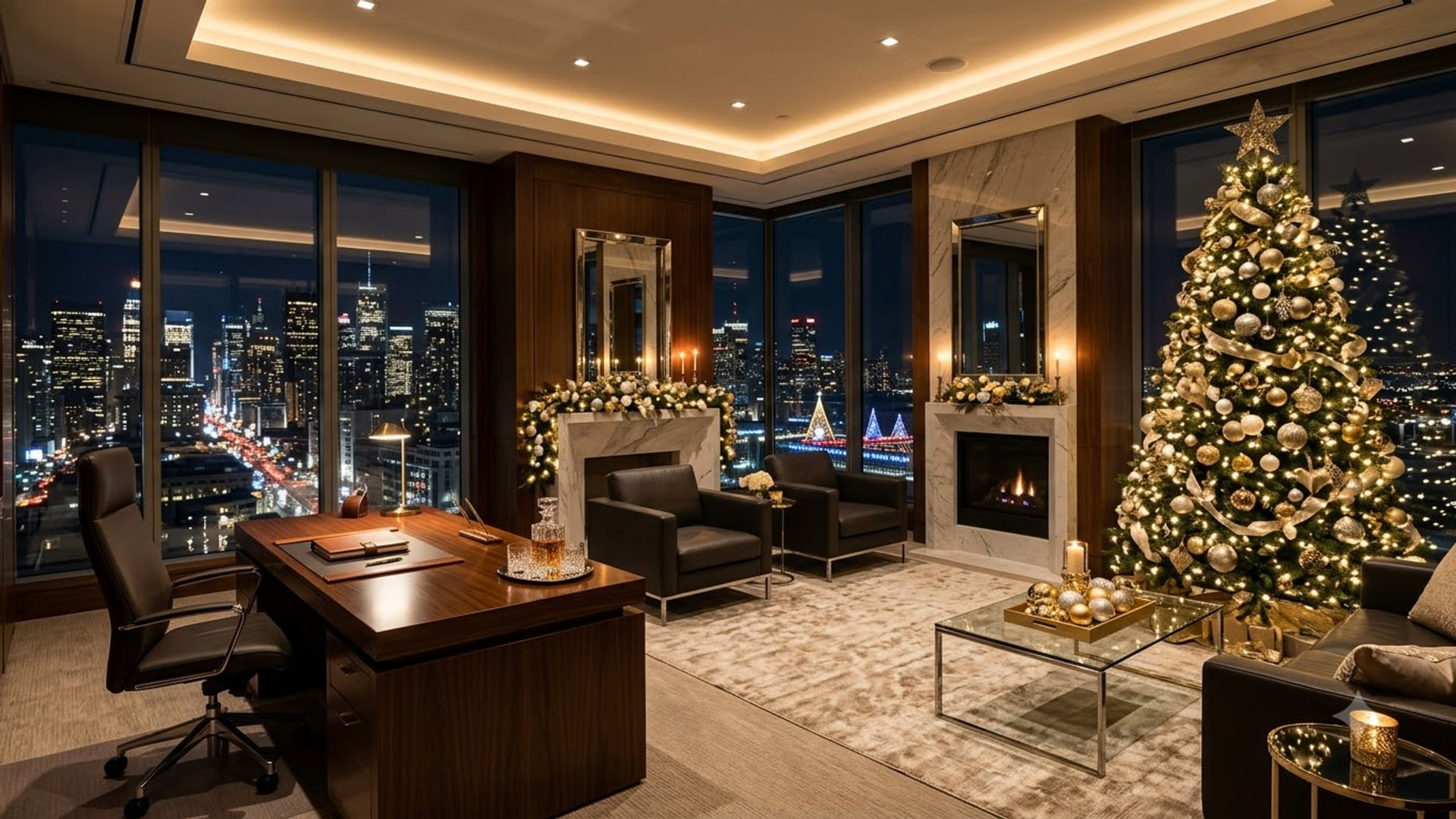

1920 x 1080
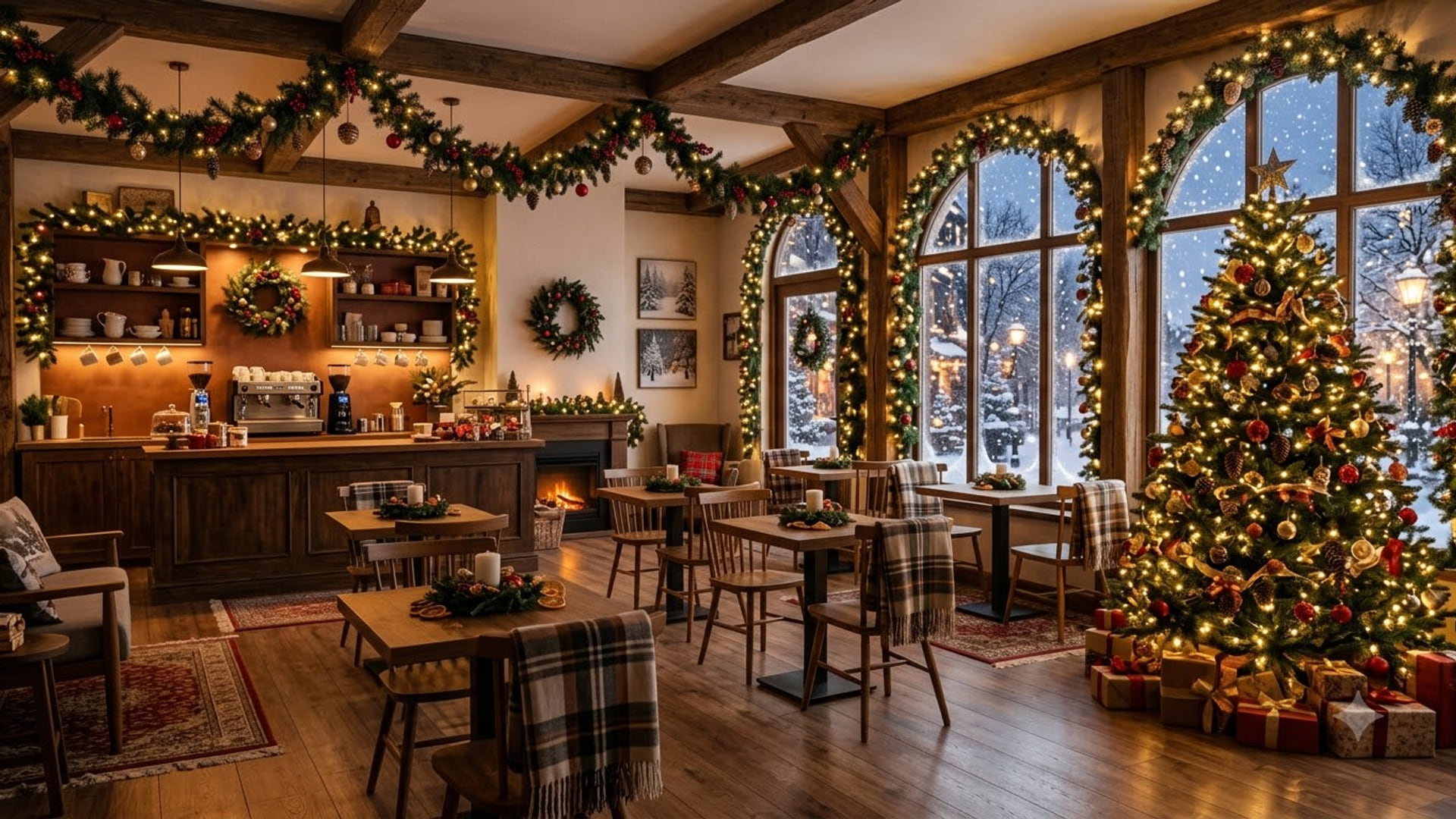
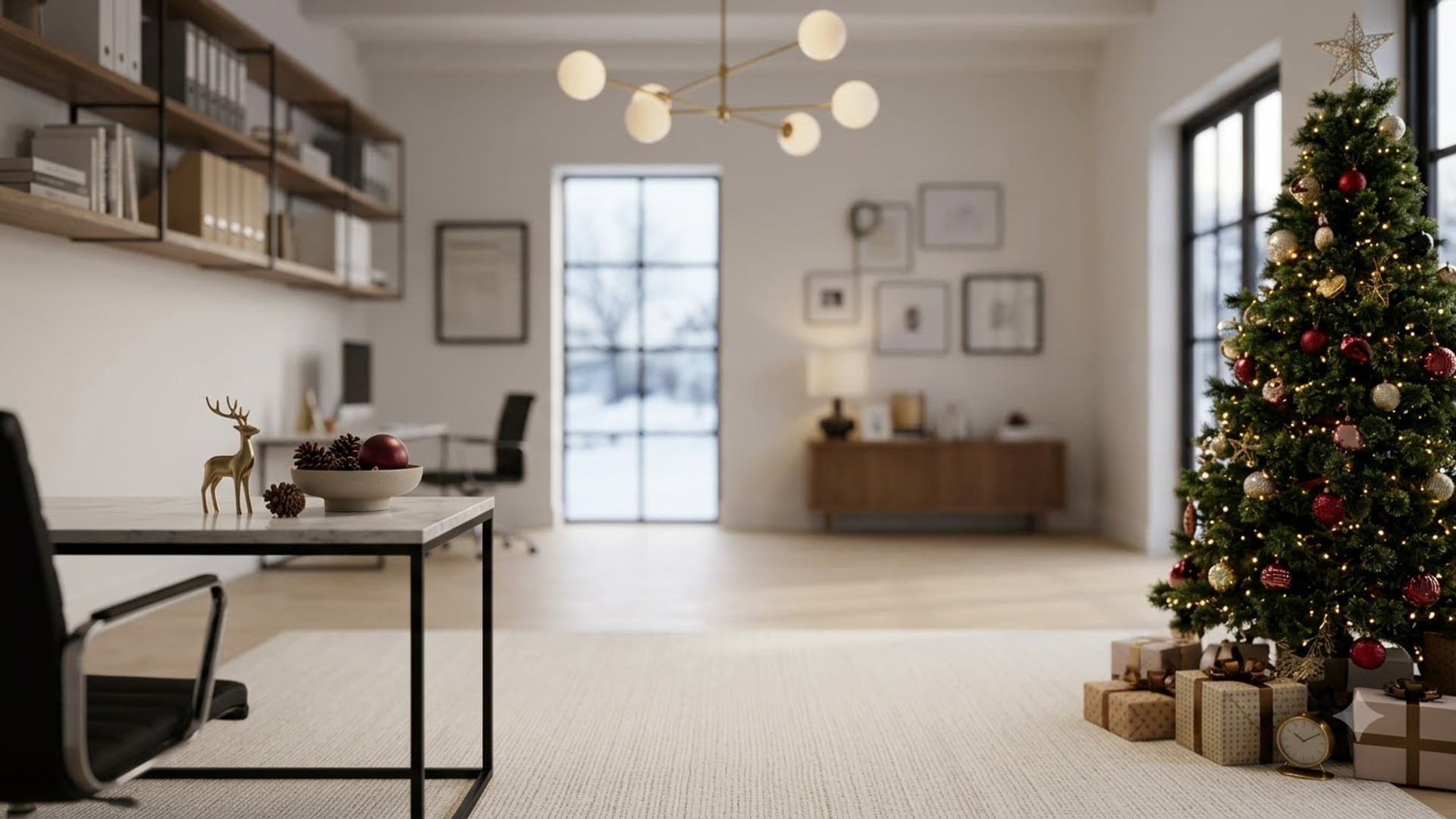
Christmas Zoom backgrounds
Festive options for the December meeting rota.
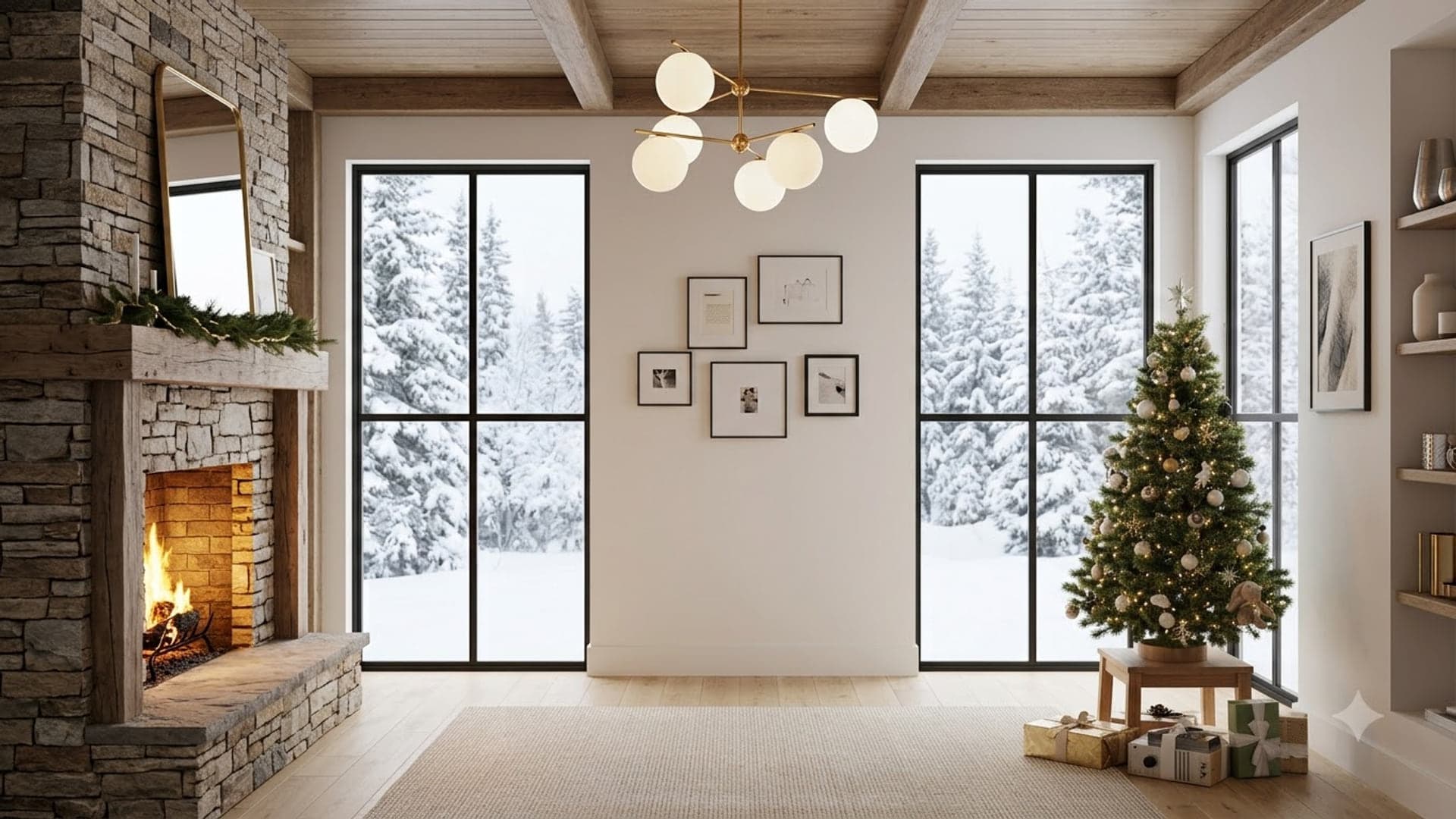
1920 x 1080
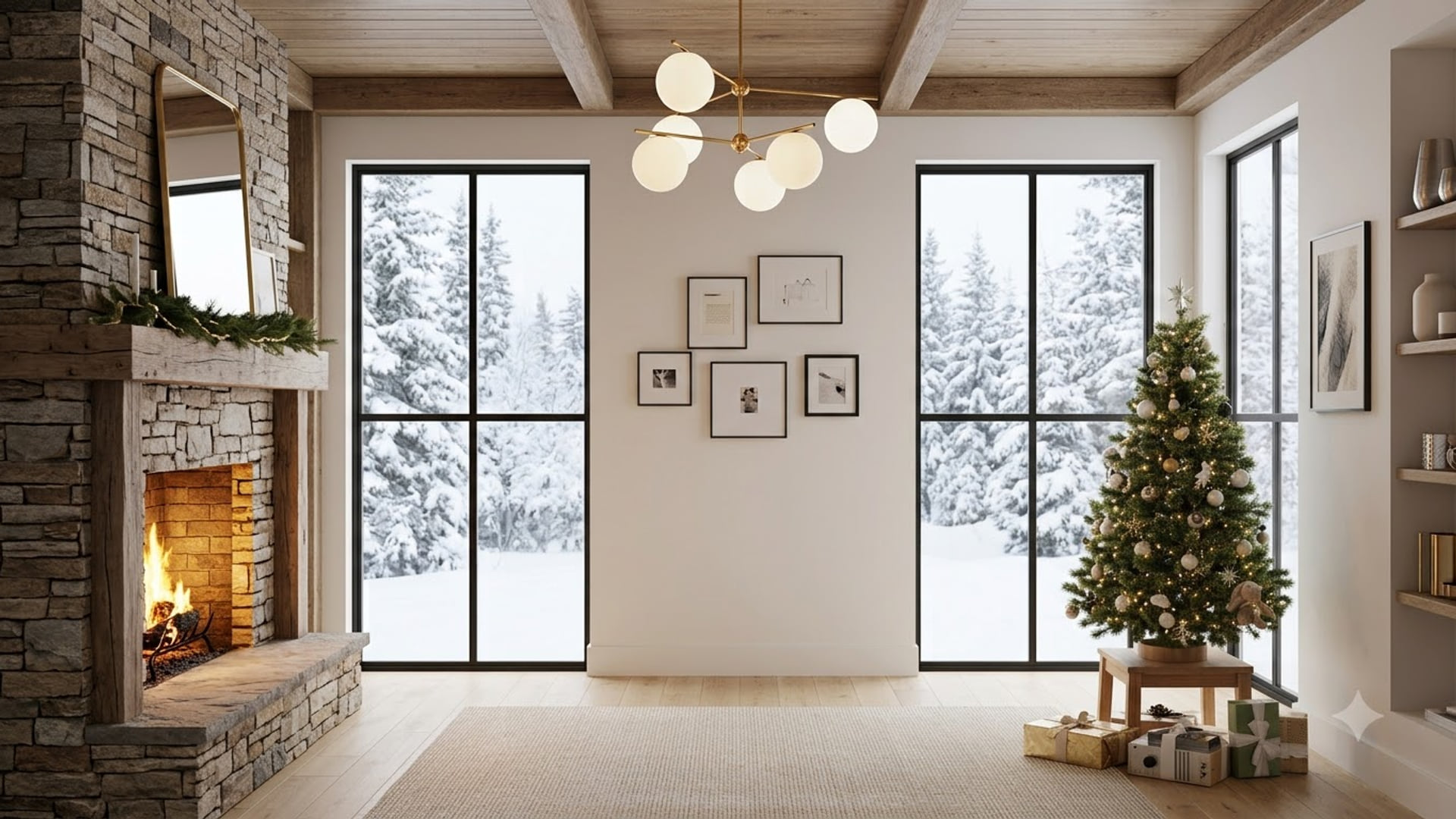
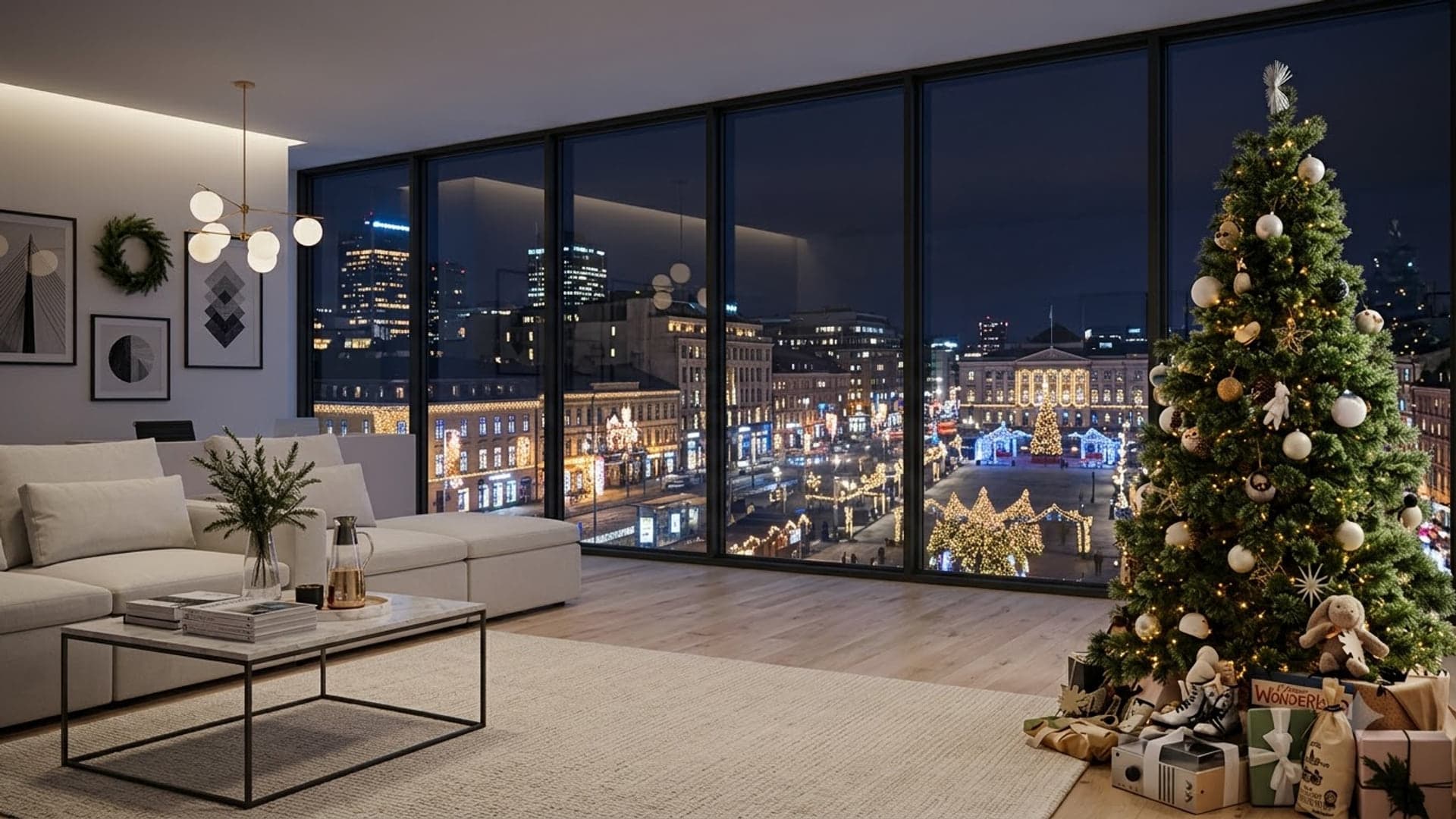
1920 x 1080
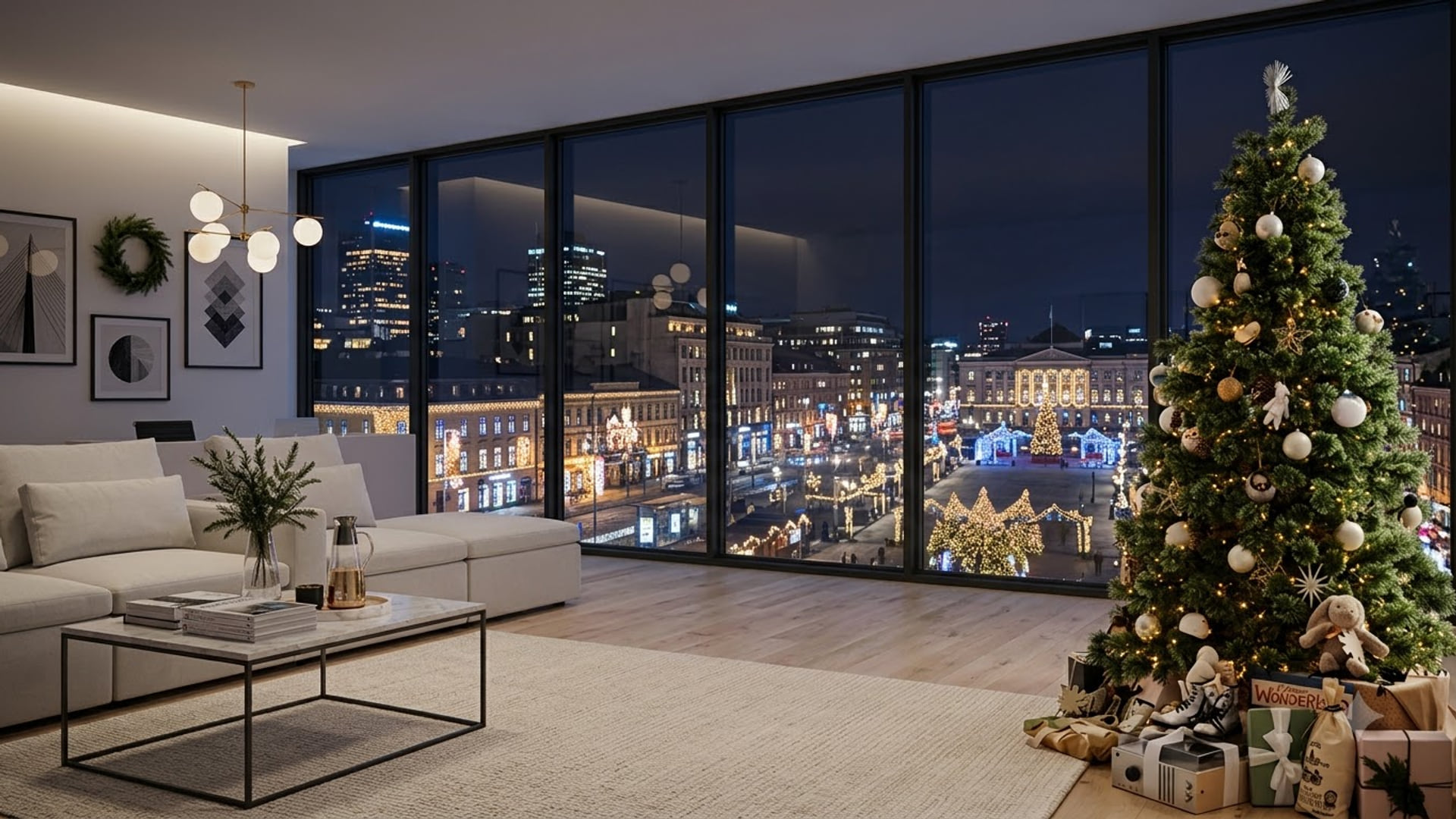

1920 x 1080

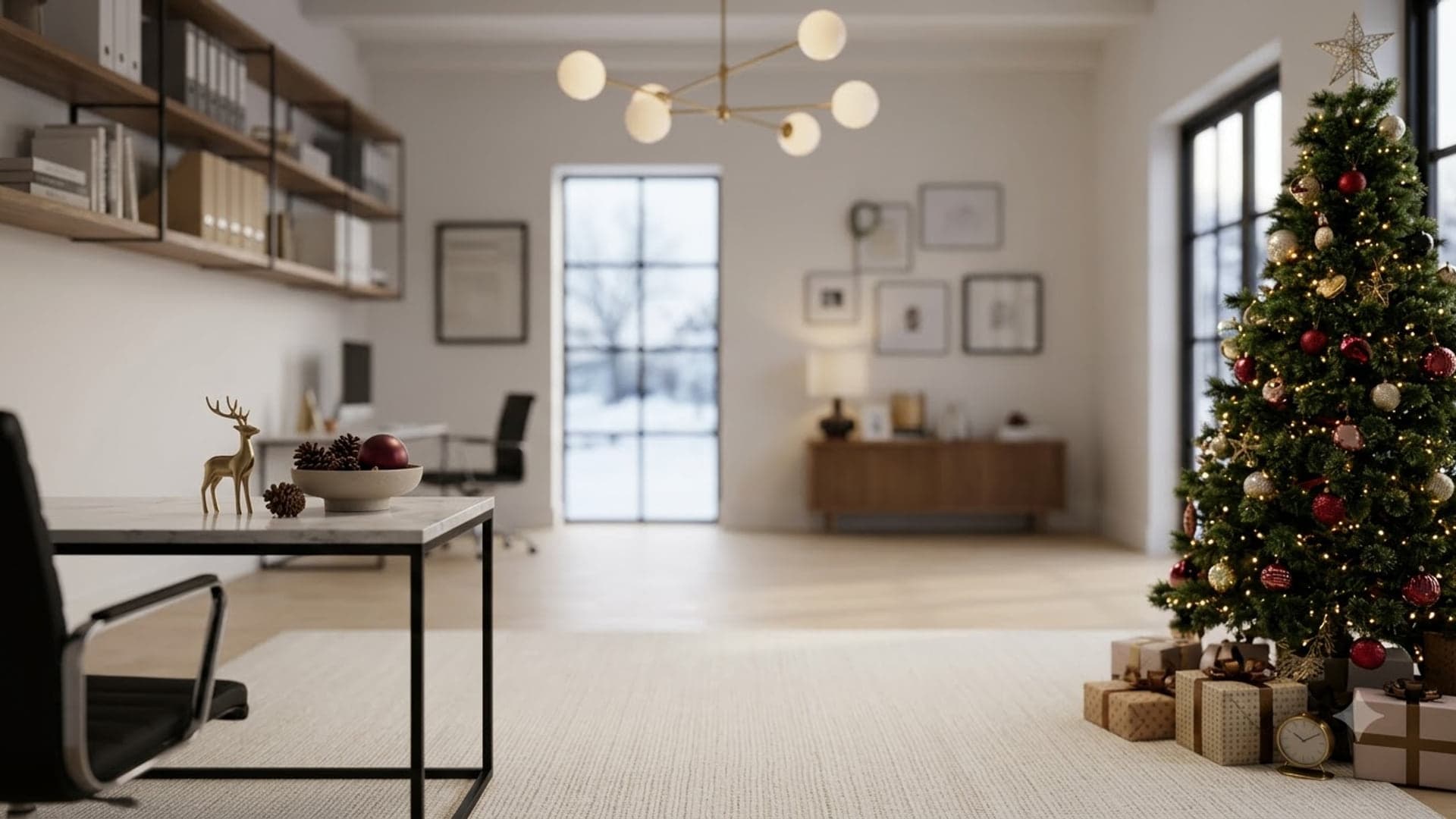
1920 x 1080
Adding one in Zoom
- Download the image. Grab any background from this site. Zoom caps uploads at 5 MB — everything here is comfortably under that.
- Open Background & Effects. Outside a meeting: click your profile picture, then Settings, then Background & Effects in the left rail. Inside a meeting: click the small arrow next to Stop Video and choose Choose Virtual Background.
- Add the file. Click the + on the right of the thumbnail grid, choose Add Image, and select your download. Zoom applies it the moment it loads.
- Fix the mirror if text looks backwards. If your background has readable text and it reads back-to-front to you, that is just your self-view mirroring — everyone else sees it correctly. To confirm, untick Mirror my video in the same settings panel.
The full Zoom guide covers why the option goes missing and what to do about it. Checked September 2026.
Common questions
Are these Zoom backgrounds free?
Yes. Every image downloads at full 1920x1080 size with no account, no email and no watermark, and each one is under Zoom’s 5 MB upload limit.
Which Zoom background looks most professional?
A plain or lightly furnished room with nothing busy at head height. Detailed bookshelves and glass boardrooms photograph well but cut out badly, because the software struggles to separate you from high-contrast detail right behind your shoulders.
Can I use a virtual background in the Zoom mobile app?
On most recent phones, yes. In a meeting, tap More, then Backgrounds and Effects, and add an image saved on your phone. Older devices do not offer the option at all — that is a hardware limit, not a setting you have missed.