Free Google Meet backgrounds
Google Meet accepts a custom background image in Chrome, Edge and the Meet mobile app, and a 1920x1080 image at 16:9 matches the video frame, so nothing is cropped or stretched. Download one, click the sparkle icon on your self-preview before joining, and choose the plus tile to upload it.
- Size
- 1920 x 1080 px
- Ratio
- 16:9
- Formats
- JPG or PNG
- Backgrounds
- 125, all free
Every background on this site works in Google Meet as it is. The two things that decide whether one looks right on a call are the same everywhere: it has to read at the size of a video tile, and the middle of the frame belongs to you, because Meet cuts you out and places you over the centre.
Meet runs its background effects inside the browser, on your own machine. A calm image with nothing busy at head height is not just better-looking there — it is also easier work for a laptop that is already running the call.
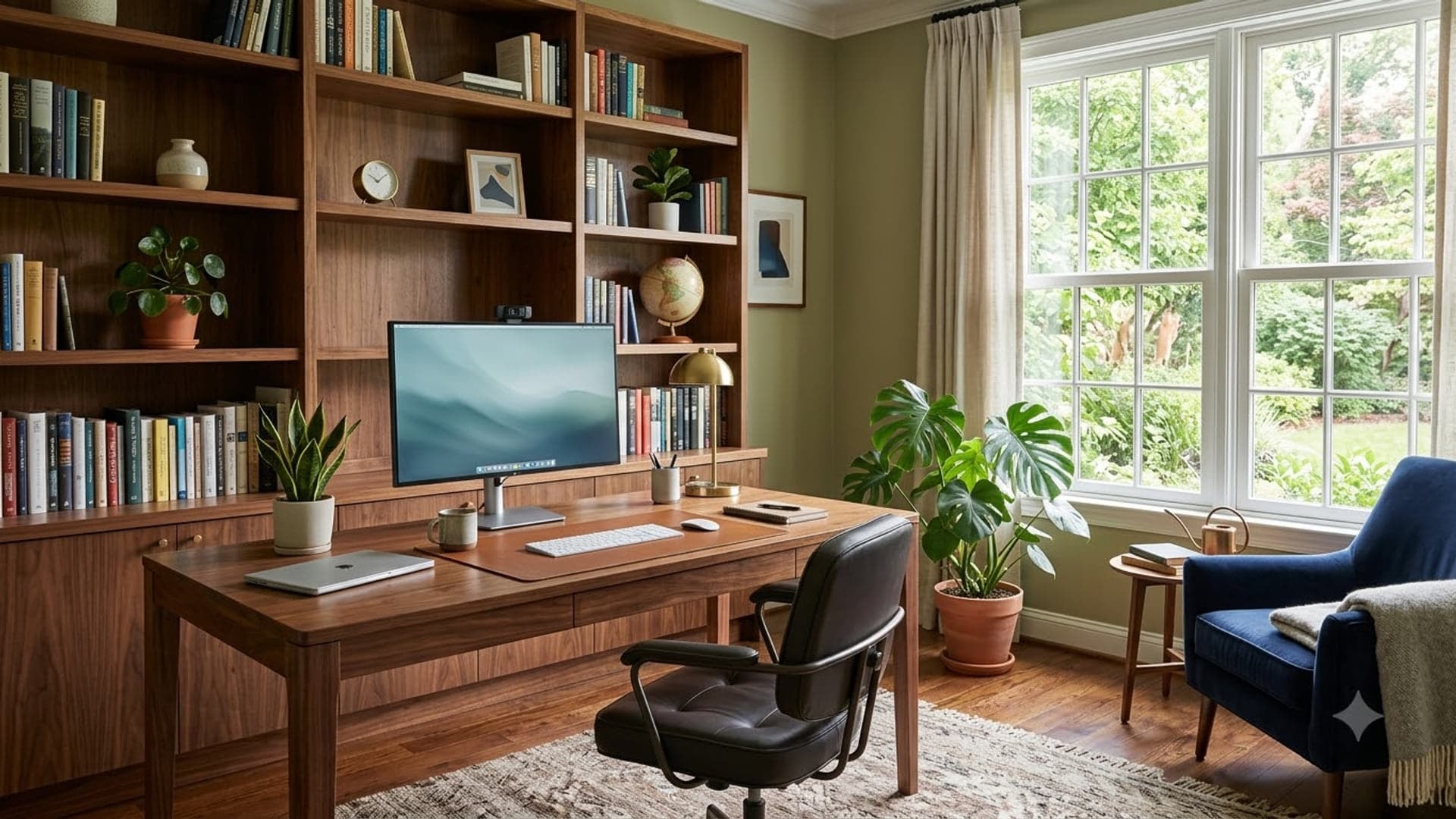
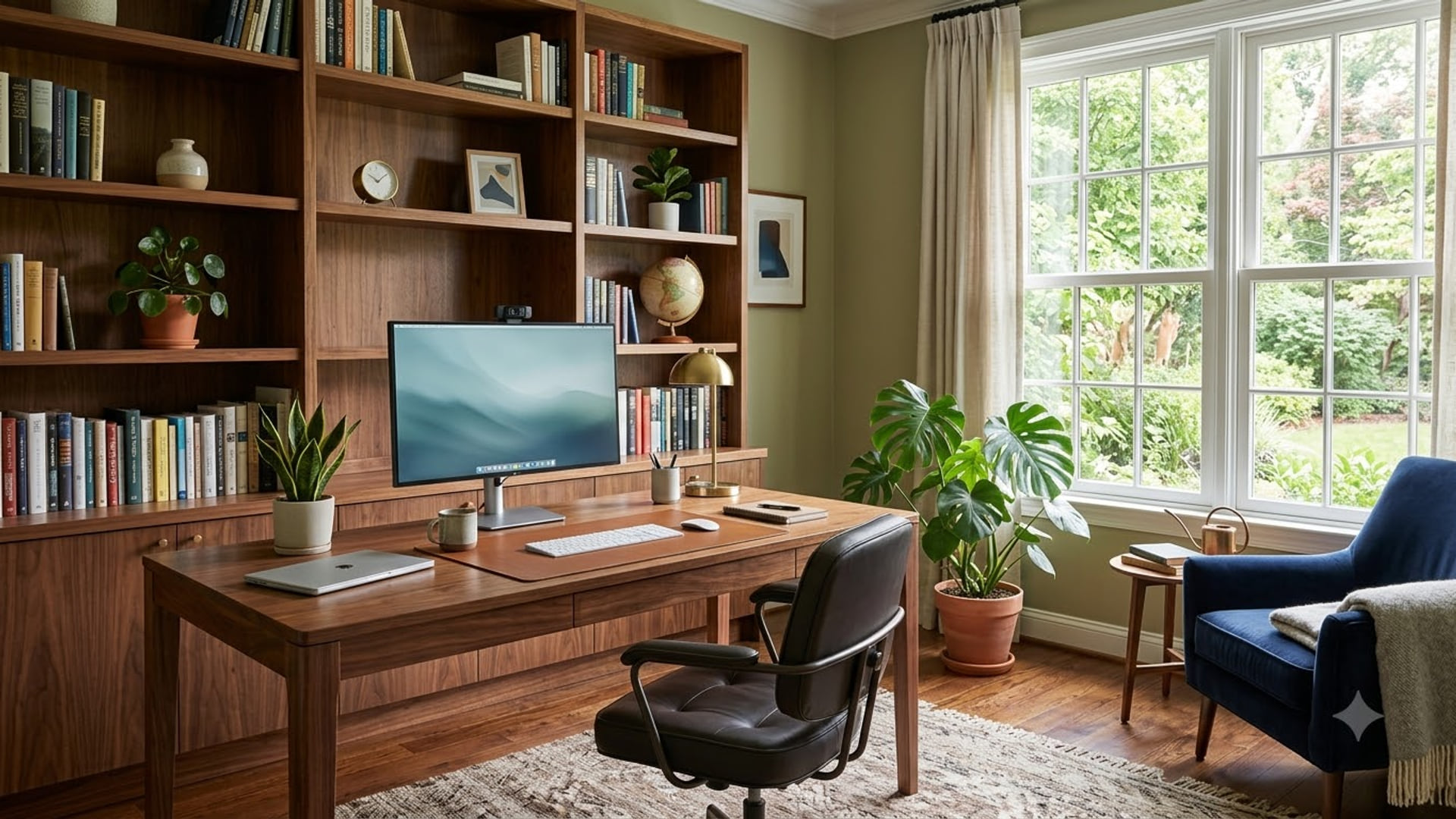
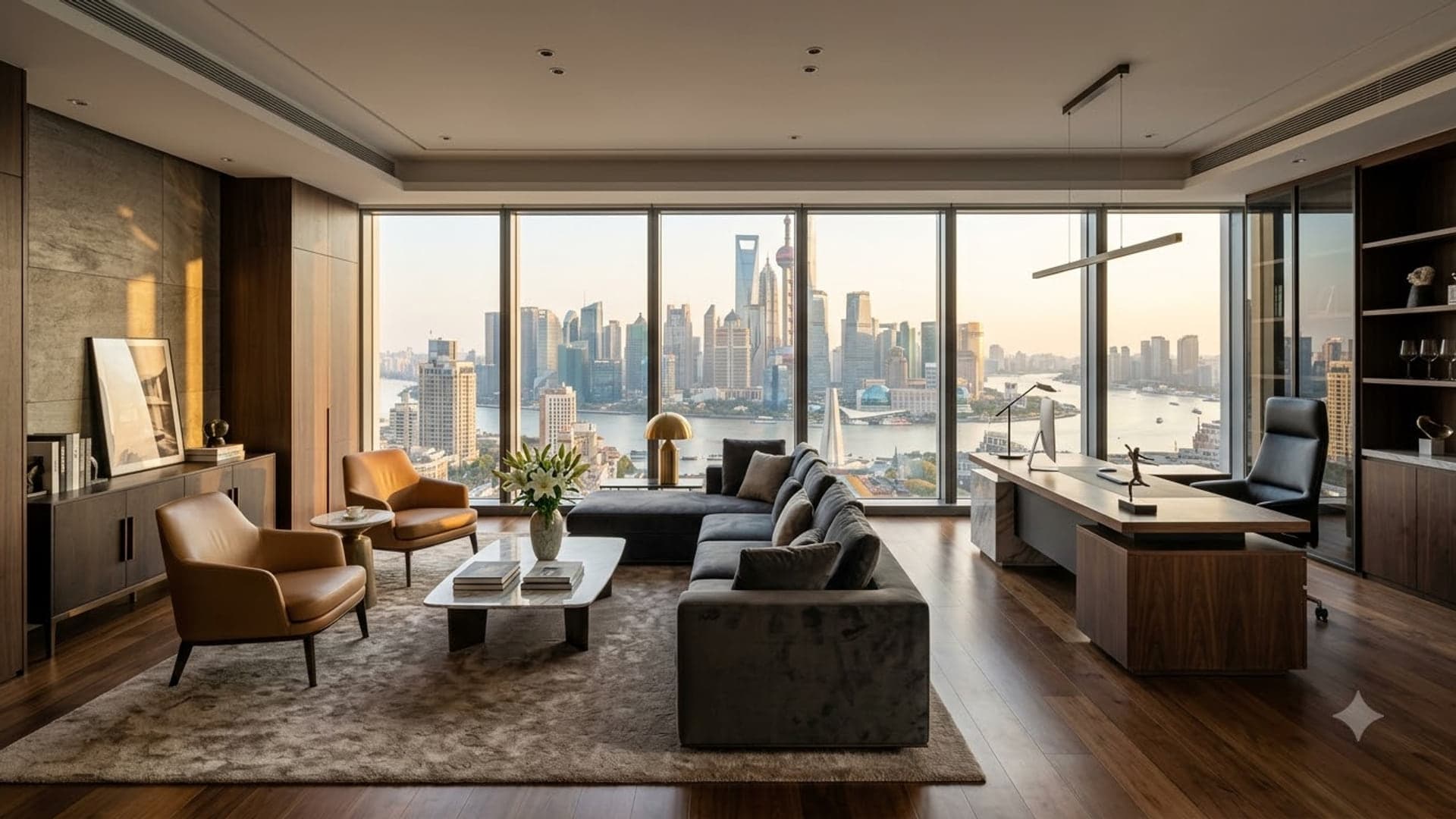
Office backgrounds for Google Meet
Real-looking workspaces for when your actual room will not do.
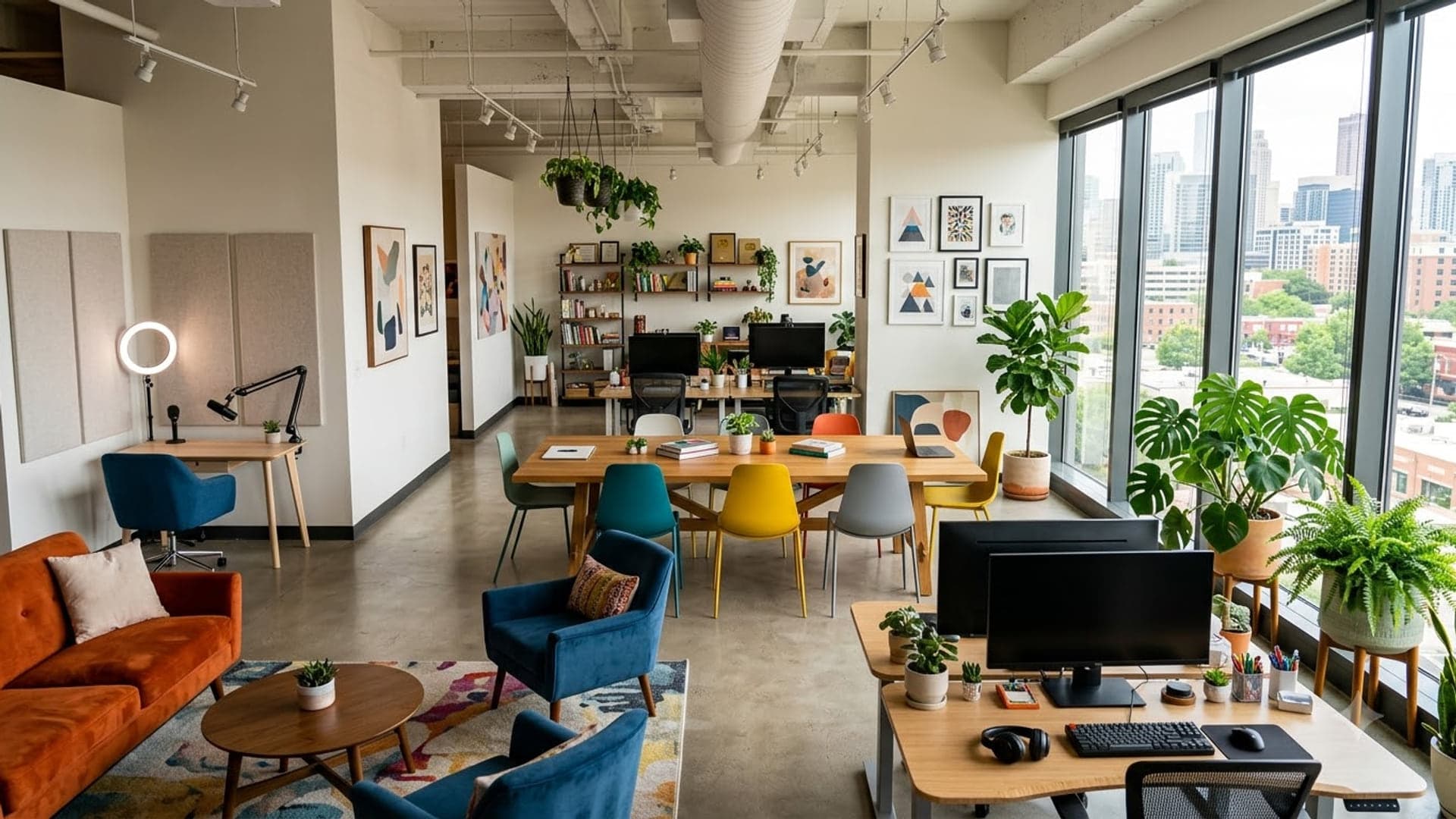
1920 x 1080
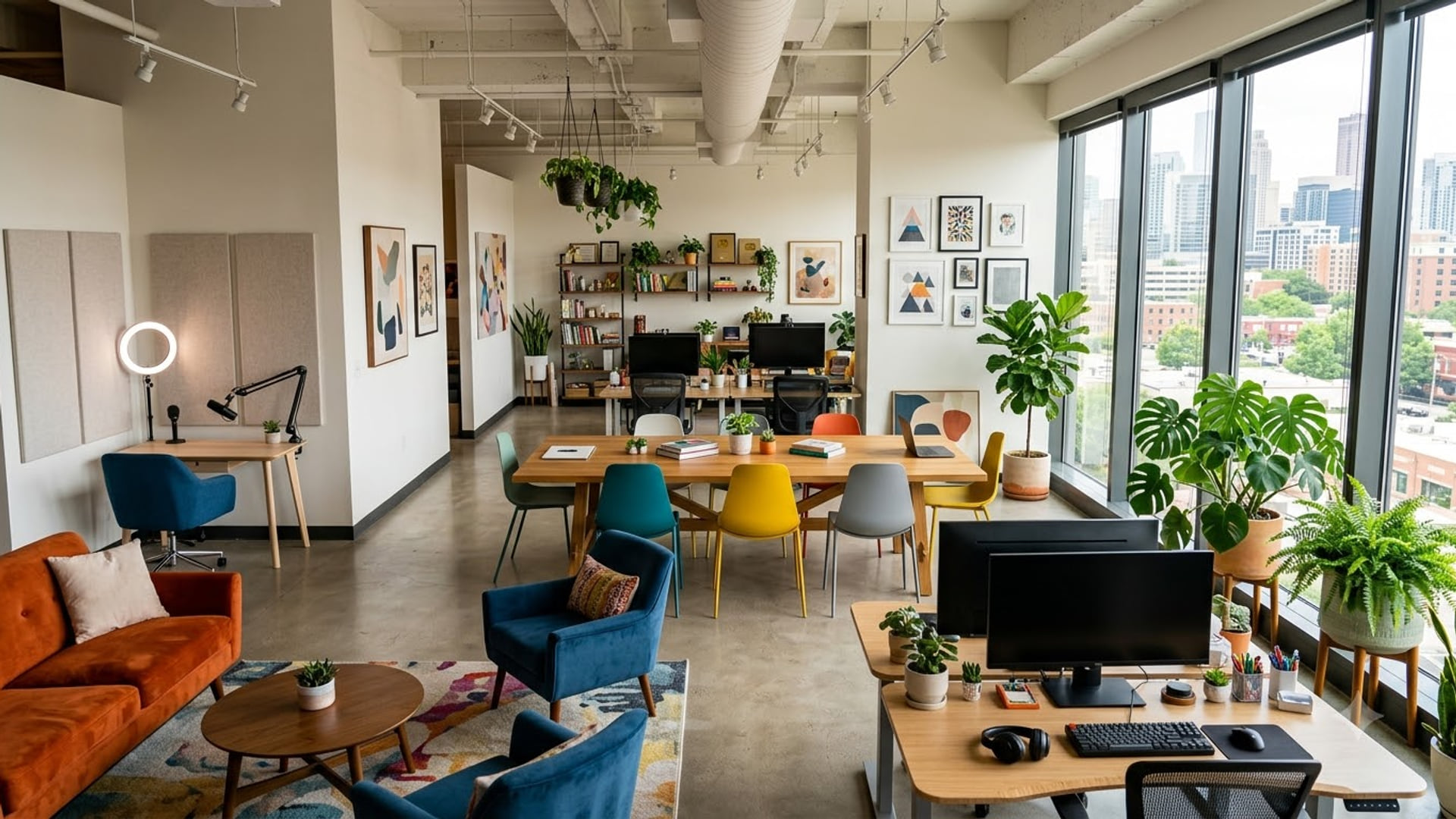
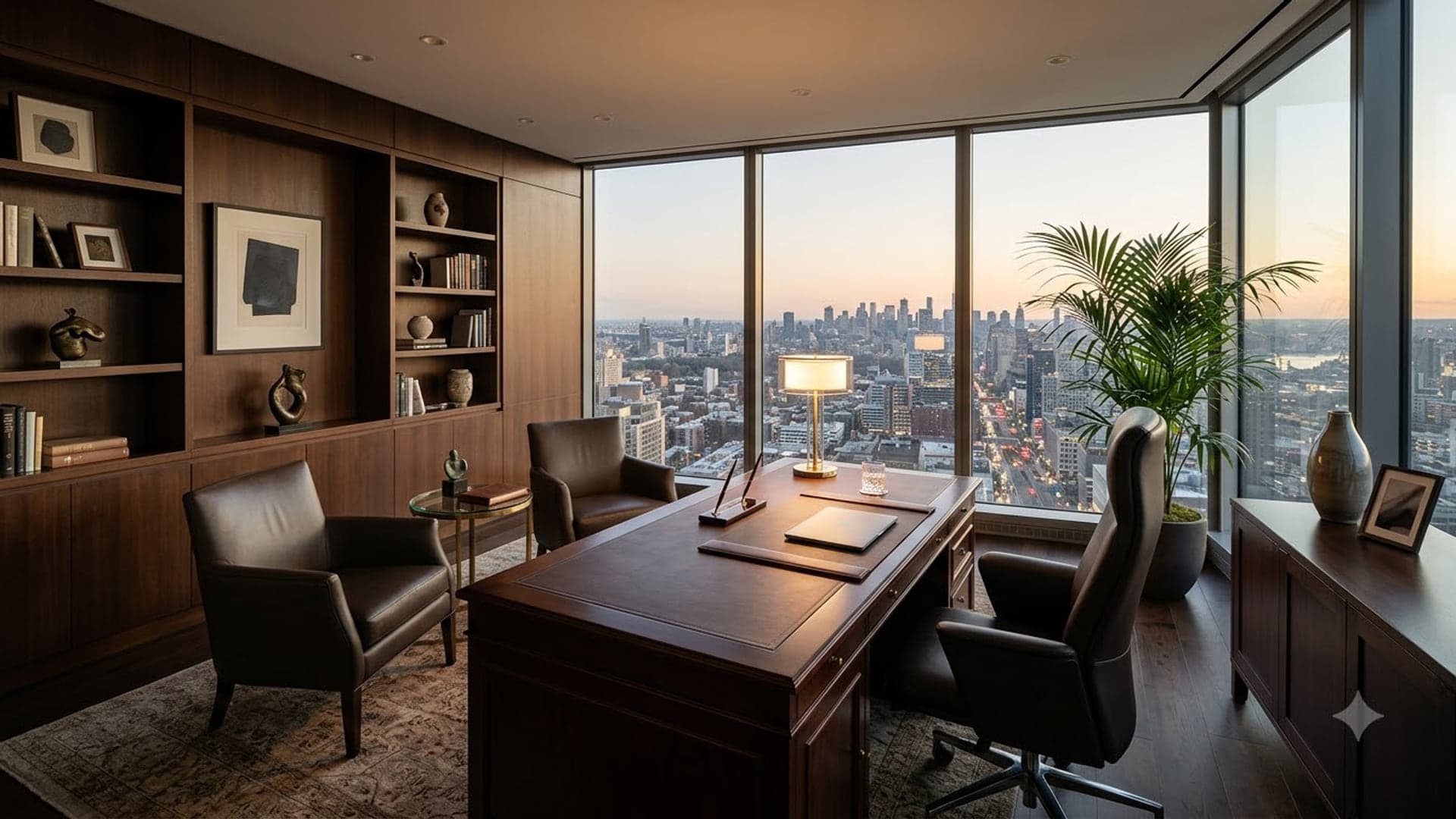
1920 x 1080
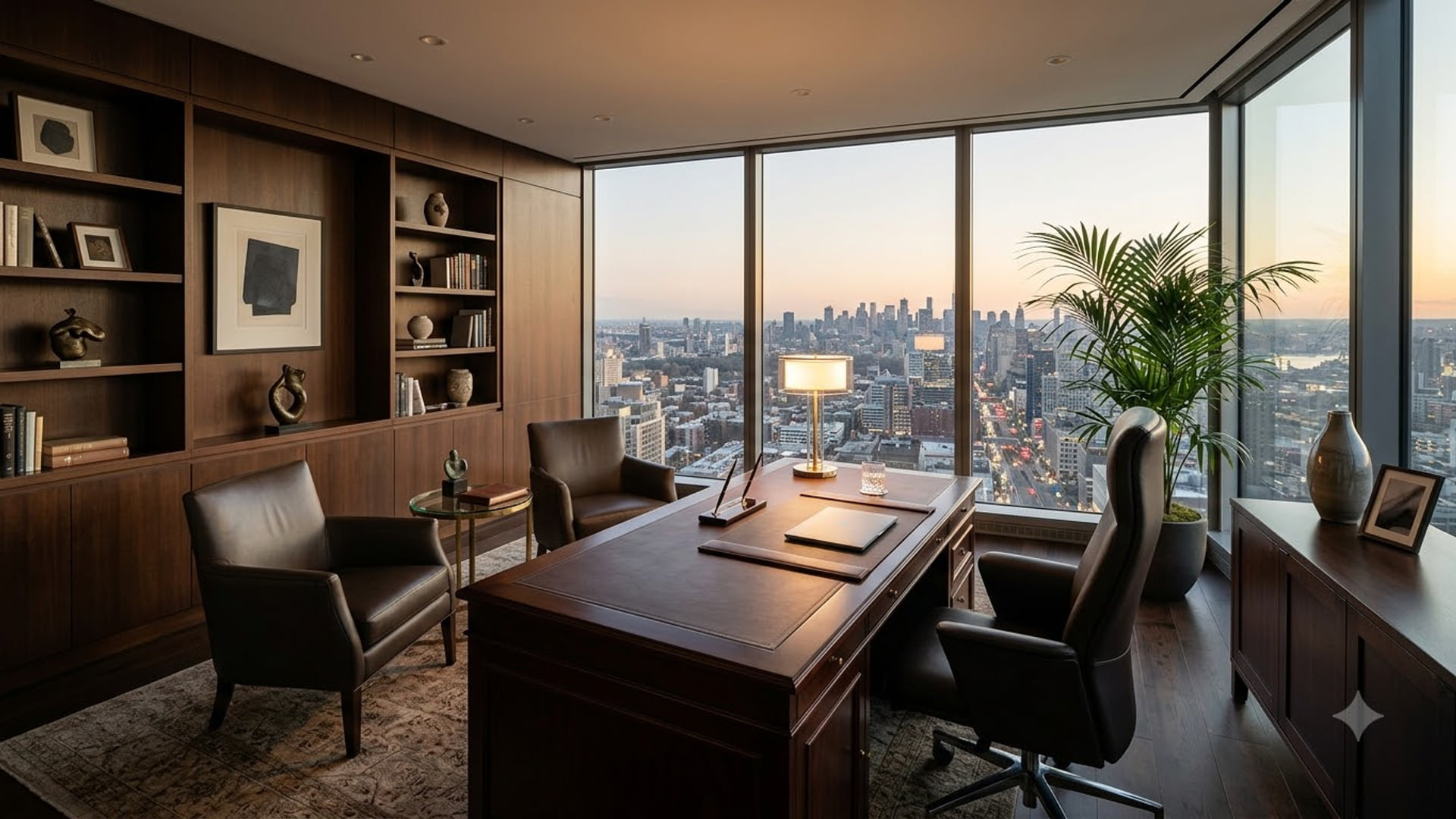
1920 x 1080
1920 x 1080
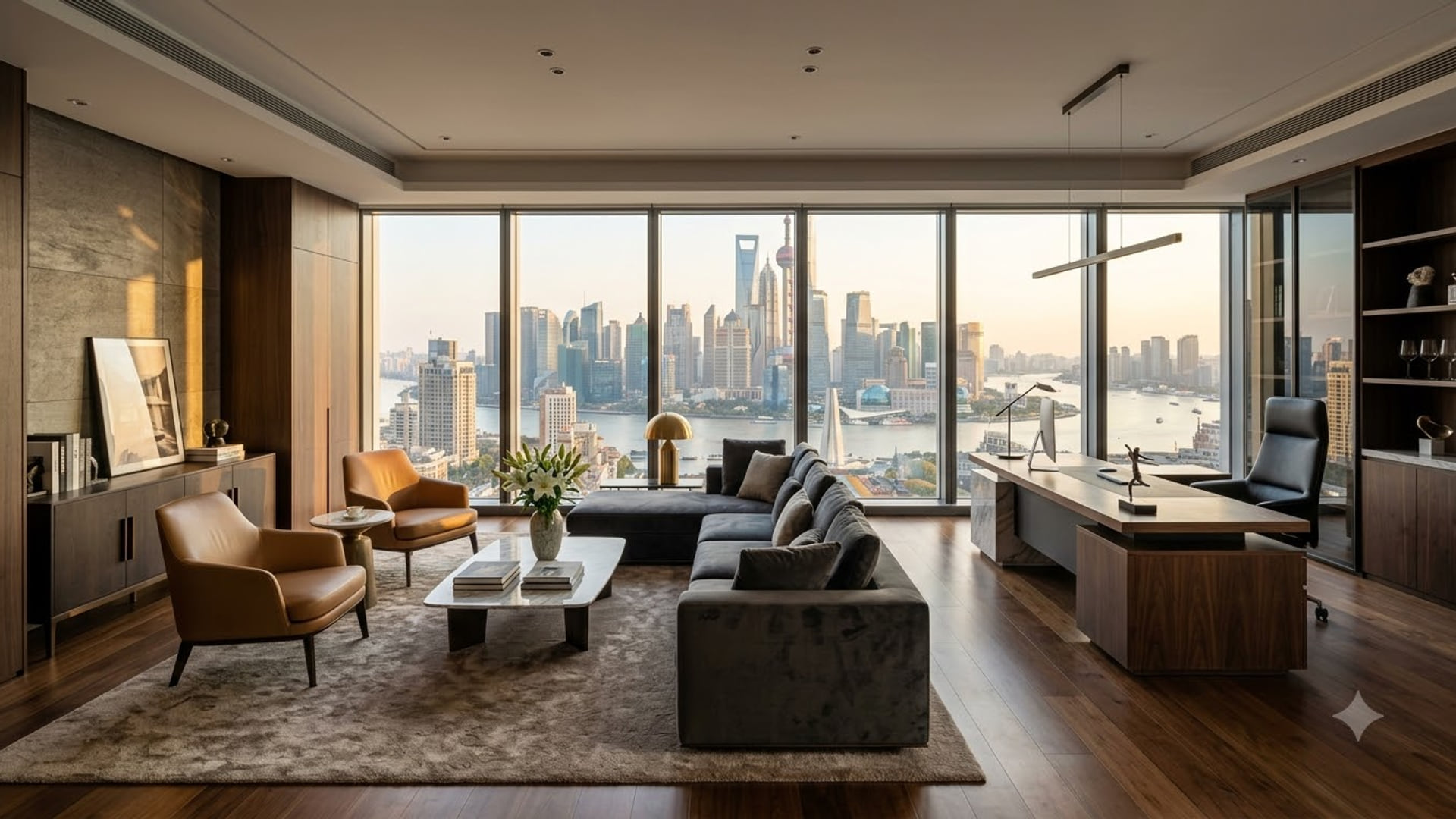
Professional Google Meet backgrounds
Simple, neutral and quiet — for client calls, interviews and anything being recorded.
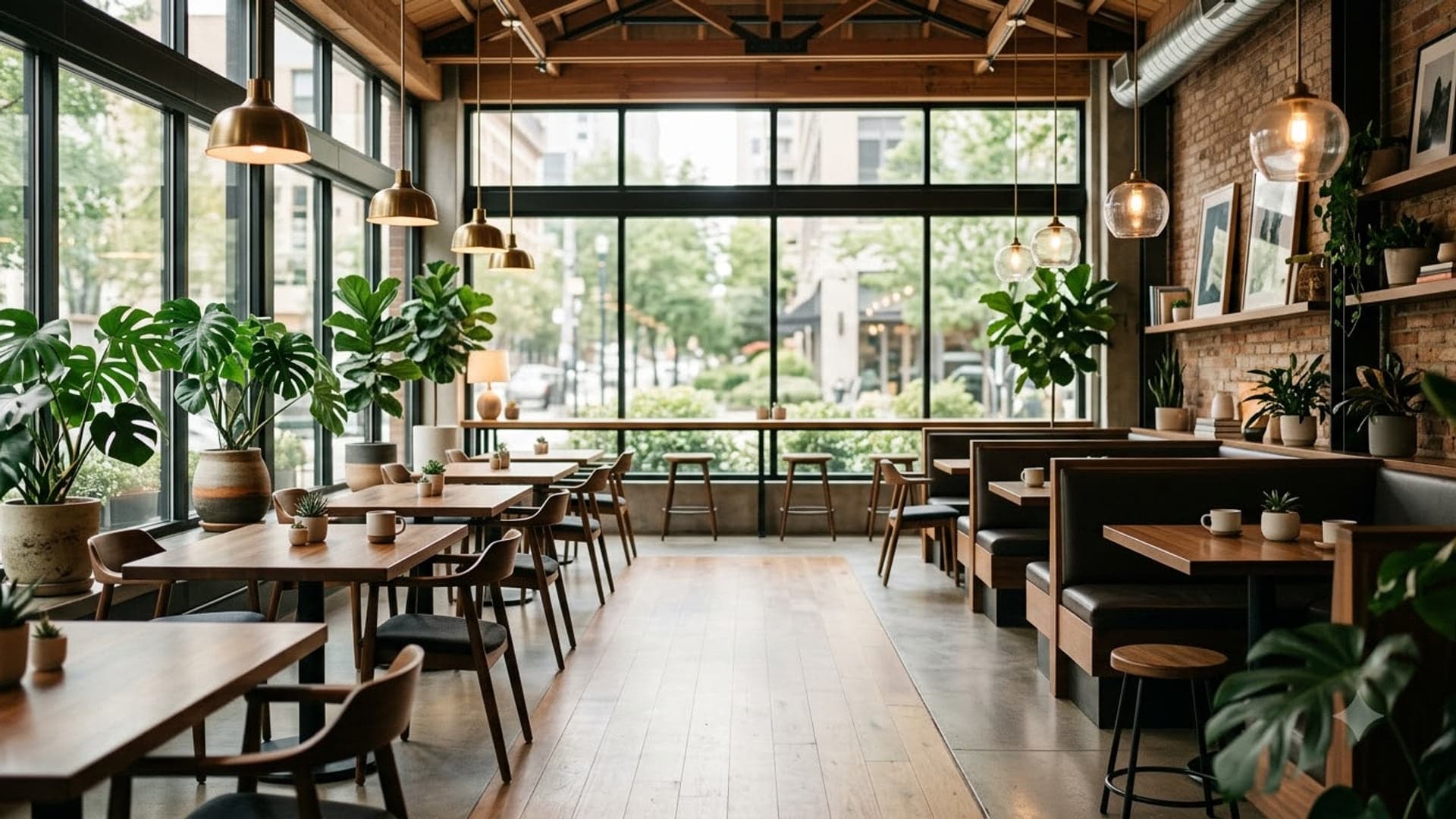
1920 x 1080
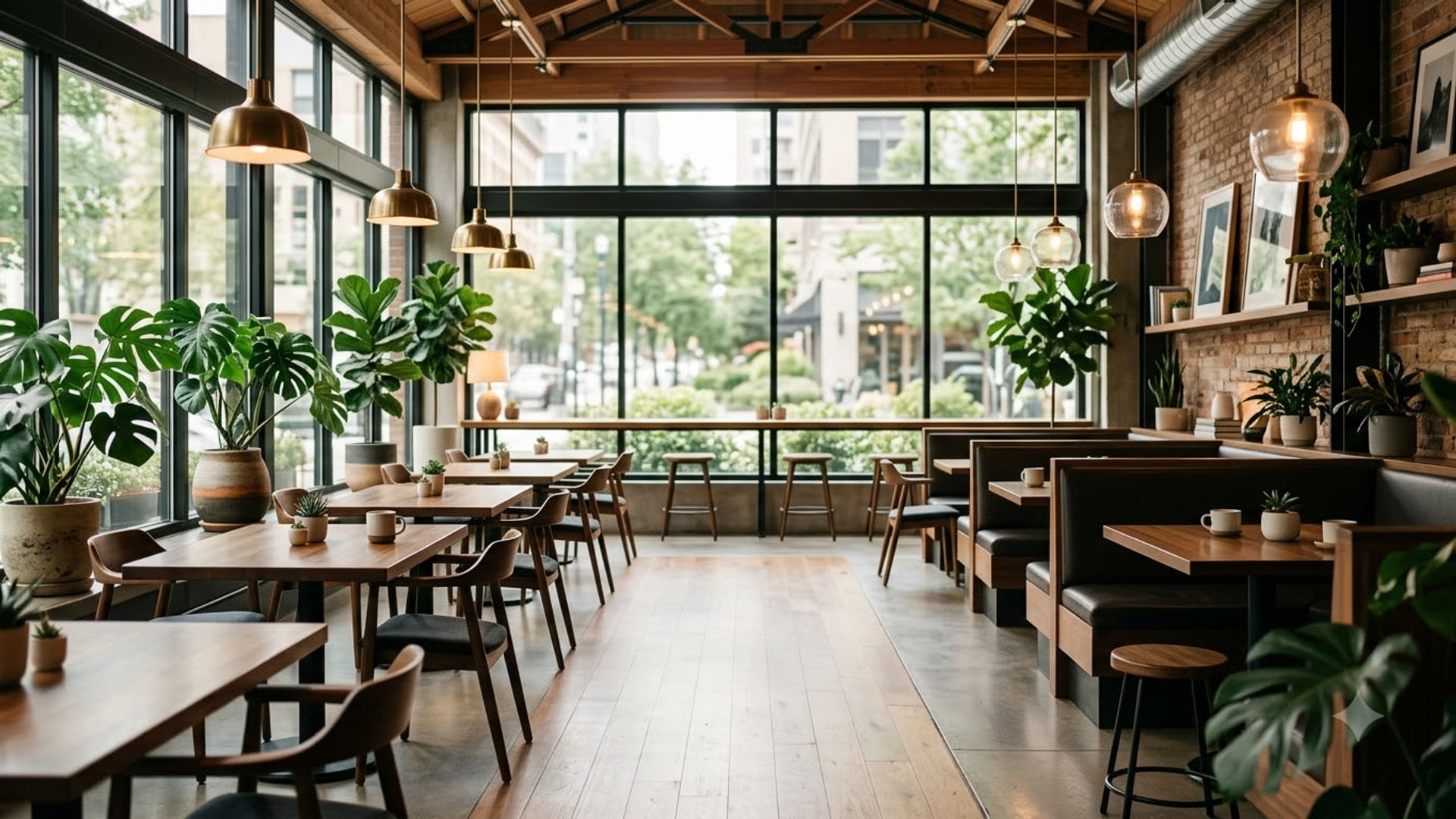

1920 x 1080

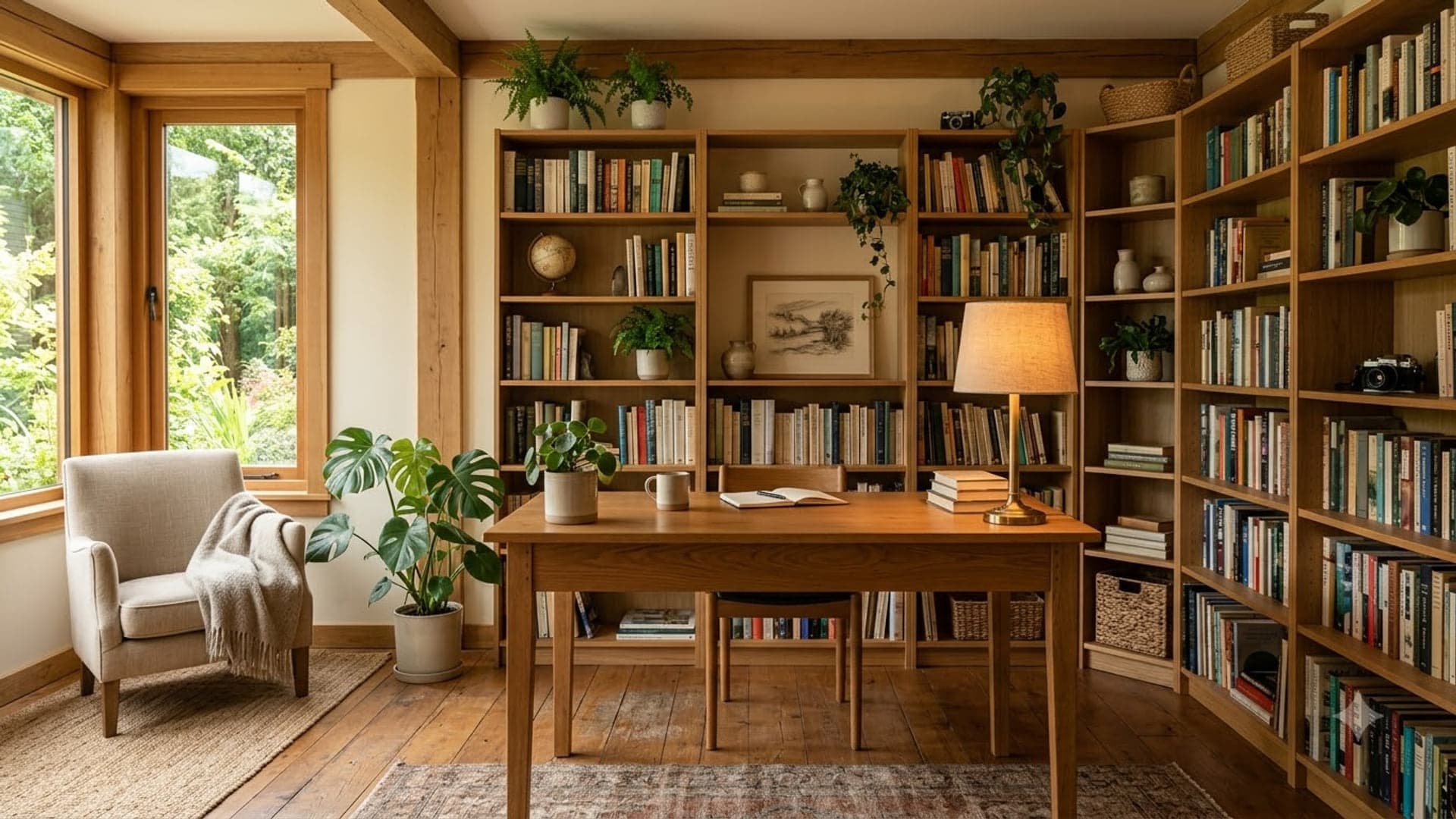
1920 x 1080
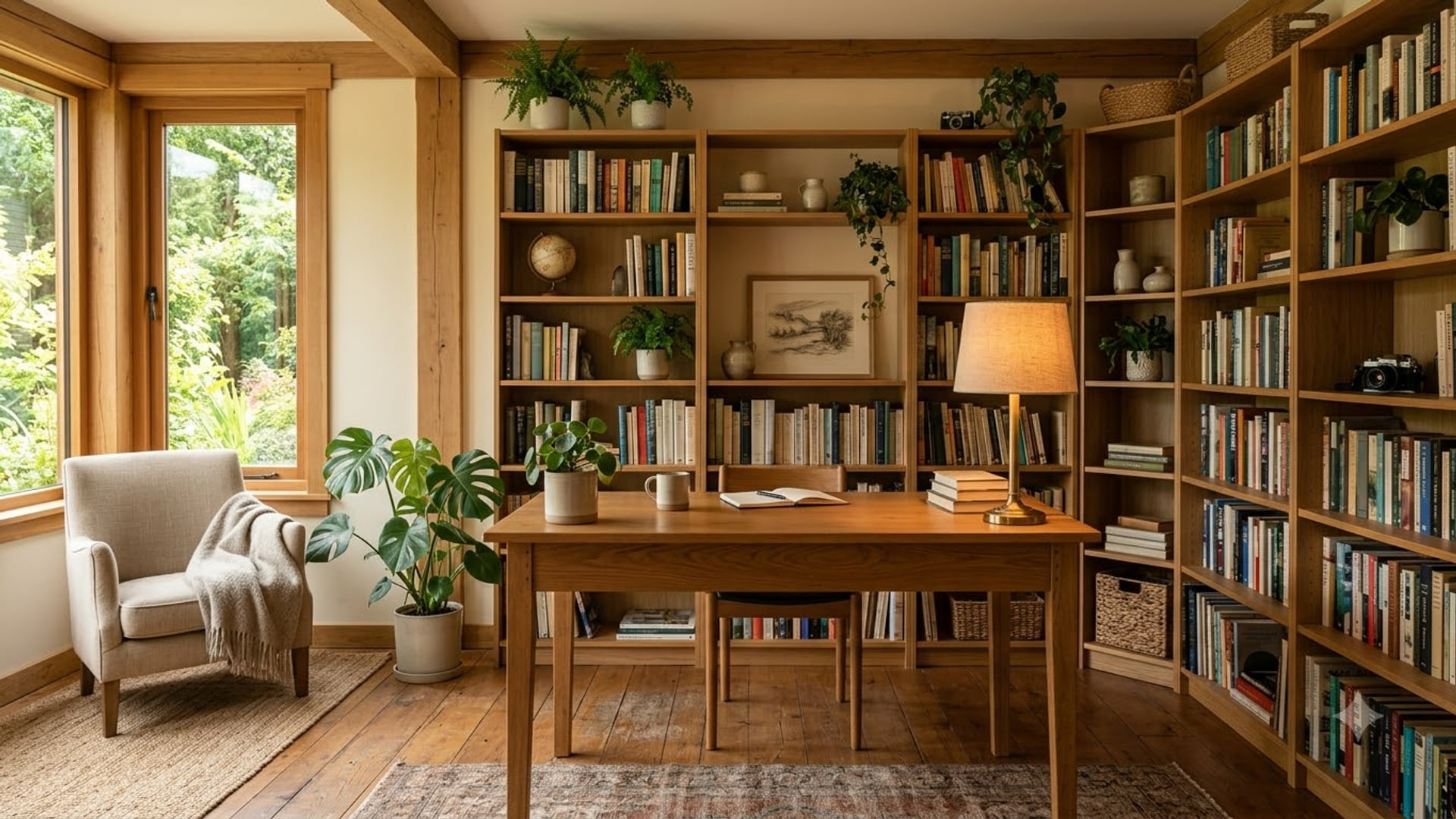
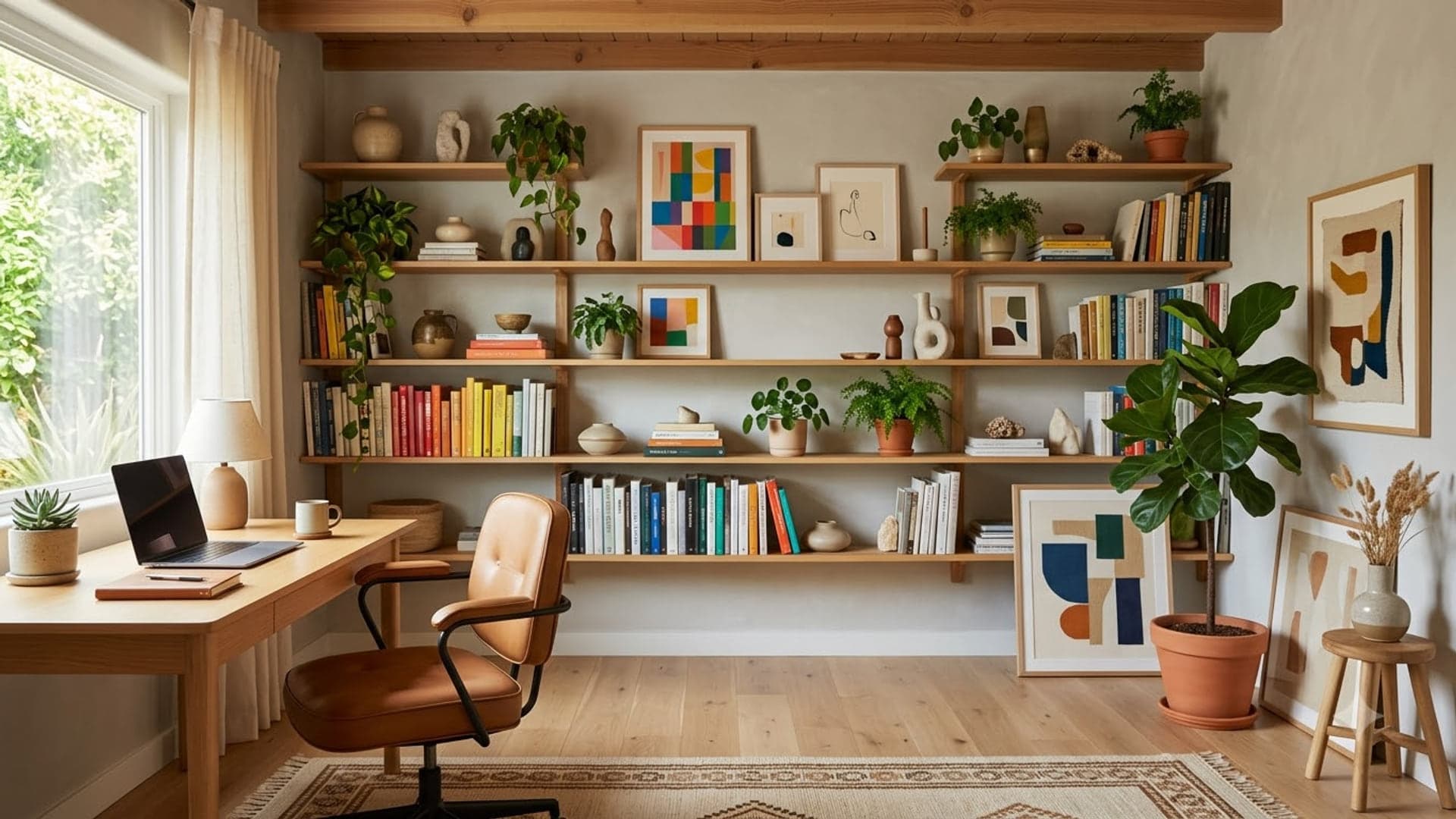
1920 x 1080
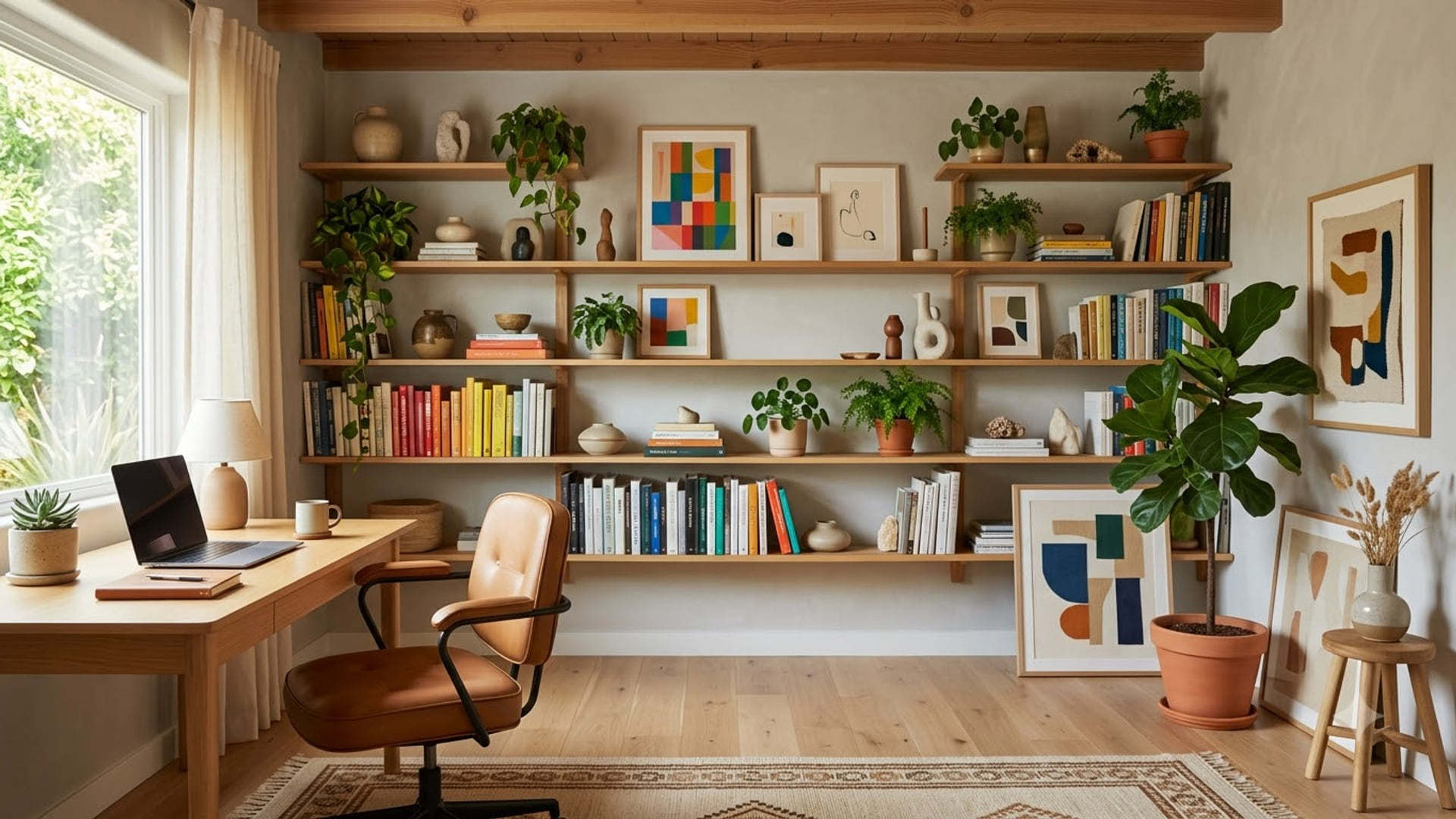
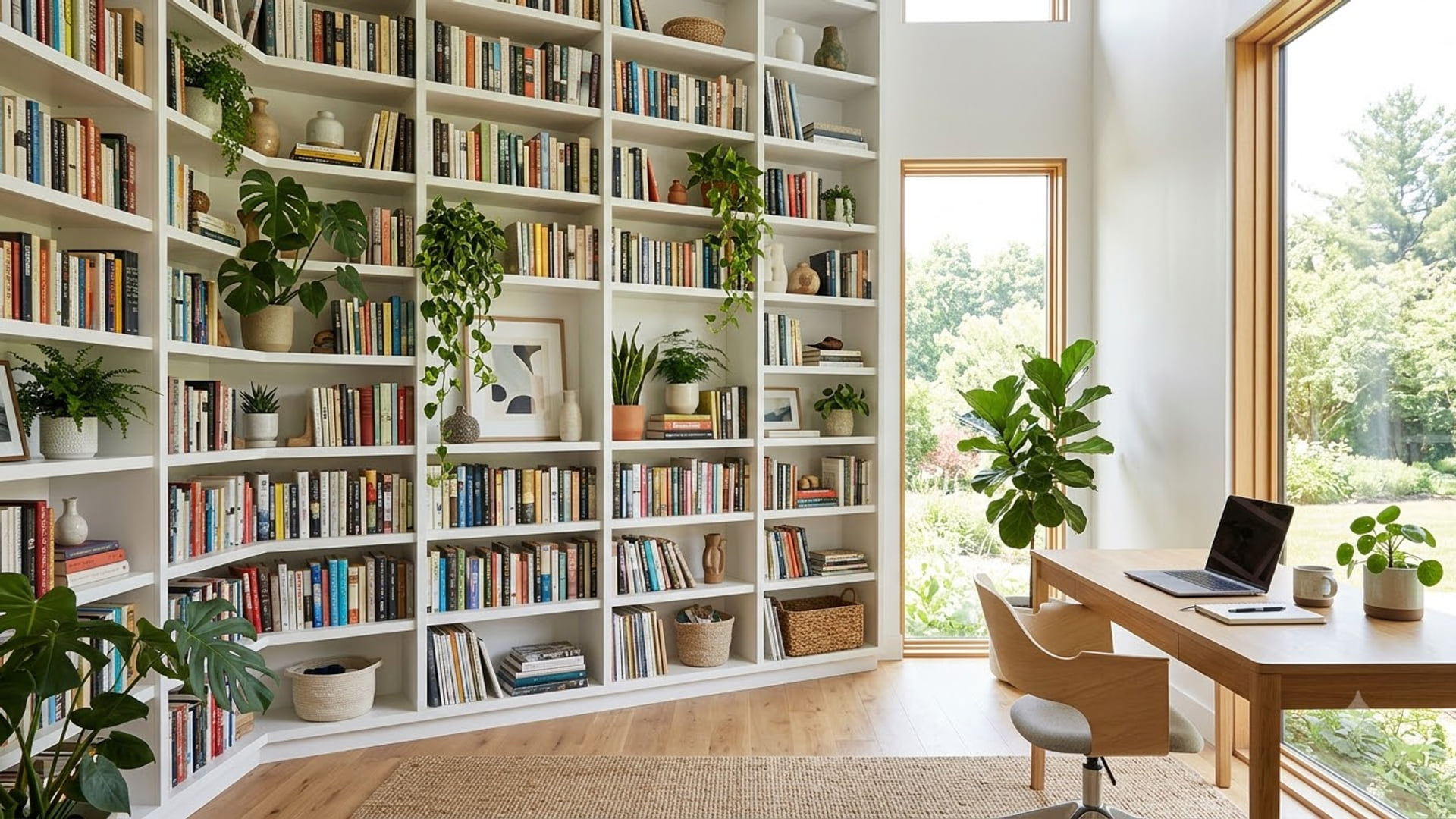
Bookshelf backgrounds for Google Meet
Reads as a real room rather than a stock office. The usual pick for interviews.
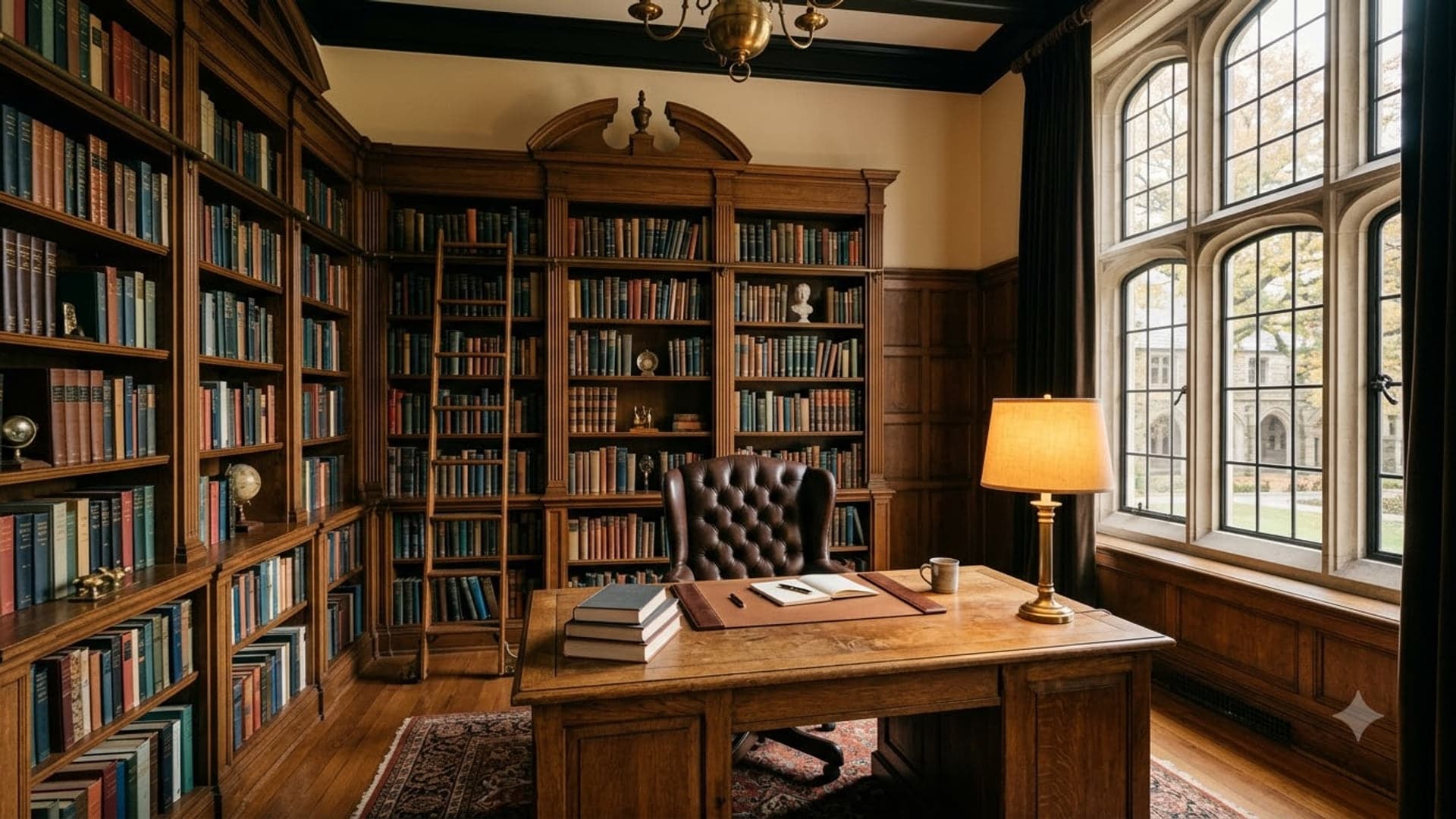
1920 x 1080
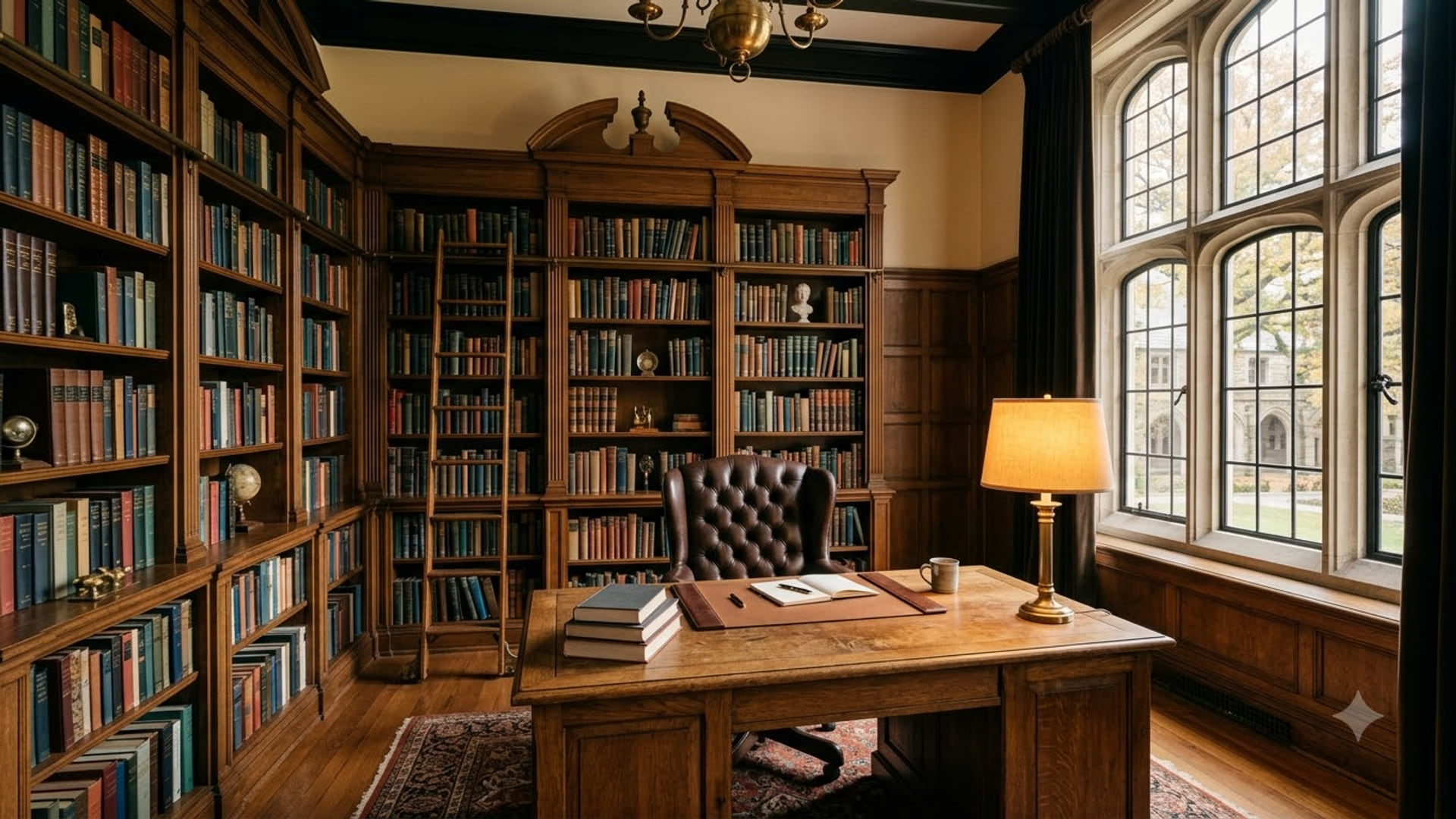
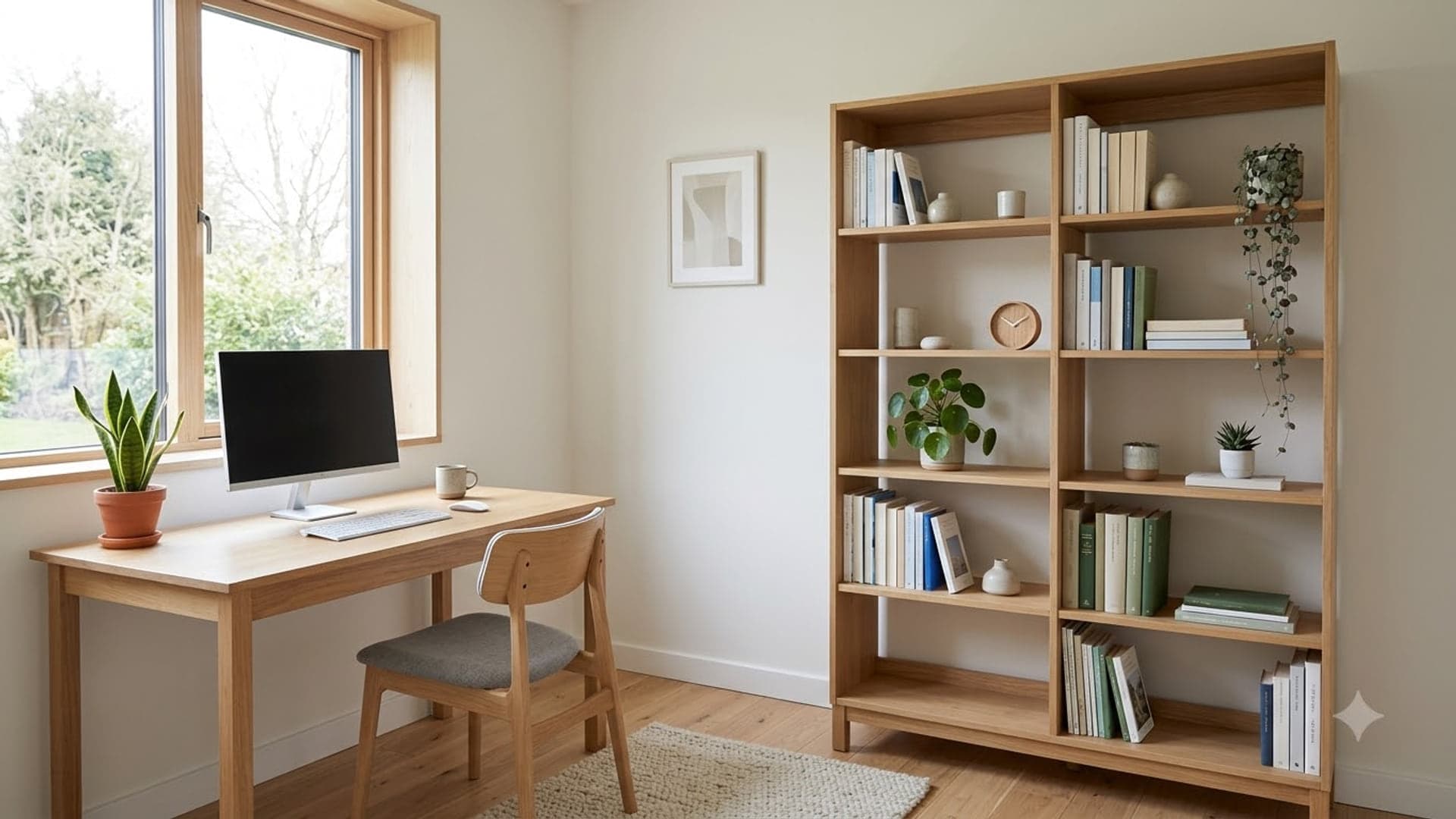
1920 x 1080
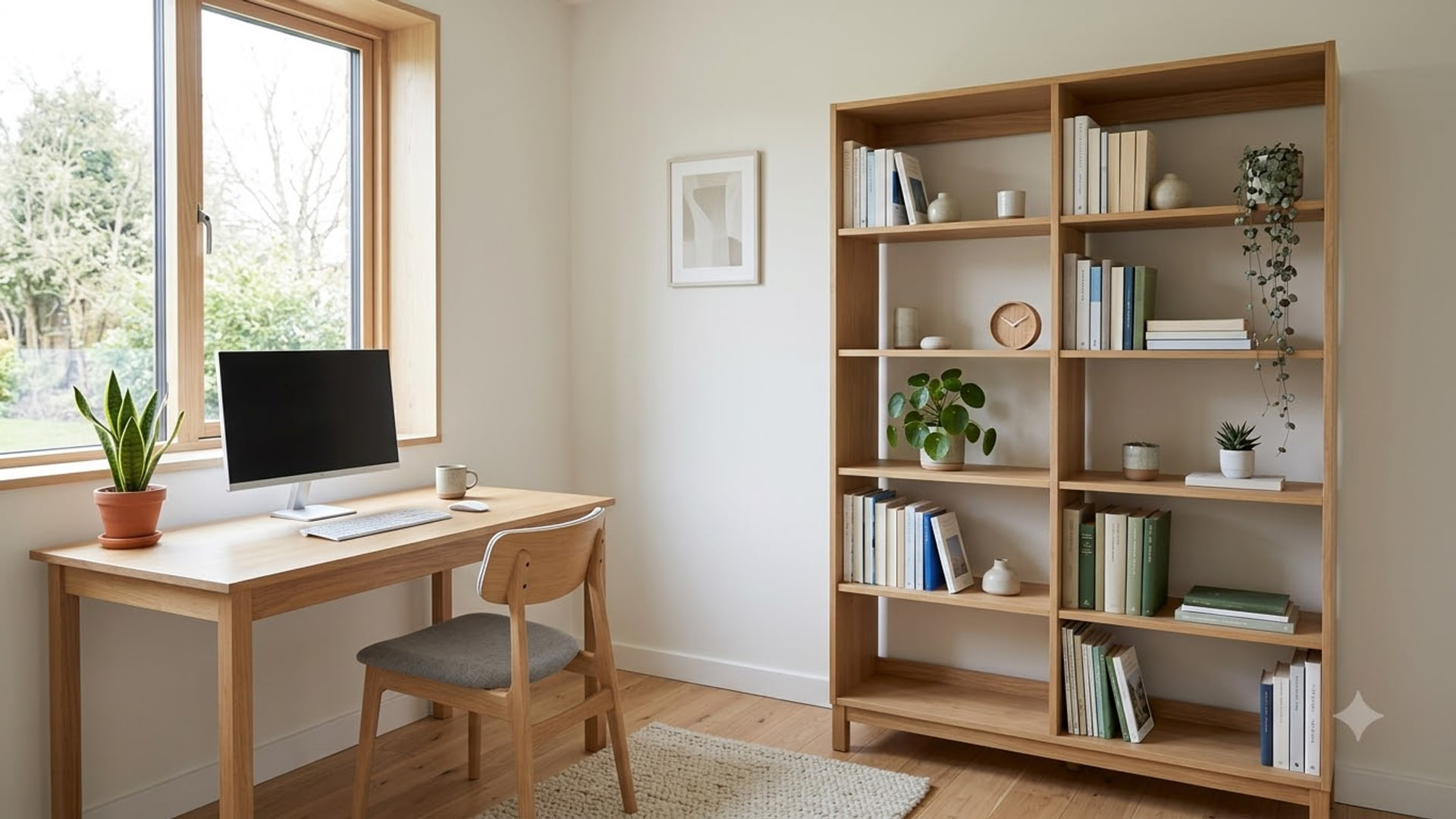
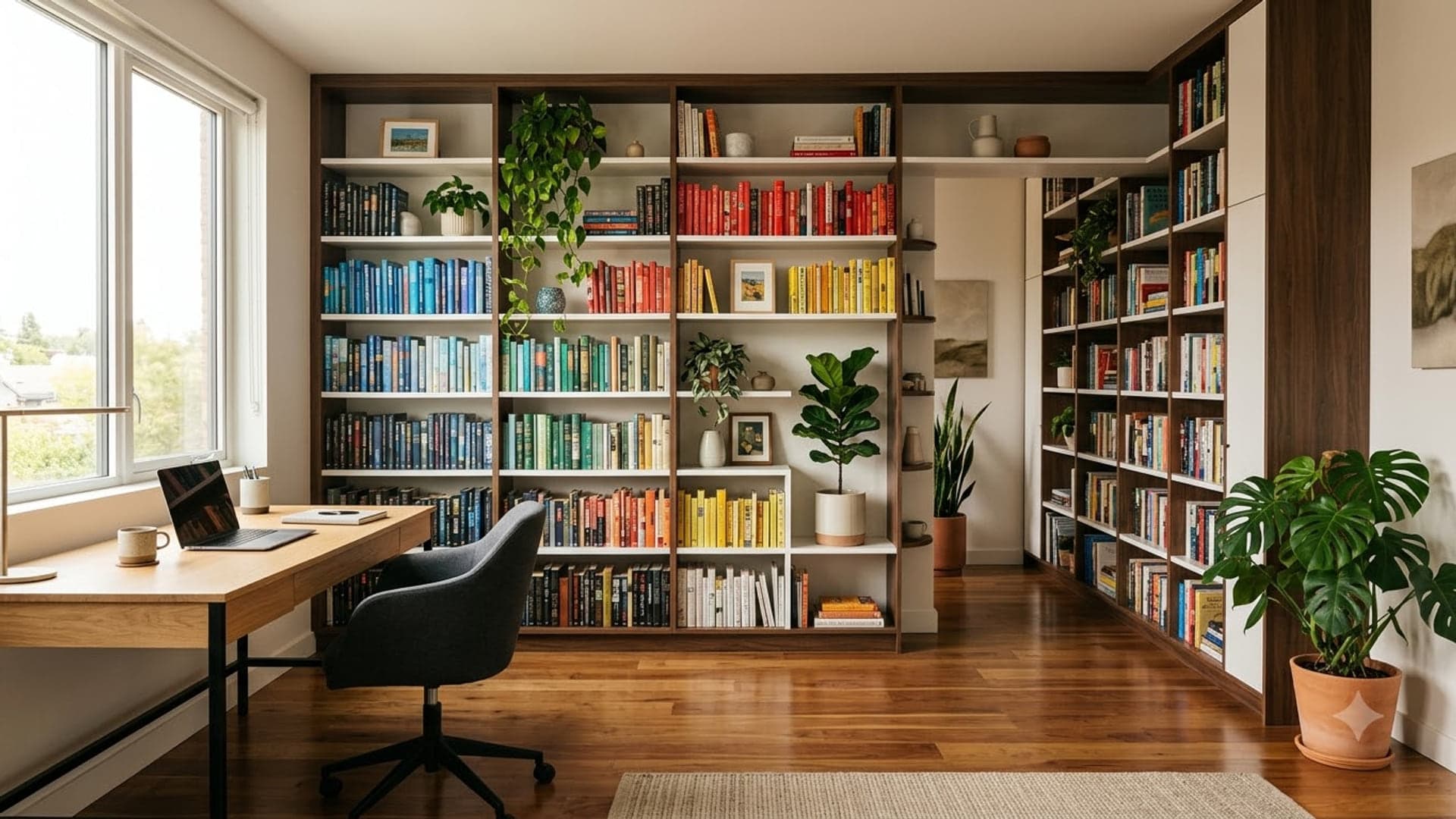
1920 x 1080
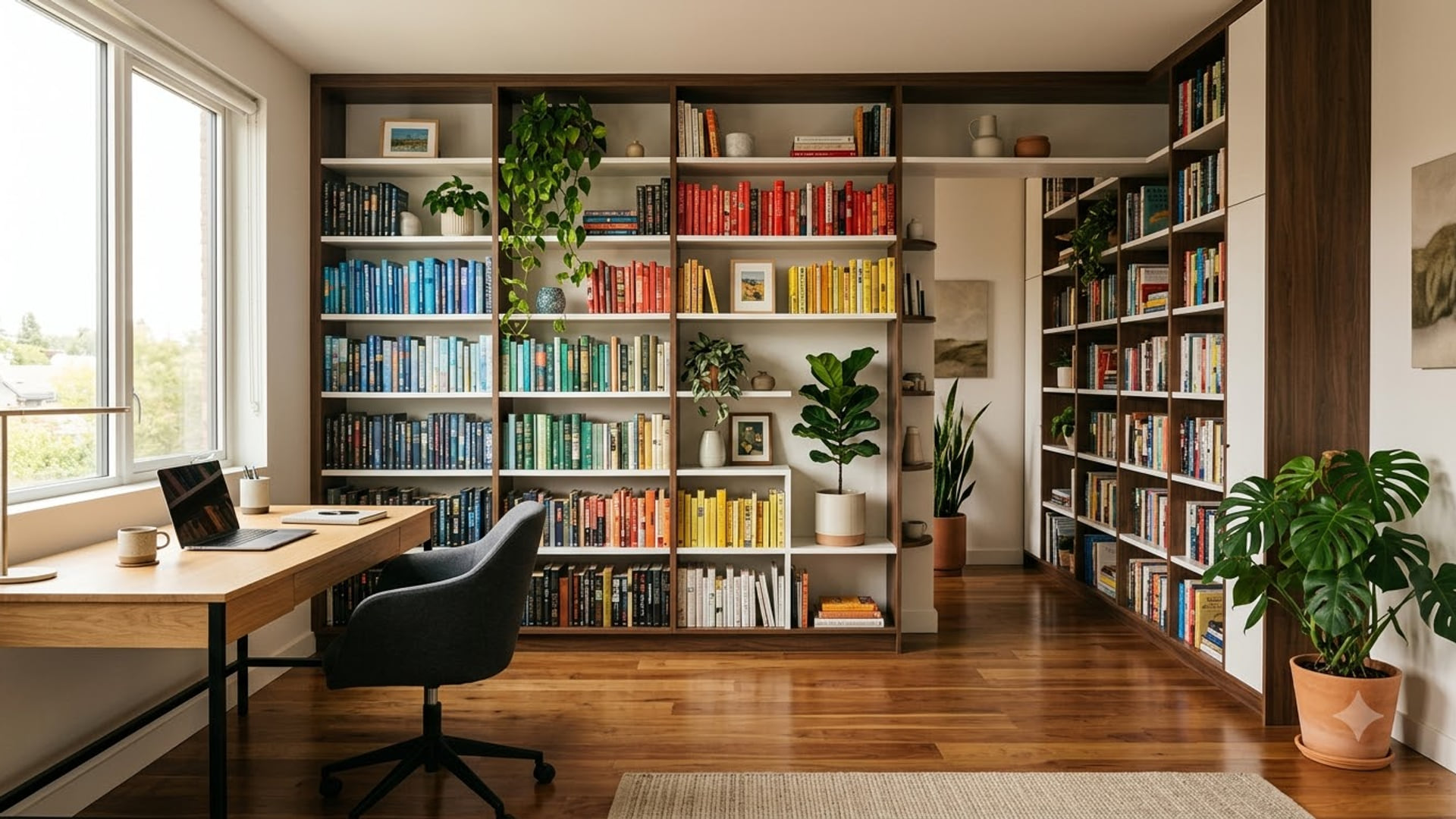
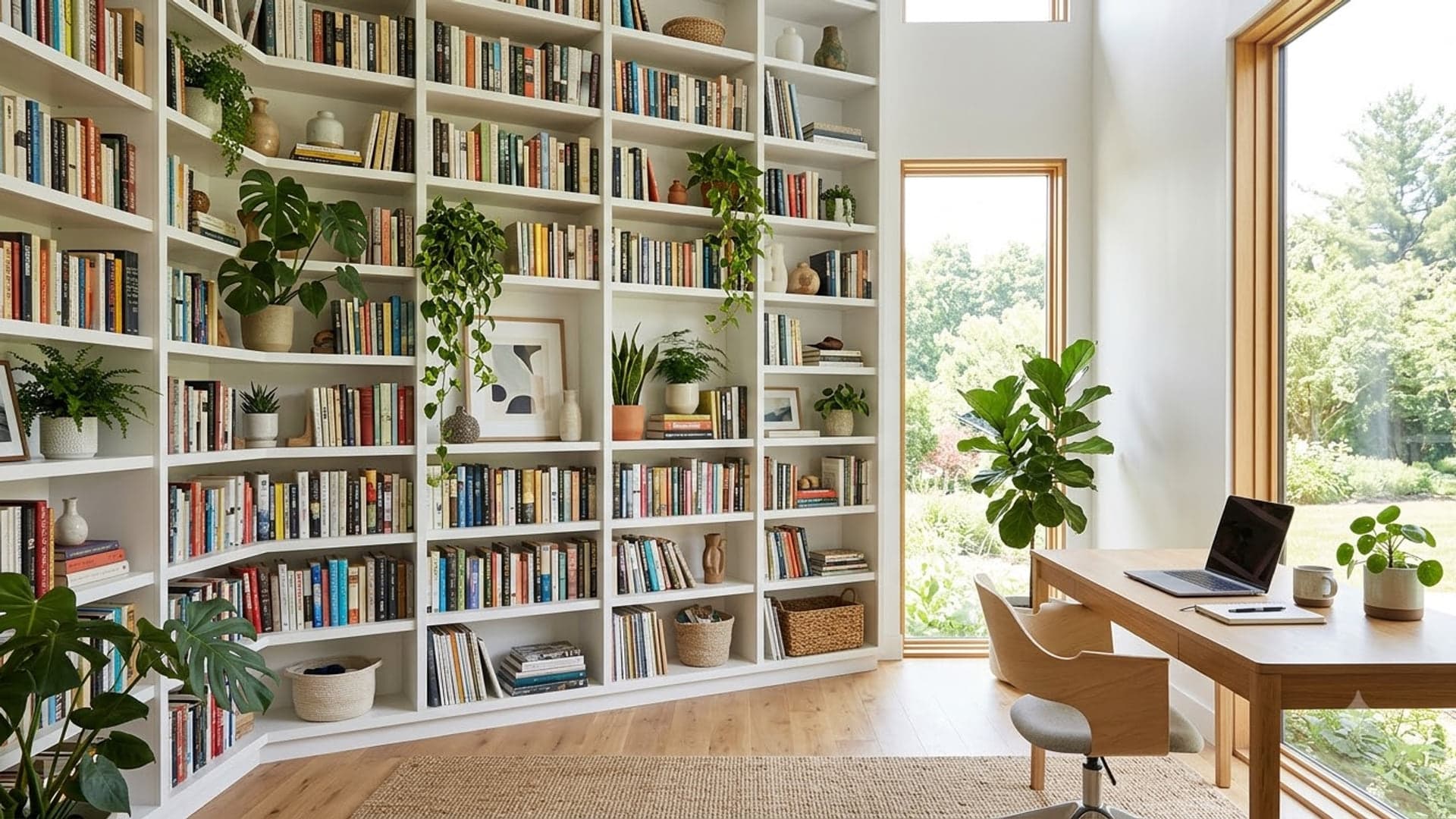
1920 x 1080
Funny Google Meet backgrounds
For the team stand-up, not the board meeting.
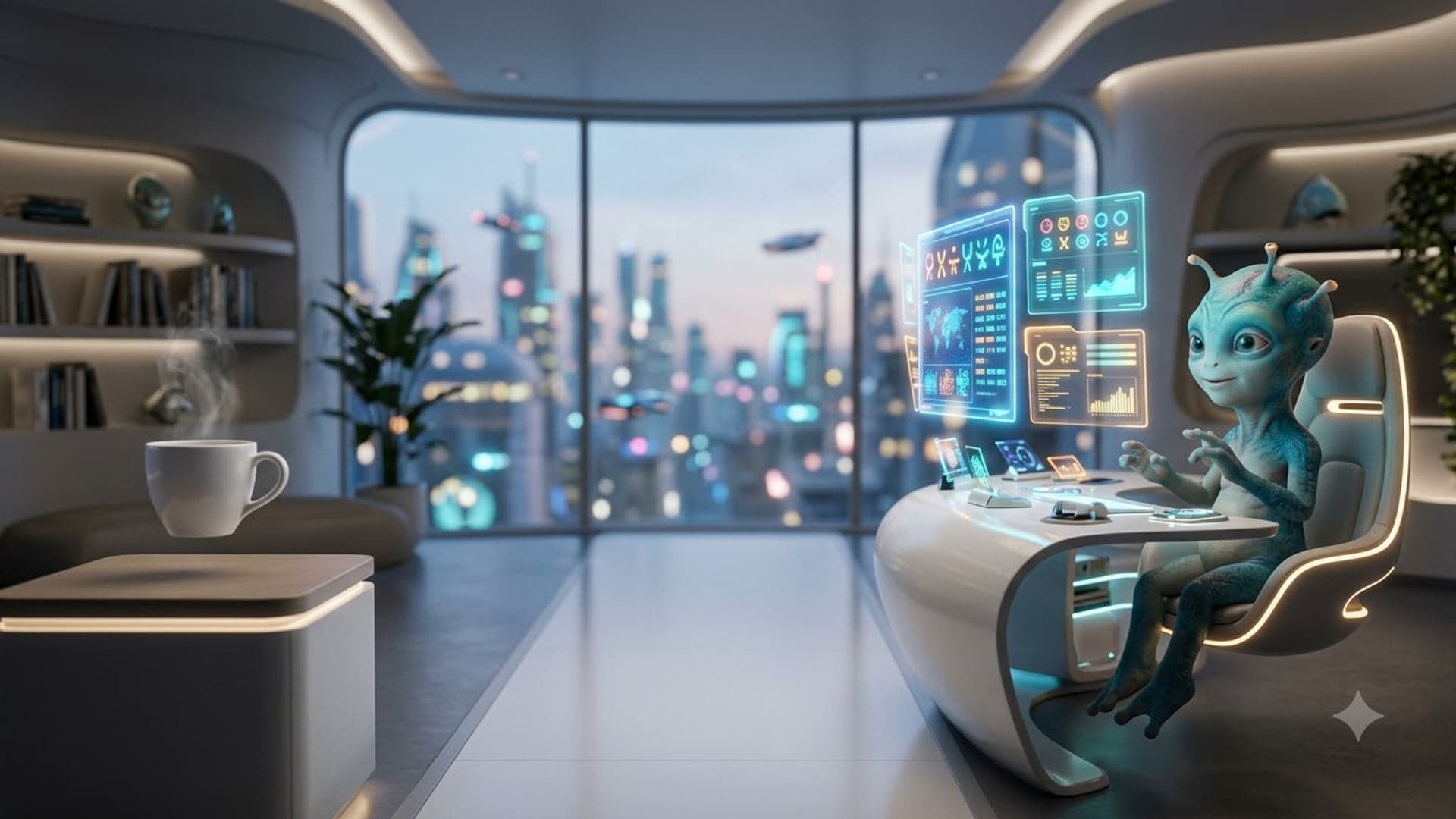
1920 x 1080
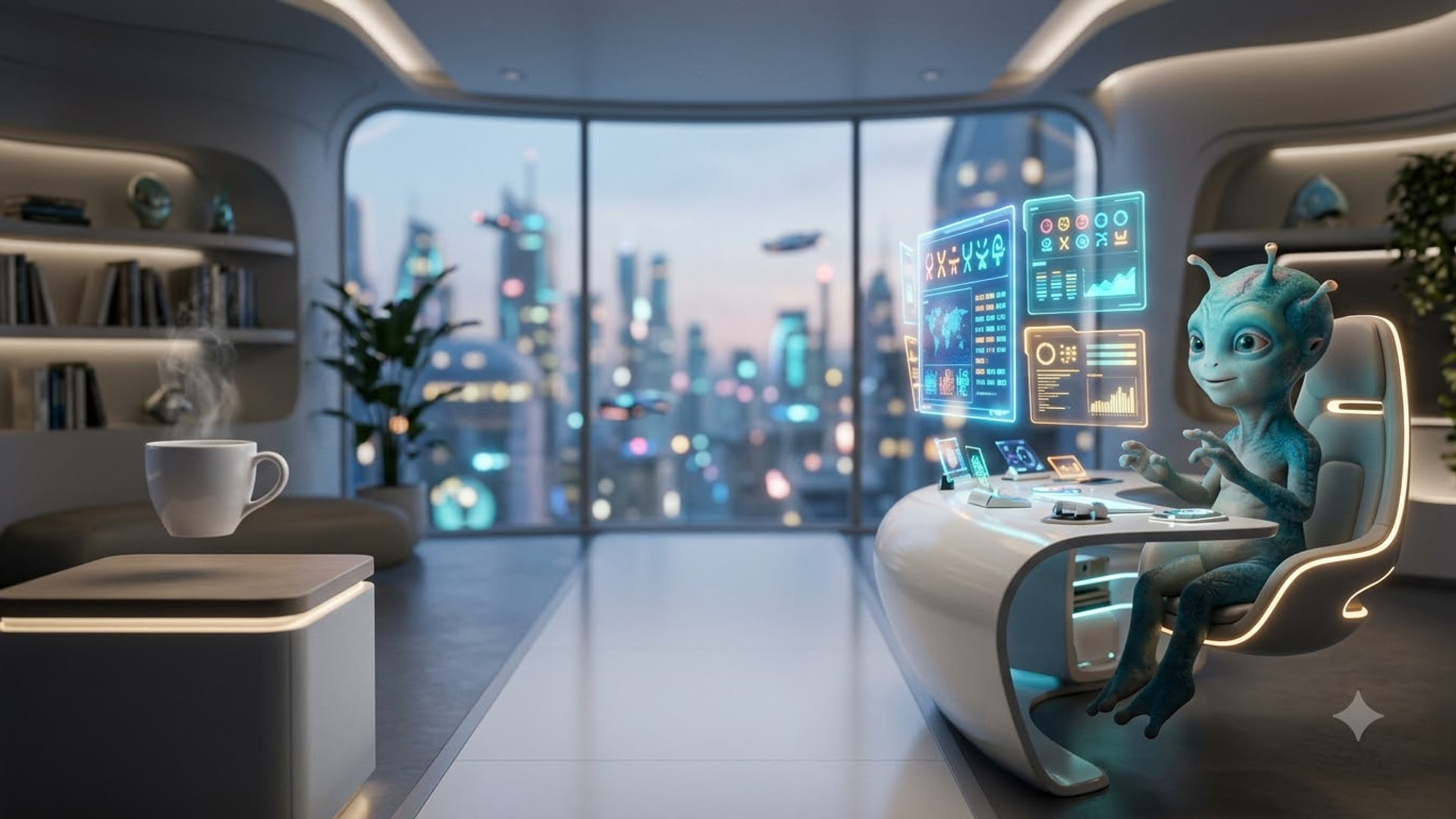
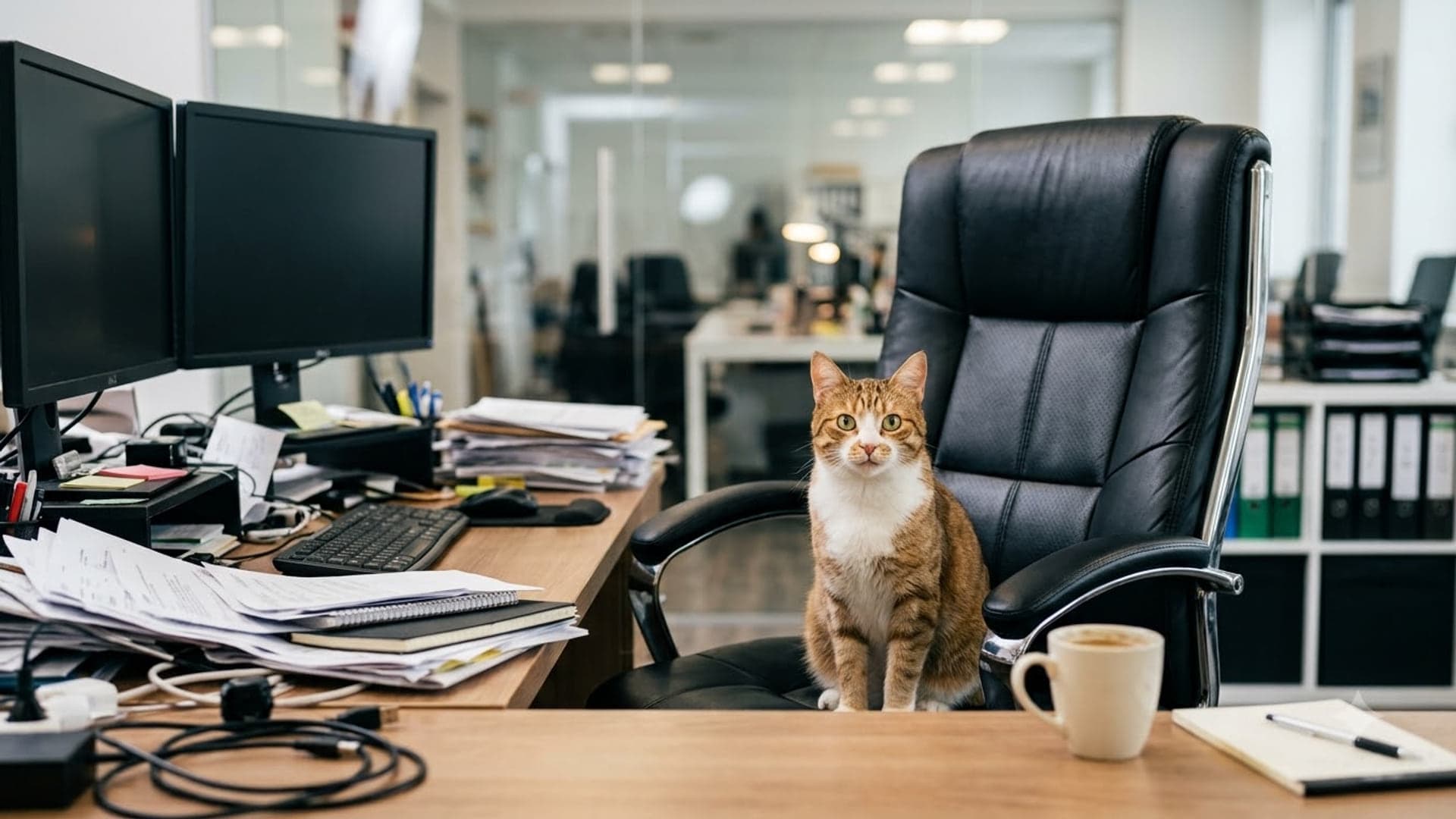
1920 x 1080
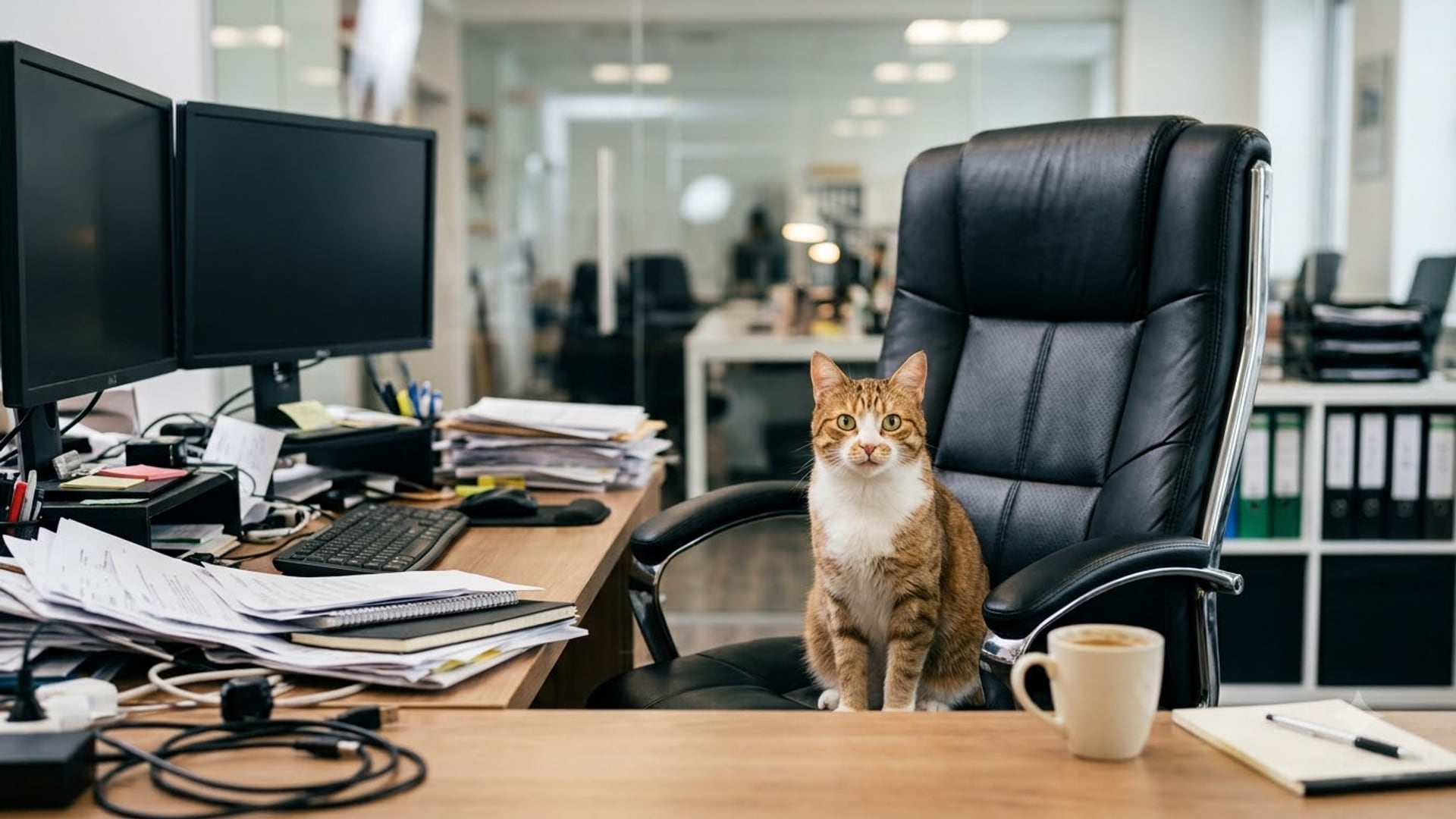
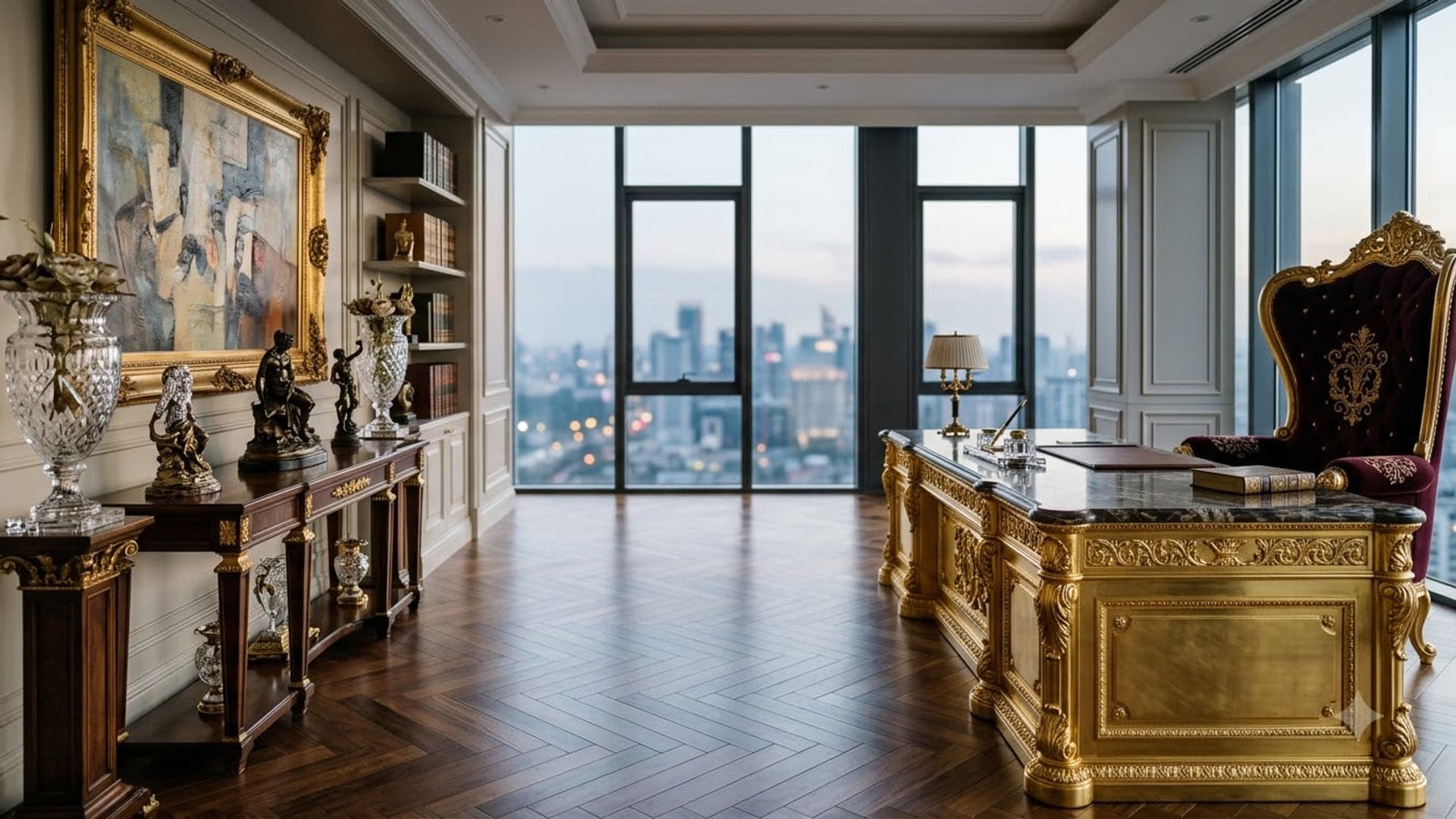
1920 x 1080
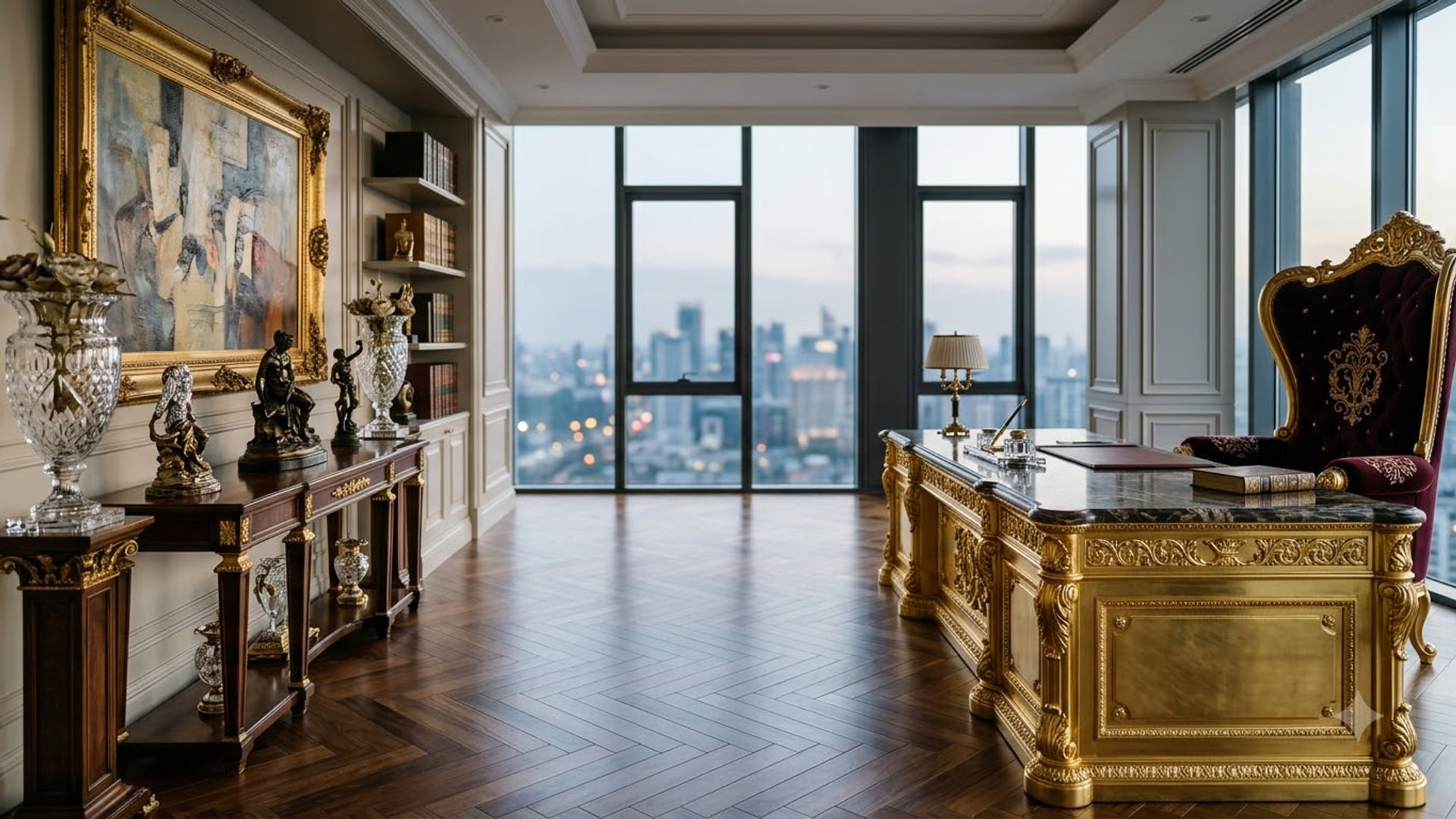
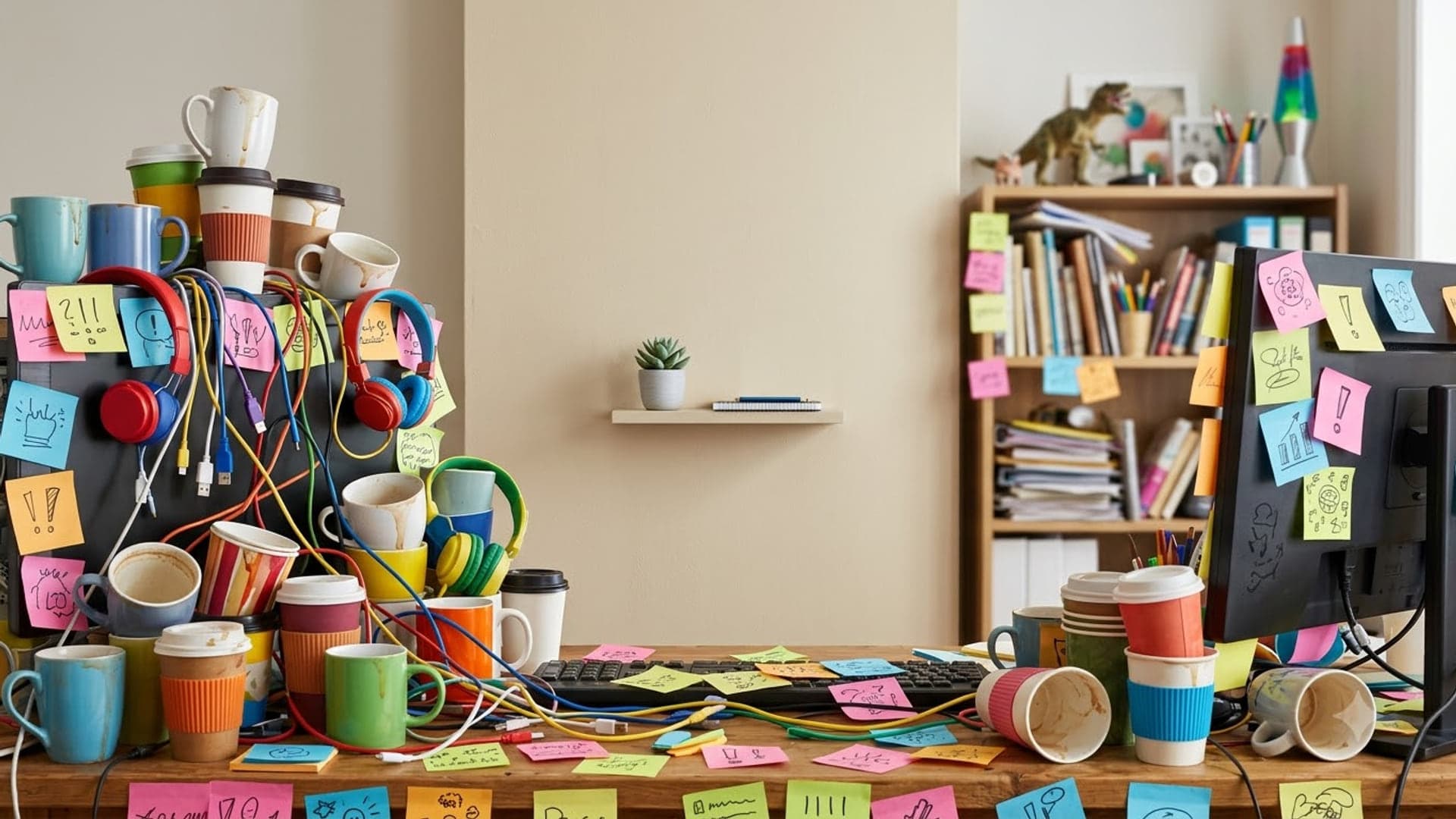
1920 x 1080
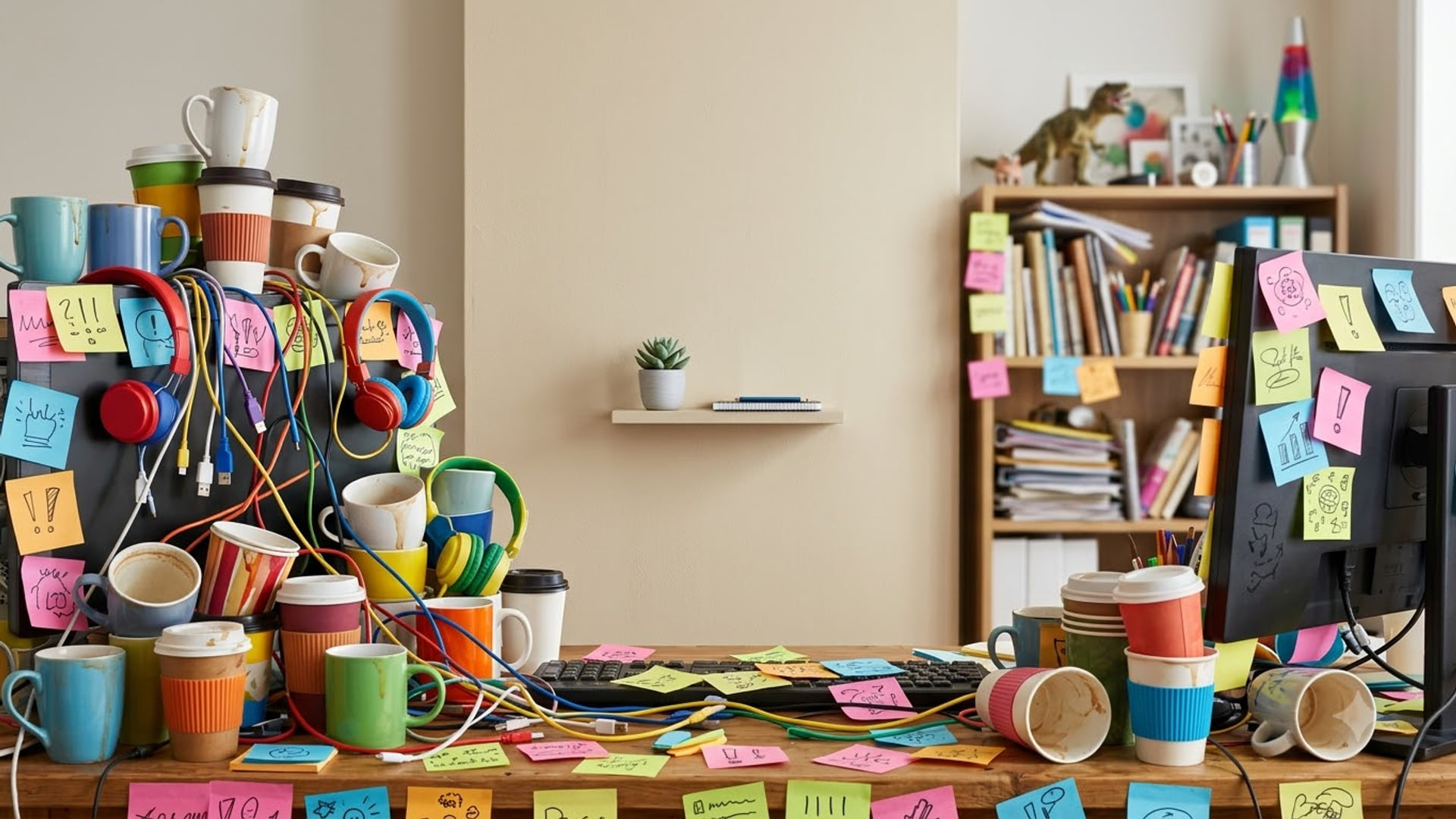
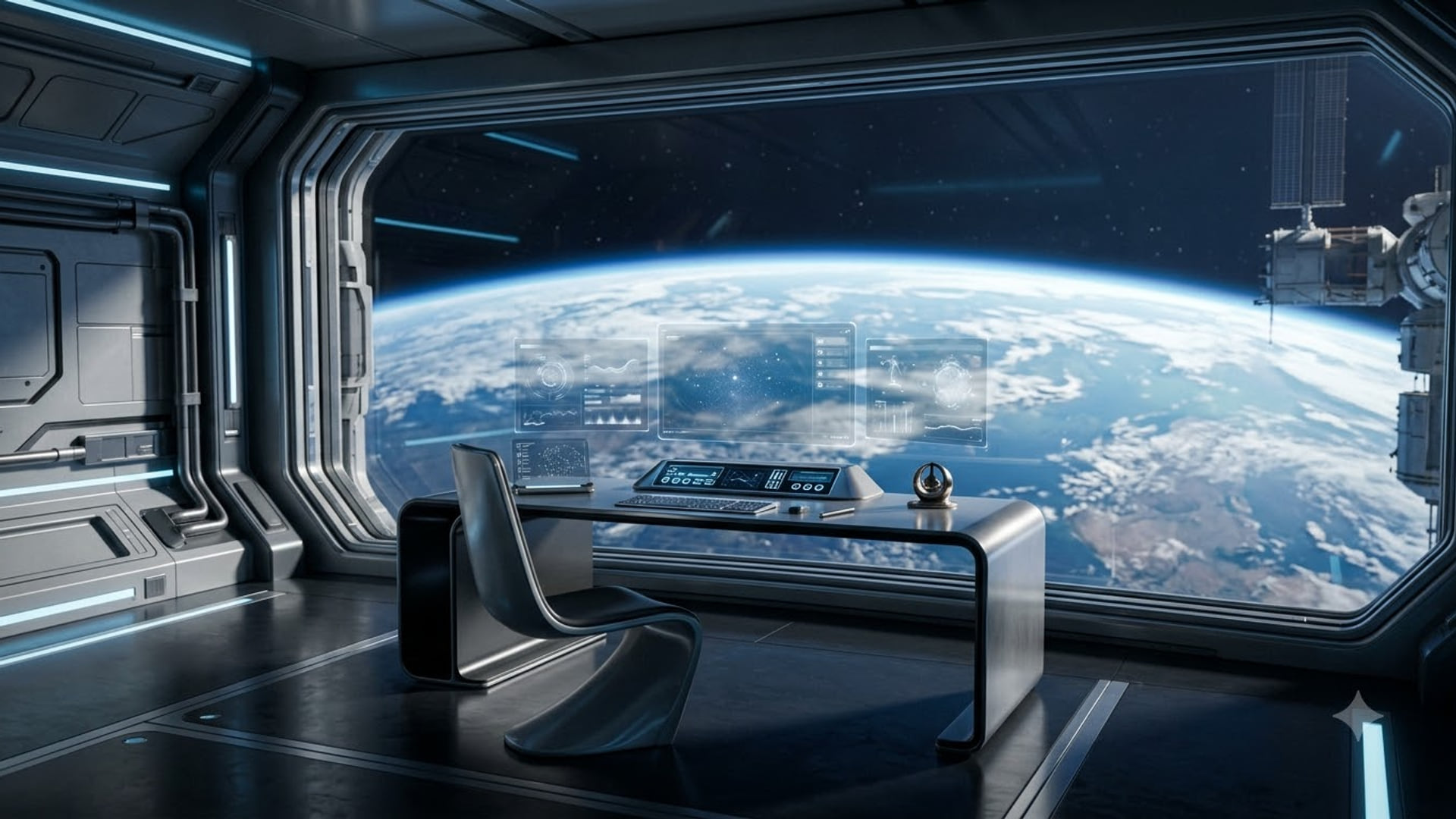
Cool Google Meet backgrounds
Sci-fi, neon and space scenes.
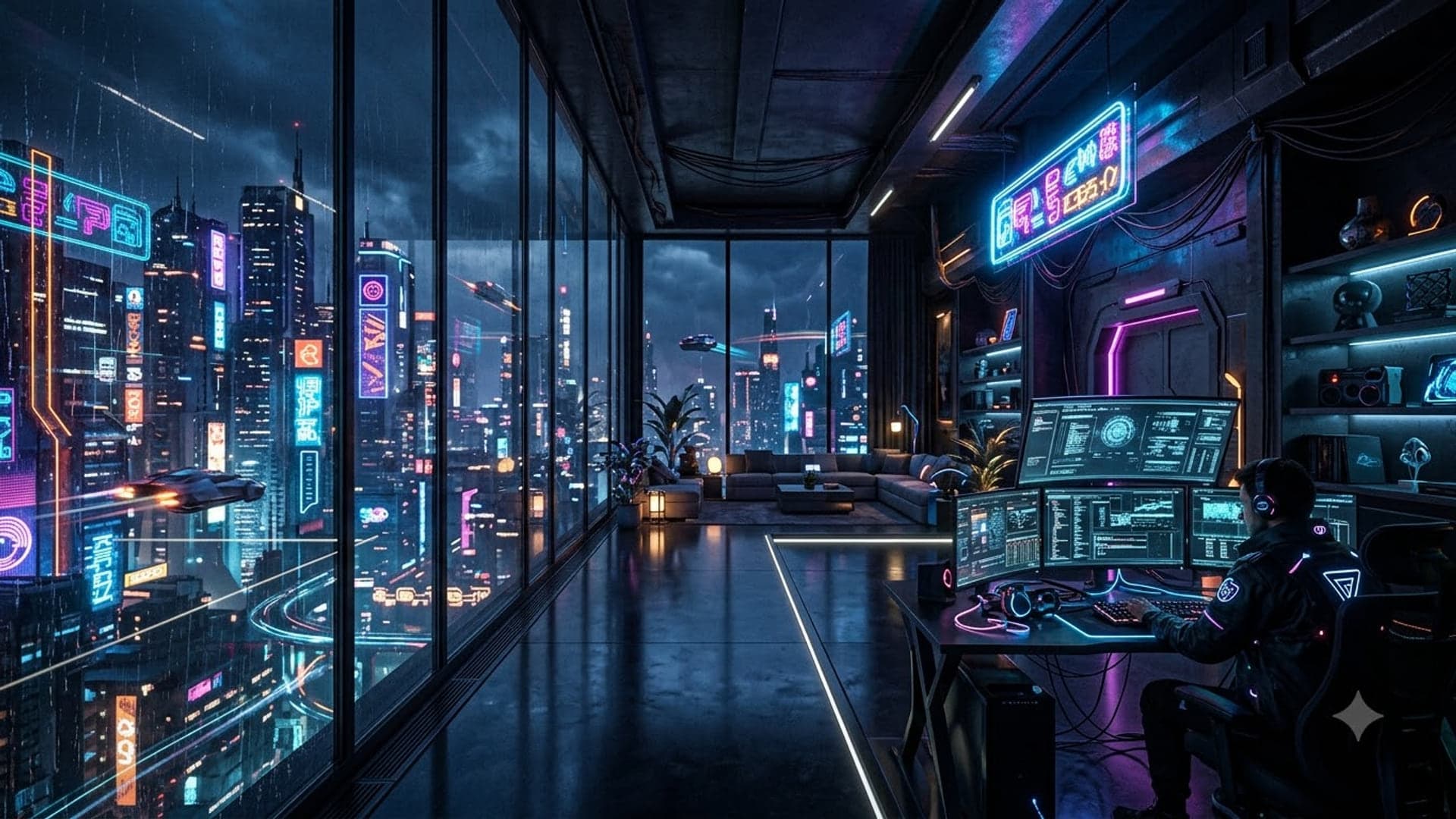
1920 x 1080
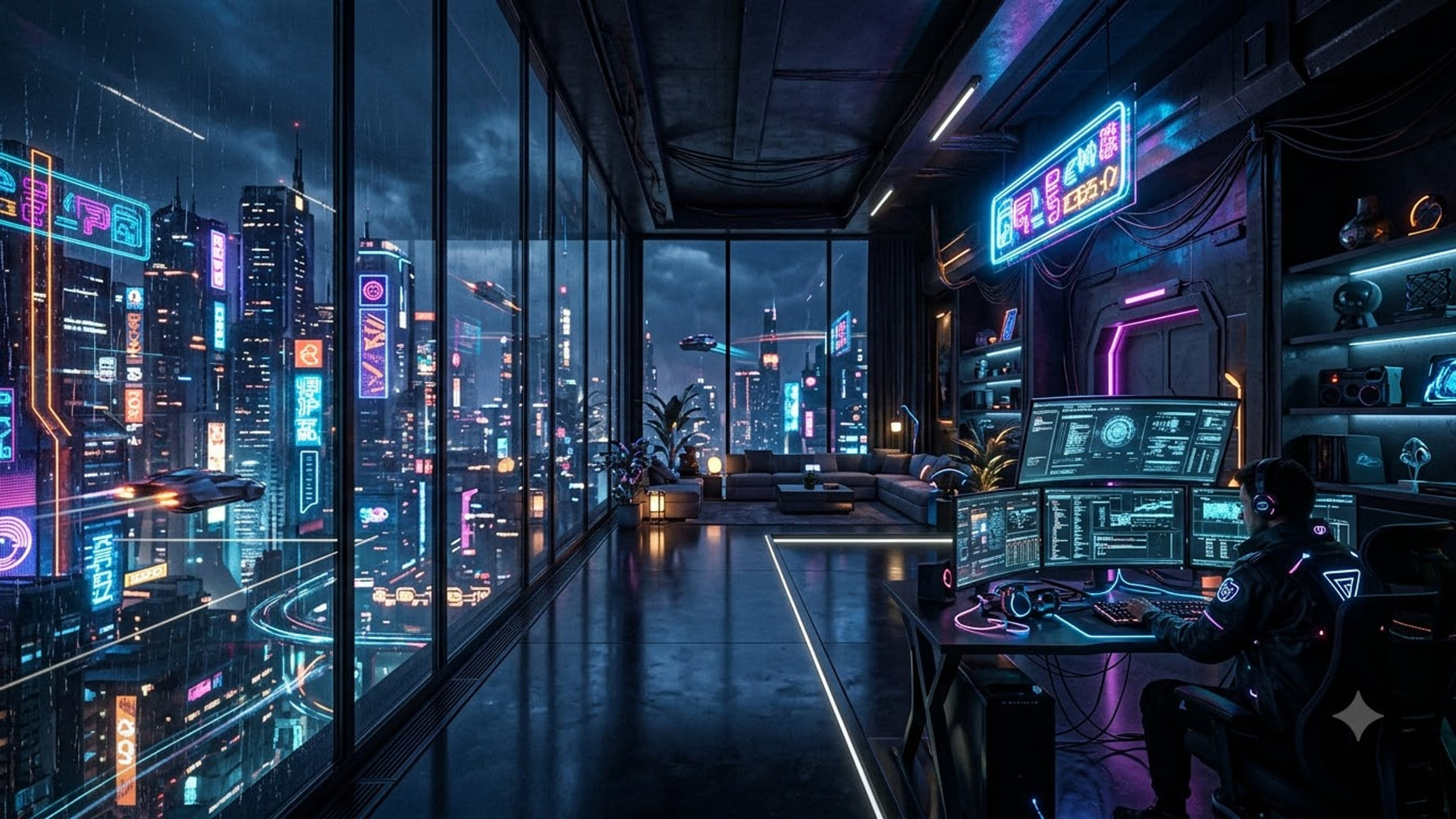
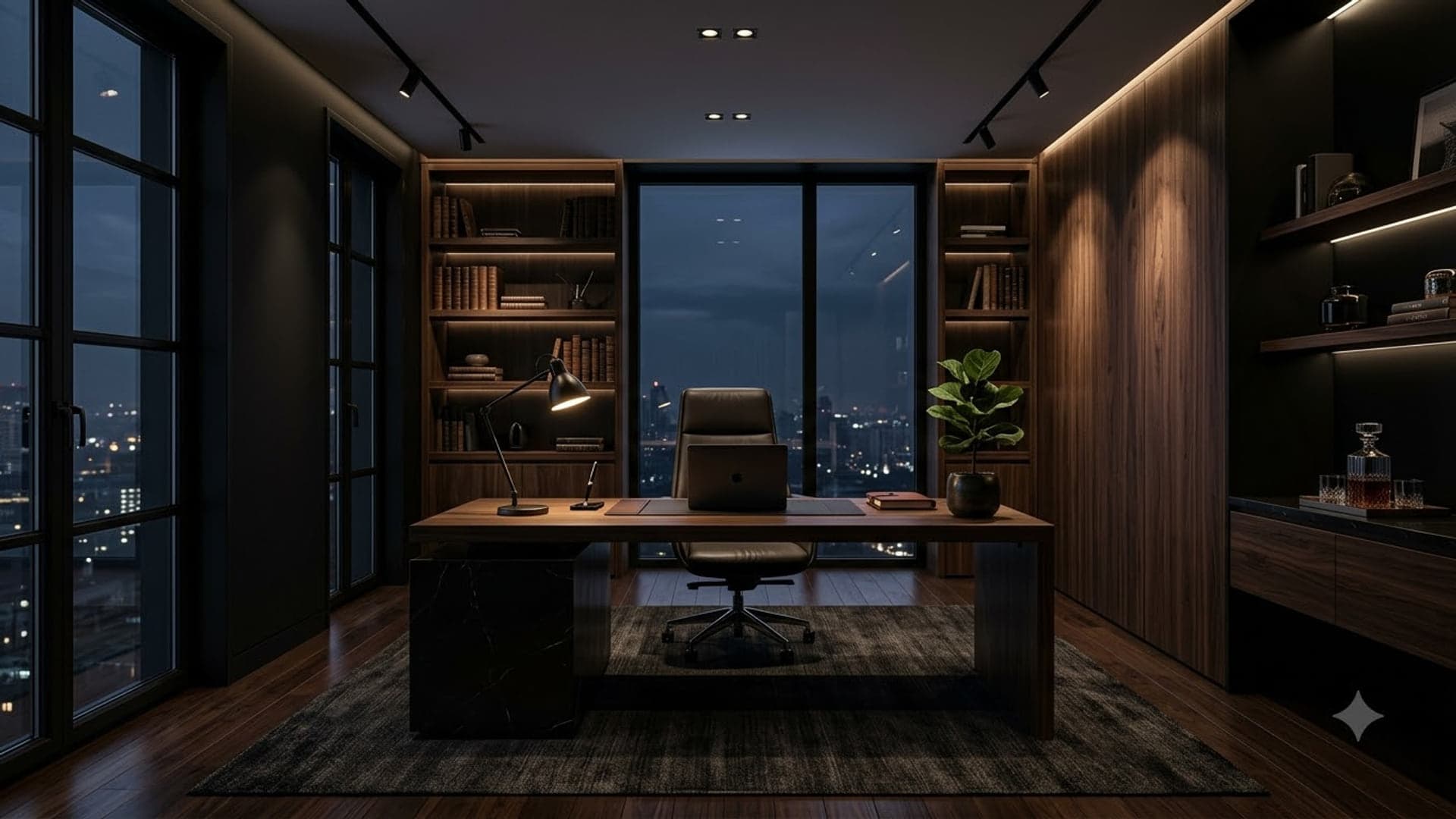
1920 x 1080
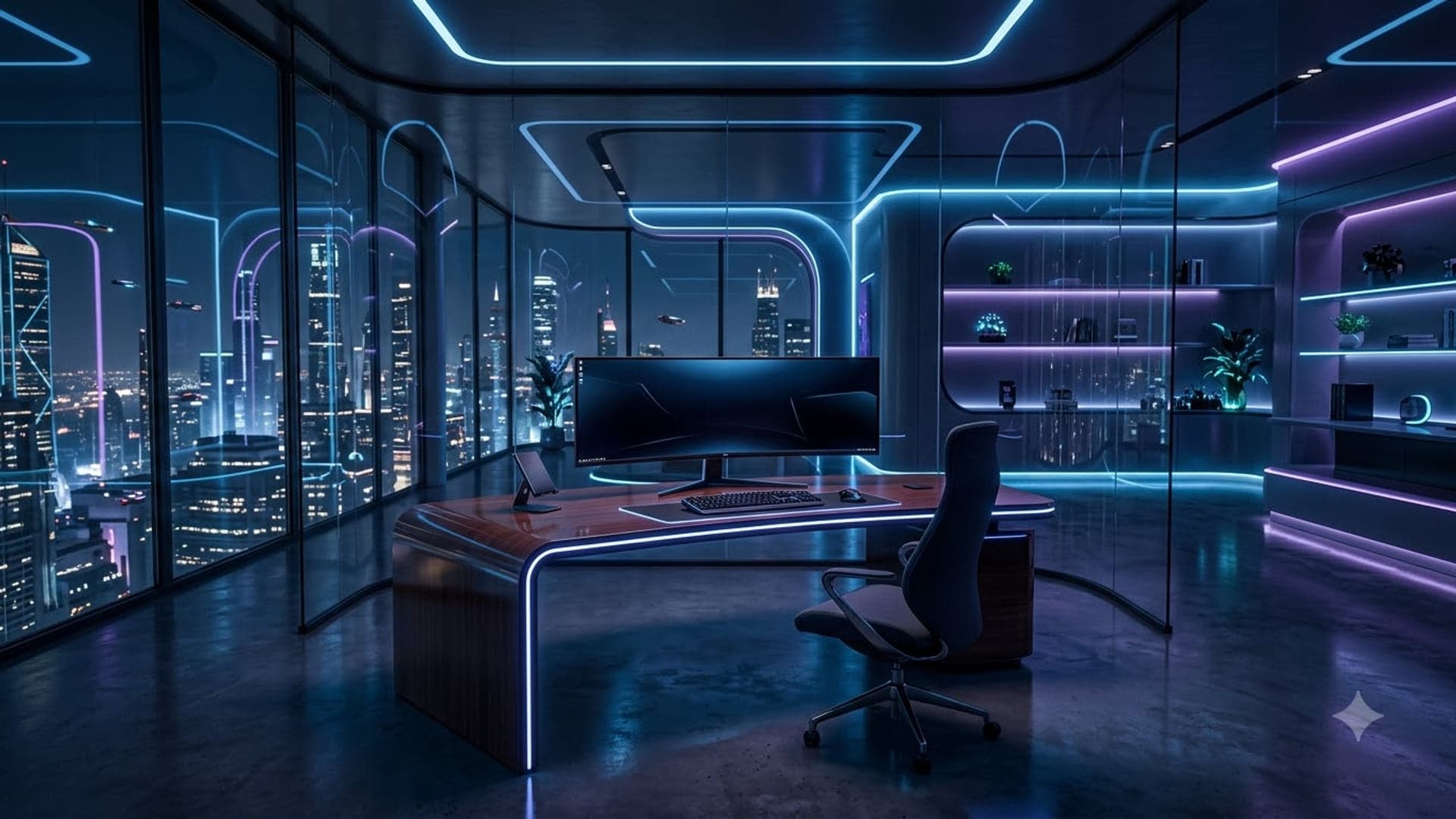
1920 x 1080
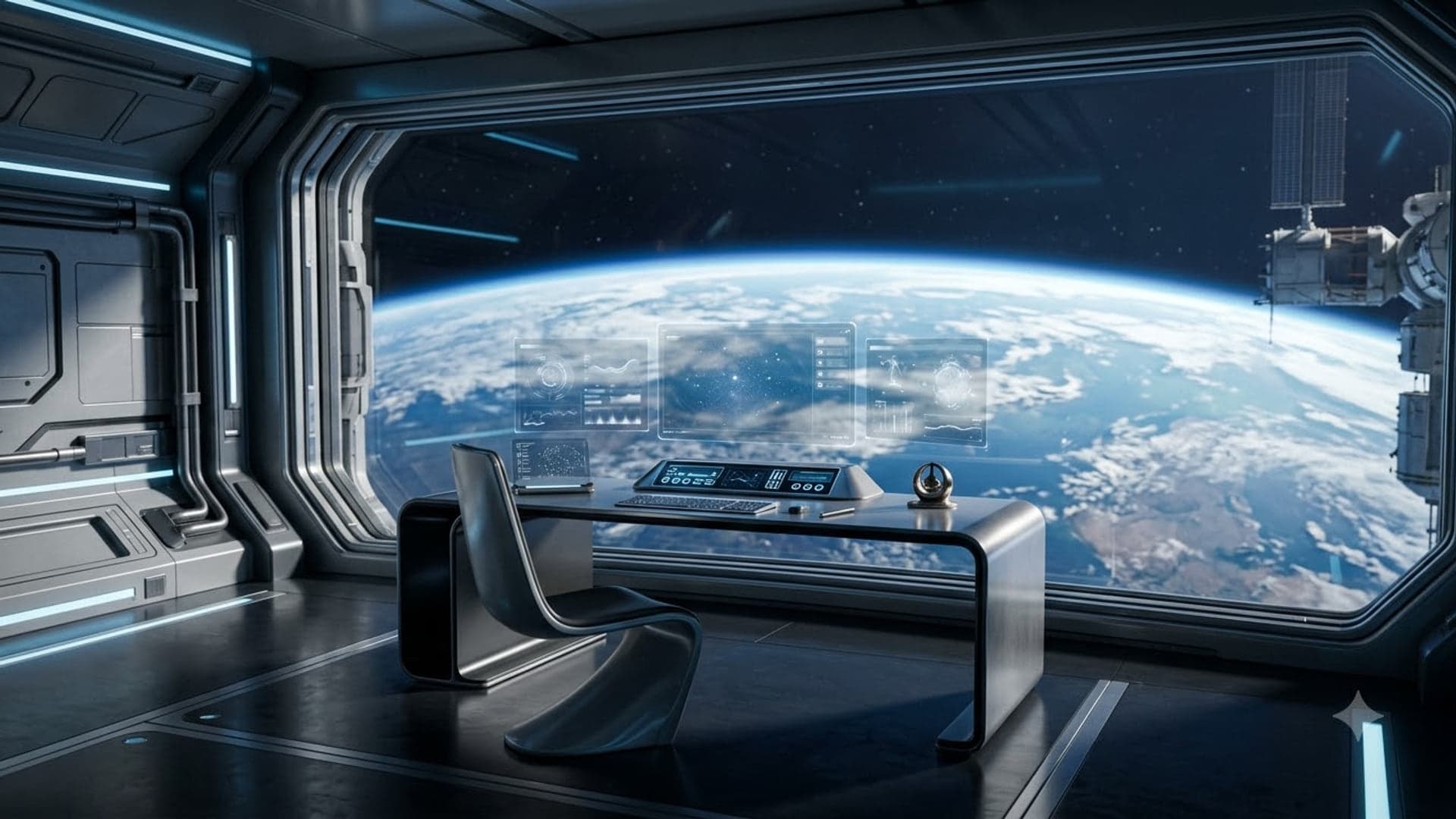
1920 x 1080
Heist Google Meet backgrounds
Vaults, map tables and planning rooms.

1920 x 1080


1920 x 1080

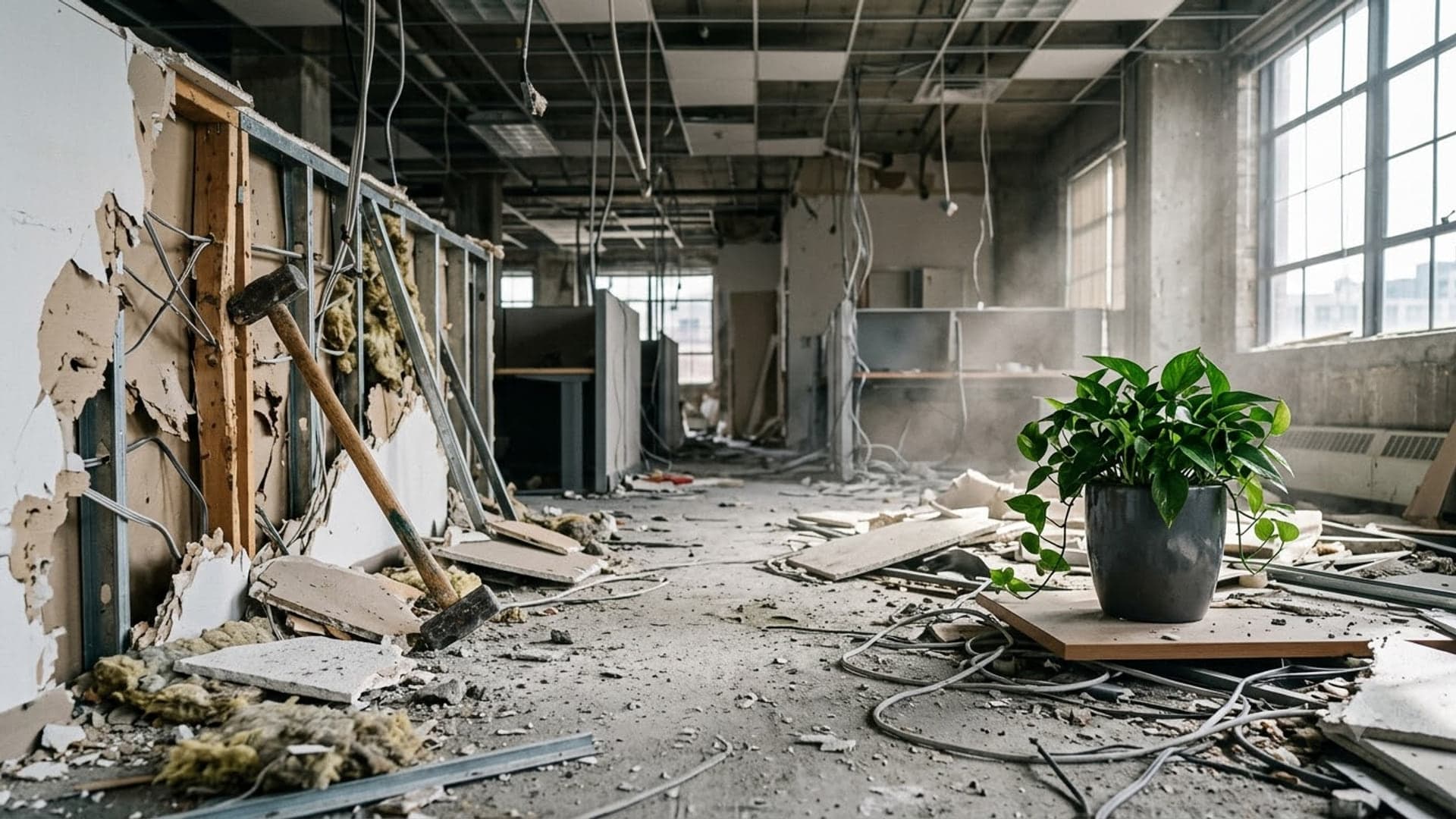
1920 x 1080
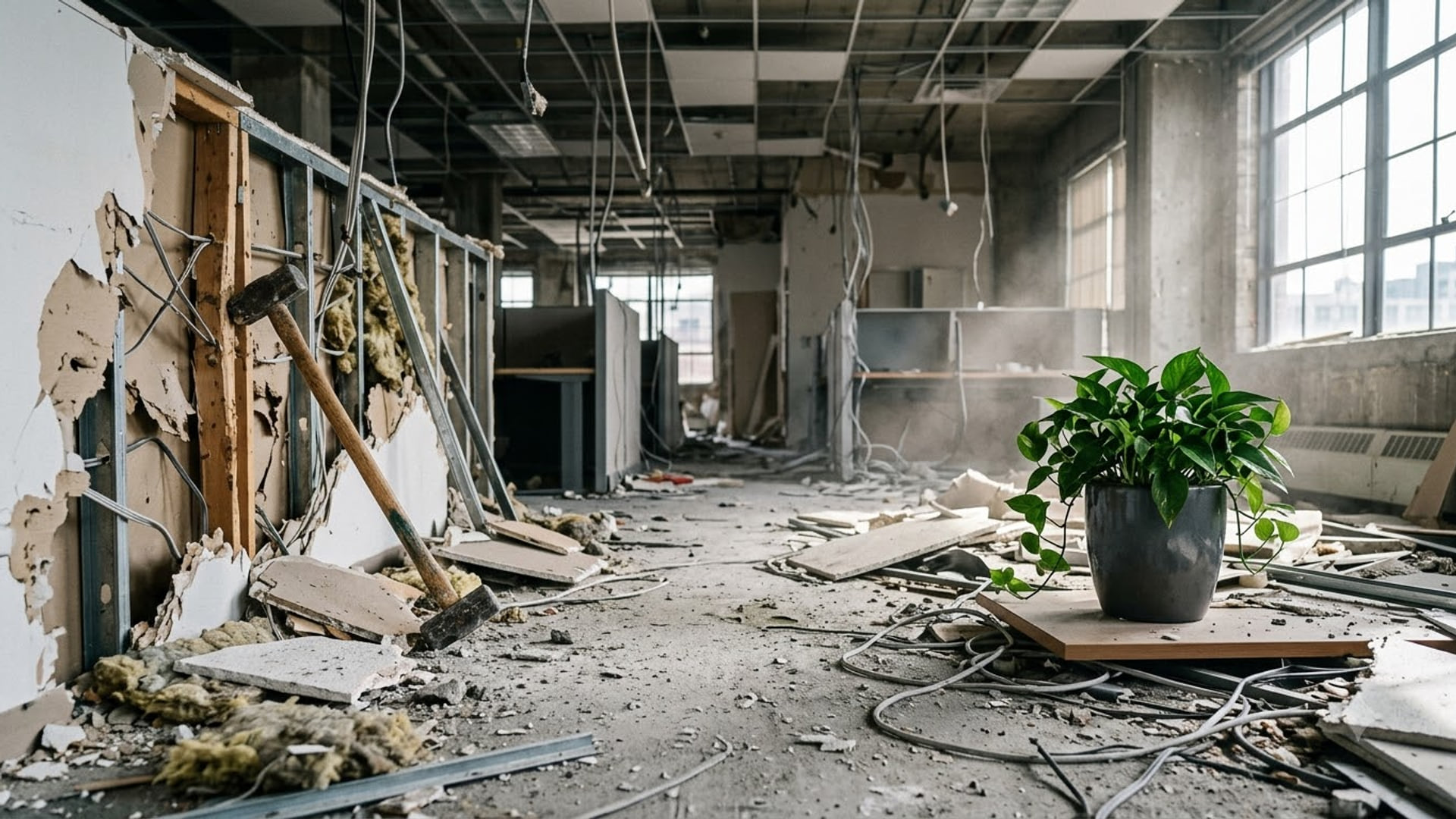

1920 x 1080

Fall Google Meet backgrounds
Autumn colour and Thanksgiving scenes for October and November.
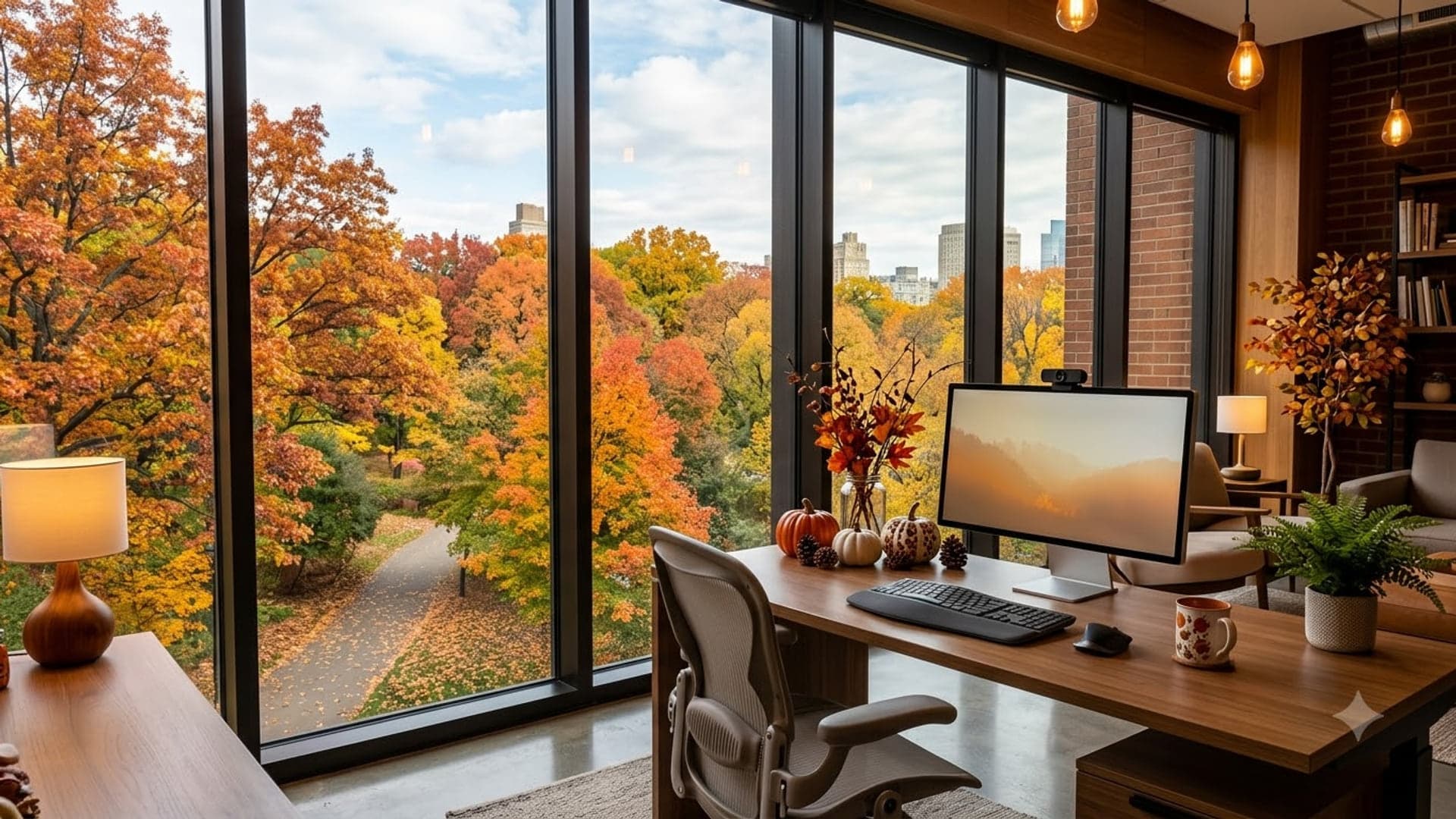
1920 x 1080
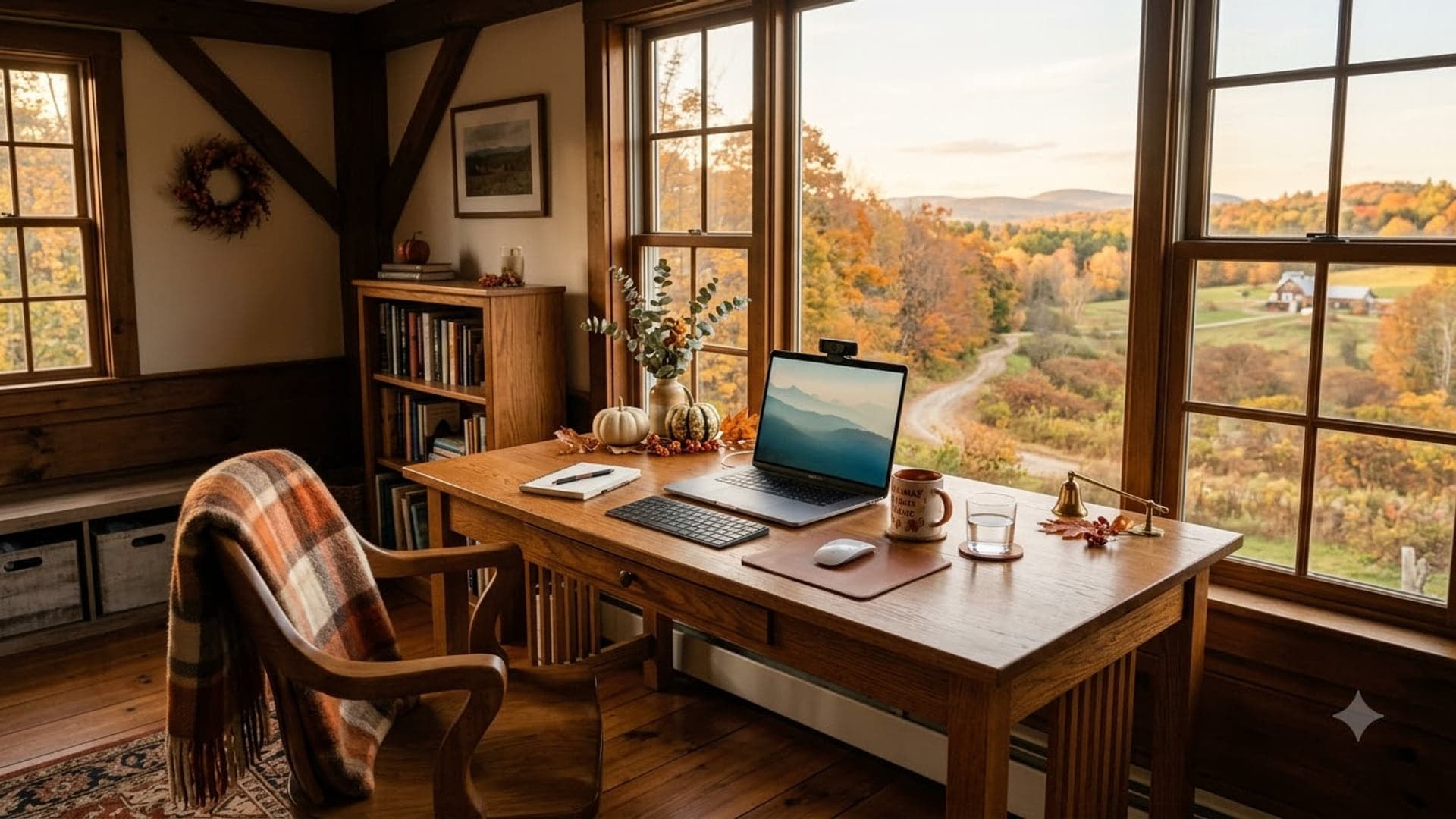
1920 x 1080
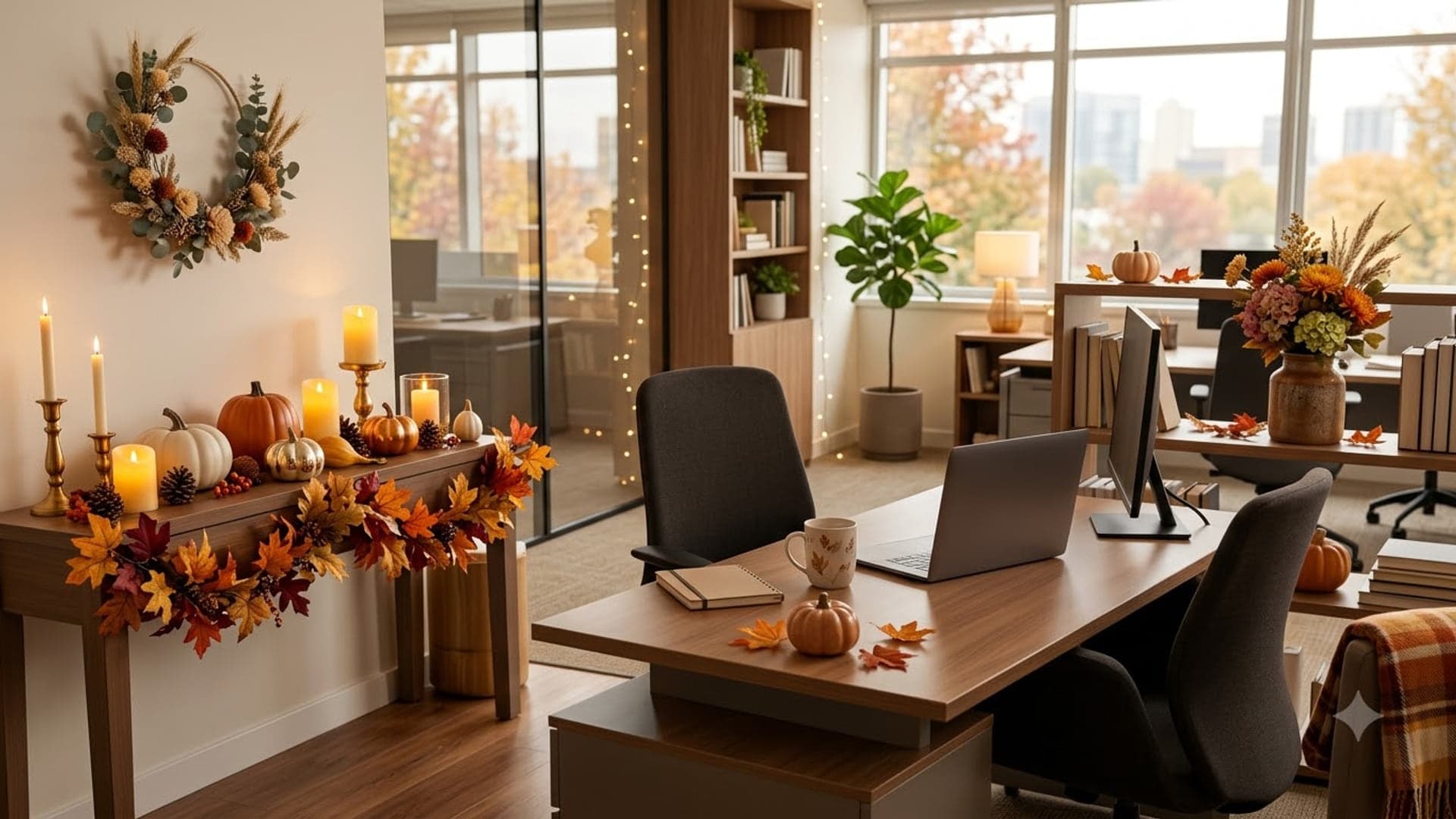
1920 x 1080
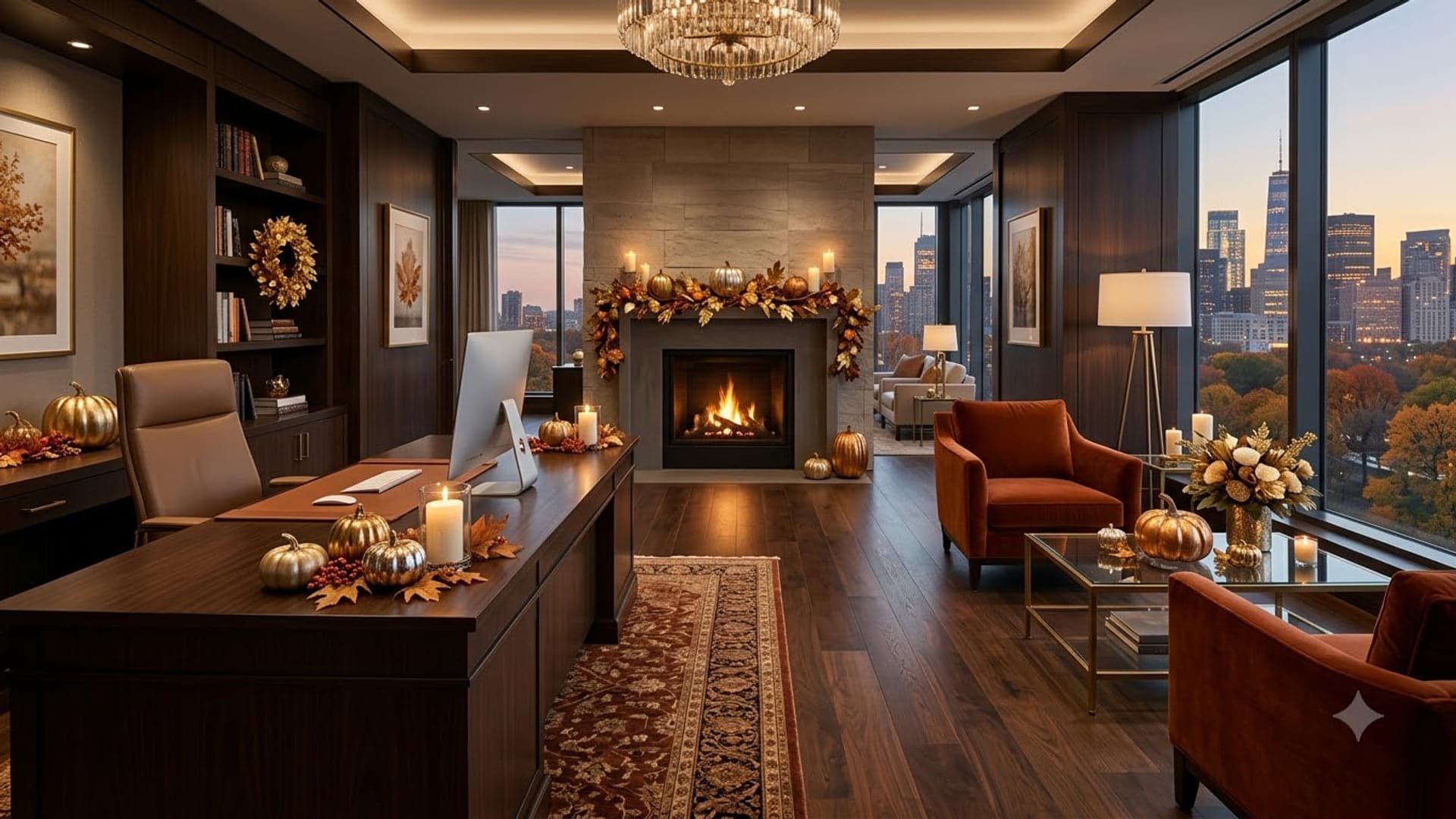
1920 x 1080
Halloween Google Meet backgrounds
Spooky rather than gory.
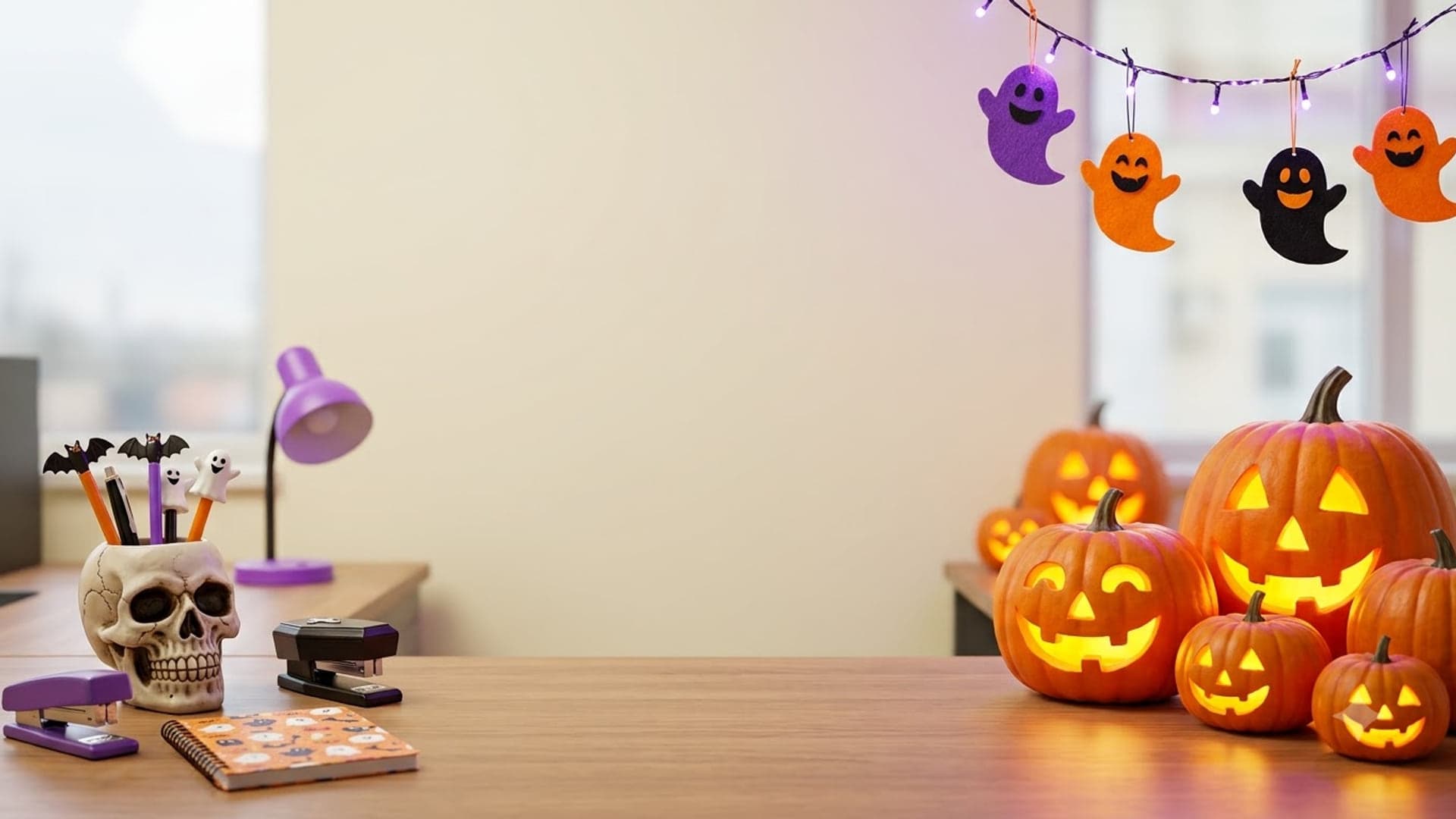
1920 x 1080
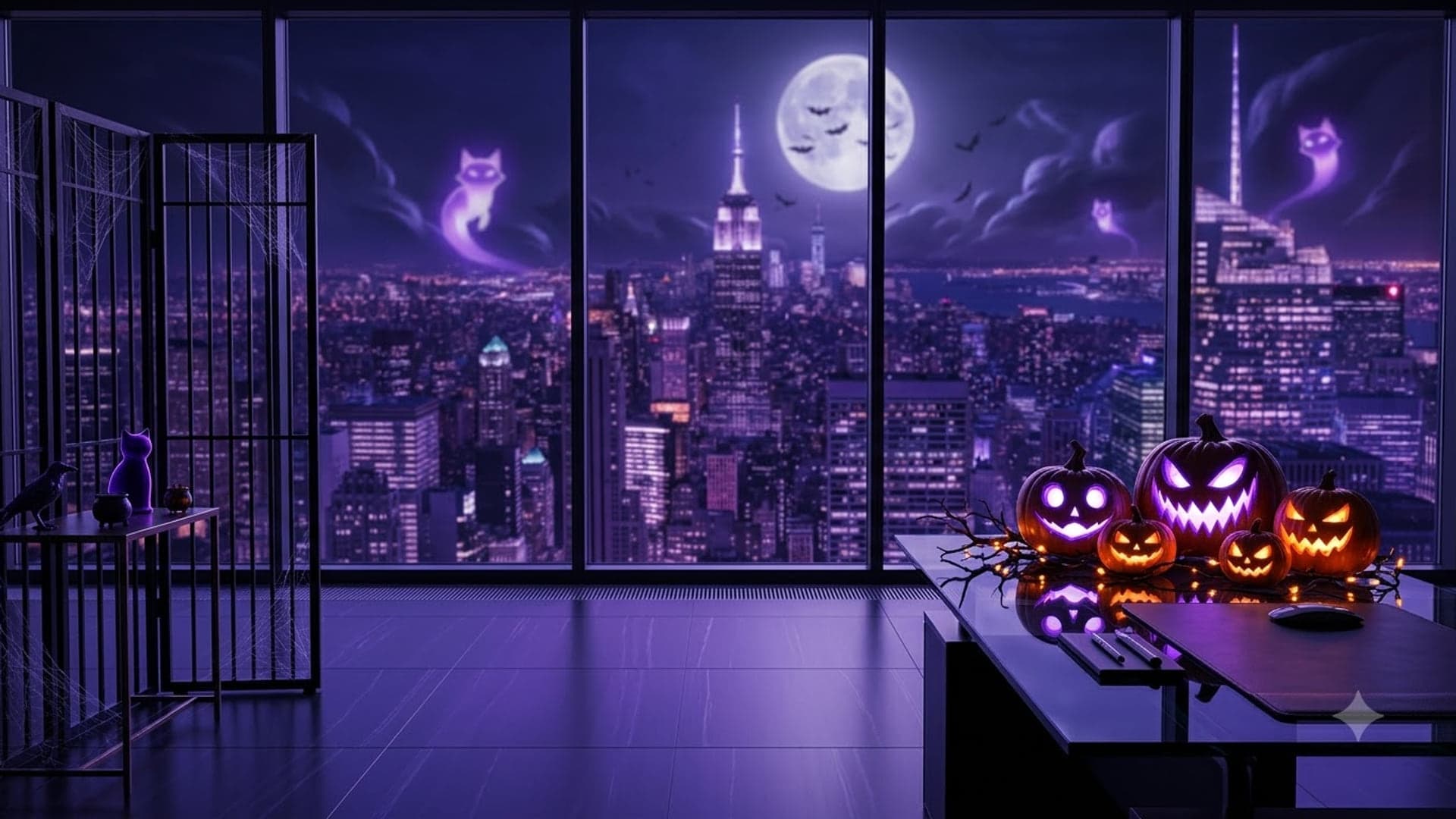
1920 x 1080
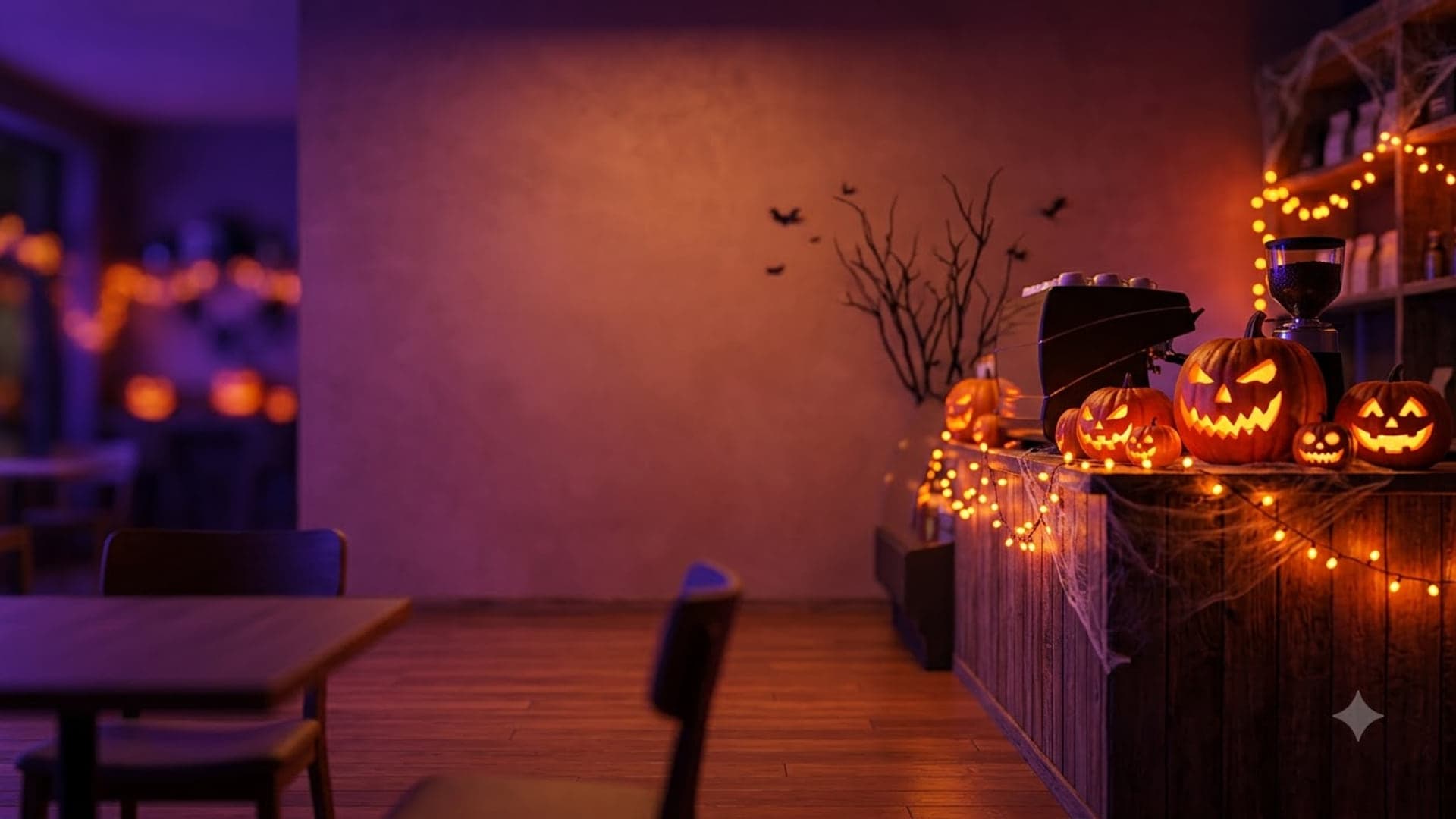
1920 x 1080
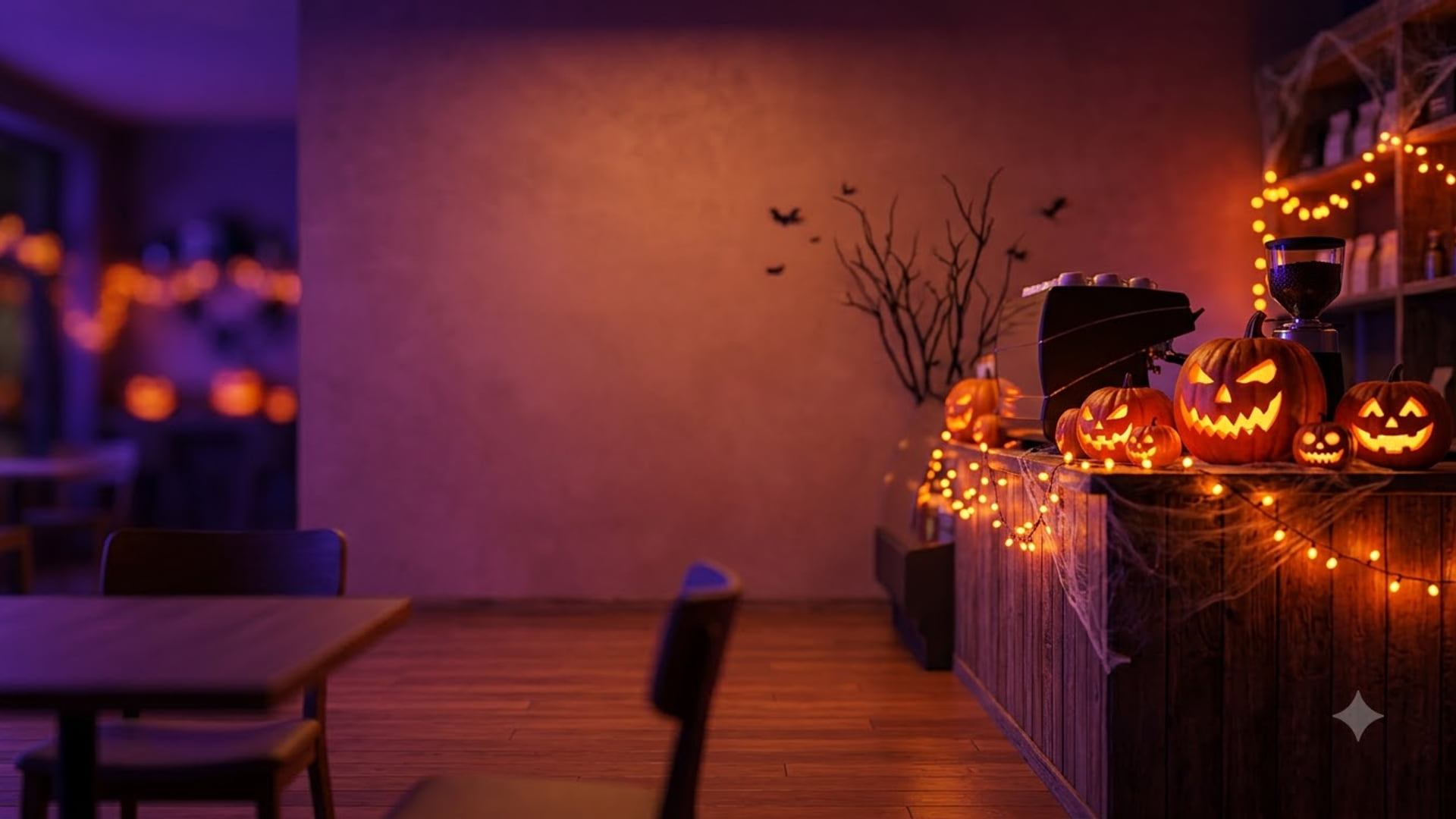
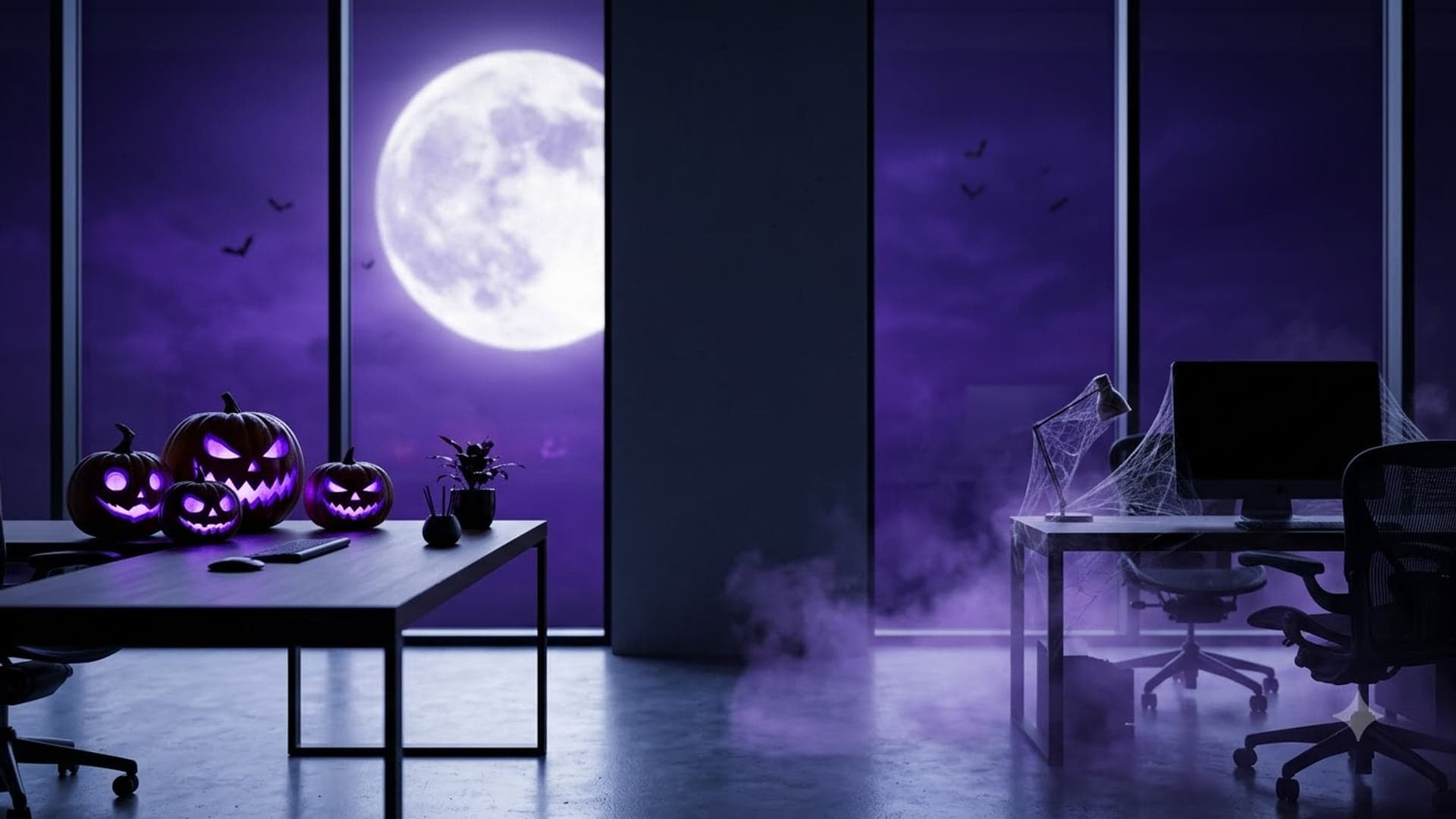
1920 x 1080
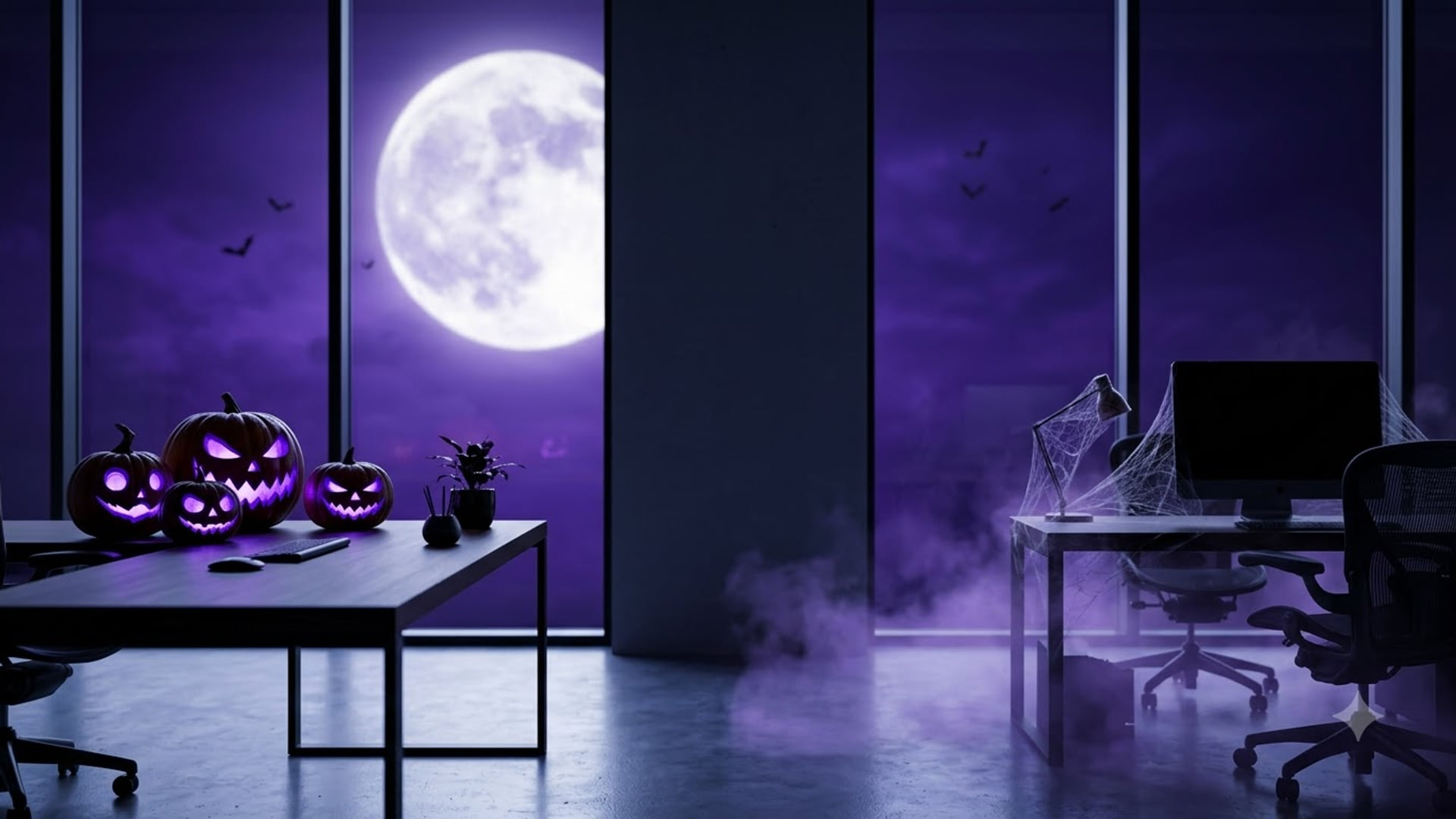
Holiday Google Meet backgrounds
For the end-of-year stretch from Thanksgiving to New Year.
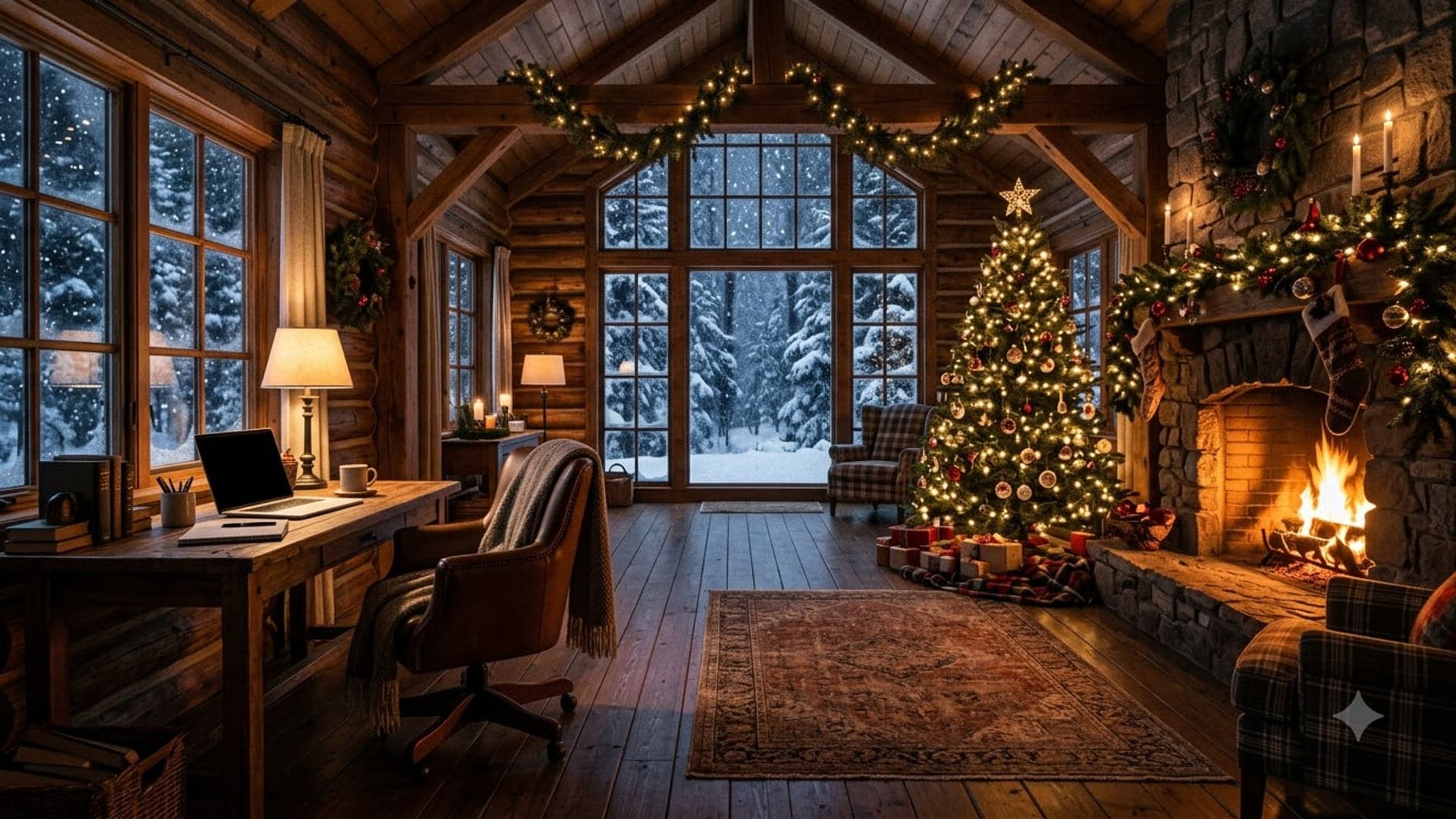
1920 x 1080
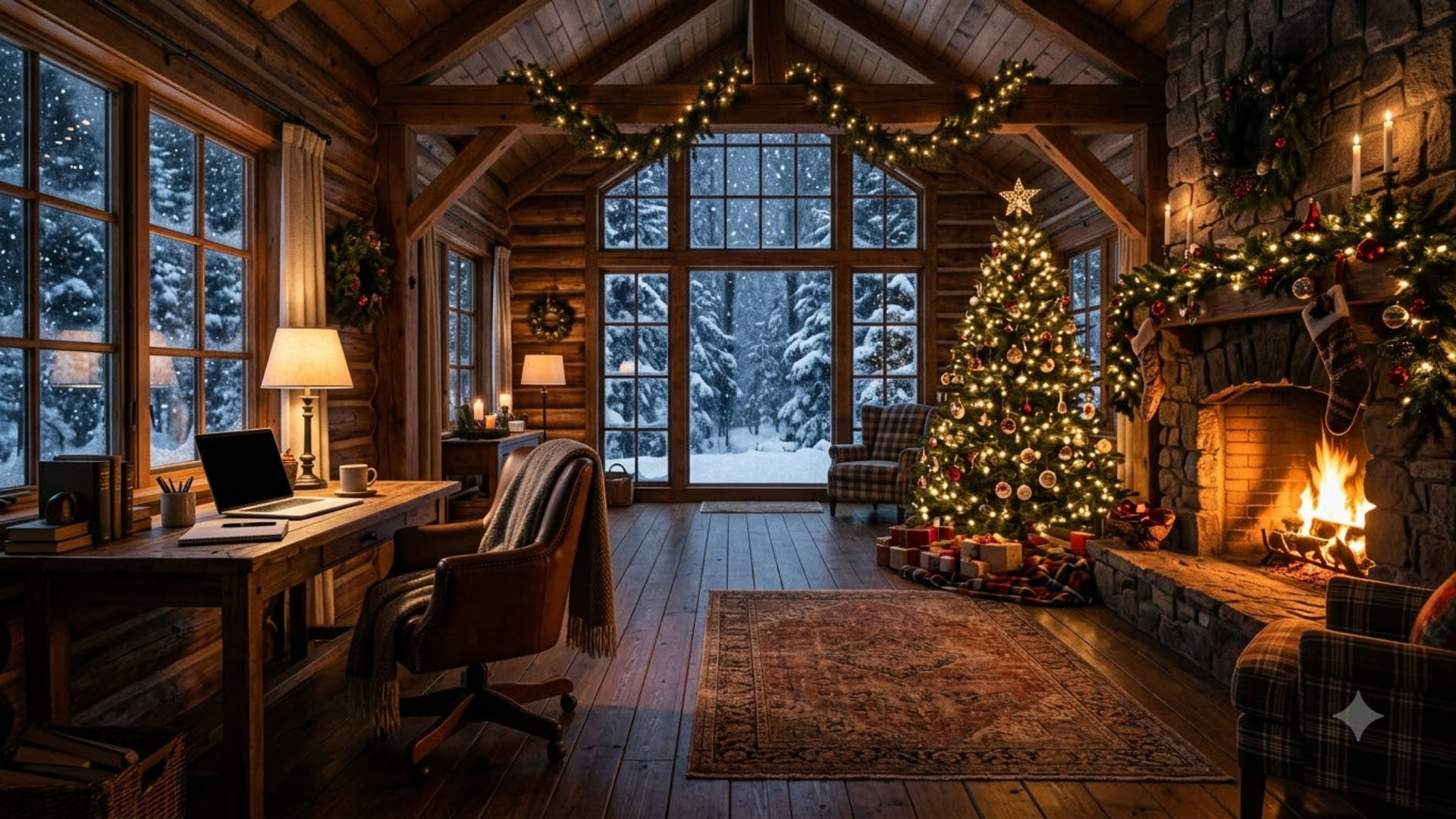
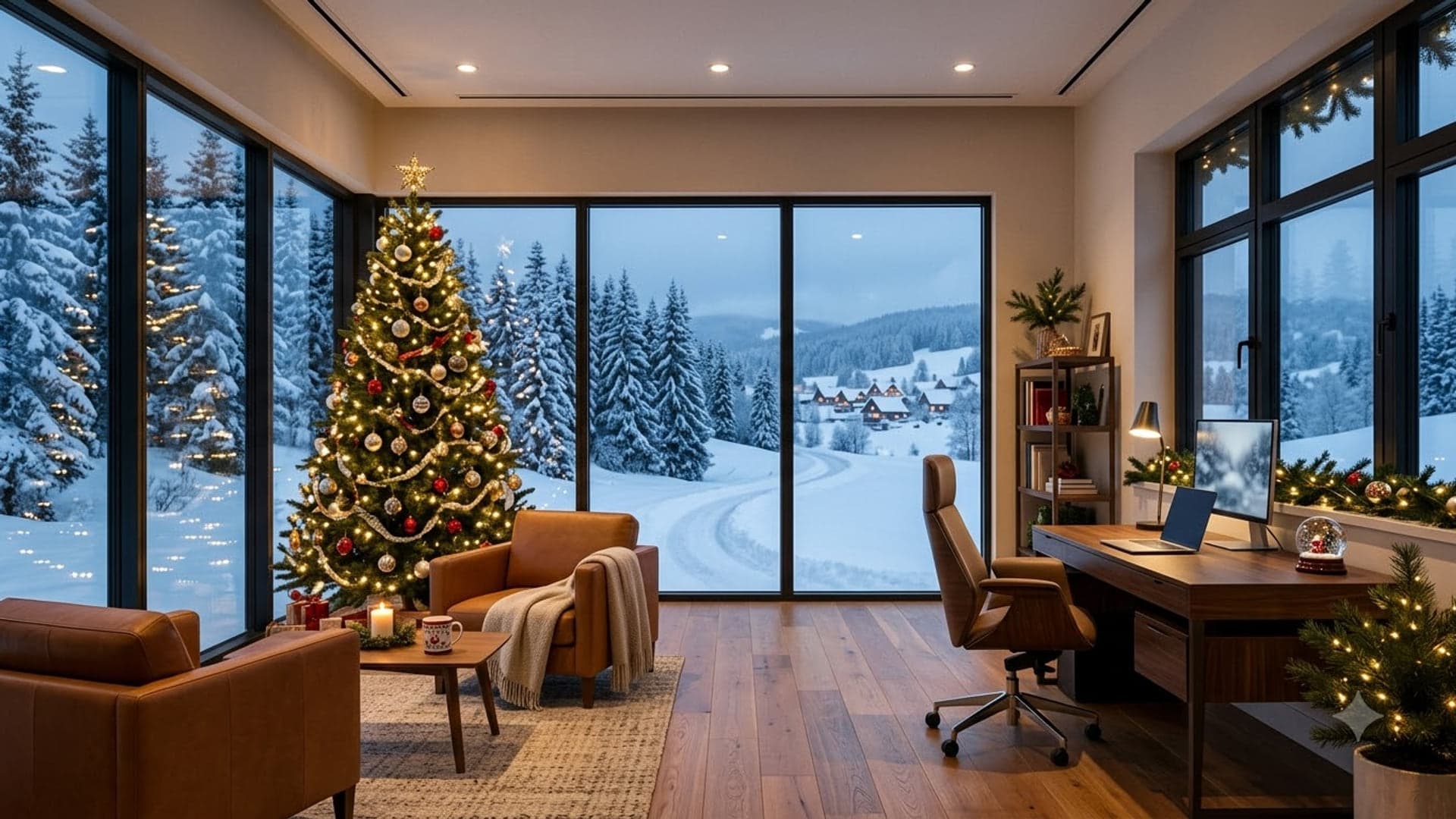
1920 x 1080
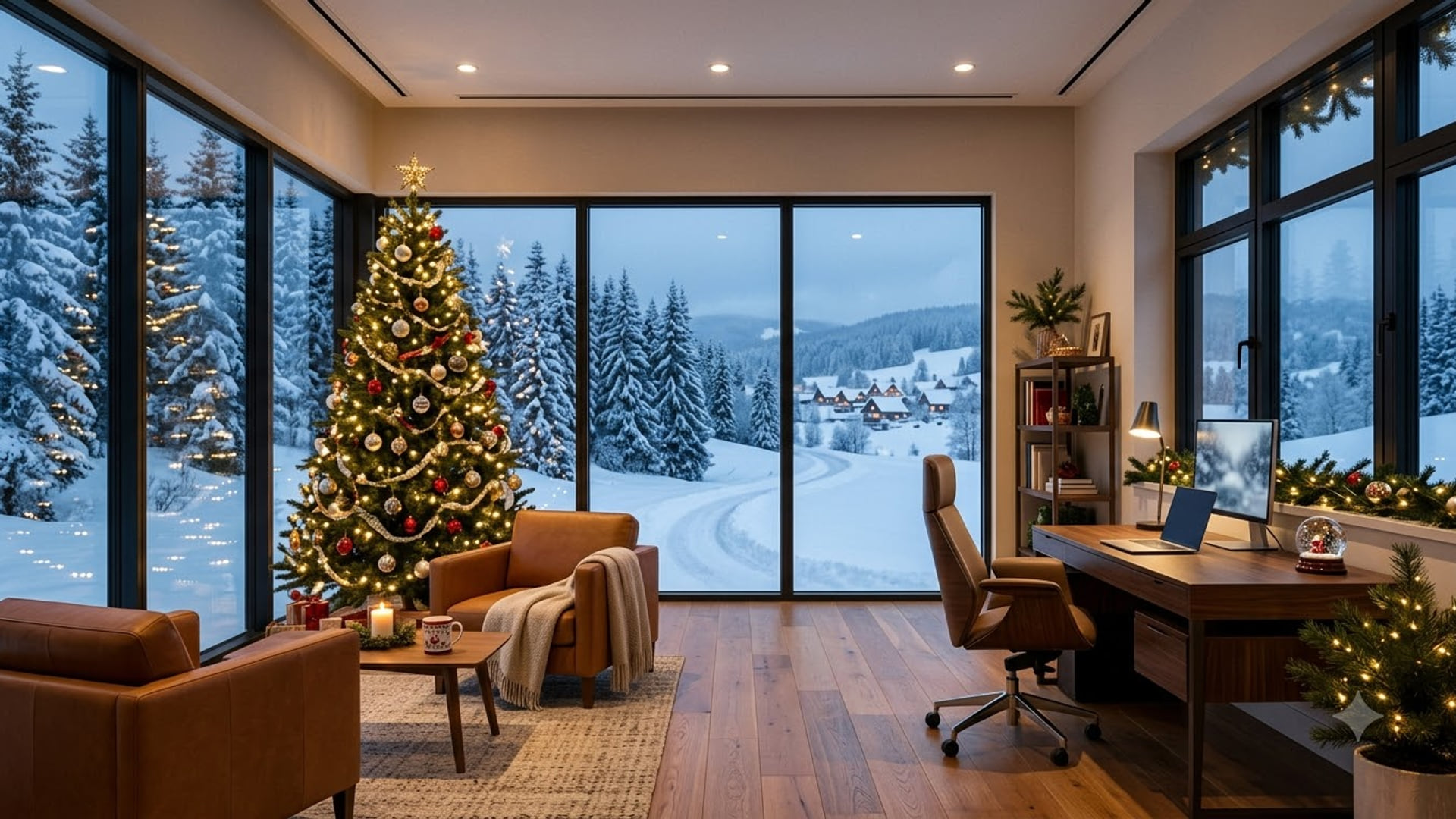
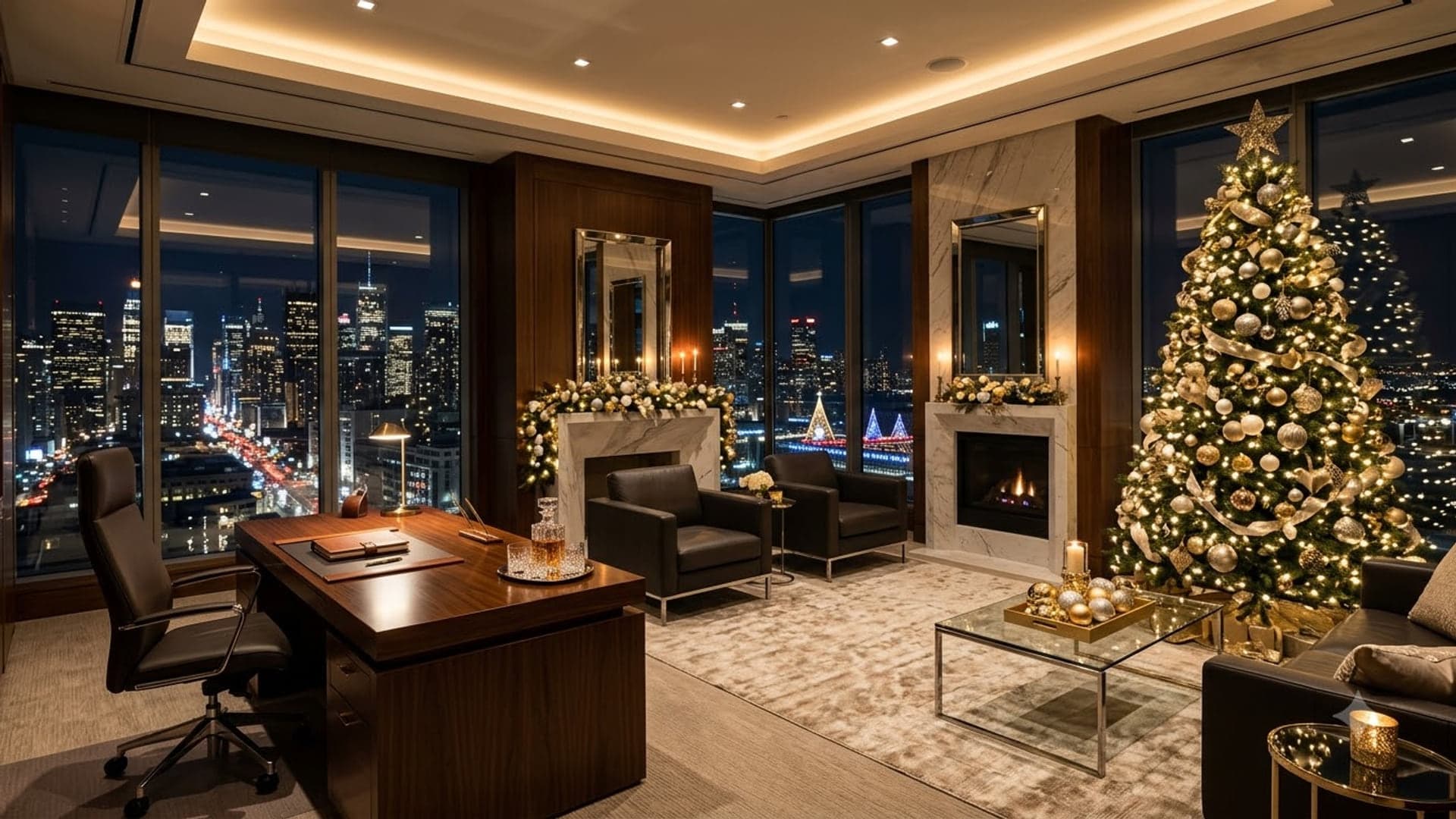
1920 x 1080
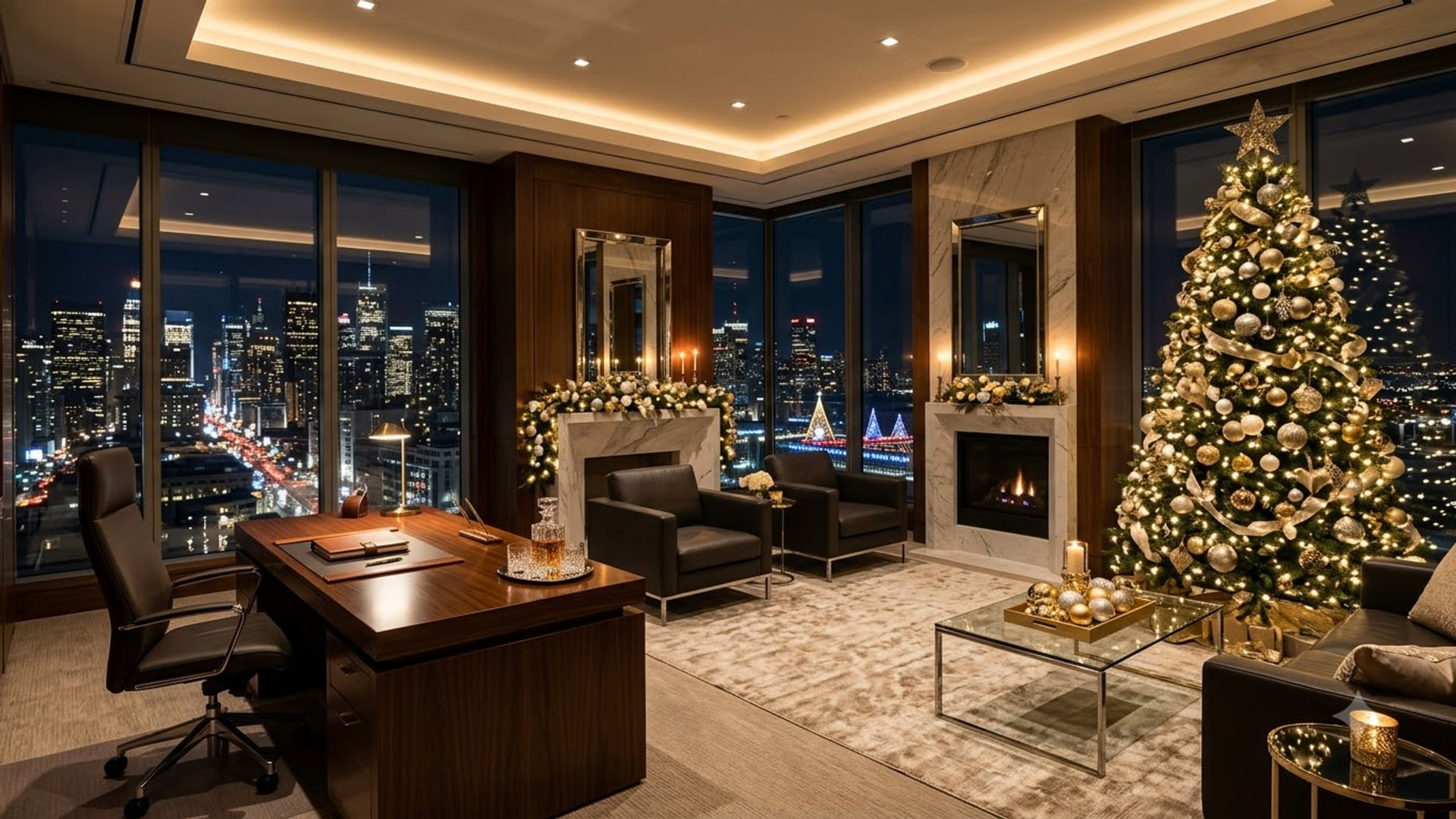

1920 x 1080
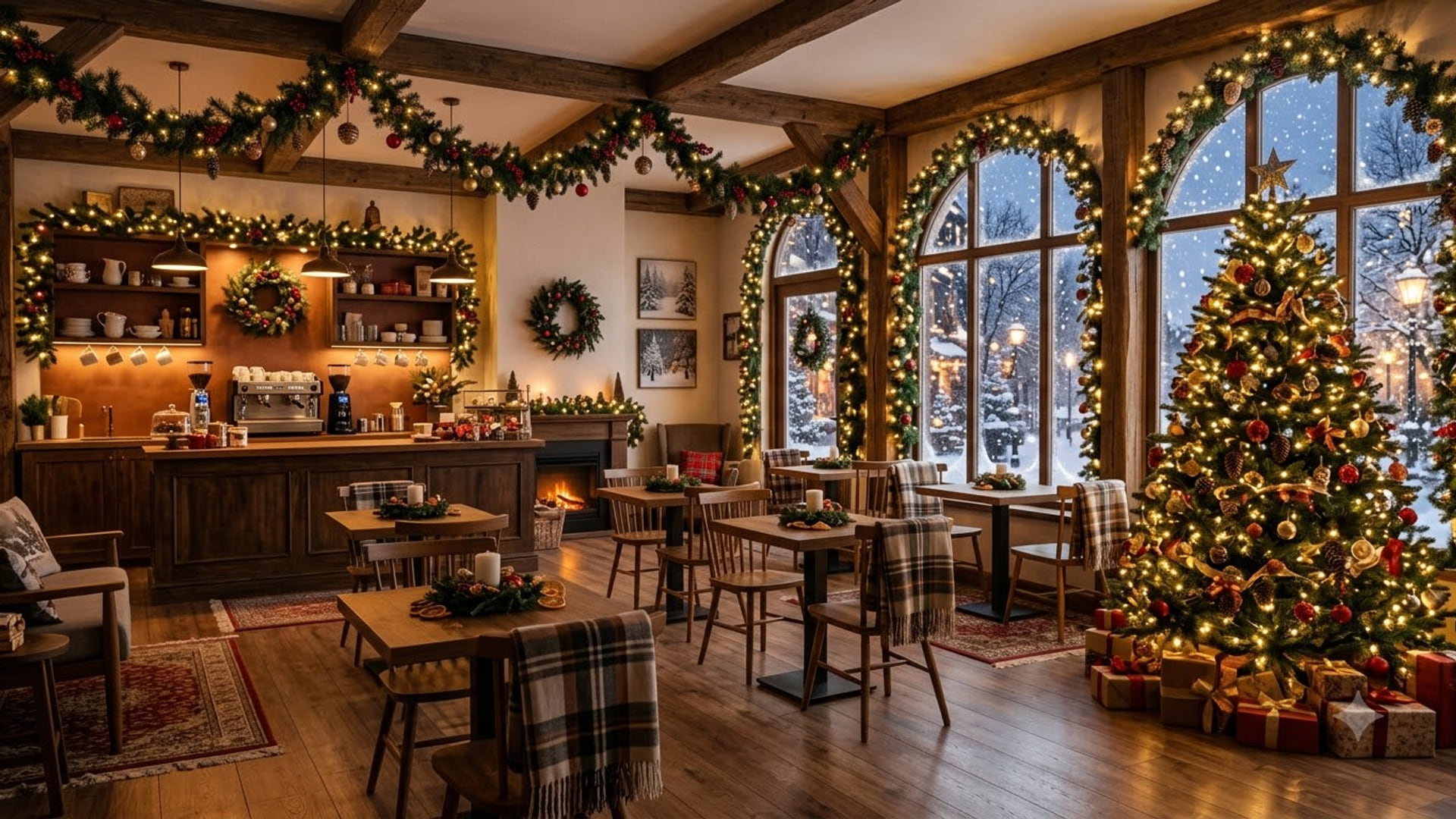
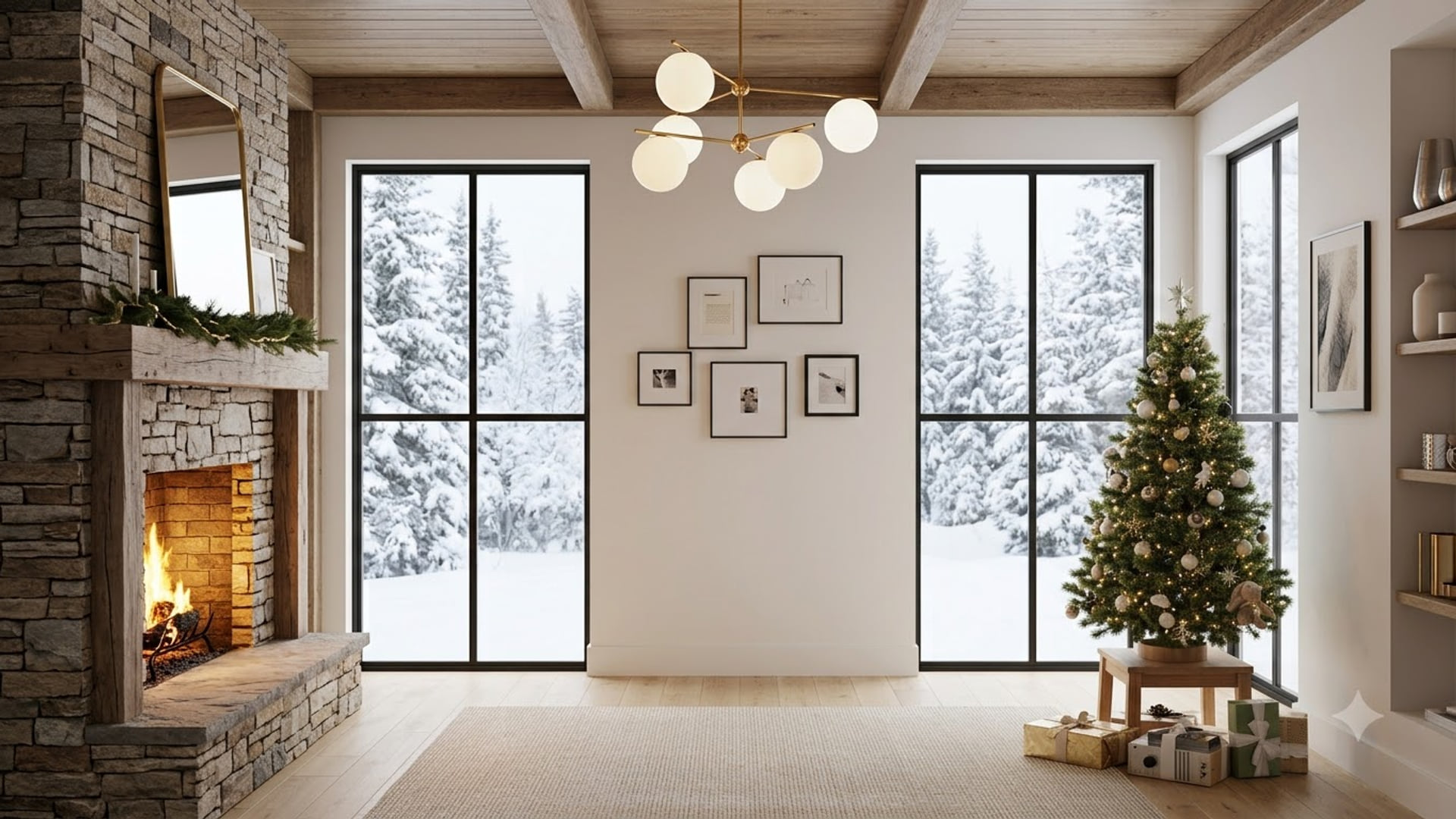
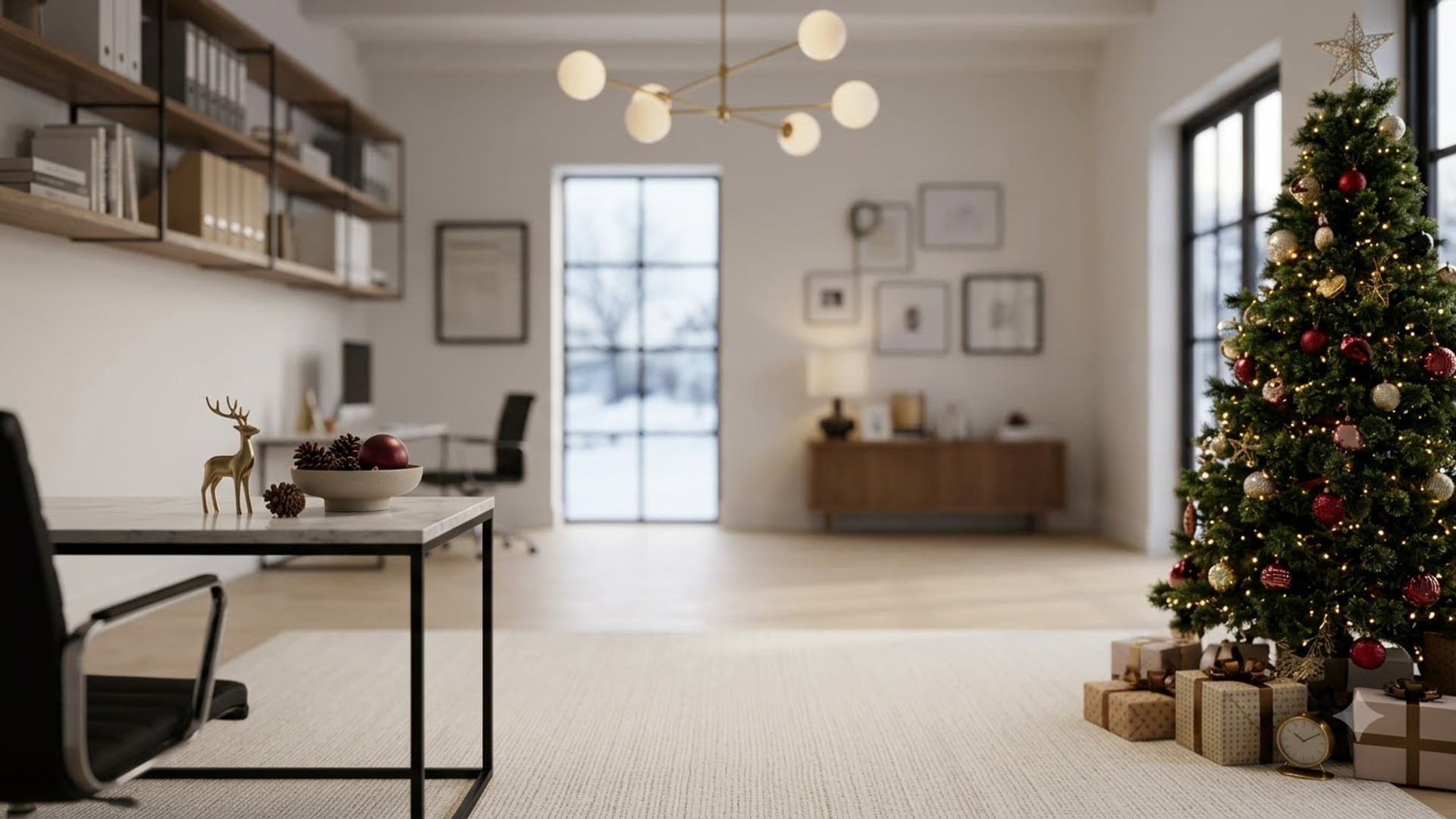
Christmas Google Meet backgrounds
Festive options for December meetings.
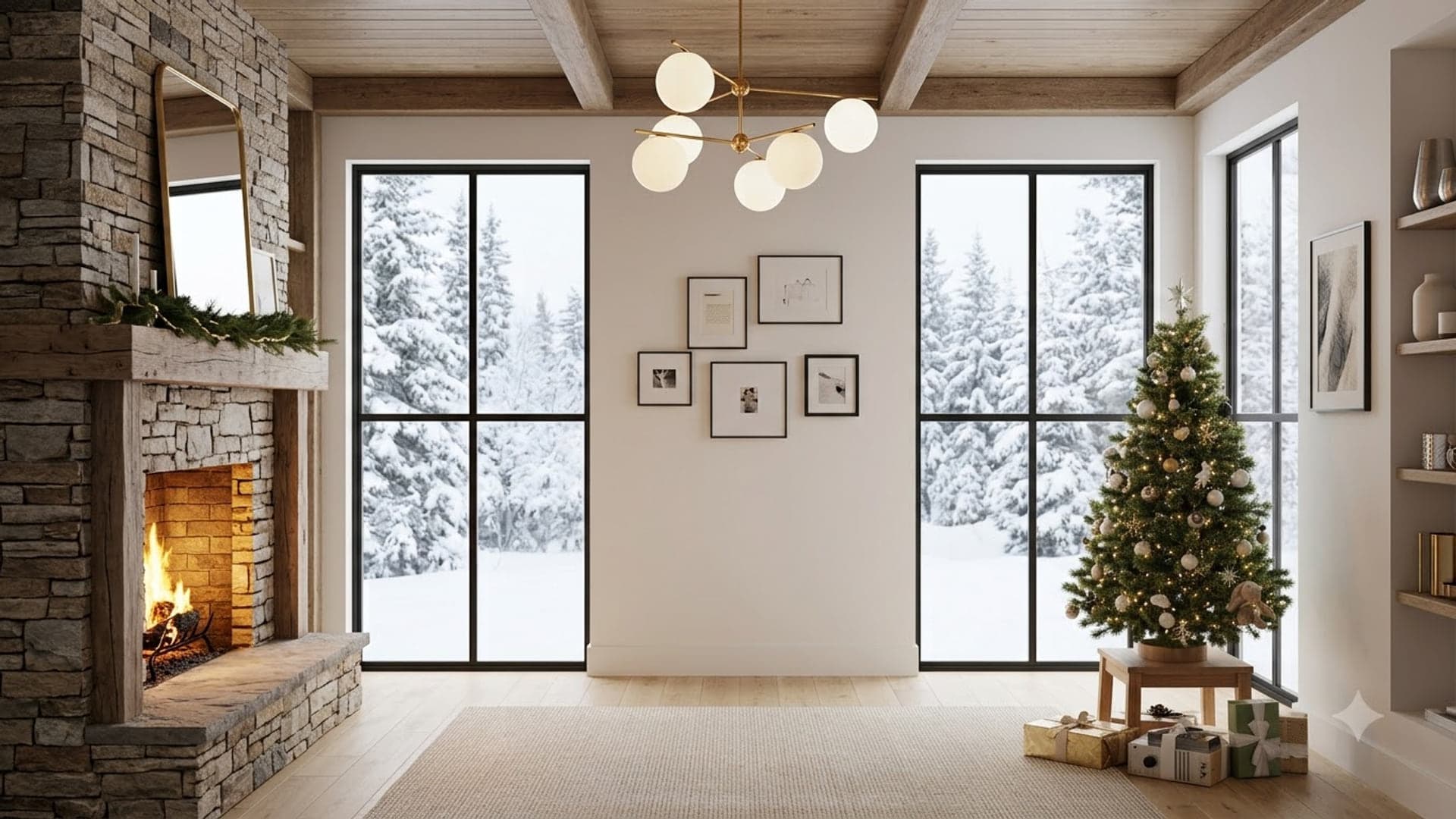
1920 x 1080
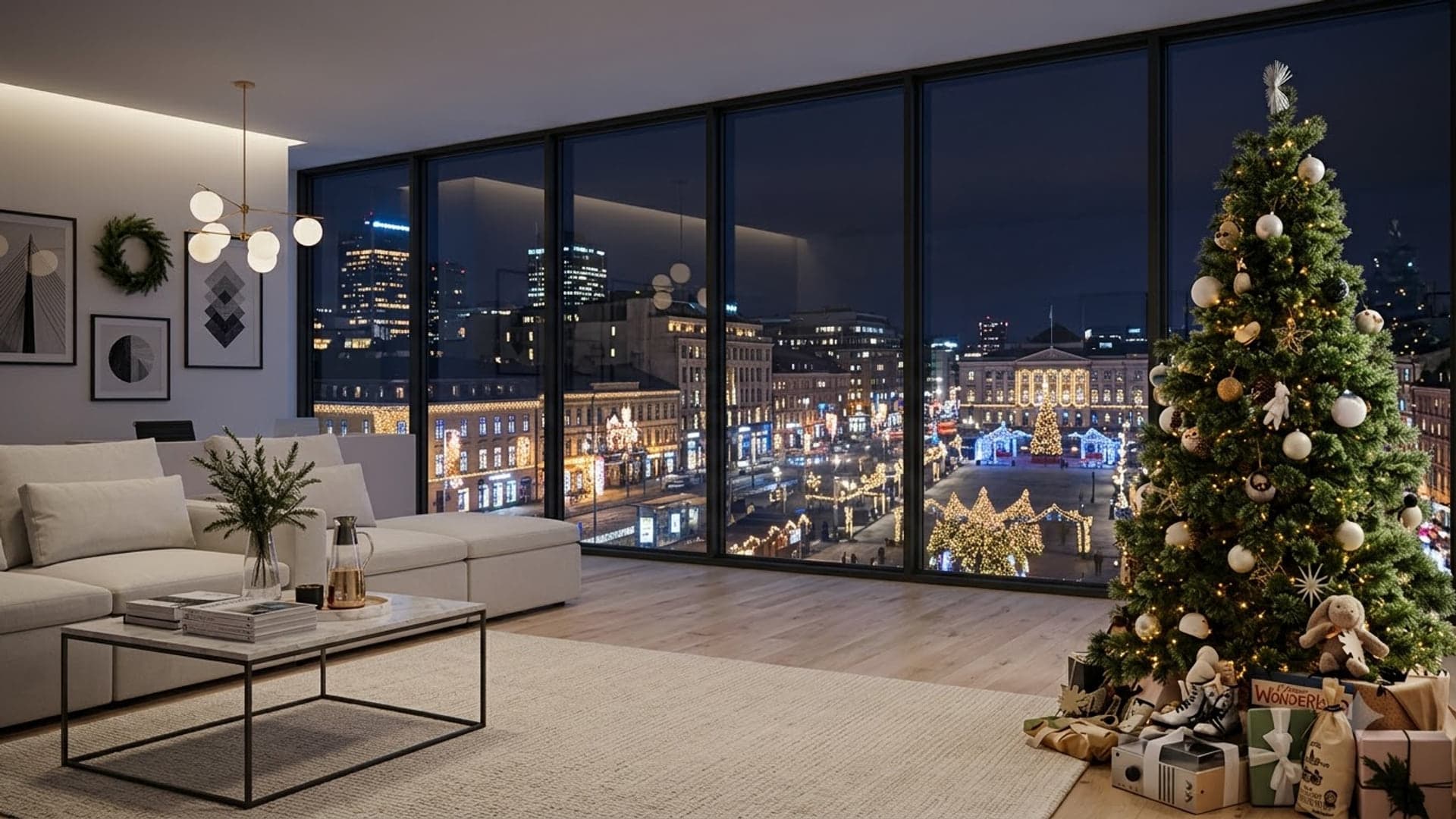
1920 x 1080
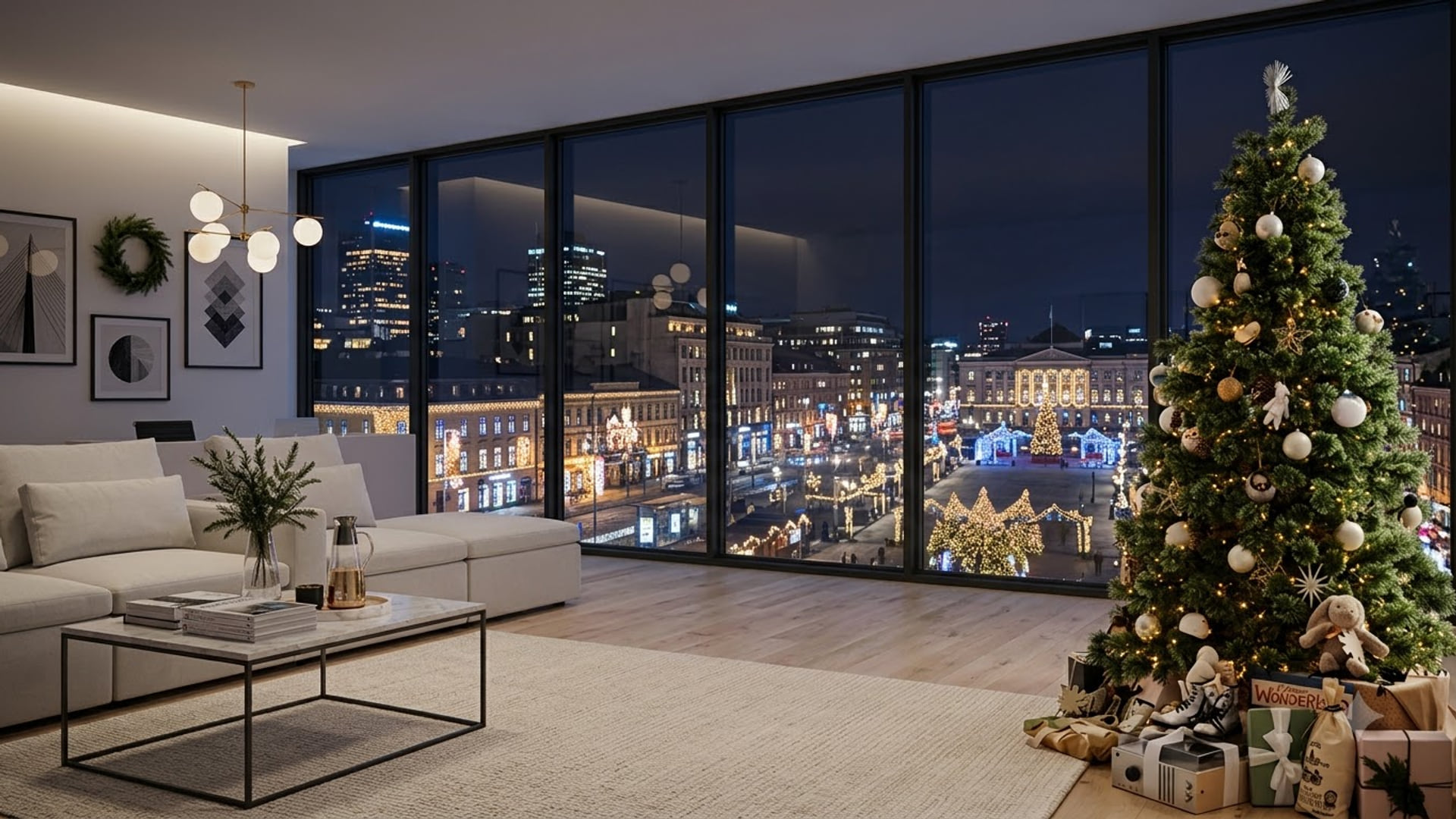

1920 x 1080

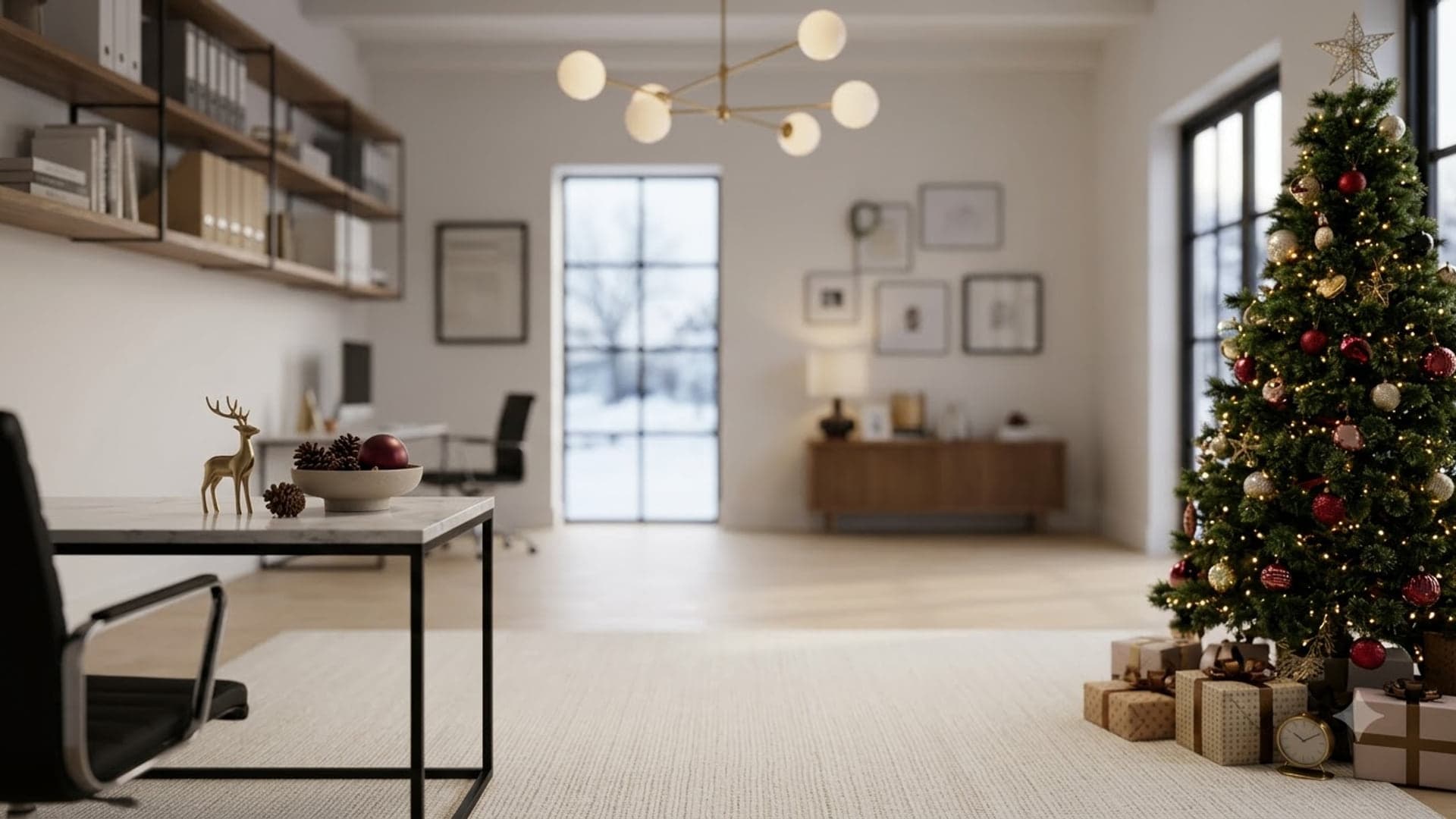
1920 x 1080
Adding one in Google Meet
- Save the background to your computer. Download any image here. Meet uploads from your local files, so it needs to exist on the machine you are calling from.
- Open visual effects. On the green room screen before you join, click the sparkle icon on your self-preview. Already in the call? Click the three dots at the bottom, then Apply visual effects.
- Upload your own. In the Backgrounds panel, click the + tile (Upload a background image) and pick your file. It appears in the grid and applies straight away.
- Keep it for next time. Meet remembers uploaded backgrounds against your Google account, so an image you add on your laptop shows up again in later meetings on the same account.
The full Google Meet guide covers why the option goes missing and what to do about it. Checked September 2026.
Common questions
Are these Google Meet backgrounds free?
Yes. Every image downloads at full 1920x1080 size with no account, no email and no watermark.
Which Google Meet background looks most professional?
A plain or lightly furnished room with nothing busy at head height. High-contrast detail right behind your shoulders is what makes the cutout flicker, and in a browser it also costs more processing.
Will a Google Meet background slow my call down?
It can. Meet renders background effects on your own computer, and on older laptops that shows up as stutter. If the call degrades as soon as you apply one, turn the effect off before blaming the connection.