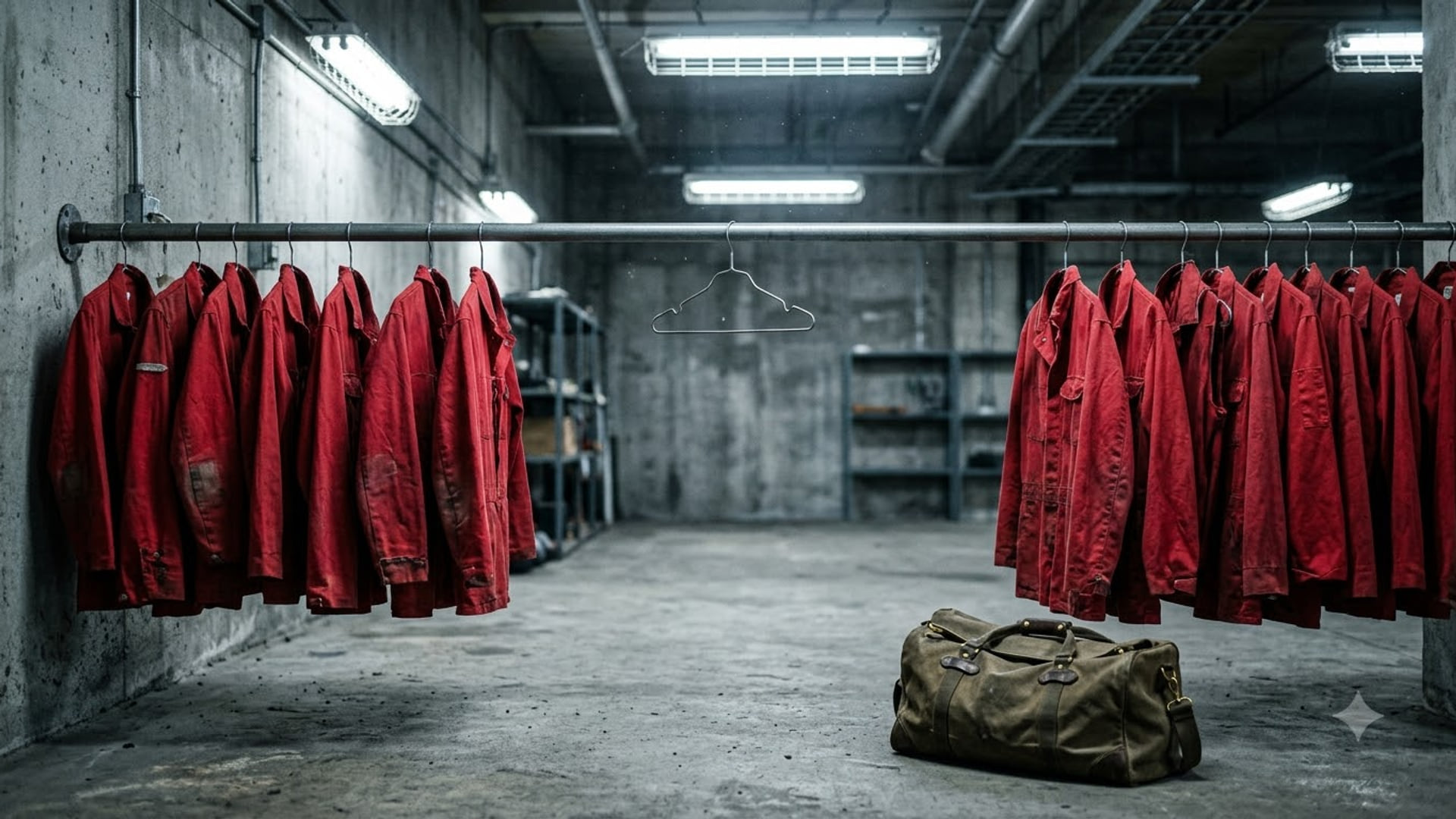
Then Someone Scheduled A Meeting
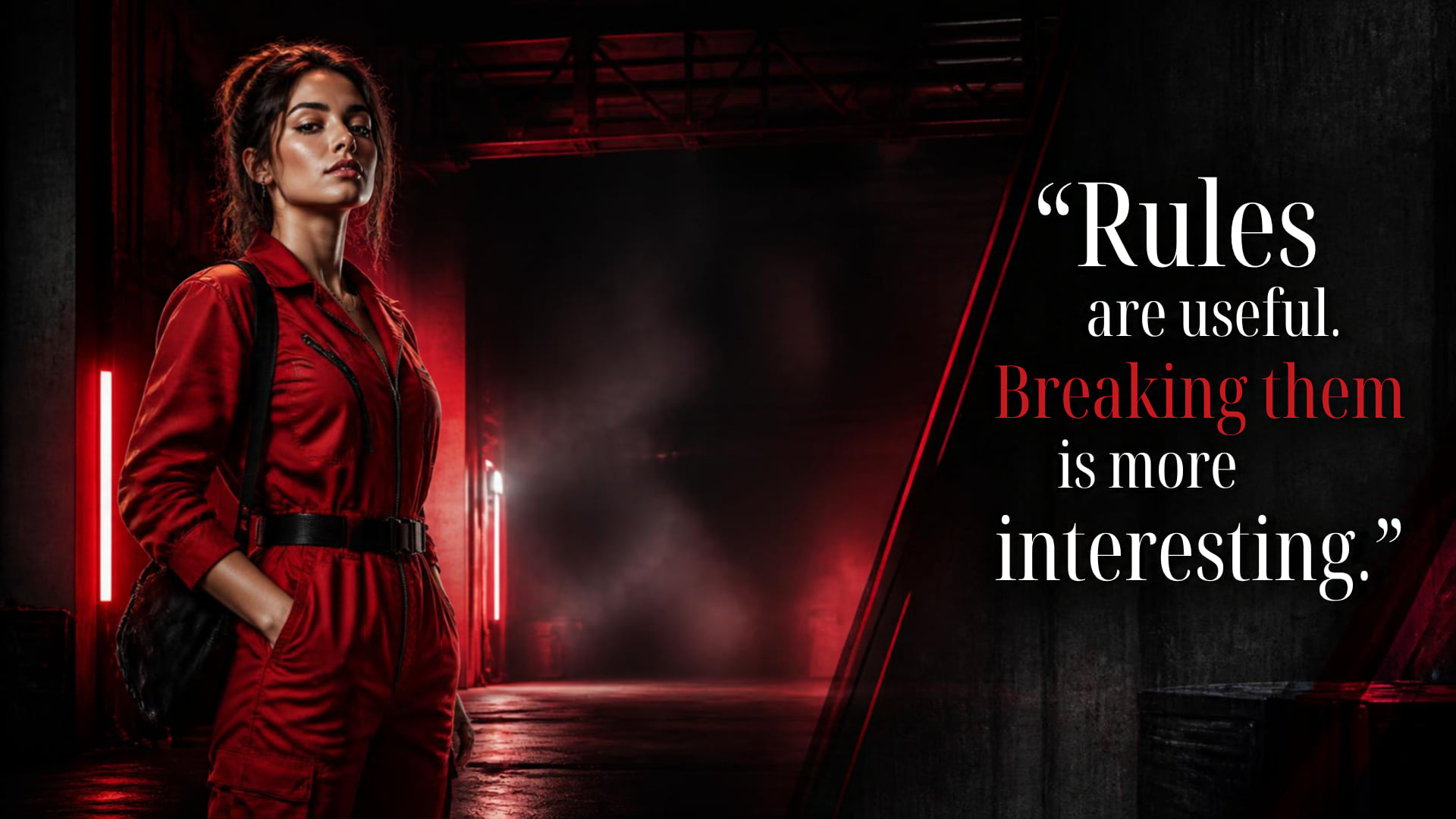
Heist Background for Teams & Zoom · free 1920 x 1080 download
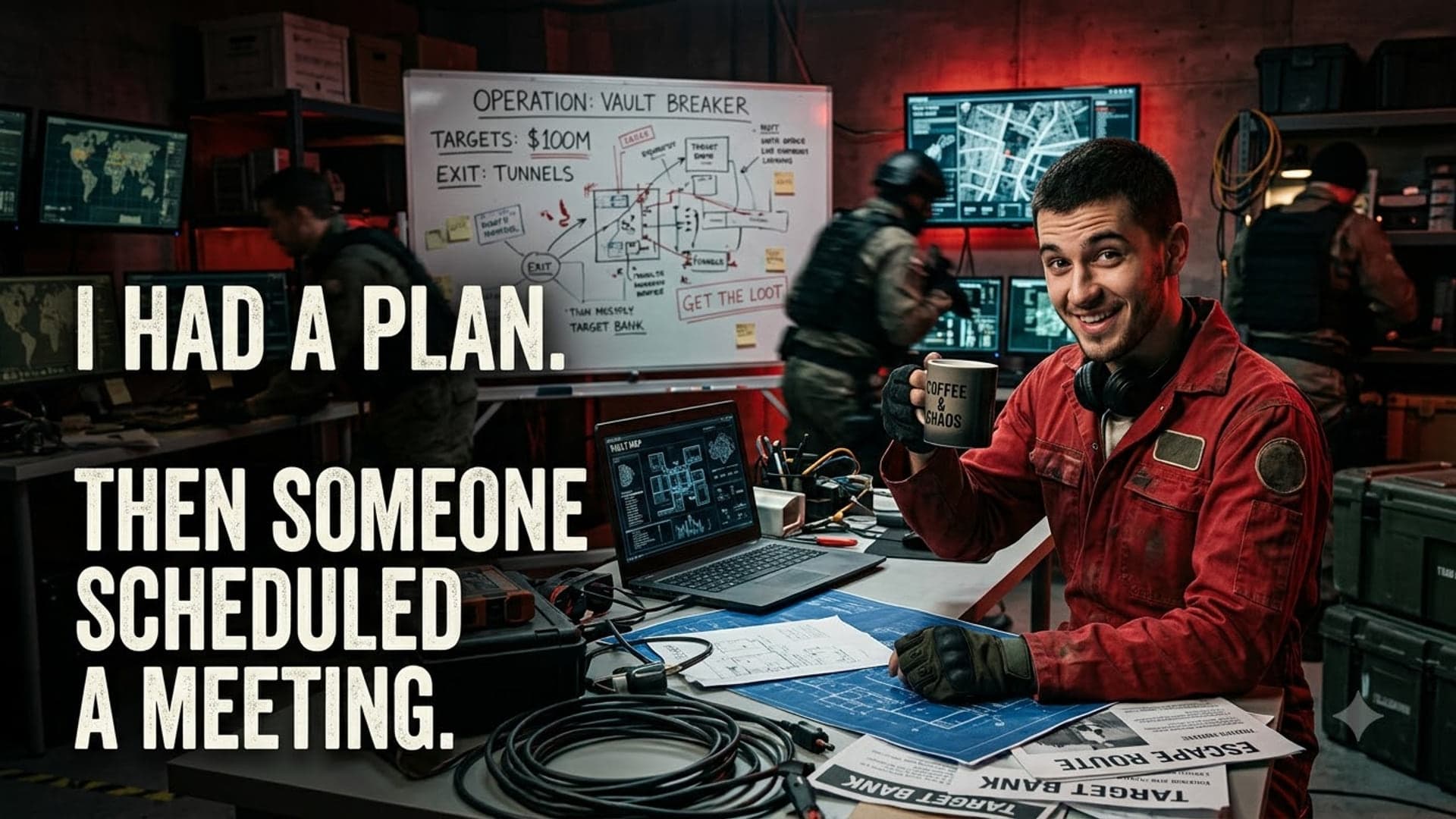
Download1920 x 1080 · 331 KB
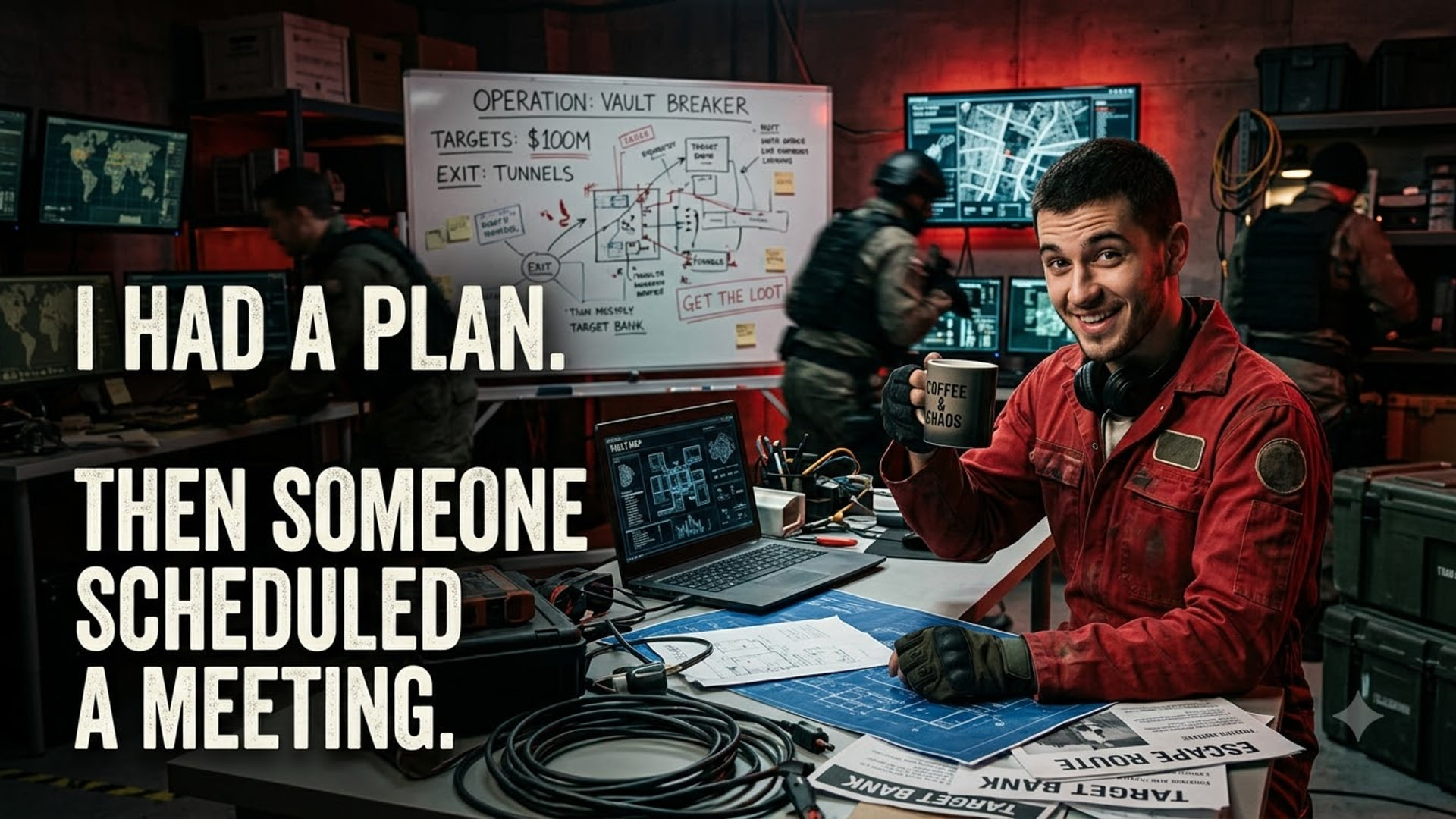
heistbank-robberyvaultcrimered-jumpsuitquote
Setting this one up
Download it first — every app uploads from a local file, none of them take a URL. Then follow whichever applies:
- Microsoft Teams: Already in a meeting? Click the three dots (More) in the meeting toolbar, then Effects and avatars. Full Teams guide
- Zoom: Outside a meeting: click your profile picture, then Settings, then Background & Effects in the left rail. Full Zoom guide
- Google Meet: On the green room screen before you join, click the sparkle icon on your self-preview. Full Meet guide
Keep your head roughly centred and leave the punchline off to one side — the cutout pastes you into the middle of the frame, so anything directly behind your head is hidden for the entire call.
More like this
Breaking The Rules
Get it1920 x 1080
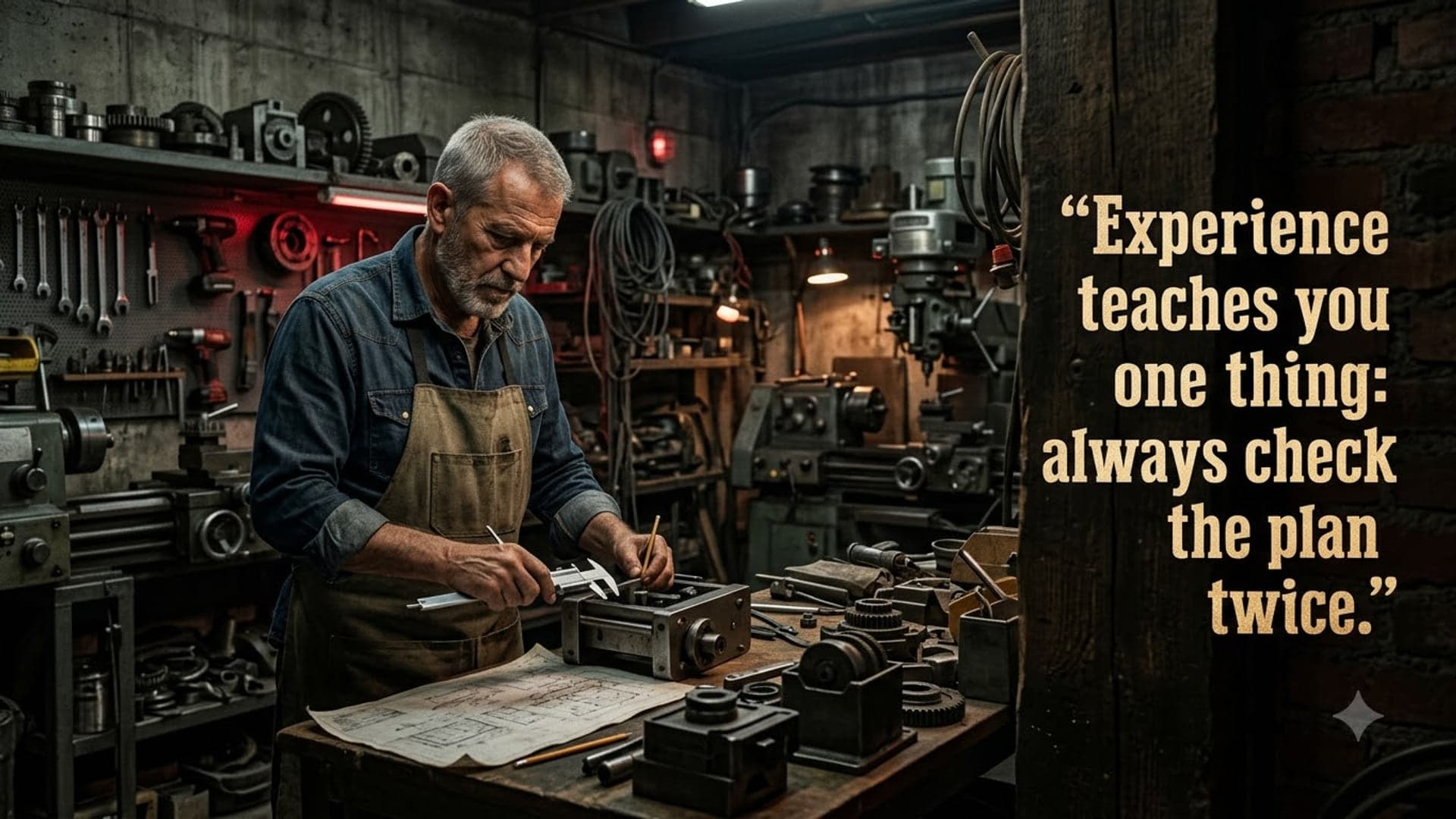
Check The Plan Twice
Get it1920 x 1080

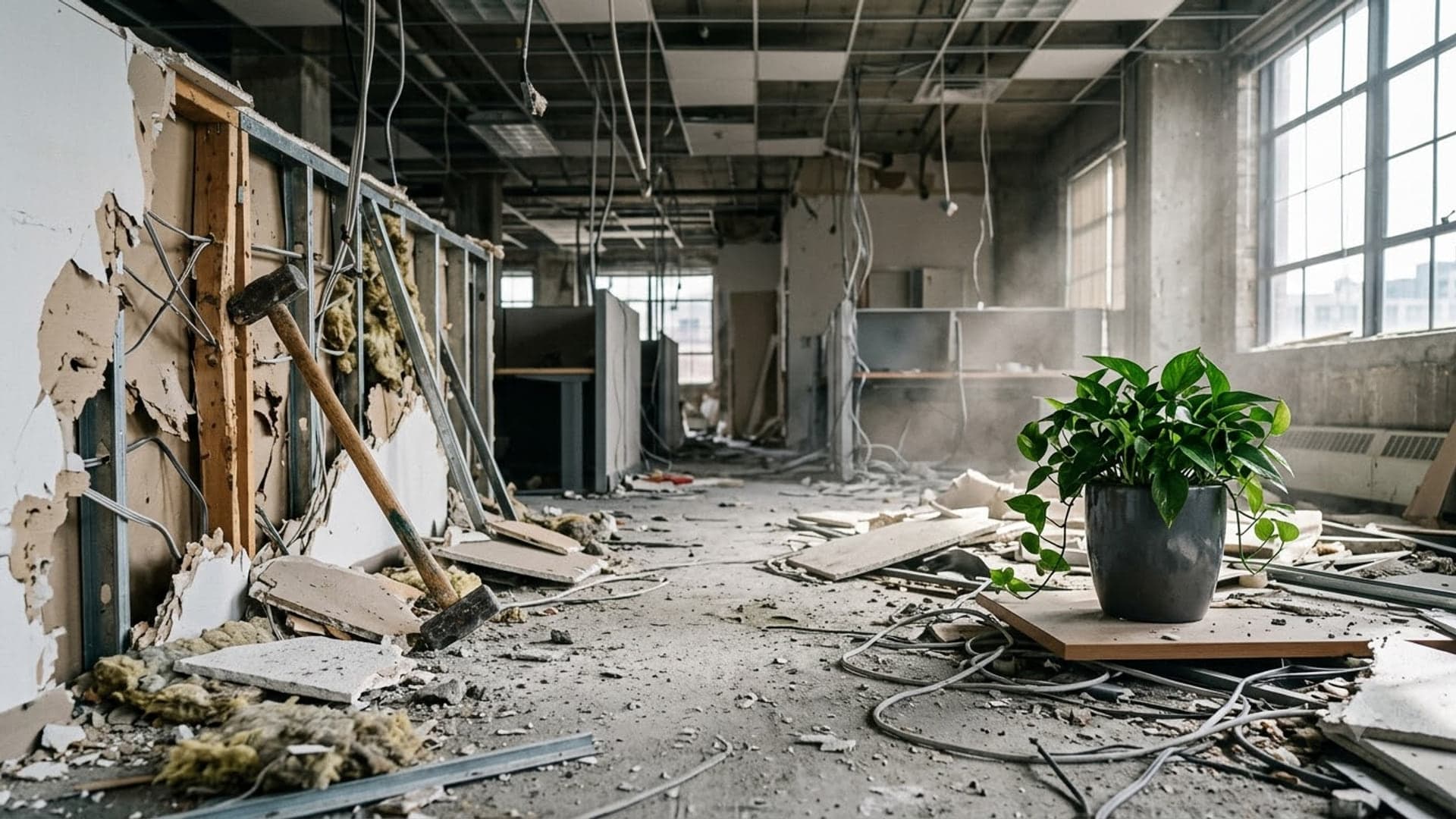
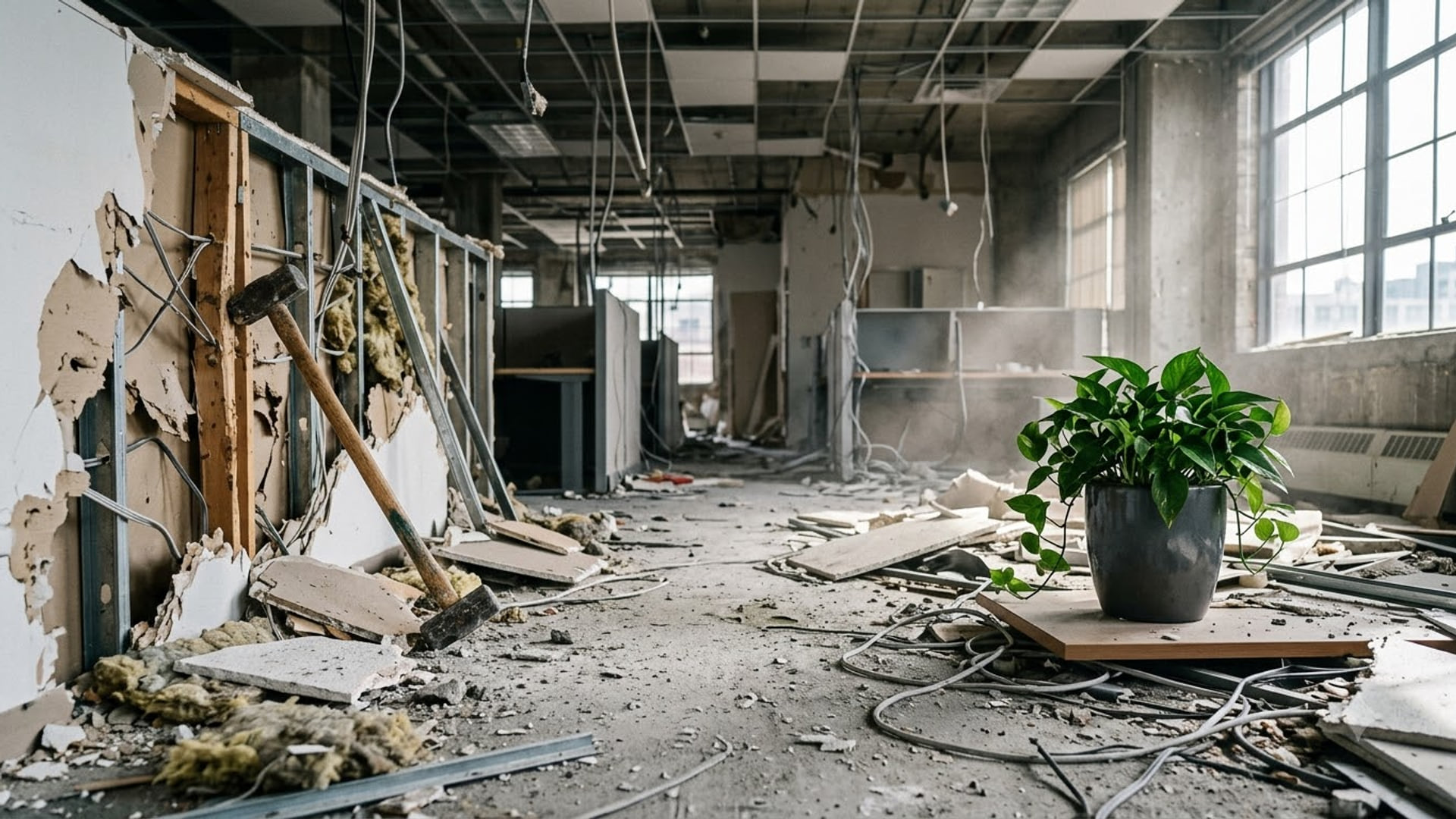
Demolished Office Untouched Plant
Get it1920 x 1080

Elegance Is Chaos In A Suit
Get it1920 x 1080

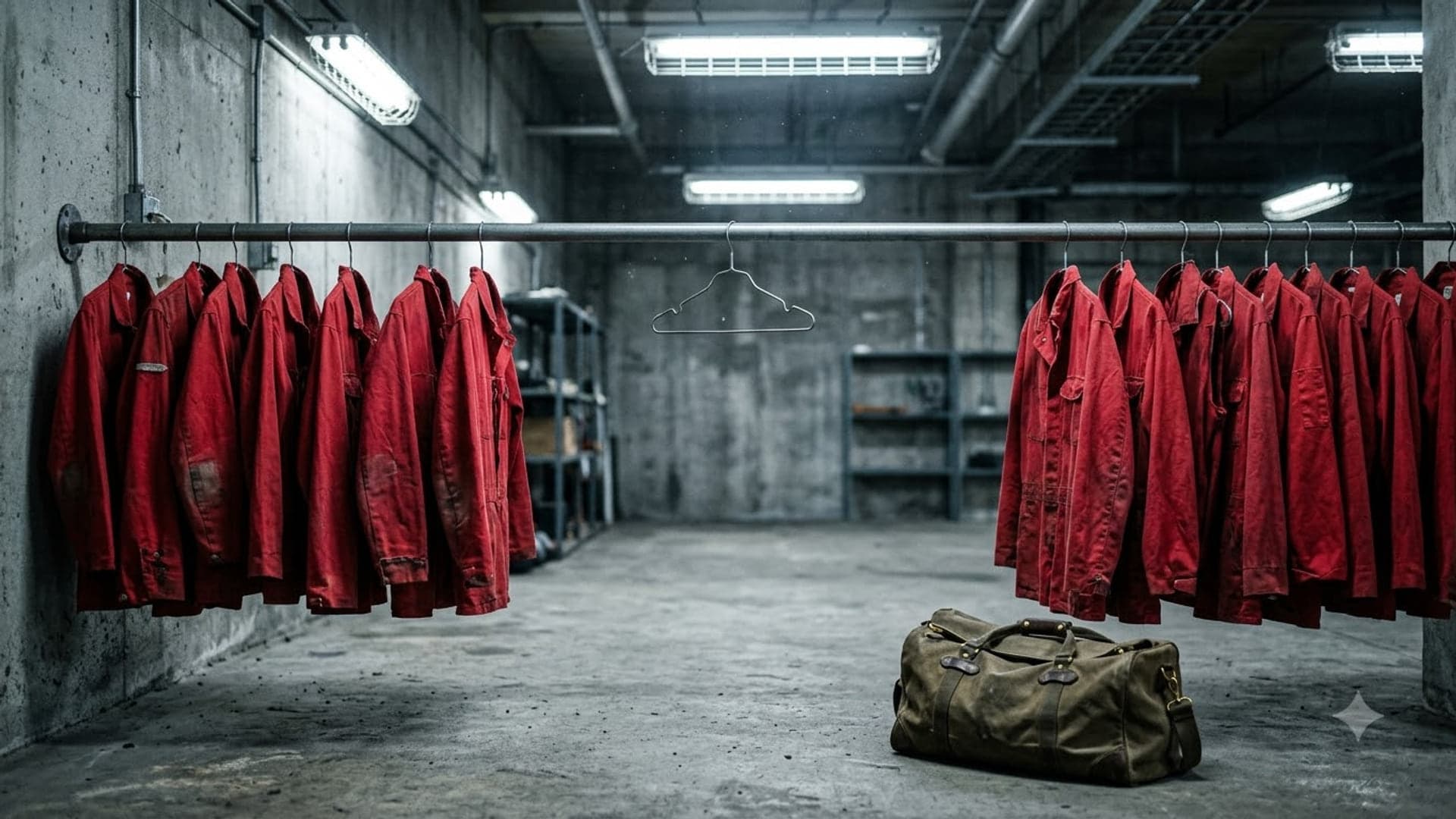
Empty Red Jumpsuits Missing One
Get it1920 x 1080
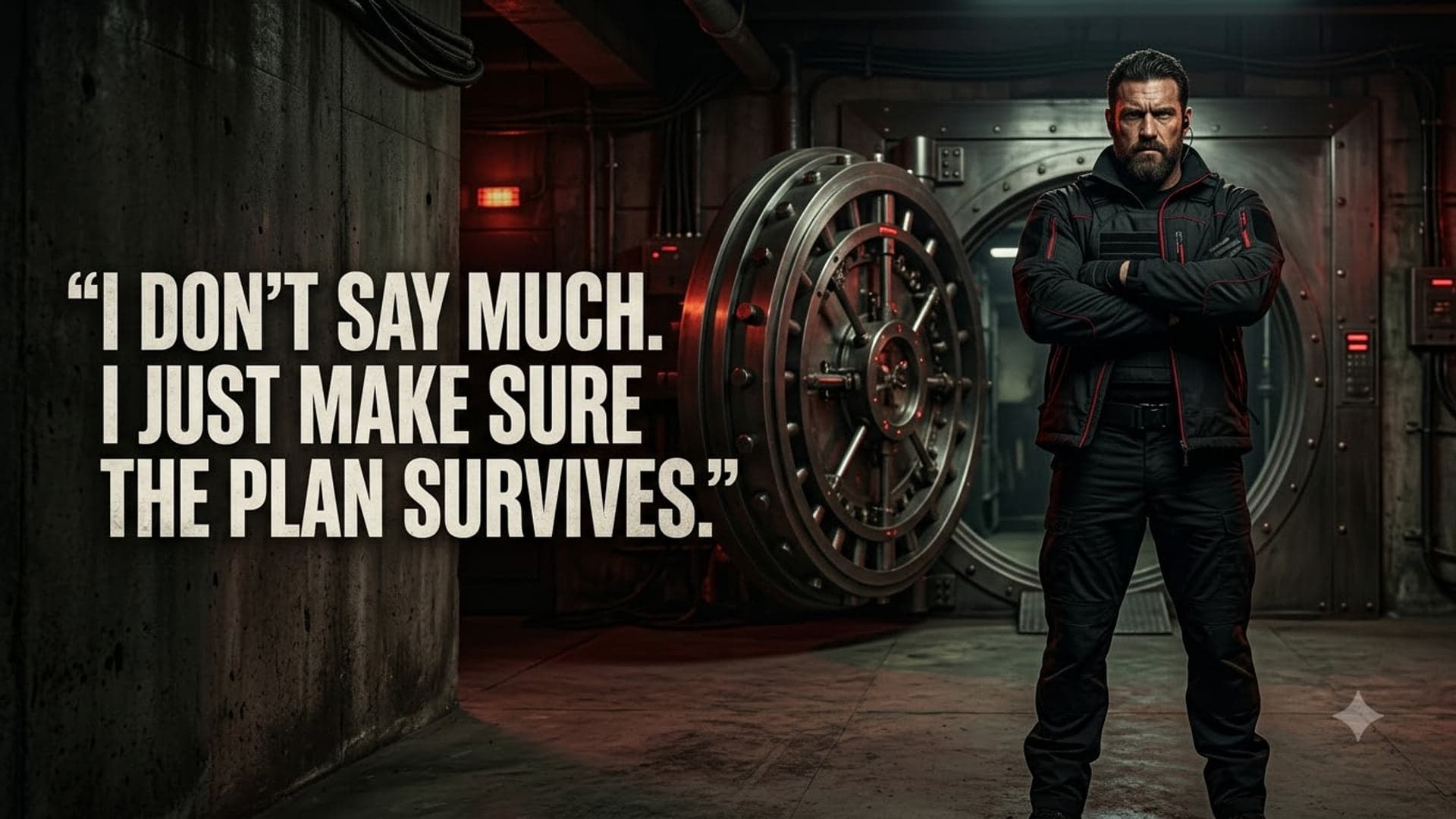
I Make Sure The Plan Survives
Get it1920 x 1080