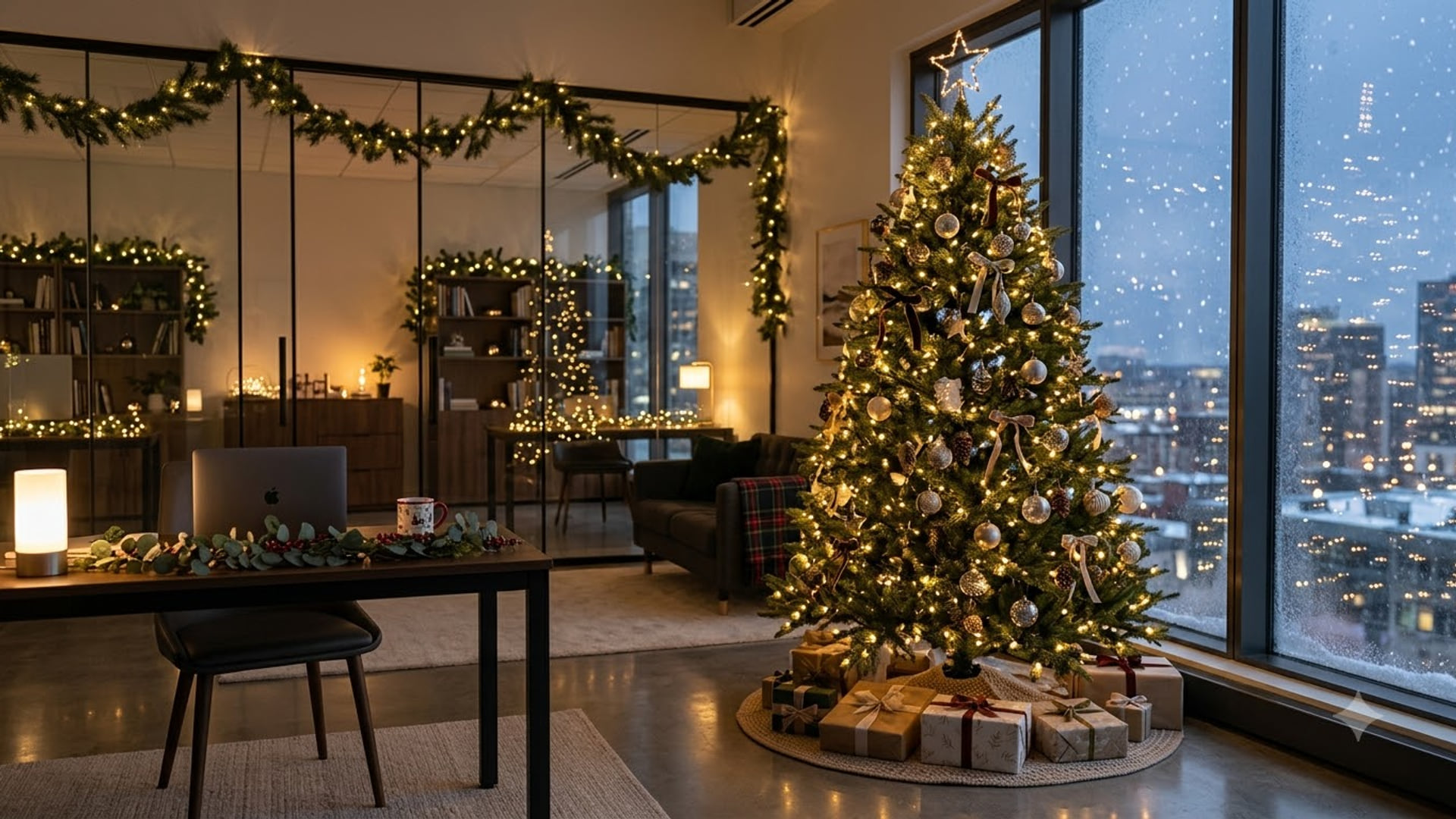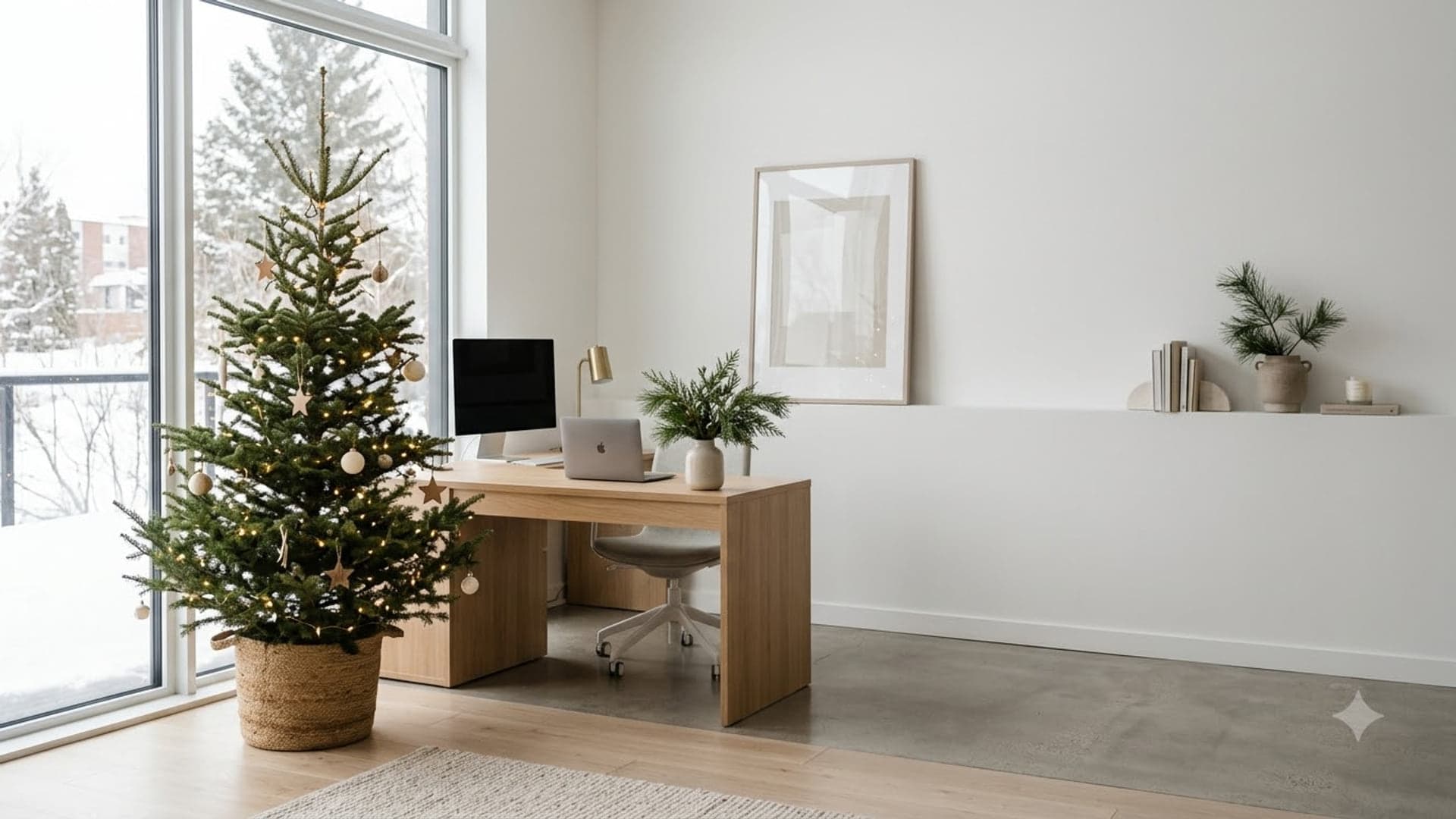
Download1920 x 1080 · 205 KB
holidayfestivenew-yearwinter
Setting this one up
Download it first — every app uploads from a local file, none of them take a URL. Then follow whichever applies:
- Microsoft Teams: Already in a meeting? Click the three dots (More) in the meeting toolbar, then Effects and avatars. Full Teams guide
- Zoom: Outside a meeting: click your profile picture, then Settings, then Background & Effects in the left rail. Full Zoom guide
- Google Meet: On the green room screen before you join, click the sparkle icon on your self-preview. Full Meet guide
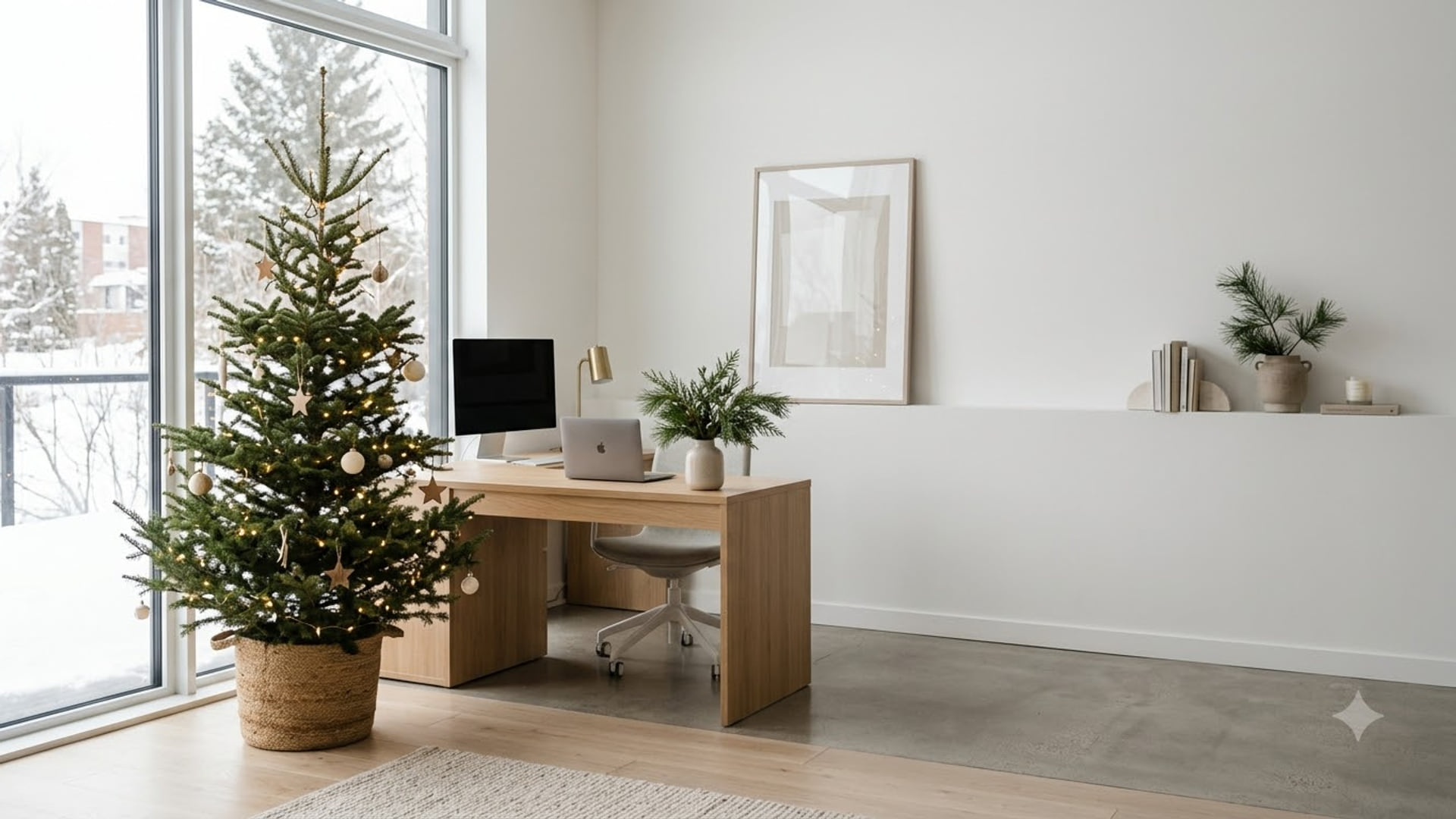
Keep your head roughly centred and leave the punchline off to one side — the cutout pastes you into the middle of the frame, so anything directly behind your head is hidden for the entire call.
More like this
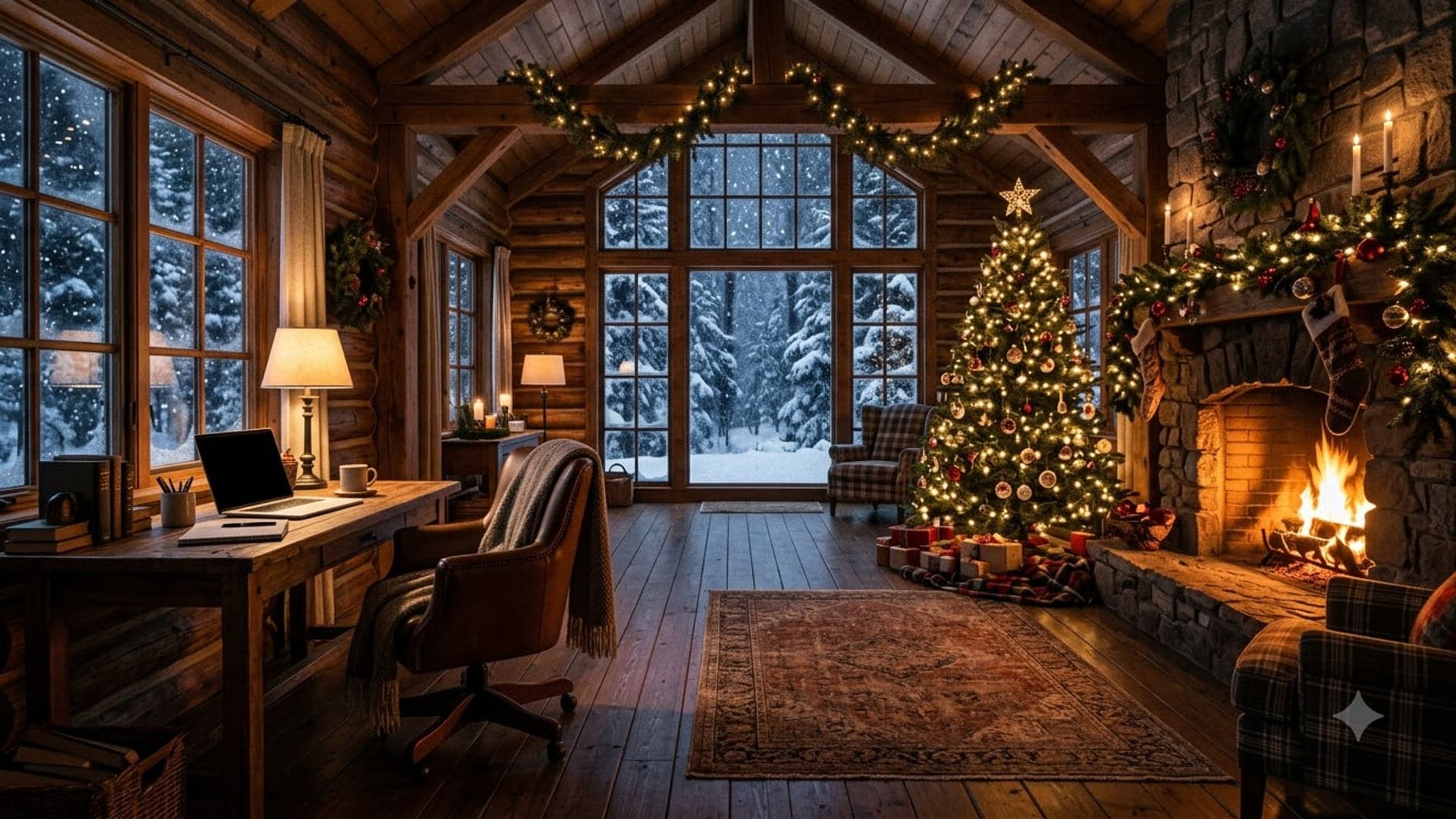
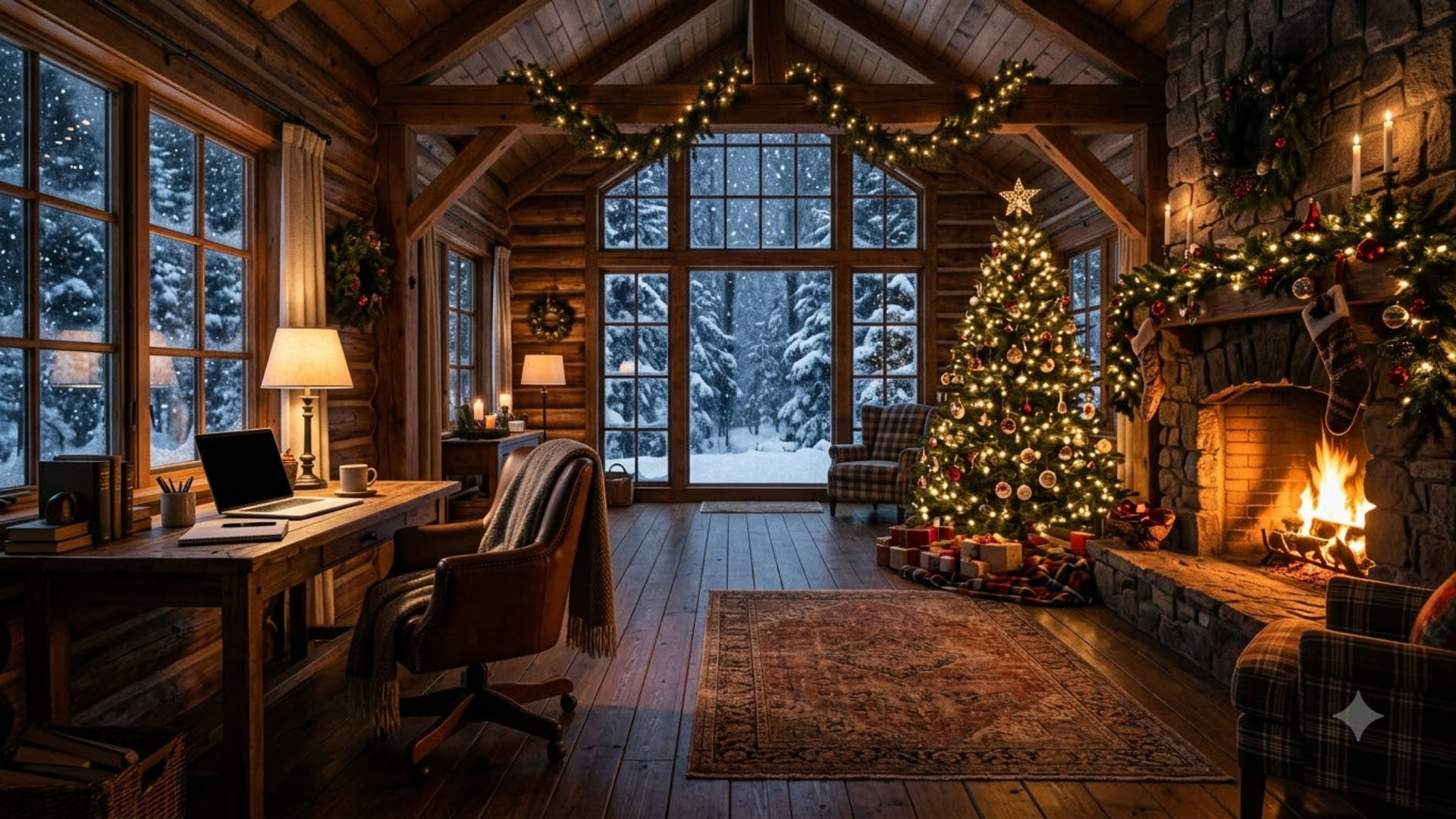
Cabin Workspace With Holiday
Get it1920 x 1080
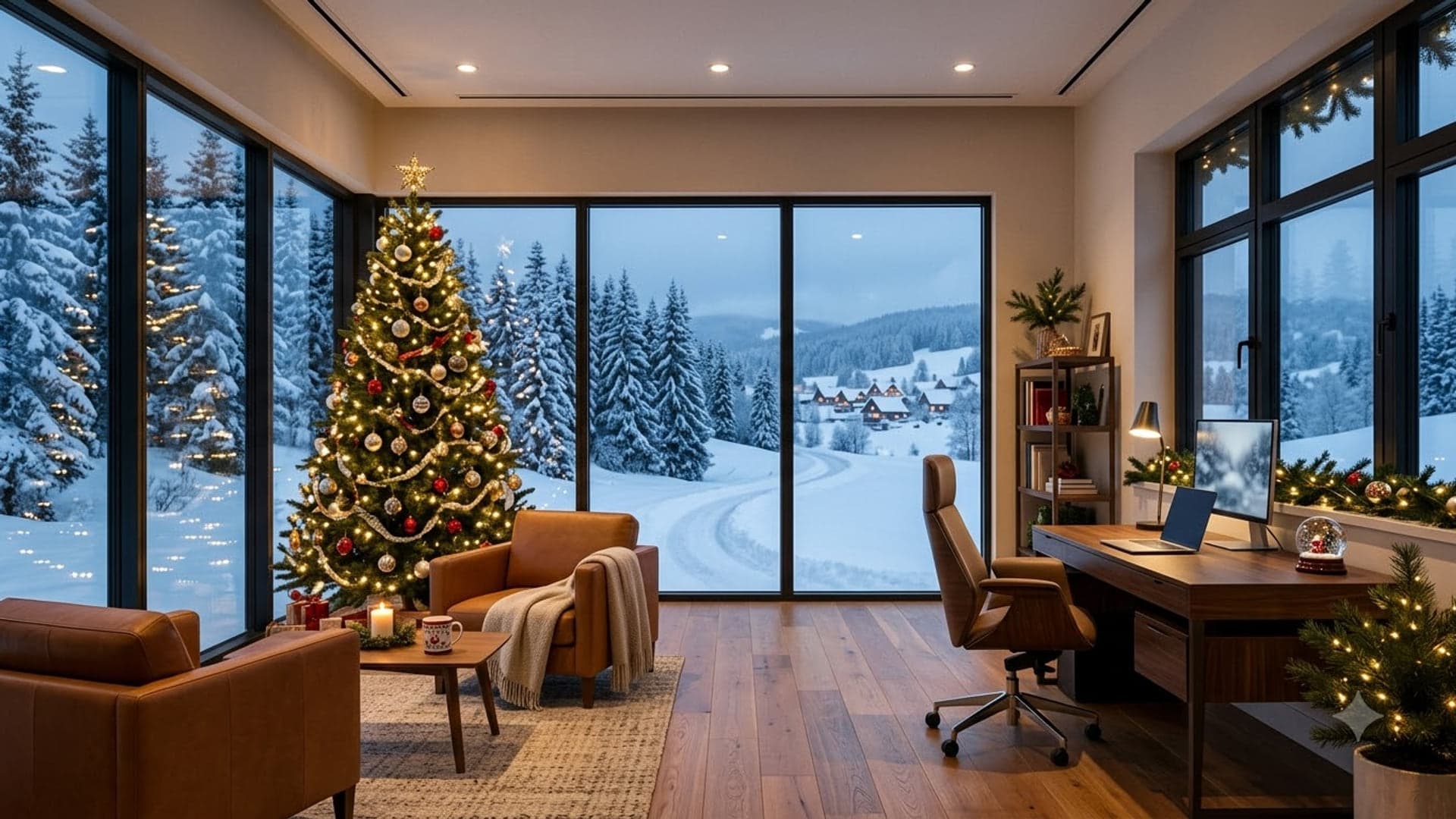
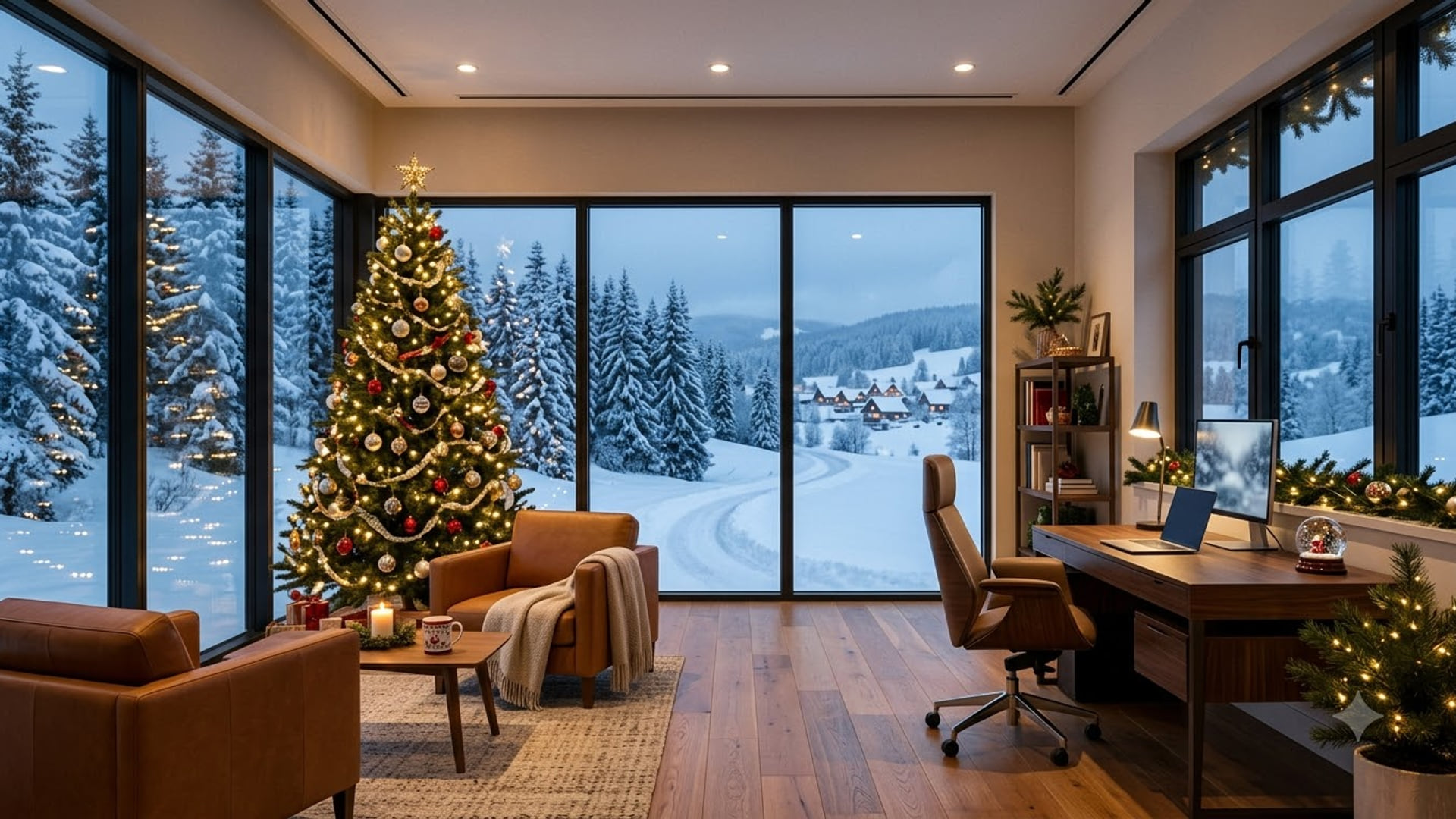
Decorated Office With Christmas
Get it1920 x 1080
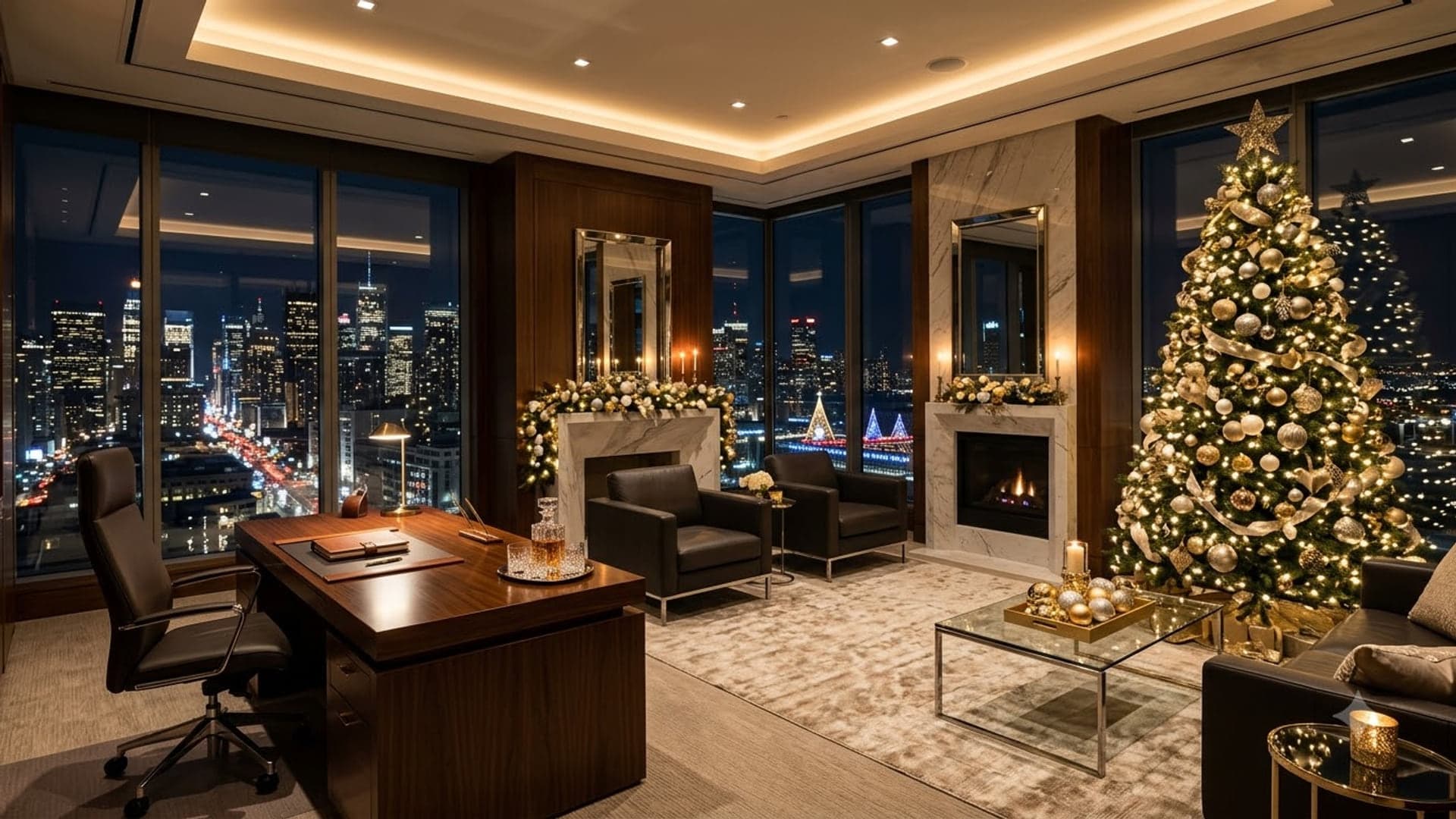
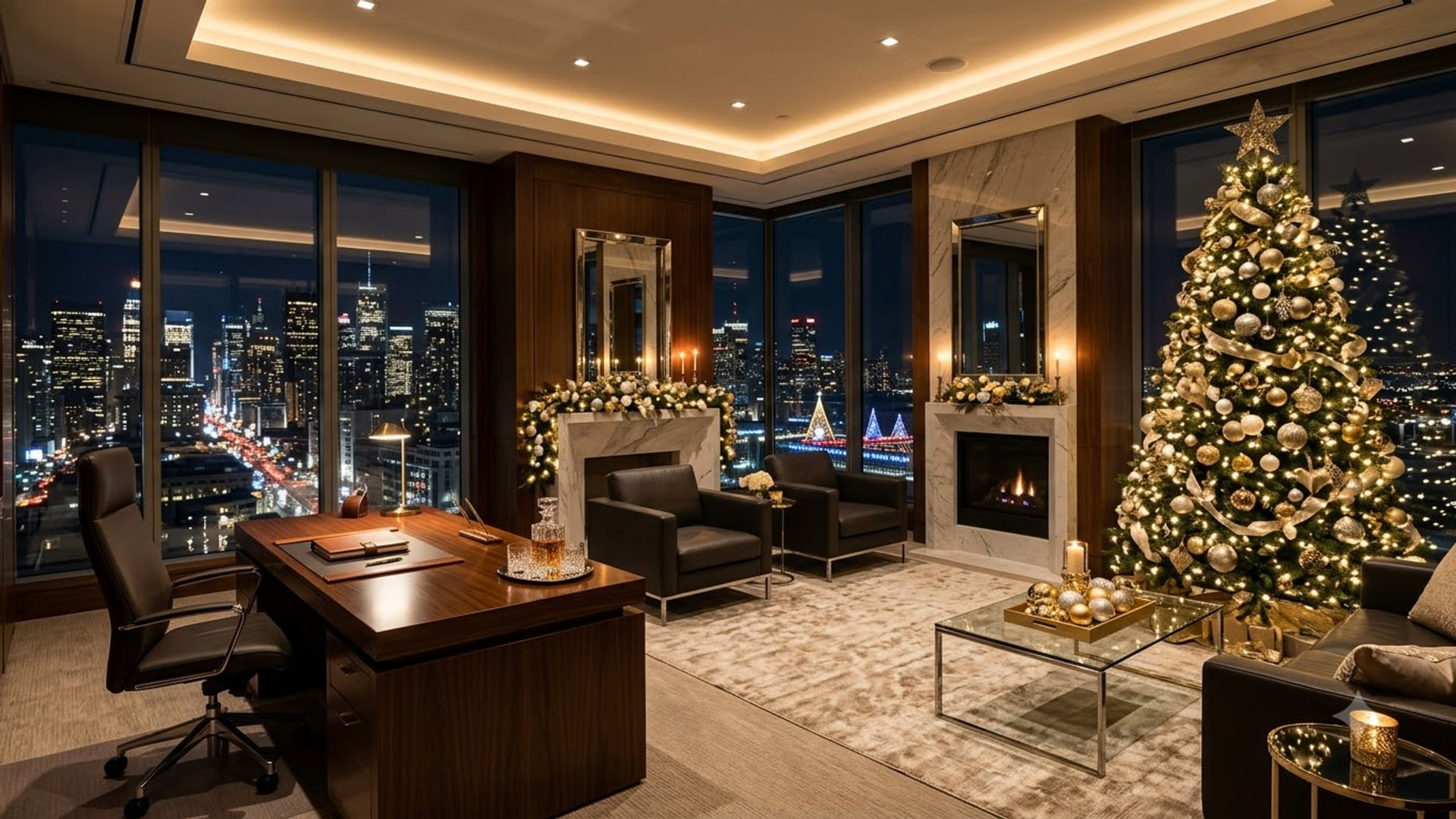
Executive Office With Holiday
Get it1920 x 1080

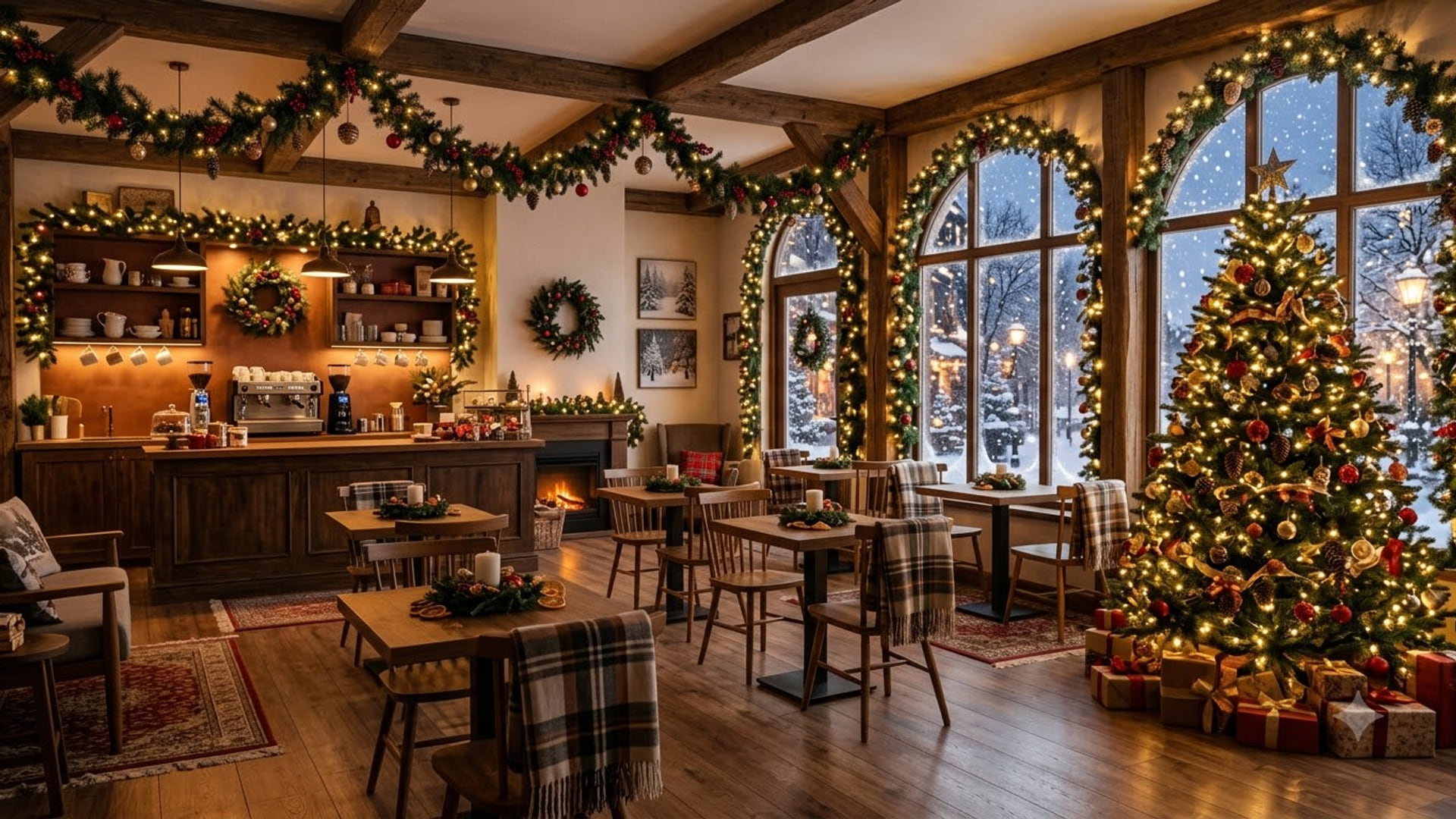
Holiday Coffee Shop Decorated
Get it1920 x 1080
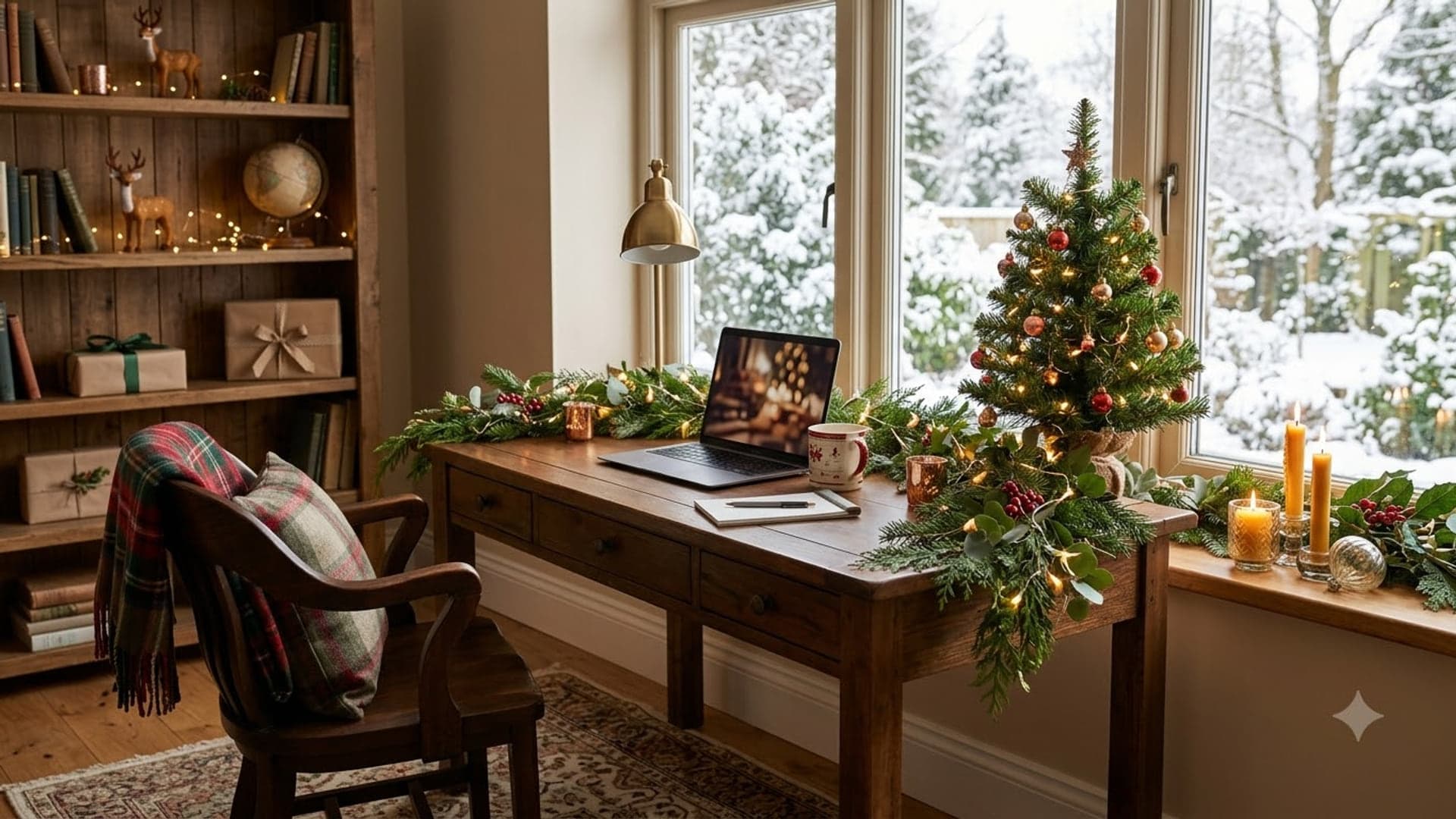
Holiday Home Office
Get it1920 x 1080
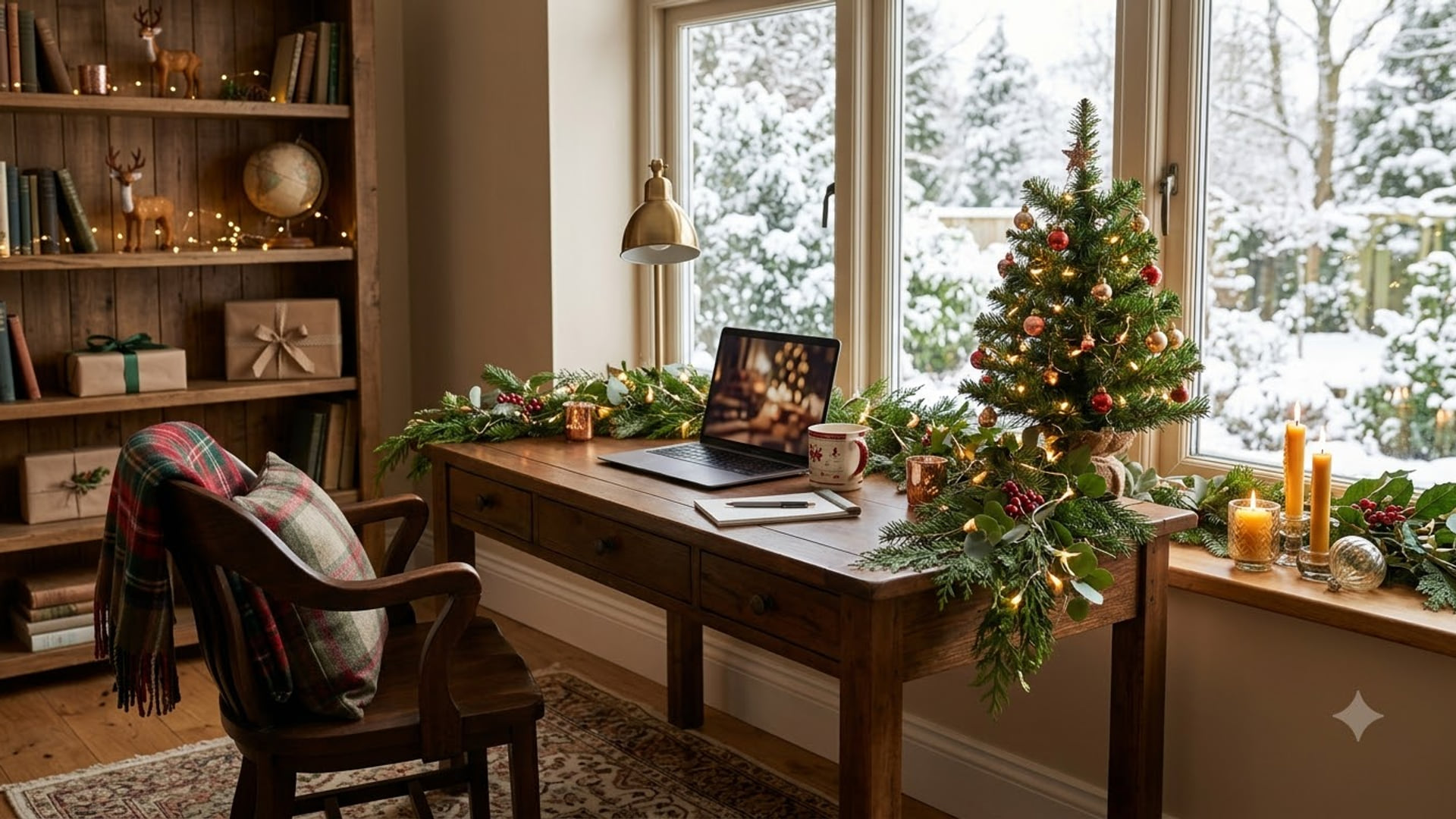

Holiday Office Decorated With Tree
Get it1920 x 1080